
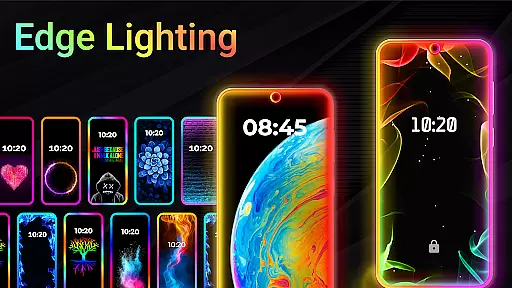
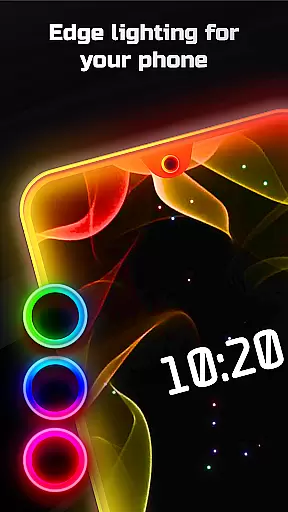
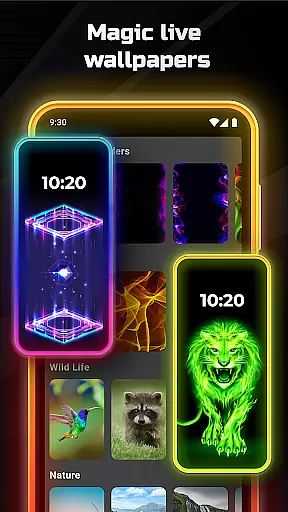
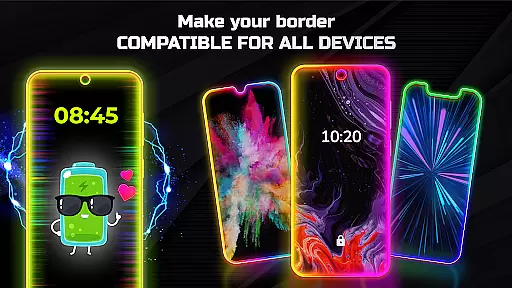
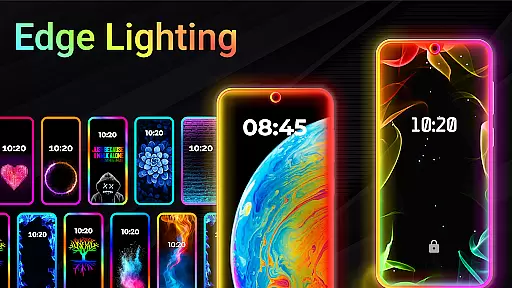
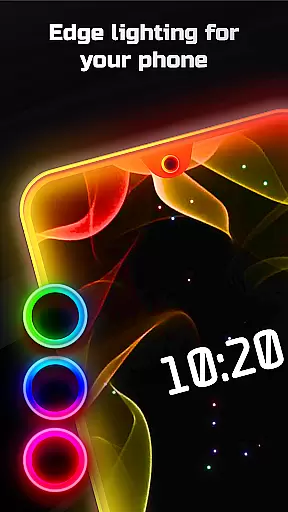
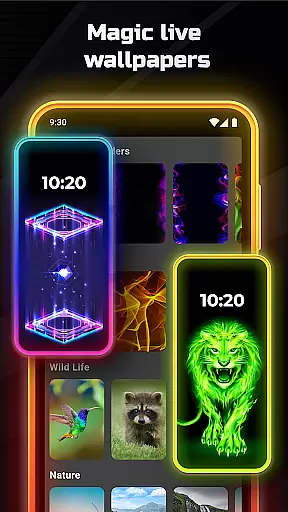
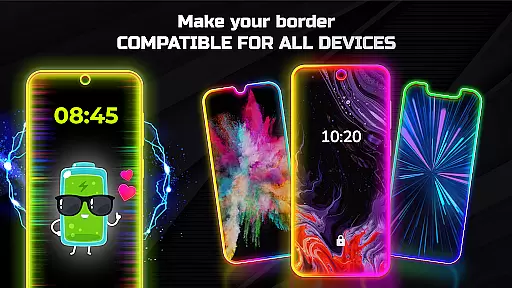

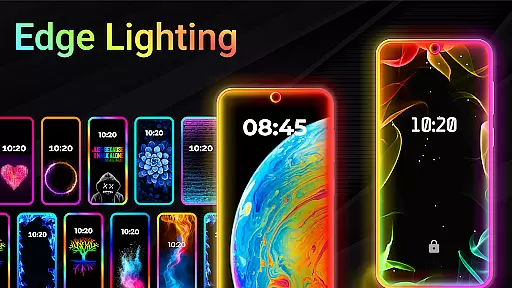
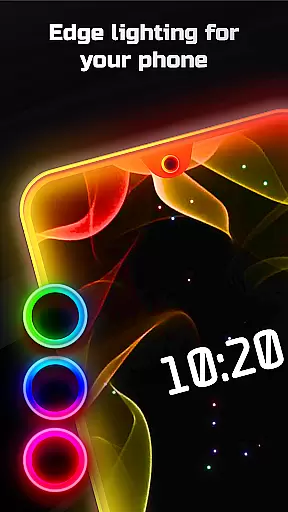
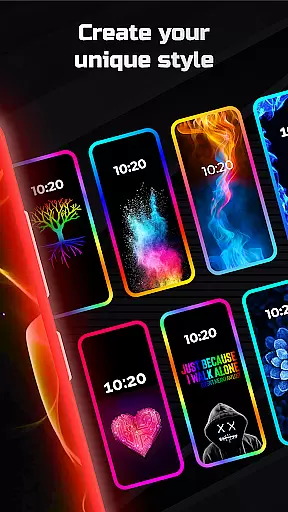
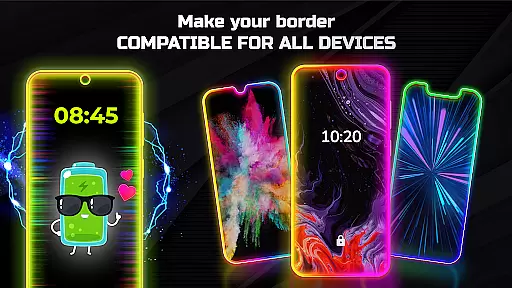
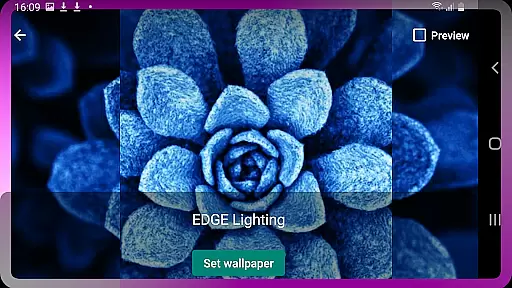
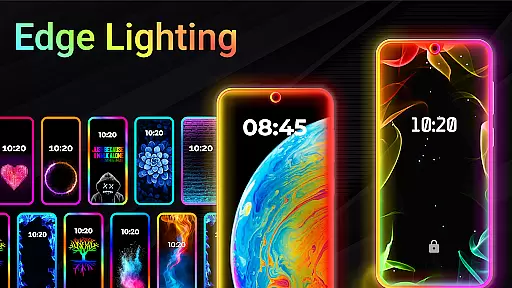
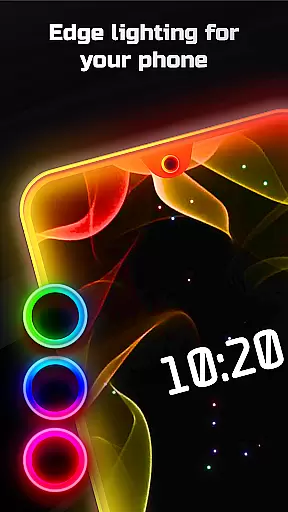
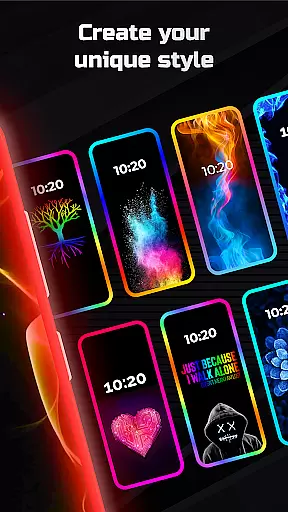
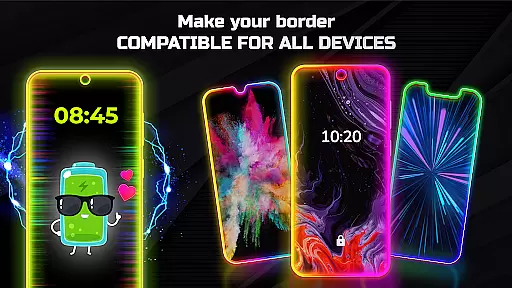
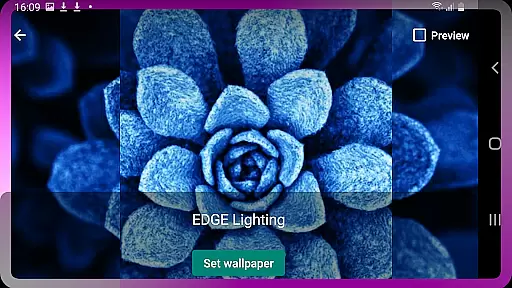
Edge Lighting is a versatile personalization app designed to enhance the visual appeal of Android devices. The application allows users to add aesthetically pleasing curved edge lighting effects to both their home screen and lock screen. With support for all types of screens, including Infinity displays and notched designs, Edge Lighting ensures compatibility across various devices such as Samsung Galaxy, OnePlus, Xiaomi, and more.
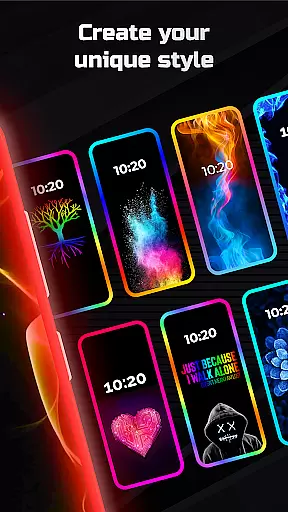
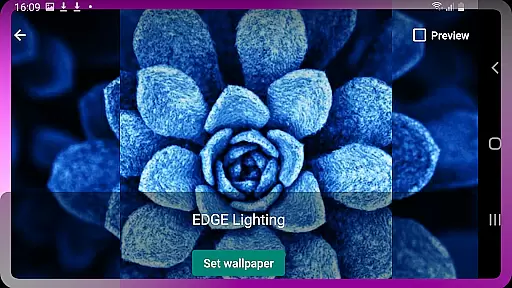
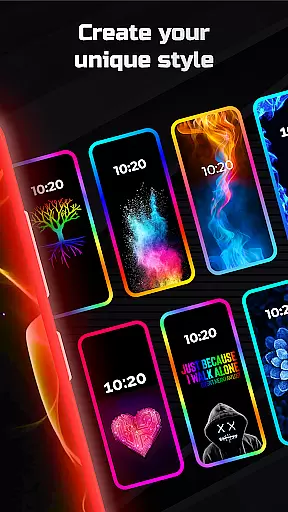
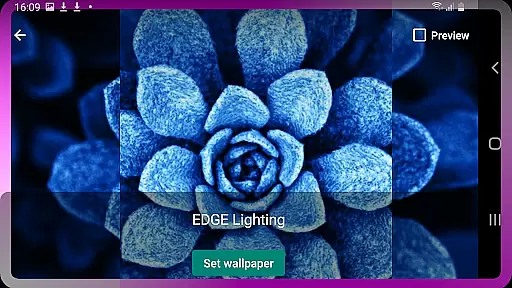
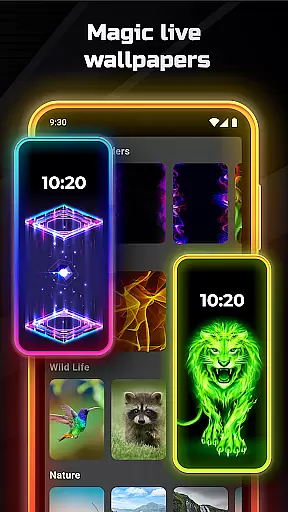
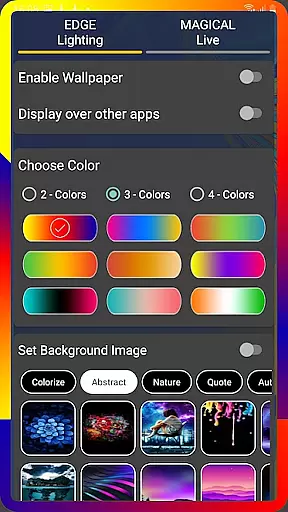
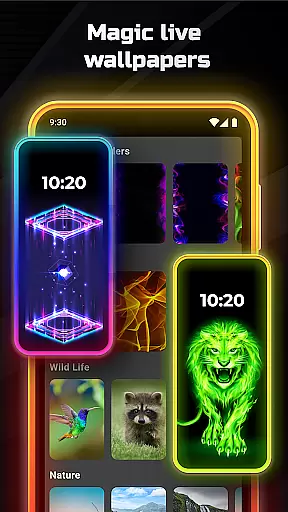
The app's core functionality lies in its extensive customization options. Users can modify the color, width, and type of the edge lighting border, select from over 15 unique border designs, and adjust display notch settings according to their device specifications. Additionally, it offers magical edge lighting effects and the ability to set 4K backgrounds or personal photos as wallpapers within the edge lighting frame. This level of personalization provides users with a distinctive and visually captivating mobile experience that reflects their individual style.
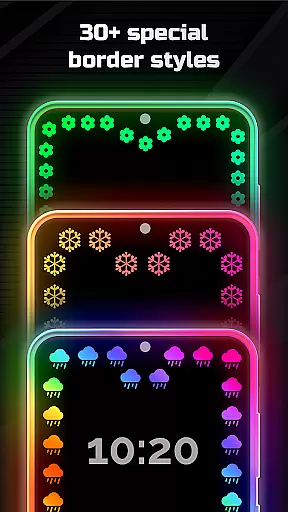
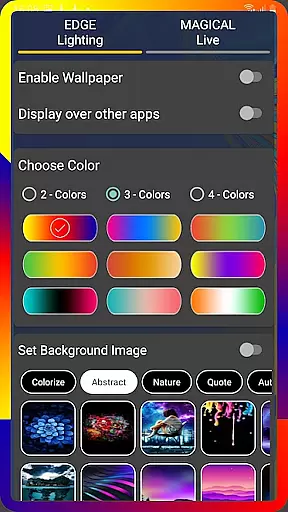
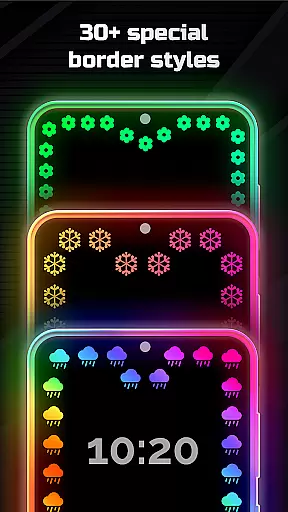
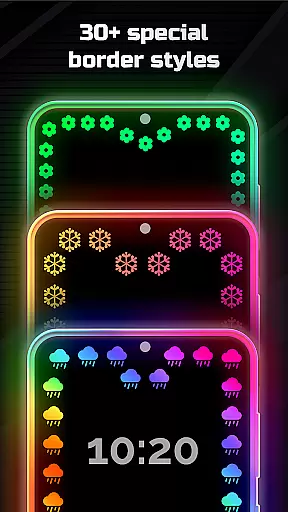
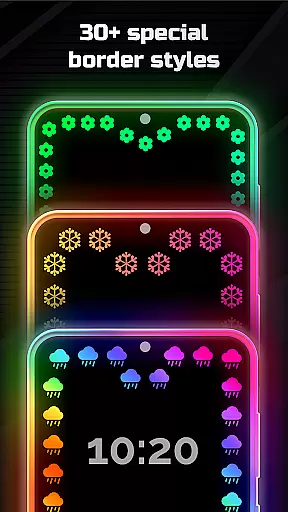
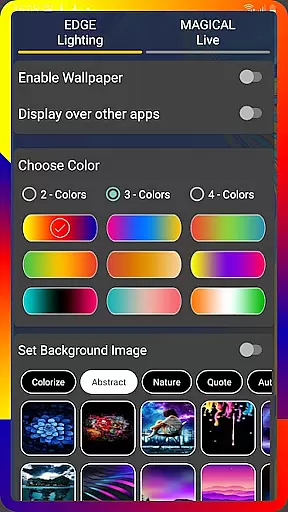
Edge Lighting stands out through its comprehensive feature set tailored for personalization enthusiasts. The app offers over 30 magical edge lighting effects that can be applied to both home and lock screens with a single click. Users can choose from various RGB lighting options, including round light effects and multi-colored edge lighting in 2, 3, or 4 colors, allowing for dynamic visual customization.
A key differentiator is the app's precise control over design elements. Users can adjust animation speed, border width, curve radius, and notch dimensions while selecting from unique border designs like hearts, birds, suns, and seasonal themes. The ability to display edge lighting over other applications creates an immersive experience. Furthermore, the inclusion of live wallpaper functionality and support for high-resolution 4K backgrounds demonstrates the app's commitment to providing diverse customization possibilities that cater to modern aesthetic preferences.
Customization is at the heart of EDGE Lighting, allowing users to tailor their mobile experience to their personal tastes. With a plethora of adjustable settings, this application offers an extensive range of customization options that cater to individual preferences.
The app provides the ability to modify the color, width, and type of the EDGE lighting border, ensuring that each user can create a look that resonates with their style. Whether it's adjusting animation speeds or setting custom display notch configurations, EDGE Lighting empowers users with precise control over their device's aesthetic appeal.
Users can choose from over 15 types of borders, including creative designs like Heart, Bird, Sun, and more, making their phone's interface truly unique. The option to set personal photos as wallpapers within the EDGE Lighting screen adds a personal touch to the device, enhancing the overall user experience.
EDGE Lighting ensures seamless integration with various devices and themes, maintaining visual consistency across different Android phones. Compatibility is a key aspect, and the app supports all types of screens, including Infinity U, Infinity V, and New Infinity displays.
Regardless of the deviceu2014be it a Samsung Galaxy, One Plus, Xiaomi, or any other brandu2014users can enjoy a uniform look and feel with EDGE Lighting. The app adjusts to the specific characteristics of each screen, such as notch dimensions and curve radius, providing a tailored yet consistent visual experience.
With support for displaying EDGE Lighting over other apps, the thematic continuity is preserved even when using different applications. This feature allows users to maintain an enchanting lighting effect that enhances their phone's usability while ensuring that the chosen theme remains visually cohesive across the home and lock screens.
User-friendly interface
Wide device compatibility
Extensive customization options
Unique border designs
Vibrant RGB lighting effects
Premium features locked
May drain battery life
Occasional performance issues
Limited free content
Requires technical understanding

Ninja Turtles Cowabunga SE watch face for Wear OS
 4.50
4.50
Wear Os Watch Face - Seasonal - Animated Snow Effect - 9 Animals
4.20
Adult video chat, dating, making friends, random matching
4.20
Bring adorable pets to life on your screen. Playful, interactive and full of fun
4.60
Dark icon pack based on One 8
4.80
Choose your keyboard with RGB colors effect, themes, fonts, emojis.
4.60
Stylish Pink Cute Hippo keyboard with 10000+ customized keyboard themes!
4.60
Modern Glass Icon Pack with glossy icons, clean minimal theme & aesthetic style
4.3
Your home screen, just the way you like it.
3.80
Winter's Journey: digital watch face for Galaxy Watch & Wear OS
4.80
Unique Android Launcher
4.60
Want to make your phone more special than ever?
4.60
Embrace the Night. Unleash the power of darkness with Raven Dark Icon Pack
4.60
Handcrafted pixel art icons, widgets & wallpapers
4.60
Unique Fonts, typefaces and stylish text. Fonts for Instagram, Whatsapp & others
4.20
Realistic animated snow on your wrist, with 10 images landscapes to choose from
4.00
Ultimate widget creator. Design custom widgets for a truly unique home screen!
3.90
HappyLighting is a Bluetooth lamp control software.
3.40
Capture moments that pass like a storm, second by second.
4.2
Wallpaper Engine Android review—PC sync setup, crash issues, sound reactive limitations, and whether this free companion app is actually good.



User Reviews