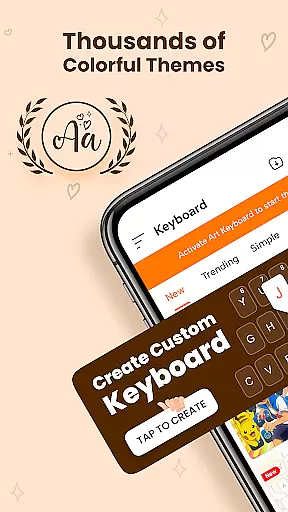
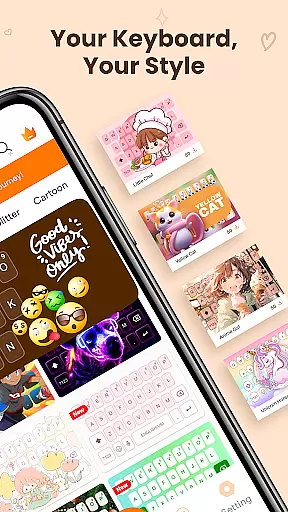
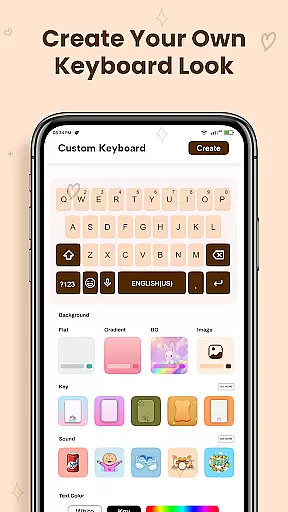
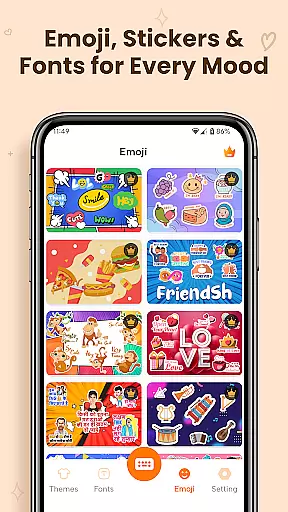
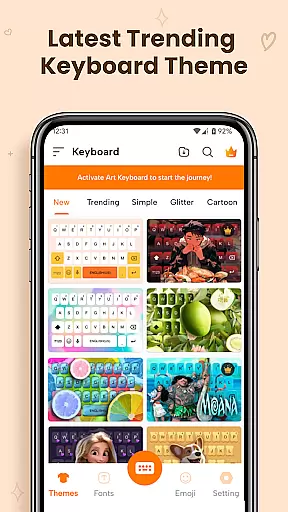
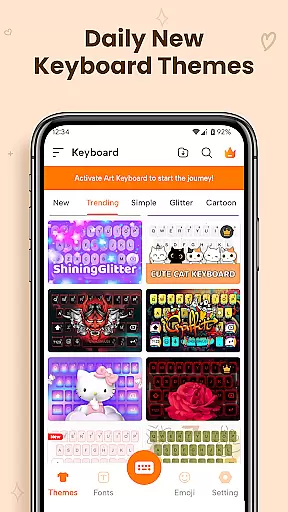
ART Keyboard is a versatile personalization app that transforms your mobile typing experience through customizable keyboard themes, expressive fonts, and an extensive emoji collection. This all-in-one keyboard solution allows users to design a personalized typing interface with thousands of theme options including cute styles, dark modes, and gradient designs.
Beyond aesthetics, the app provides practical features like AI-powered emoji suggestions, multi-language support, and smart typing tools such as auto-correction and swipe typing. Whether you're looking to add personality to your messages or improve typing efficiency, ART Keyboard delivers both style and functionality in a lightweight package.
ART Keyboard distinguishes itself through its comprehensive feature set designed for creative expression. The app's custom keyboard themes allow users to personalize every aspect of their typing interface, from colors to layouts, ensuring a comfortable and visually appealing experience.
The inclusion of unique keyboard fonts sets this app apart from standard keyboard solutions. With options ranging from elegant calligraphy to modern cool fonts, users can make their messages stand out across different platforms. The AI-powered emoji suggestions and face emoji keyboard further enhance communication by providing contextually relevant emotional expressions.
Performance-wise, the app maintains smooth operation while offering advanced features like swipe typing, voice input, and multi-language support. Regular updates ensure users have access to the latest themes and font styles, keeping their keyboard experience fresh and engaging over time.
Customization is at the heart of Keyboard Themes - Fonts, Emoji, offering users a vast array of options to personalize their typing experience. This app provides thousands of keyboard themes, including cute styles, dark themes, gradients, neon looks, and aesthetic layouts. Each theme is designed not only to enhance visual appeal but also to ensure comfort during prolonged use.
The app allows users to modify colors, shapes, and layouts, creating a custom keyboard that feels truly personal and unique. Whether you prefer a minimalist design or something more vibrant and eye-catching, this app caters to all tastes. The ability to switch themes easily ensures that your keyboard remains fresh and exciting every day.
Moreover, the inclusion of expressive keyboard fonts adds another layer of customization. From cursive and calligraphy to fancy and creative fonts, users can make their text stand out in chats and on social media. This level of personalization helps users express themselves more effectively through their typing, making each message uniquely theirs.
Theme compatibility is a crucial aspect of Keyboard Themes - Fonts, Emoji, ensuring that all customizations work seamlessly across different devices and operating systems. The app supports multi-language fonts and layouts, allowing users to type confidently in their preferred language while enjoying the same high-quality themes and fonts worldwide.
One of the standout features is the app's optimization for performance. Despite the extensive customization options, the keyboard remains smooth, fast, and reliable. Auto-correct, prediction, swipe typing, and voice input functionalities are all integrated into the custom keyboard experience, enhancing usability without compromising on aesthetics.
Additionally, the app receives regular updates with new themes, emoji styles, and fonts, keeping the user experience modern and engaging. These updates ensure that the keyboard remains compatible with the latest OS versions and device models, providing consistent performance and visual appeal. Users can trust that their personalized settings will be preserved and functional, regardless of changes in their device ecosystem.
Highly customizable themes
Extensive emoji collection
Multi-language support
AI-powered suggestions
Lightweight performance
Limited free themes
Ads in free version
Advanced features locked
Occasional bugs
Learning curve
Stunningly Different look with Line Icons and Neon Colors
 4.60
4.60
Ultimate Gallery Lock App - Hide Pictures, Videos and Lock Apps Instantly!
4.60
App Icon Changer & Shortcut Creator. Customize your icons without any watermarks
4.30 4.50
4.50
Color phone with cool effects for call screen, flash alert & ringtones music
4.50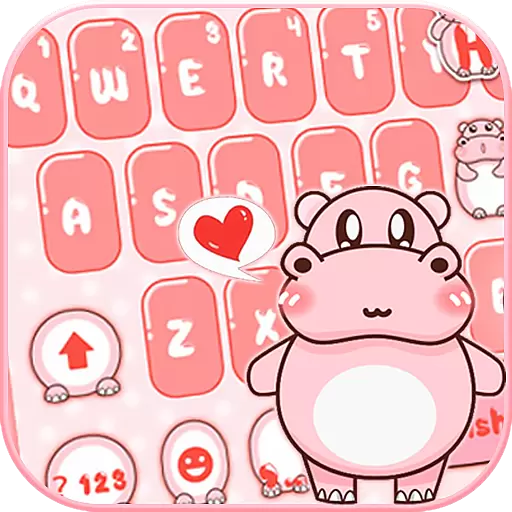
Stylish Pink Cute Hippo keyboard with 10000+ customized keyboard themes!
4.60
300+ Stunning and well-designed widgets inspired by NOTHING.
4.70
Emoji Maker app - Design custom emojis and effortlessly blend them with Mixer
3.80
Your home screen, just the way you like it.
3.80
A launcher for Samsung Good Lock and Good Guardians modules without ads
4.70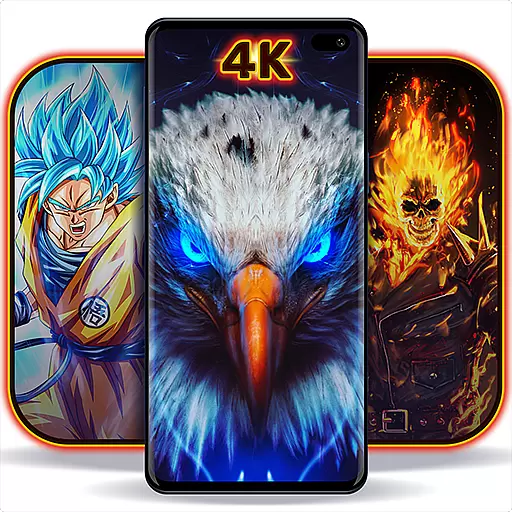
Personalize your phone with stunning HD and 4K wallpapers!
4.70
Nothing Icon pack with more than 3750+ highly crafted icons.
4.70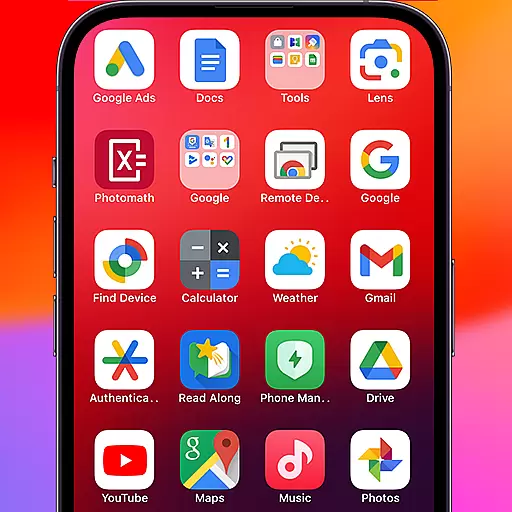
Make your phone look simple & luxury, like iDevice
4.60
Add cute Shimeji pets to screen, interact with them and relax with cute motions
4.60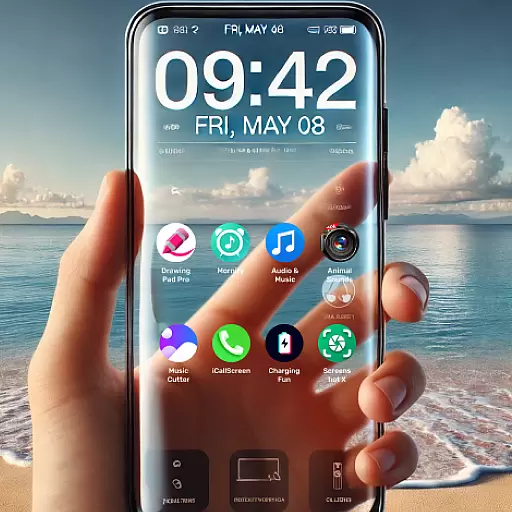
Want to make your phone more special than ever?
4.60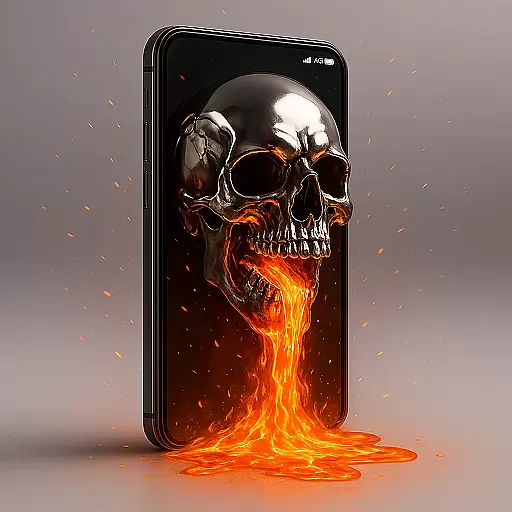
3D, live, and moving wallpapers & themes in 4K and HD for your device.
4.50
Unique Fonts, typefaces and stylish text. Fonts for Instagram, Whatsapp & others
4.20
Transform your phone with stunning video wallpapers and a unique, personal touch
3.80
⭐ OneUI inspired Fluffy Icon Pack – Soft. Stylish. Standout. ⭐
4.3
Wallpaper Engine Android review—PC sync setup, crash issues, sound reactive limitations, and whether this free companion app is actually good.



User Reviews