
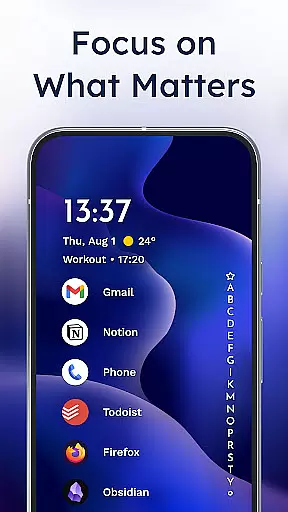
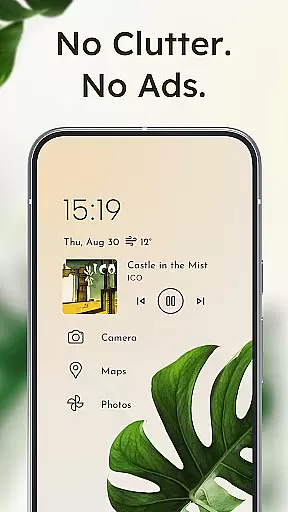
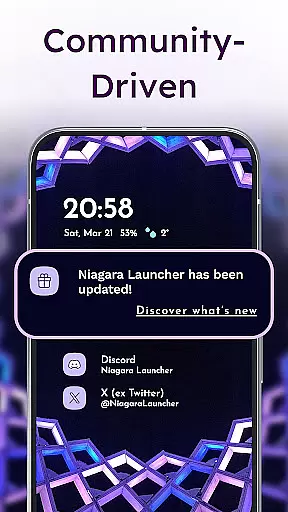
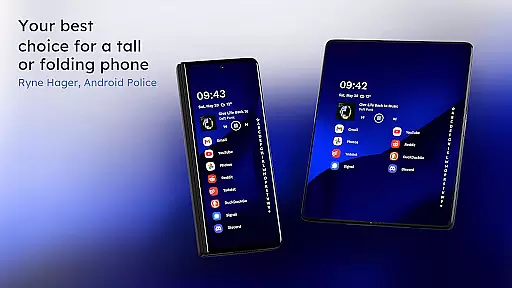
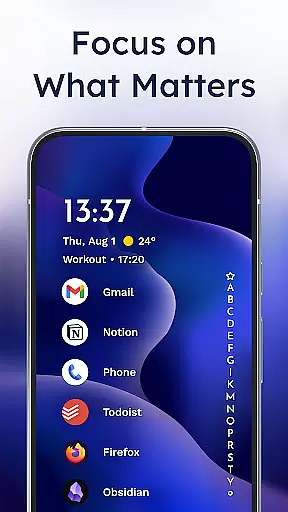
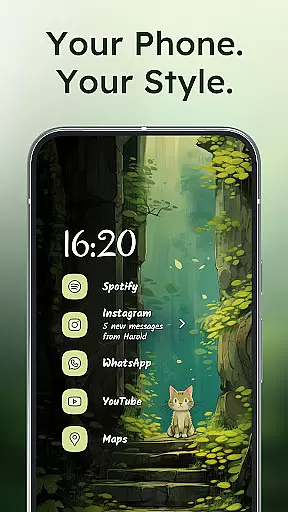
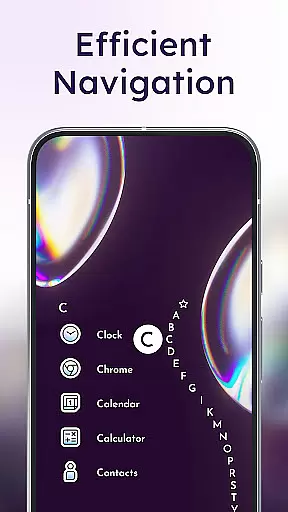
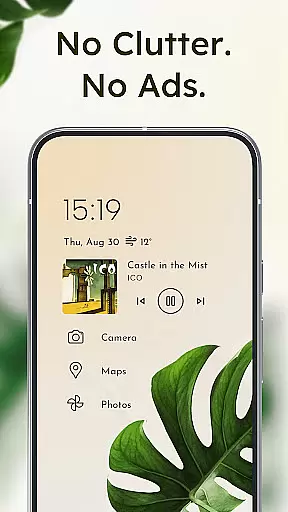
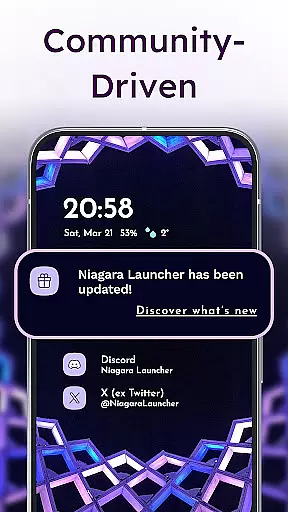
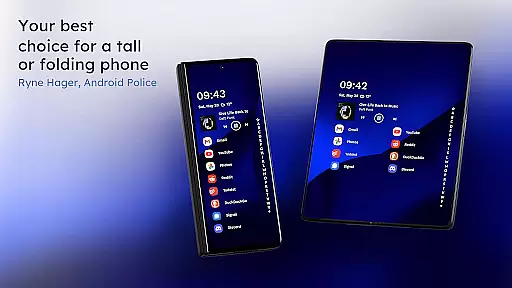
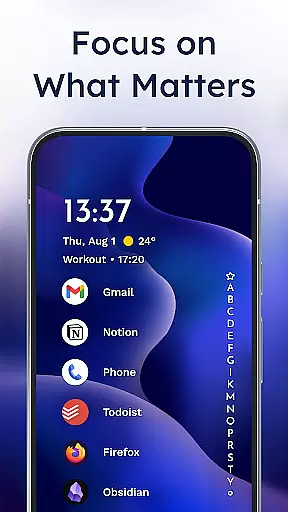
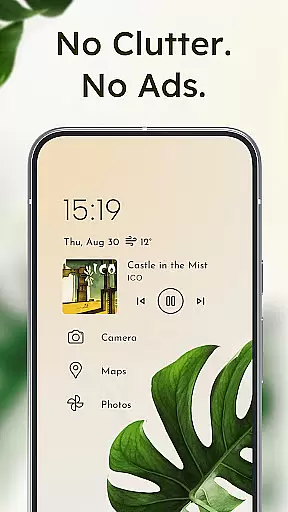
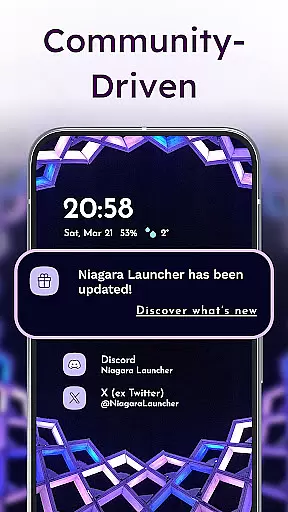
Niagara Launcher is a minimalist home screen app designed for modern smartphones. It optimizes one-handed usage through its ergonomic design, making all essential functions easily accessible regardless of phone size. The launcher features an adaptive list layout that dynamically adjusts to user needs, displaying important information like media controls and notifications when needed.
With embedded notifications, users can read and respond to messages directly from the home screen. Its Material You theming allows for personalized customization, adapting to user-selected wallpapers and offering various icon packs and fonts. Niagara Launcher also emphasizes focus and productivity by decluttering the interface and removing distractions, while maintaining fast performance and low storage requirements.
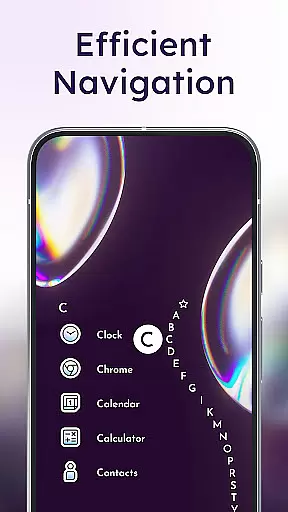
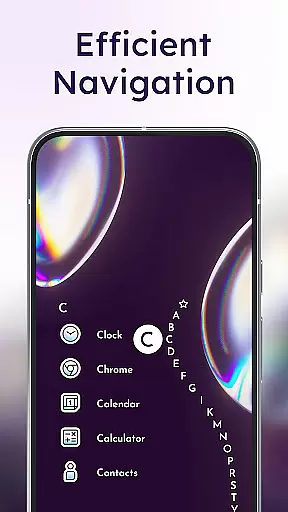
Niagara Launcher stands out with its unique wave alphabet navigation, allowing efficient access to apps without needing an app drawer. The adaptive list layout intelligently displays relevant information such as calendar events and media controls. Its notification system goes beyond simple dots, embedding actionable notifications directly into the home screen interface.
The launcher's personalization options are extensive, including custom icon packs, fonts, and wallpapers. Its active development community ensures regular updates and improvements. Notably, the app maintains an ad-free experience even in its free version, while keeping storage requirements minimal at just a few megabytes. These features combine to create a streamlined, efficient home screen experience.
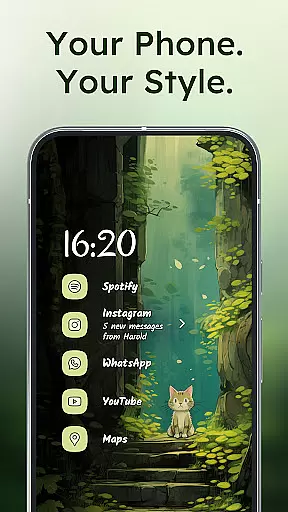
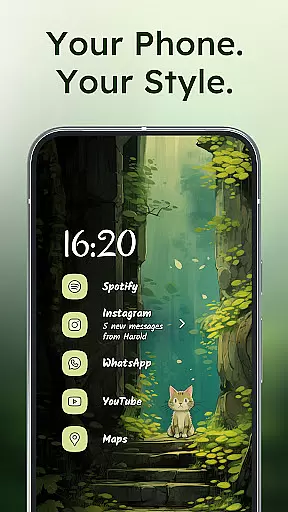
Niagara Launcher offers a rich array of customization options that allow users to tailor their home screen experience to their personal preferences. With integrated icon packs, fonts, and wallpapers, the launcher provides tools for aesthetic personalization.
The app supports Material You Theming, which automatically adjusts the home screen's appearance based on the user's chosen wallpaper. This feature ensures that users can enjoy a personalized and visually cohesive experience without manual adjustments.
For those who prefer a hands-on approach, Niagara Launcher allows the use of custom icons and wallpapers. This flexibility empowers users to create a home screen that is truly unique to their style and needs.
Overall, the emphasis on customization in Niagara Launcher not only enhances visual appeal but also contributes to a more intuitive and enjoyable user interface.
Theme compatibility in Niagara Launcher is exceptional, thanks to its adoption of Material You, Android's expressive design system. This ensures that the launcher can seamlessly integrate with various themes and adapt to user preferences.
Users benefit from the ability to set any wallpaper, with Niagara Launcher intelligently theming around it. This dynamic theming capability guarantees that visual elements like colors and styles are always in harmony with the chosen wallpaper.
The launcher's commitment to bringing Material You to all Android versions means that even users with older devices can enjoy modern theming features. This backward compatibility significantly broadens the app's appeal across different device types.
By focusing on theme compatibility, Niagara Launcher ensures that users can maintain a consistent and personalized look across their entire device interface, enhancing both aesthetics and usability.
User-friendly interface
One-handed accessibility
Adaptive layout design
Embedded notifications
Lightweight performance
Limited widget support
No traditional grid view
Restricted customization
Basic theming options
Gesture learning curve

Classic analogue watch face. For wear os devices.
 4.60
4.60
Transform your phone with Launcher iOS 26 - Smooth & elegant iOS experience
4.50
AI-powered Copilot. Personalized keyboard with gifs, stickers & themes
4.40 3.50
3.50
Organize and manage your photos and videos effortlessly with Photo Gallery
4.20
Crystal-clear, square icon provides a sleek and sophisticated visual upgrade
4.00
Create unique, fun emojis with Funny Emoji Maker! Unlimited creativity!
4.00
Fast SMS & group chat - use GIFs and emojis from your home screen launcher.
4.50
Install amazing sticker packs: endless styles, always cool.
4.70
Gun Chase - Let the chase begin.
4.80
Customizable Glass widgets. Over 360+ stunning widgets and more!
4.70
Vertically oriented rectangular icons
4.70
Glass style colourful icons with a One UI look and feel
4.60
Zip lock screen with magic wallpaper to decorate your phone with fun zipper lock
4.60
300+ widgets inspired by Material You and Material 3 expressive design.
4.60
3D, live, and moving wallpapers & themes in 4K and HD for your device.
4.50 4.50
4.50
More than 3000+ themes and 9000+ wallpapers for everybody!
4.10
⭐ OneUI inspired Fluffy Icon Pack – Soft. Stylish. Standout. ⭐
4.1
Wallpaper Engine Android review—PC sync setup, crash issues, sound reactive limitations, and whether this free companion app is actually good.



User Reviews