
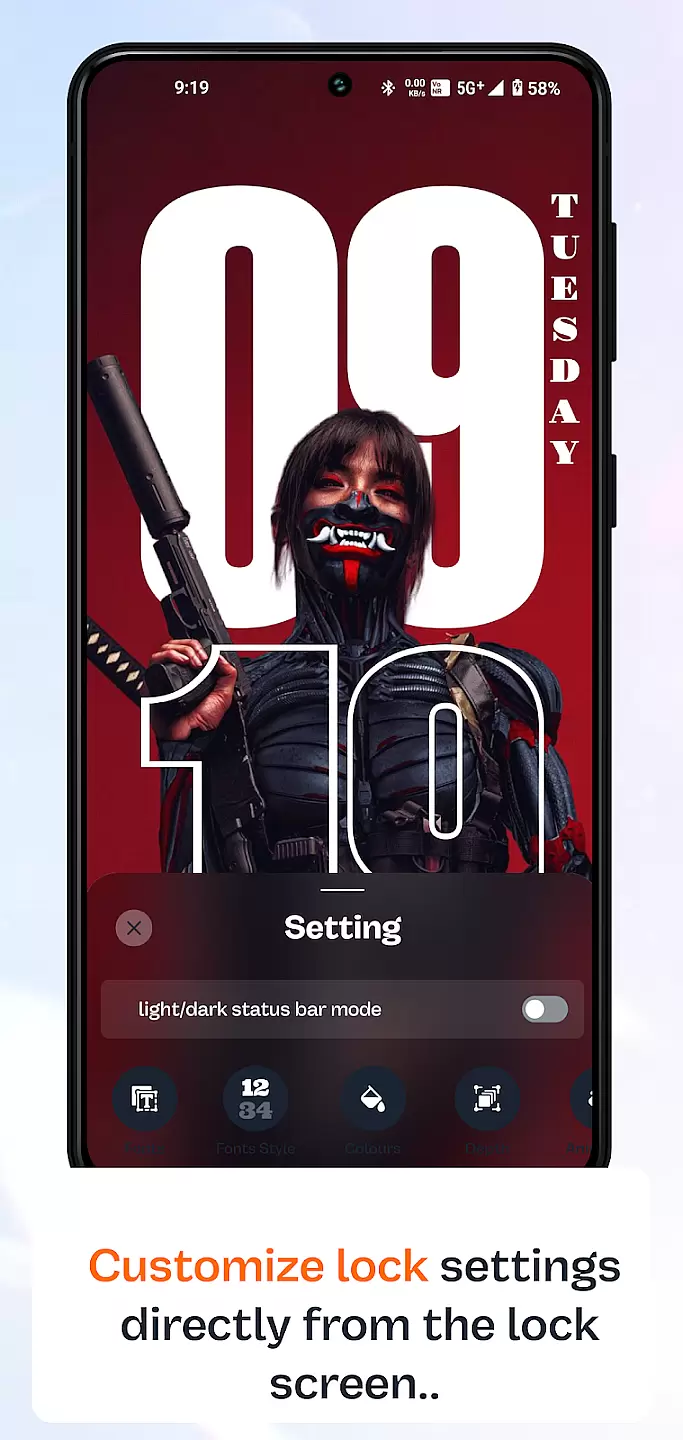
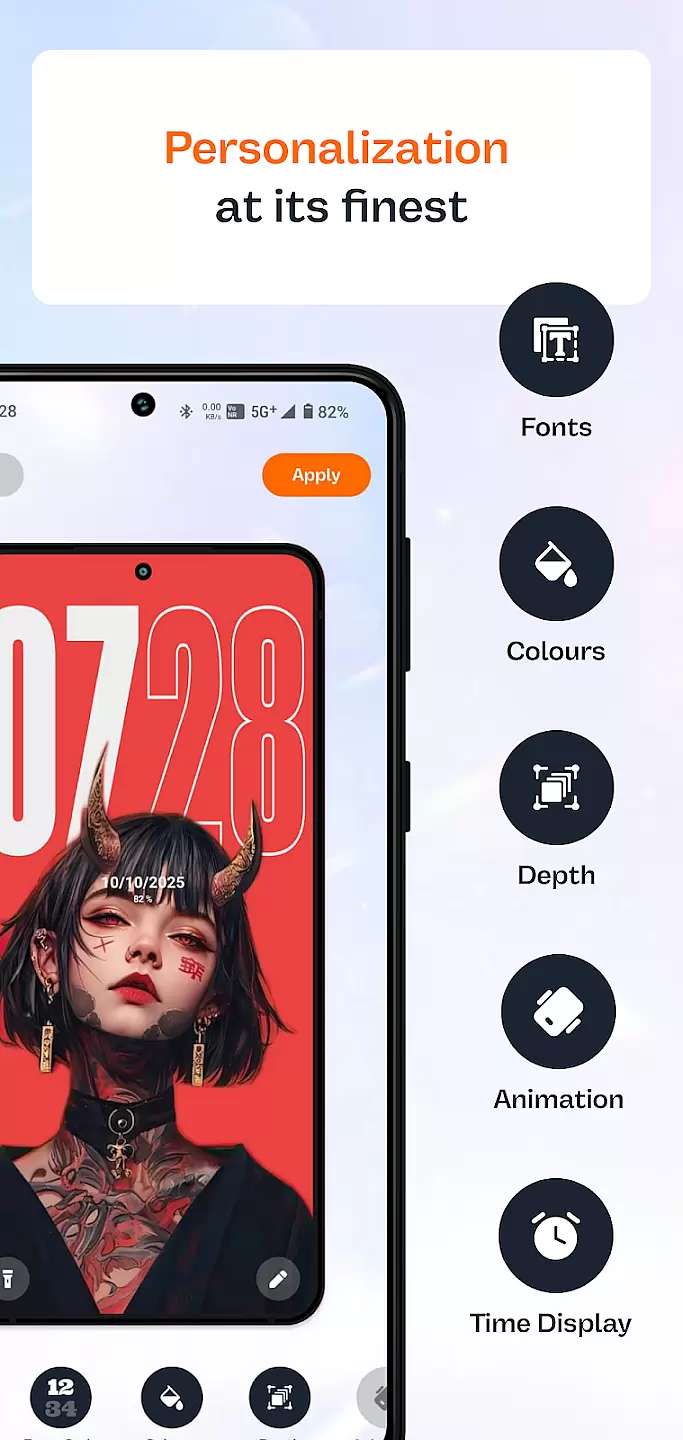
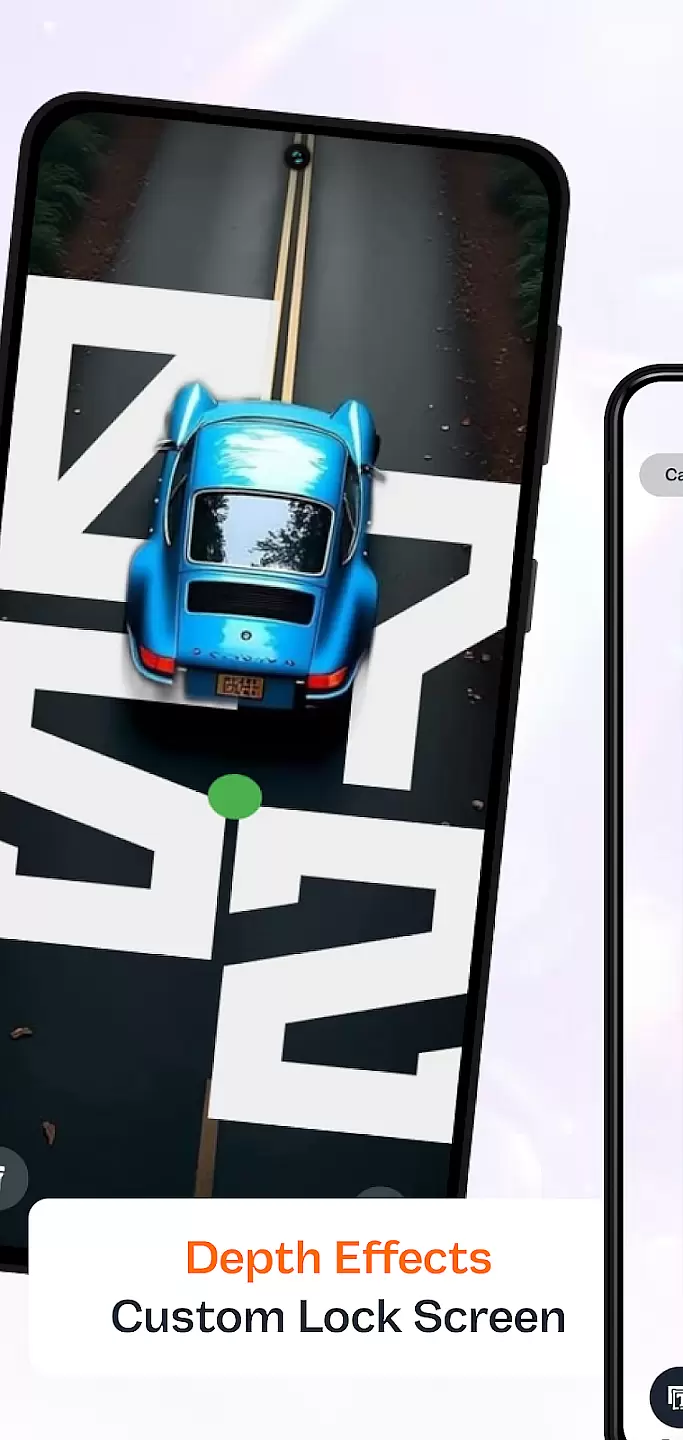
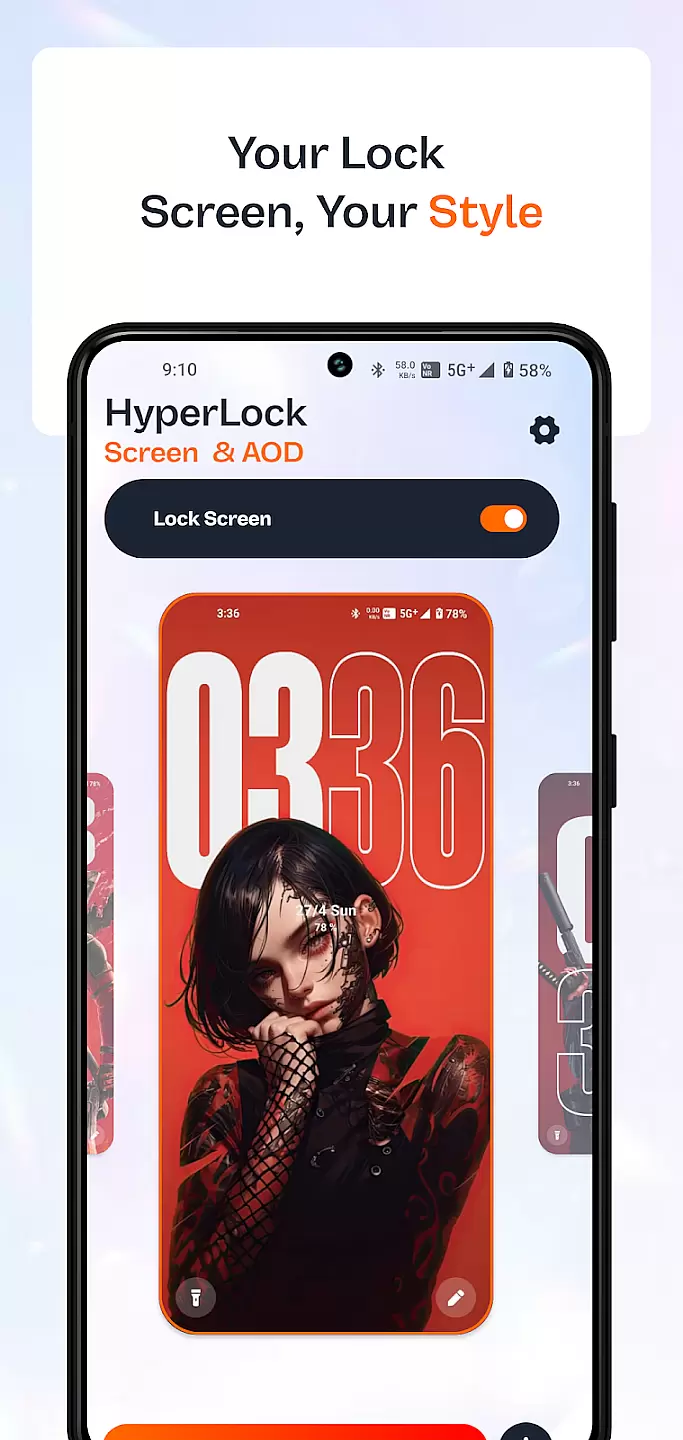
HyperLock Screen & AOD is a personalization app designed to enhance your device's lock screen and always-on display. It offers a variety of customization options, allowing users to personalize their device's appearance with unique designs and themes. The app caters to those who wish to make their smartphone experience more visually appealing while maintaining functionality.
This application provides an array of features such as custom fonts, clock styles, and notification settings. Users can tailor their lock screens to display important information at a glance, making daily interactions more efficient and enjoyable. Whether you're looking to add a personal touch or improve usability, HyperLock Screen & AOD delivers both style and substance.
HyperLock Screen & AOD stands out with its extensive range of customization tools. Users can choose from a multitude of themes that change the look and feel of their lock screen entirely. This includes options for different clock styles, font sizes, and color schemes, ensuring that every user can find something that suits their taste.
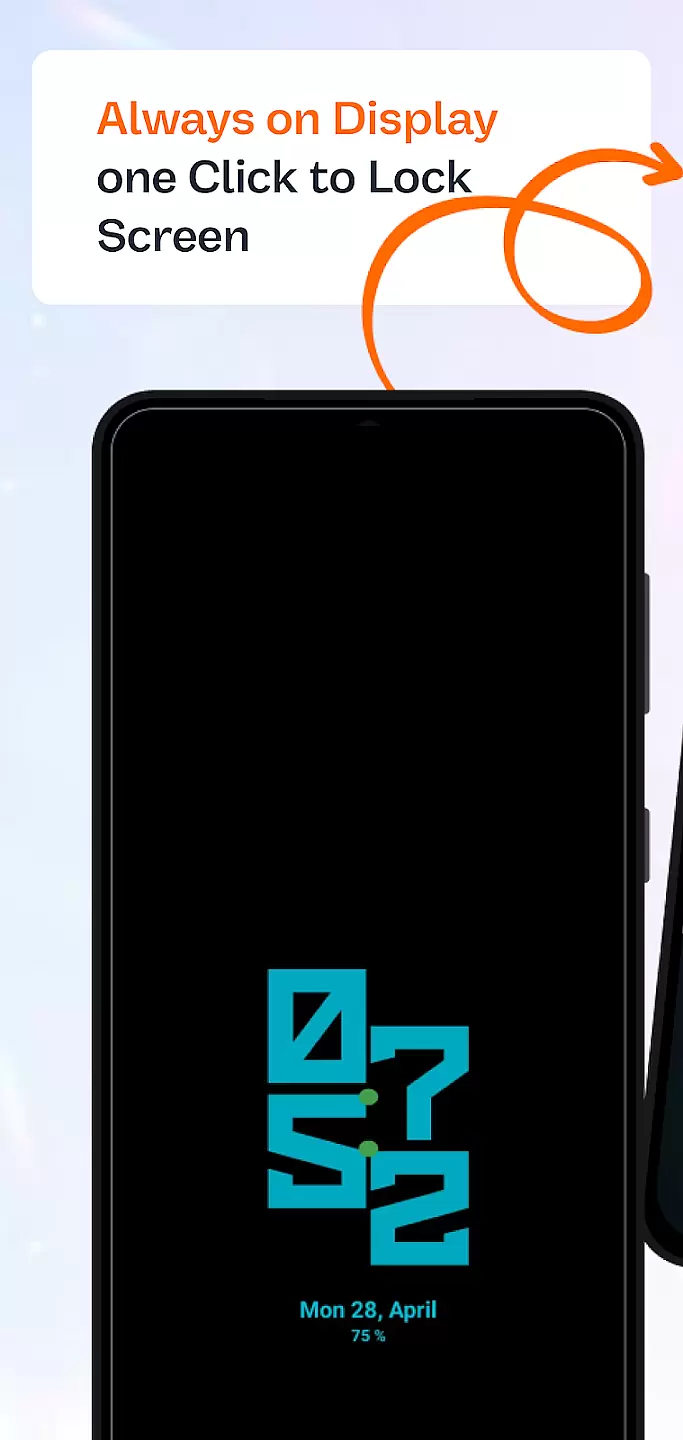
Beyond aesthetics, the app also focuses on practicality. It allows users to control which notifications are displayed on the lock screen, providing both privacy and convenience. Additionally, the always-on display feature is customizable, letting users view essential information without needing to unlock their phone. These thoughtful features combine to create a personalized yet functional user experience.
Customization is at the heart of personalizing your device to truly make it yours. HyperLock Screen & AOD offers a wide array of customization options that allow users to tailor their device's lock screen and always-on display to their personal tastes.
This application provides diverse themes, fonts, and color schemes, ensuring that every user can find something that resonates with their style. Whether you prefer a minimalist look or something more vibrant and eye-catching, HyperLock Screen & AOD has you covered.
The benefit of such extensive customization goes beyond aesthetics; it allows for a more intuitive and enjoyable user experience. Users can set up their lock screens to not only look good but also to enhance usability with quick access to frequently used apps and settings.
Theme compatibility ensures that the visual modifications you apply to your device work seamlessly across different interfaces and functionalities. With HyperLock Screen & AOD, users are guaranteed a harmonious experience as they switch between various themes and display settings.
This app meticulously designs its themes to ensure that all elements, from backgrounds to widgets, are perfectly aligned with the deviceu2019s operating system. This attention to detail prevents any disruption in the user experience when customizing your device.
By choosing HyperLock Screen & AOD, users gain peace of mind knowing that each theme they select will maintain visual consistency and functionality throughout their device. This compatibility enriches the overall aesthetic while preserving the integrity of the user interface.
User-friendly interface
Extensive theme options
Customizable notification settings
Always-on display customization
Regular updates with new features
Some features require in-app purchases
May drain battery faster
Limited compatibility with older devices
Occasional bugs reported
Interface can be overwhelming for beginners

Vertically oriented rectangular icons
 4.70
4.70
Glass style colourful icons with a One UI look and feel
4.60
3D, live, and moving wallpapers & themes in 4K and HD for your device.
4.50
Personalize your phone with stunning HD and 4K wallpapers!
4.70
Transfer your live wallpapers from Windows to Android using Wallpaper Engine!
4.00
Aesthetic Widgets, HD Wallpapers, Themes in Mico Widget for Home and Lock Screen
4.50
Stylish Pink Cute Hippo keyboard with 10000+ customized keyboard themes!
4.60
A minimalist productivity launcher. One-hand-friendly. Zero ads.
4.70
Customize phone with anime themes, 3D icons, aesthetic widgets & wallpapers
4.80
Dark icon pack based on One 8
4.80
Wallpaper HD 4K Live - Thousands of high-quality Anime backgrounds for you.
4.80
Customizable Glass widgets. Over 360+ stunning widgets and more!
4.70
Ultimate Gallery Lock App - Hide Pictures, Videos and Lock Apps Instantly!
4.60
300+ widgets inspired by Material You and Material 3 expressive design.
4.60
Beautiful realistic hybrid watch face with numerous customization options.
4.50
AI-powered Copilot. Personalized keyboard with gifs, stickers & themes
4.40
Art & Emoji Keyboard with Cool Fonts, Cute Themes and Custom Designs.
4.40
Your home screen, just the way you like it.
4.30
Create unique, fun emojis with Funny Emoji Maker! Unlimited creativity!
4.00
Wallpaper Engine Android review—PC sync setup, crash issues, sound reactive limitations, and whether this free companion app is actually good.



User Reviews