
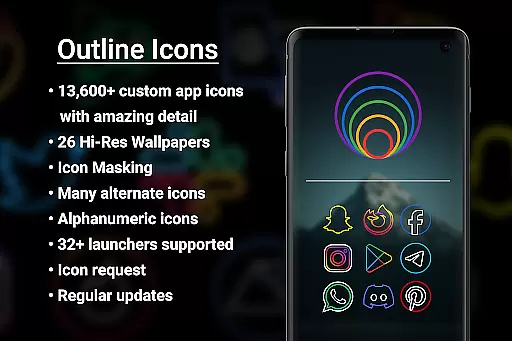

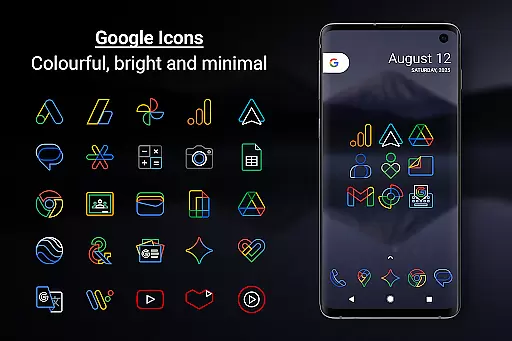
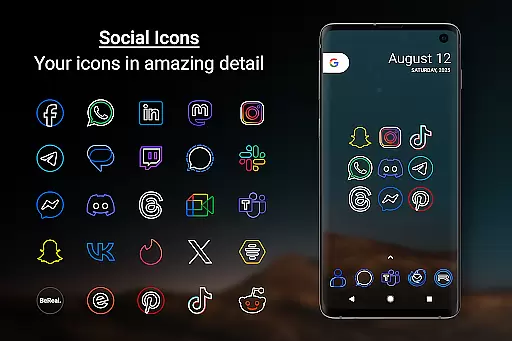
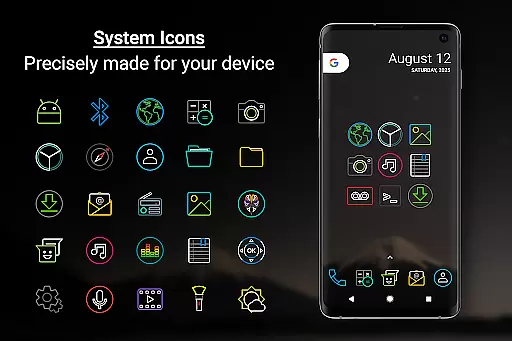
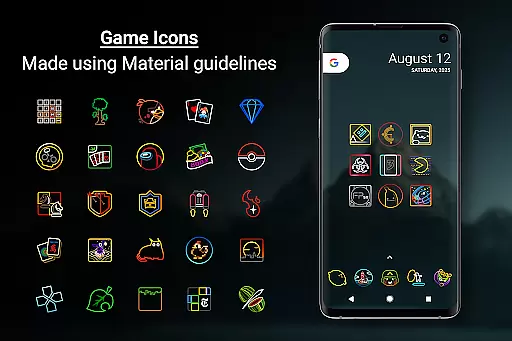
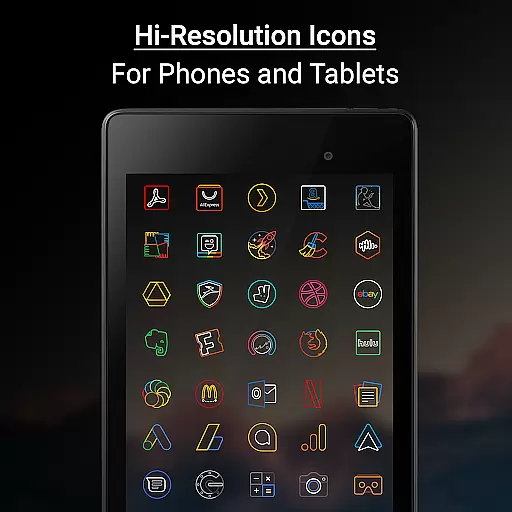

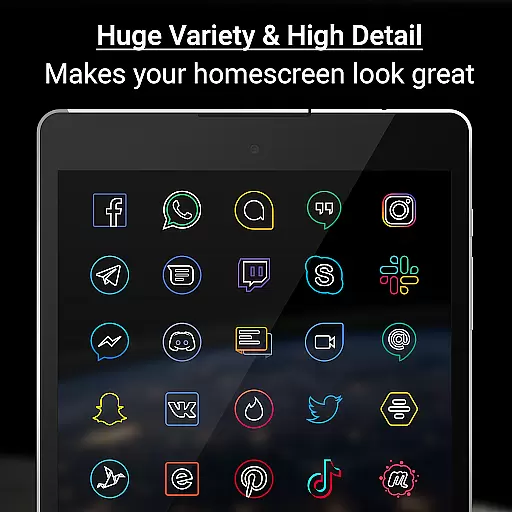
Outline Icons is a premium icon pack that transforms your device's home screen with a unique outline design. Featuring over 13,600 handcrafted icons in bright colors and precise details, these icons meet material design standards and are optimized for both phones and tablets.
The pack includes 26 high-resolution wallpapers that complement the minimalistic style of the icons. With support for 32+ launchers and additional features like Icon Masking, Dynamic Calendar, and Alternate Colors, Outline Icons offers extensive customization options. Whether you're using Nova Launcher or Samsung devices with OneUI 4.0+, this icon pack ensures a standout appearance while maintaining usability.
Outline Icons stands out with its comprehensive feature set tailored for customization enthusiasts. The pack boasts 13,600+ HD icons, each meticulously designed in an outline style at xxxhdpi resolution, ensuring sharpness on any screen. These icons are compatible with over 32 launchers, including popular options like Nova Launcher and Lawnchair.
Beyond icons, the pack provides dynamic calendar support, category folders, and alphabet icons in various colors. Users can also access 26 royalty-free wallpapers and utilize the icon request feature to suggest new additions. With regular updates and a focus on quality, Outline Icons maintains its position as a top choice for personalizing Android devices.
Outline Icons offers an extensive range of customization options that cater to various user preferences. With over 13,600 hand-crafted HD icons, the pack ensures that users can find an icon for almost any app they have on their device.
The inclusion of 32 different launcher supports provides flexibility for users who prefer different launcher interfaces. This compatibility ensures that no matter which launcher a user prefers, Outline Icons will seamlessly integrate and enhance the visual experience.
Additional features such as Icon Masking for unthemed icons and Dynamic Calendar support further enrich the customization possibilities. Users can enjoy personalized aesthetics without compromising functionality, making their devices not only uniquely theirs but also highly practical.
Theme compatibility is a standout feature of Outline Icons, ensuring that its stylish outline design integrates smoothly with a wide array of launchers. Whether you're using popular options like Nova Launcher or more niche choices like ZenUI Launcher, this icon pack maintains its high-quality appearance across different platforms.
For Samsung users, especially those with OneUI 4.0 or newer, Outline Icons can be utilized through the Samsung Theme Park app. This allows for easy application of the icon pack without needing to switch launchers, preserving the native look and feel while upgrading the visual style.
Moreover, the pack includes alternate colors and category folders in various hues, enhancing its adaptability to different themes and wallpapers. The clean, colorful, minimal icons are AMOLED-friendly, ensuring they look great on both dark and blurred backgrounds, thus offering a cohesive and visually pleasing experience regardless of the device's current theme settings.
Extensive icon library
Vibrant color palette
High-resolution wallpapers
Wide launcher compatibility
Regular updates
Premium requests cost extra
No direct apply button for all launchers
Limited to supported launchers
Manual application process for some
Not suitable for stock UI purists

Romantic Kiss Stickers App. Start romantic messaging now!
 4.30
4.30
Adaptive Dot Style IconPack with Light & Dark Theme.
3.70
Custom edge gestures for volume control, brightness, apps, and shortcuts.
4.1
Adorable pets roam and play right on your phone screen!
3.30
One 8 icons glass color version
4.80
Handcrafted pixel art icons, widgets & wallpapers
4.60
400+ Beautifully crafted widgets inspired by NOTHING.
4.70
Transform your device in a game console
4.40
Create stunning widgets with Widget 2026: Aesthetic Widgets for Android!
4.60
Gun Chase - Let the chase begin.
4.80
Shimeji adds cute animated characters to your screen, lively and fun.
4.70
Stunningly Different look with Line Icons and Neon Colors
4.60
Add cute Shimeji pets to screen, interact with them and relax with cute motions
4.60
Beautiful realistic hybrid watch face with numerous customization options.
4.50 4.50
4.50
A light in the dark, a unique style and an andless cutomization!
4.30
Your home screen, just the way you like it.
4.30
Your go to Weather App & Home Screen. Get your weather at a swipe of a finger!
3.80
Emoji Maker app - Design custom emojis and effortlessly blend them with Mixer
3.80
Wallpaper Engine Android review—PC sync setup, crash issues, sound reactive limitations, and whether this free companion app is actually good.


User Reviews