
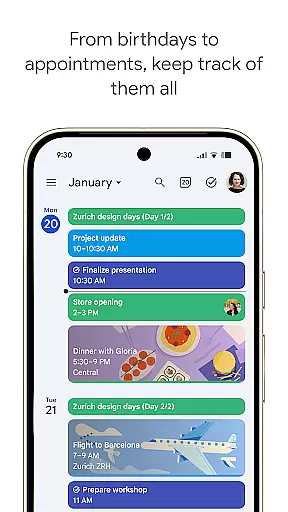
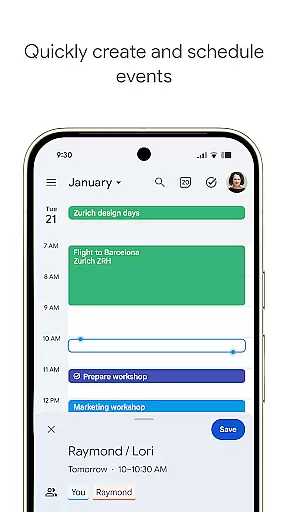
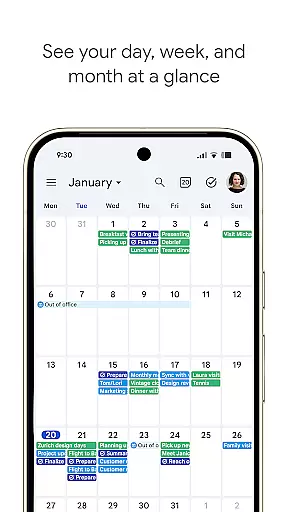
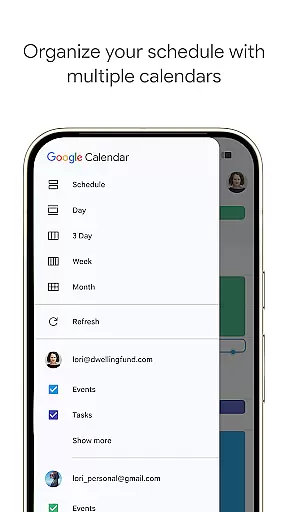
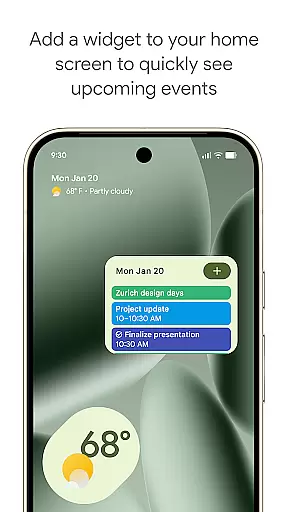
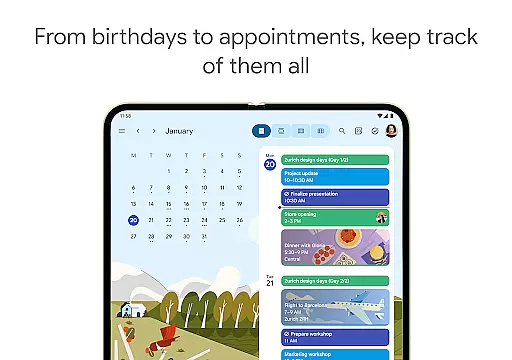
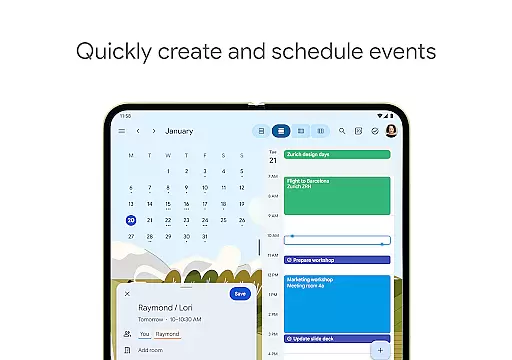
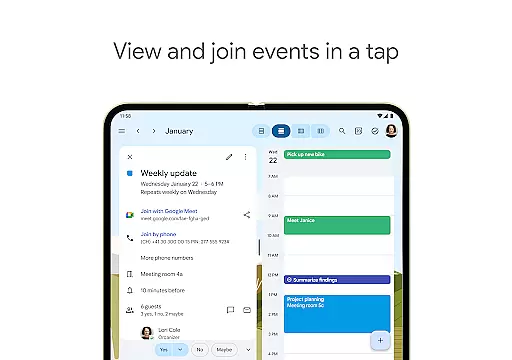
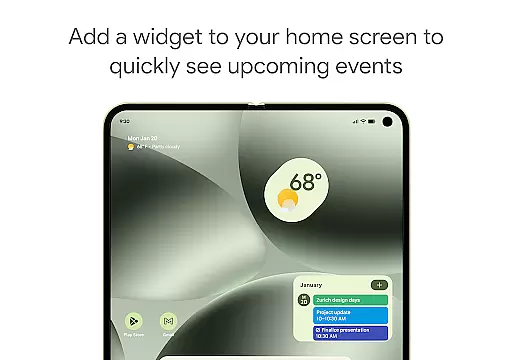
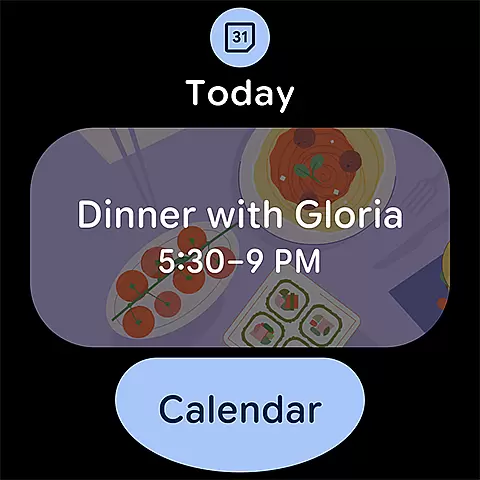
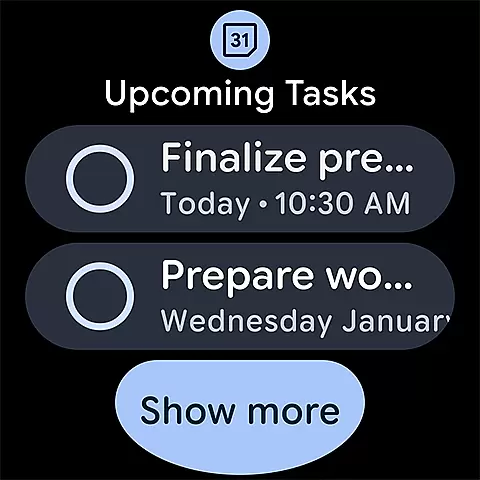
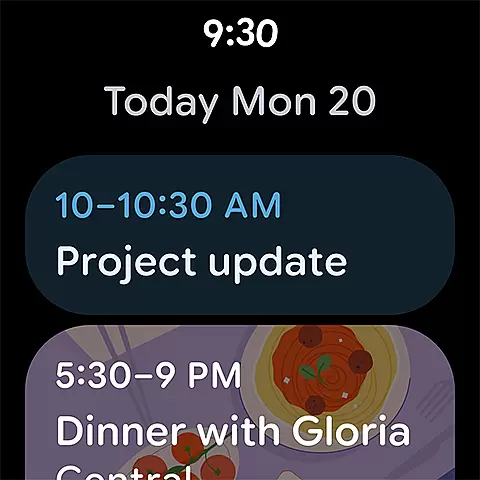
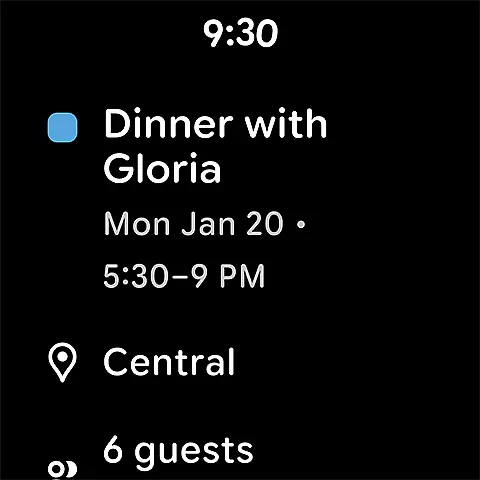
Google Calendar is the official calendar app designed for Android phones, tablets, and Wear OS devices, helping users stay organized and make the most of their day. With features like easy event creation, multiple calendar integration, customizable views, widgets, tasks, and more, it ensures comprehensive planning.
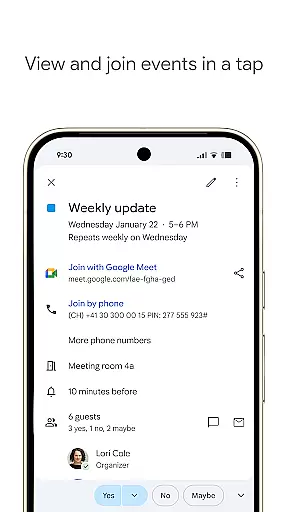
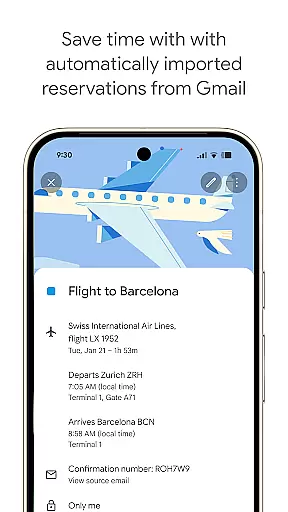
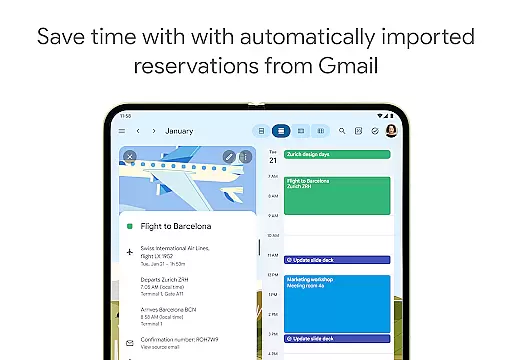
The app automatically adds events from Gmail such as flight, hotel, concert, and restaurant reservations, streamlining your schedule management. It also supports hybrid work environments by integrating Google Meet video calls into calendar events, making remote collaboration seamless.
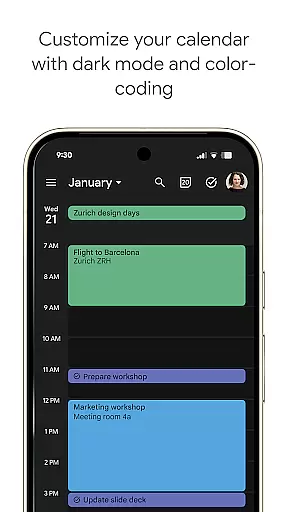
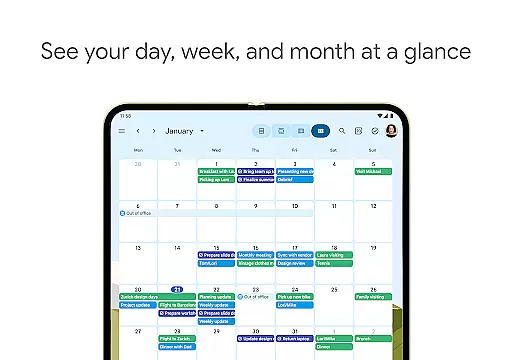
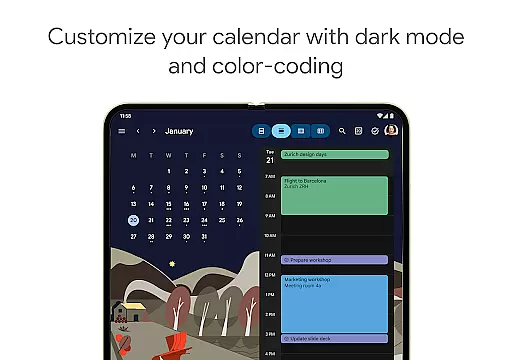
With shared calendars, you can keep family, friends, and colleagues informed by allowing them to view, add, or modify events. The app's flexibility extends to switching between month, week, and day views, managing tasks alongside events, and personalizing with light or dark mode and color-coded events.
Google Calendar offers a rich set of features including automatic event addition from Gmail, which covers reservations for flights, hotels, concerts, and restaurants. This functionality helps in maintaining an updated schedule without manual input.
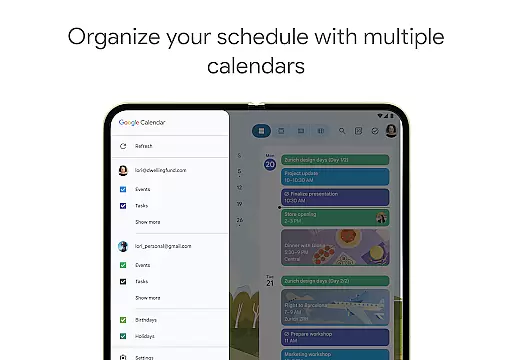
Users can consolidate and view Google Calendar events side-by-side with other calendars on their device, including Exchange. Shared calendars allow for collaborative planning, enabling others to view, add, or modify events, ensuring everyone stays informed.
Additional features include quick switching between different views (month, week, day), task management within the calendar, personalization options like light or dark mode, and full-screen task lists. These capabilities ensure that users can tailor the app to their specific needs and preferences.
Companion app integration is essential for users who want a seamless experience across multiple devices. Google Calendar excels in this area by ensuring that all your events, tasks, and reminders are synchronized effortlessly between your Android phone, tablet, and Wear OS device. This synchronization allows you to start planning on one device and continue on another without missing any details.
The app achieves this through the use of a unified Google account, which serves as the backbone for data sharing. When you log into the same account on any supported device, Google Calendar automatically updates and syncs your information. This means that changes made on your phone will instantly appear on your tablet or Wear OS watch, providing real-time access to your schedule no matter where you are.
For users, this means unparalleled convenience and flexibility. Whether you're at home using your tablet, in the office on your computer, or on the go with just your smartwatch, your calendar remains consistent and up-to-date. This feature ensures that you never miss an important meeting or forget a crucial task, enhancing productivity and peace of mind.
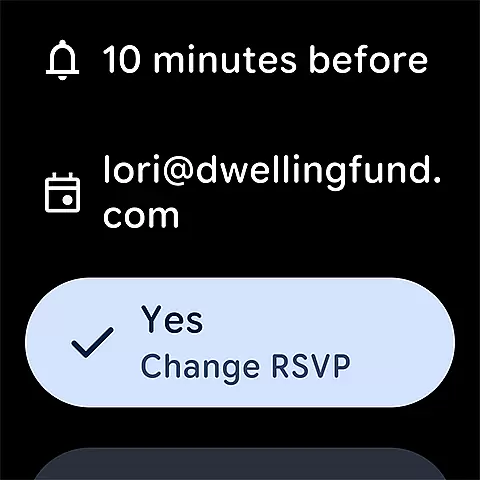
Device compatibility is a critical factor when choosing a calendar app, especially for those invested in the Wear OS ecosystem. Google Calendar offers extensive support for Wear OS devices, ensuring that users can access their schedules directly from their smartwatches. This compatibility extends to various functionalities such as viewing upcoming events, receiving notifications, and even managing tasks right from the wrist.
The app's design takes full advantage of Wear OS features, including tiles and complications, which allow quick glances at your schedule without needing to open the app fully. These features provide instant access to vital information, making it easier to stay organized throughout the day. Additionally, Google Calendar integrates smoothly with other Wear OS apps and services, creating a cohesive user experience.
By prioritizing Wear OS/device compatibility, Google Calendar caters to tech-savvy individuals who demand efficiency and accessibility. Users benefit from having a reliable and feature-rich calendar app that works harmoniously with their wearable technology, ultimately simplifying daily routines and boosting overall productivity.
User-friendly interface
Seamless Gmail integration
Robust sharing options
Flexible viewing modes
Comprehensive task management
Limited offline functionality
Occasional sync issues
Basic customization options
Notifications can be inconsistent
Heavy reliance on Google ecosystem

Christmas watch face. For Wear OS devices.
 4.30
4.30
Rose gold watch face with festive lights & customizable features.
4.60
Beautiful, colorful and practical watch face. For Wear OS devices.
5.00
A modern premium sporty hybrid watch face for Wear OS by Ballozi
4.70
Watch face for Wear OS.
4.20
Period, ovulation & pregnancy tracker. Fertility insights & menstrual calendar.
4.90
Fitbit is dedicated to helping people lead healthier, more active lives.
4.10
Start and succeed with PAP
4.10
Control your Samsung Smart TVs, appliances, and SmartThings-compatible devices
4.60
Real-time weather radar with temperatures, warnings, hurricanes, and widgets
4.80
Monitor health with the stress test and pulse checker in the heart rate app.
4.60
A realistic hybrid watch face with many customization options.
4.60
Find EV charging stations
4.30
Embrace the festive spirit with our Christmas Countdown watchface for Wear OS
4.10
The #1 source of faces for your smartwatch!
4.00
A digital watch face that celebrates Christmas.
4.00
Your local weather forecast, storm tracker, radar maps & live weather news
3.40
an Analog Watch Face for winter season with freeze winter background for Wear OS
4.1
A watch face that fuses motorsport precision with contemporary smartwatch design
4.3


User Reviews