

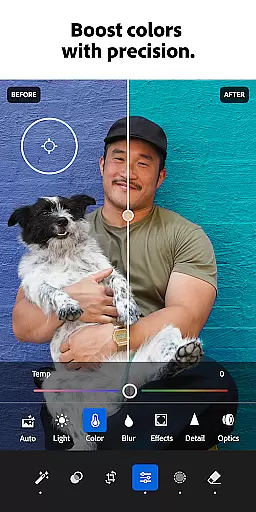


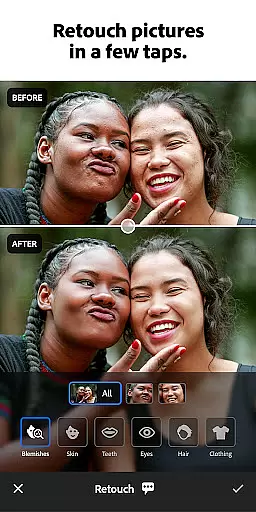



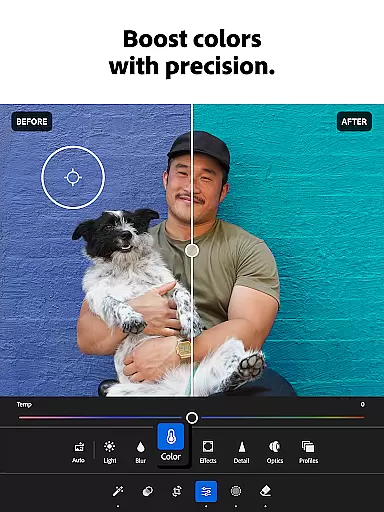

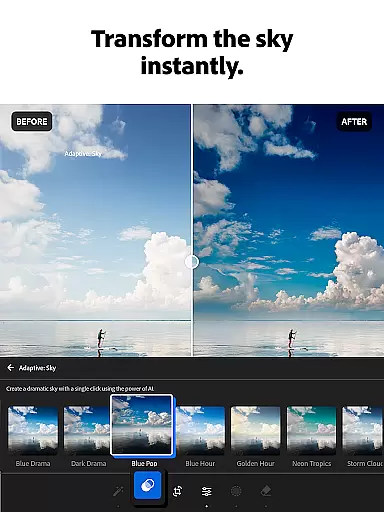
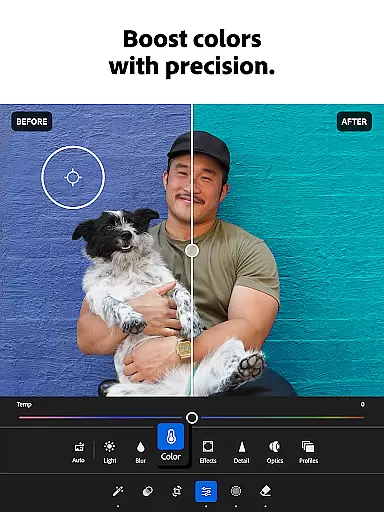

Adobe Lightroom is a comprehensive photo and video editing application designed for both amateur and professional photographers. This powerful photo editor allows users to enhance their images with minimal effort, offering advanced retouching tools that ensure high-quality results. Whether you're adjusting lighting, applying presets, or removing unwanted objects, Lightroom provides all the necessary features in one convenient mobile app.
The application stands out with its AI-powered editing capabilities, making it possible to achieve professional-grade edits without prior experience. Users can experiment with various filters, color adjustments, and creative effects to develop their unique style. Additionally, Lightroom supports video editing, allowing creators to maintain a consistent aesthetic across all their visual content. With batch editing functionality, users can apply the same enhancements to multiple photos, streamlining their workflow.
Lightroom is particularly useful for social media enthusiasts and content creators who need to produce visually appealing posts quickly. The app's intuitive interface and robust feature set make it an essential tool for anyone looking to elevate their photography game while on the go.
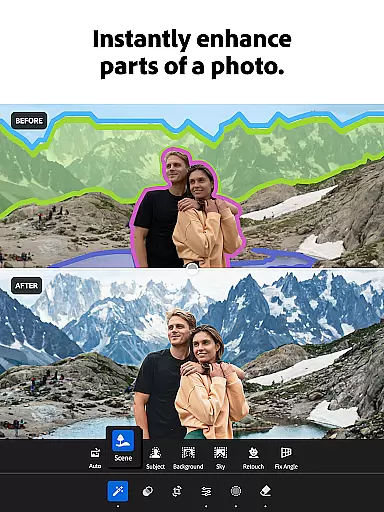
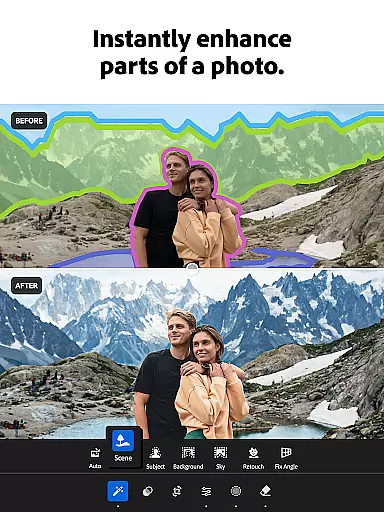
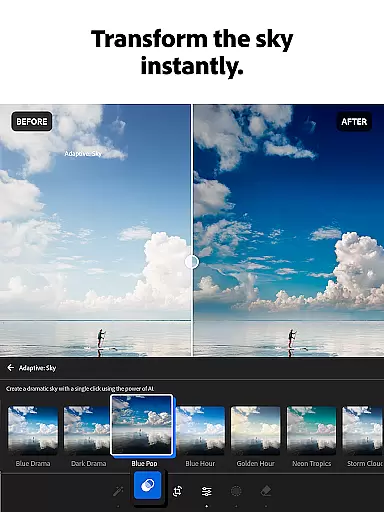
Adobe Lightroom offers a wide array of features that cater to diverse editing needs. One of its standout capabilities is the AI-driven photo editor, which suggests optimal adjustments for each image, enabling users to achieve stunning results effortlessly. The app includes Quick Actions and Adaptive Presets, allowing for one-tap enhancements that save time without compromising quality.
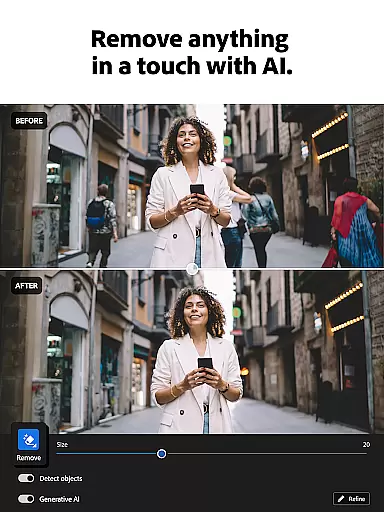
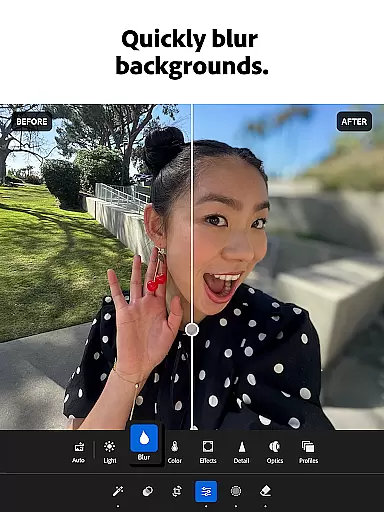
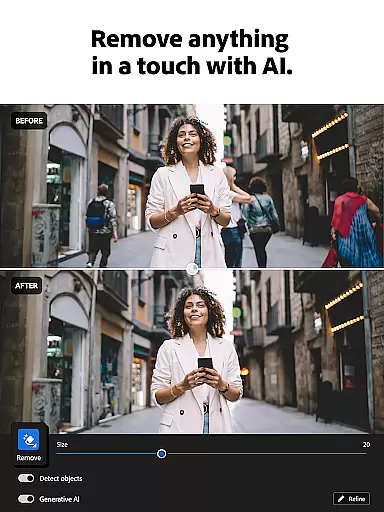
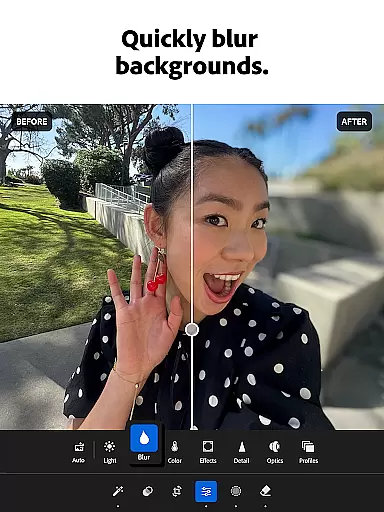
In addition to basic editing tools like exposure, highlights, and shadows, Lightroom provides advanced options such as Generative Remove, which lets users eliminate distractions and unwanted elements from their photos. The background blur feature adds a professional touch, simulating the bokeh effect typically achieved with high-end cameras. Furthermore, the app supports video editing, giving users control over light, color, and presets to ensure their videos match the aesthetic of their photos.
For those seeking inspiration, Lightroom connects users with a global community of photo enthusiasts. This platform allows individuals to explore and adopt popular presets and filters shared by others, fostering creativity and collaboration. The ability to batch edit photos ensures consistency across projects, while customizable presets enable users to develop a signature look that reflects their personal brand.
Real-time capture and preview functionality is essential for photographers who need to ensure their images are correctly composed and exposed before taking the final shot. With Adobe Lightroom's advanced mobile capabilities, users can now see a live view of their camera feed directly within the app.
This feature allows you to adjust settings such as exposure, white balance, and focus in real time, ensuring that every photo you take meets your exact specifications. The ability to preview these adjustments instantly on your mobile device screen empowers you to make precise modifications without interrupting your creative flow.
Photographers benefit greatly from this immediate feedback loop, which enhances the overall photography experience by reducing guesswork and allowing for more accurate image capture. Whether shooting landscapes or portraits, having control over these parameters in real time translates into higher quality photographs with minimal post-processing requirements.
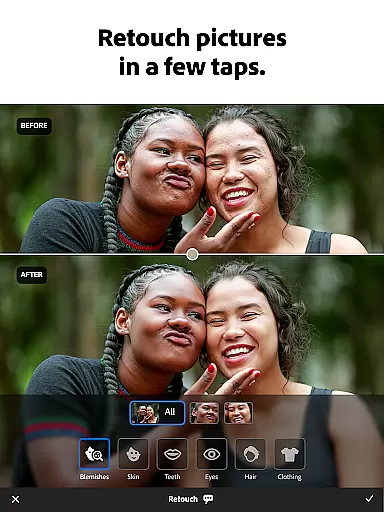
AI beauty and enhancement features have become increasingly popular among mobile photo editors, offering users the ability to refine and perfect their images with minimal effort. Adobe Lightroom leverages sophisticated artificial intelligence algorithms to provide natural-looking enhancements that preserve the authenticity of the original photograph.
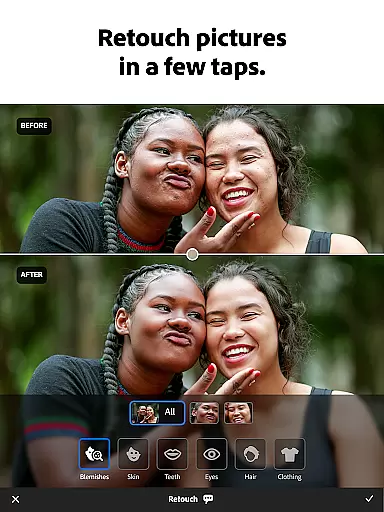
These AI-driven tools intelligently analyze each image, suggesting optimal adjustments for skin tones, smoothing imperfections, and enhancing facial features while maintaining a realistic appearance. Unlike traditional filters that may distort or overly alter an image, Lightroomu2019s approach ensures that edits remain subtle yet effective, enhancing the subject's best attributes without compromising the photo's integrity.
Users appreciate the balance between automation and manual control, allowing them to achieve professional-grade results effortlessly. This blend of AI precision and human touch not only saves time but also elevates the standard of mobile photography, making it accessible for both amateur enthusiasts and seasoned professionals alike.
User-friendly interface
Advanced AI editing tools
Comprehensive video editing
Vibrant community sharing
Batch processing efficiency
Subscription fees required
Steep learning curve
Limited free features
Occasional performance lags
High storage demands

How would you look like with a differently shaped nose, chin or lips?
 3.90
3.90
Search, tag and rate your way to an organized image gallery
4.40
1M influencer's special filter
4.60
AI photo editor with hair editor, retouch tools, hair color changer & filters!
4.50
Create Business Headshots, Polaroid Filter, Retake Photos,Profile Pics,AI Photos
4.50
Automatically backup your photos and videos to computer, NAS and Cloud services
4.60
A must-have app for landscape photographers
4.60
GCamera allows all GCam features on all phone models! Better photos with GCamera
3.30
Edit photos with the picture generator: PS2 & AI Clay filters, cartoon effects.
4.50
Find time and duration of different sunlight phases at any location
4.90
Android Native system HD camera app. Never been so simple and faster.
4.70
Your personal guide to the sun and moon. Plan ahead, visualize and predict!
4.70
AI photo enhancer with Sora 2! Enhance, descratch, and colorize your old photos.
4.50
Fit multiple photos on one post. Create carousels & scroll layouts for Instagram
4.50
RAW video capture with advanced controls
4.40
AI portrait generator and polaroid AI selfie, fun AI generated AI photo creator!
4.30
USB Storage Access for Photos, Videos, Music and Documents
3.80
Pet Camera
3.70
Add a dreamy vibe to your selfies and videos with soft style filters
4.1


User Reviews