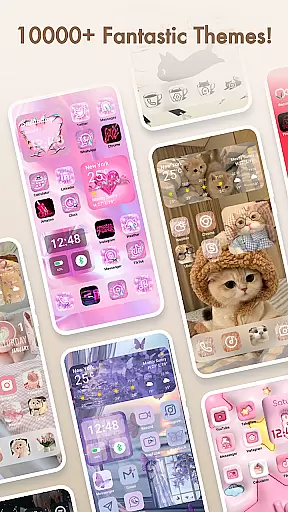
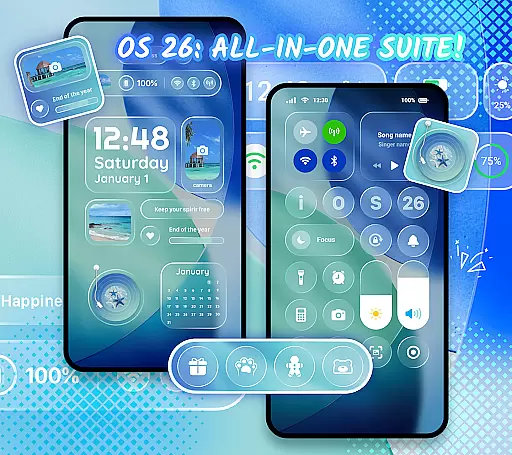
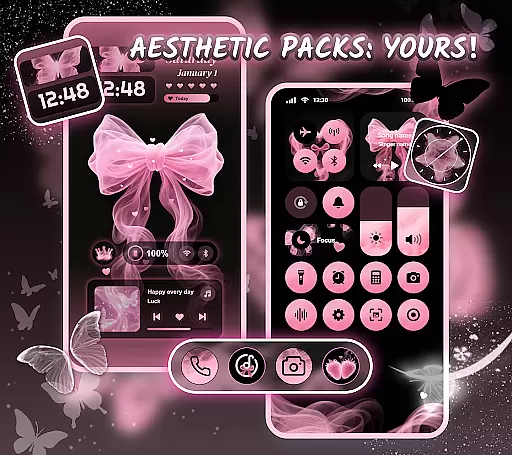
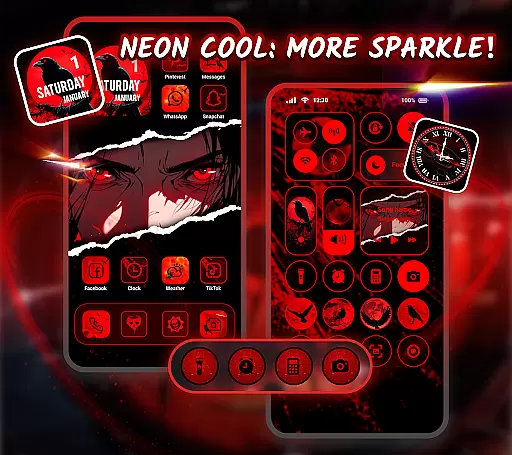
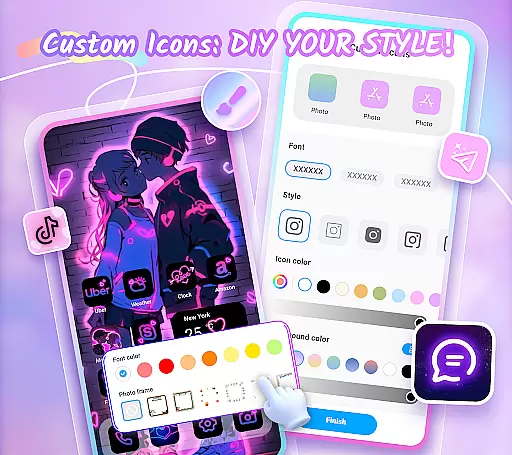
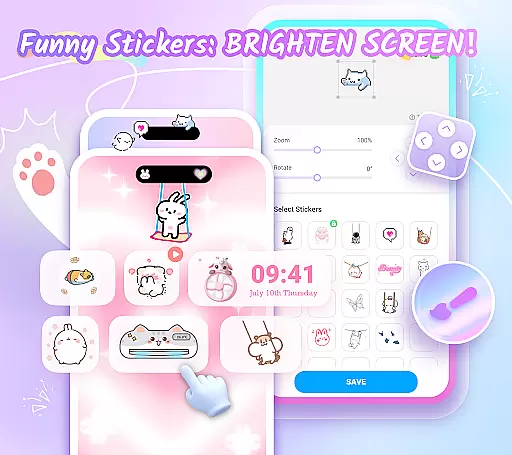
Themepack - App Icons, Widgets is a powerful personalization app for Android users who want to design their own unique home screen. With over 10,000 functional widgets, icons, and wallpapers, the app offers extensive customization options that allow users to express their individuality. Whether you're looking to create stylish widgets or personalized icons, Themepack provides all the tools necessary to transform your device's appearance.
The app stands out with its advanced customization features. Users can modify battery widgets, dynamic image effects, calendar displays, clocks, weather updates, and control panels. Additionally, the DIY icon feature lets you adjust styles, fonts, colors, and transparency levels, giving you complete creative freedom. The wide selection of aesthetic backgrounds and themed wallpapers further enhances the ability to personalize every aspect of your home screen.
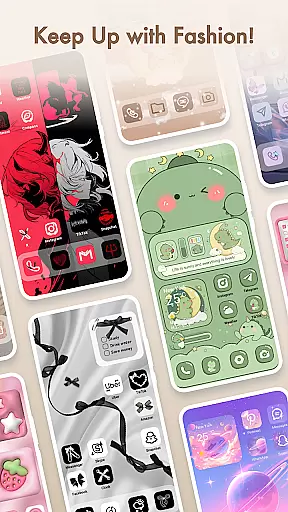
Themepack is particularly useful for those who want their devices to reflect their personal style. Whether you're a fan of K-pop, anime, neon designs, or sports themes, the app has something for everyone. Its one-click replacement feature makes customization quick and easy, while regular updates ensure you always have access to fresh content. This combination of functionality and aesthetics makes Themepack an essential tool for anyone looking to elevate their Android experience.
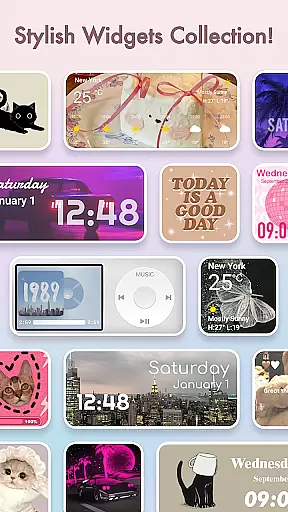
Themepack - App Icons, Widgets distinguishes itself through its comprehensive set of features designed to enhance user customization. The app offers thousands of functional widgets including battery indicators, dynamic image effects, calendars, clocks, weather displays, and control panels. Each widget type can be customized with different visual effects, allowing users to create a truly unique interface that goes beyond basic theming capabilities.
One of the most innovative aspects of Themepack is its robust icon customization system. Users can modify not only the visual appearance of icons but also their names using various fonts and styles. The app provides precise control over color schemes, transparency levels, and background settings, enabling the creation of distinctive icon sets that perfectly match personal preferences. This level of detail in icon customization is rare among similar applications.
The app also excels in providing diverse thematic content. From aesthetic backgrounds to specialized themes covering K-pop, anime, neon effects, sports, and seasonal events, Themepack offers an extensive library of design elements. The one-click application feature streamlines the customization process, while frequent updates ensure the content remains fresh and relevant. These features collectively establish Themepack as a leader in mobile personalization solutions.
Customization options variety refers to the range and flexibility of personalization features available in an application. For Themepack, this aspect is at the core of its offering, providing users with a rich suite of choices to tailor their device's home screen to their personal tastes.
The app boasts over 10,000 functional widgets, icons, and wallpapers, allowing users to become designers of their own home screens. With personalized widgets and icon customization options, users can create a theme pack that truly reflects their individual style. The app includes stylish and custom widgets covering various categories such as battery indicators, dynamic image effects, calendar, clock, weather, and control panel widgets.
Users benefit from the DIY nature of Themepack, which extends to icon creation. They have the freedom to choose from a variety of icon styles, fonts, colors, transparency levels, and background colors. This enables the creation of distinctive icons that can be renamed with cool fonts to match desired applications on their devices.
The true value of having diverse customization options lies in the ability to make a digital space feel personal and unique. Themepack empowers users to express themselves through their home screens, enhancing both aesthetics and functionality.
Theme compatibility involves how well an app's themes integrate with a user's device, ensuring visual consistency and operational harmony. In the case of Themepack, theme compatibility ensures that all visual modifications enhance the user experience without disrupting the deviceu2019s usability.
Themepack - App Icons, Widgets offers a plethora of aesthetic backgrounds, K-pop wallpapers, anime, neon, sports, and festival themes. These are crafted to help users customize their home screens effortlessly, with one-click additions that save time and effort while maintaining visual coherence across the device.
The app is designed by top designers who infuse each widget with unique meanings and visual appeal. Whether it's a circle or rectangle, these elements provide enough versatility for comprehensive personalization. Such attention to detail assures users that every component will not only look good but also function seamlessly within their device ecosystem.
By focusing on high theme compatibility, Themepack guarantees that users enjoy a cohesive look and feel across their devices. This compatibility supports an engaging, personalized experience that aligns with individual preferences while preserving the intuitive operation expected from modern devices.
User-friendly interface
Extensive customization options
Regular content updates
Variety of themes available
DIY icon creation tools
Requires accessibility permissions
Some features may need premium access
Occasional performance issues
Learning curve for advanced features
Limited iOS compatibility

Stunningly Different look with Line Icons and Neon Colors
 4.60
4.60
Gun Chase - Let the chase begin.
4.80
Over 28,000 high quality icons to bring color & homogeneity to your phone.
4.60
Romantic Kiss Stickers App. Start romantic messaging now!
4.30 4.50
4.50
Stylish Pink Cute Hippo keyboard with 10000+ customized keyboard themes!
4.60
Struggling to find apps? Use this app to locate and open any app on your phone!
2.20
Enjoy a variety of amazing live wallpapers and colorful EDGE lighting borders!
4.80
Magic fluids wallpaper 4D: Relax with stunning fluid simulation wallpaper app
4.20
Only for Wear OS devices!
4.90
Shimeji adds cute animated characters to your screen, lively and fun.
4.70
Try creating your own keyboard with "Keyboard theme for android" app now!
4.50 4.50
4.50
Wear Os Watch Face - Seasonal - Animated Snow Effect - 9 Animals
4.20
Run multiple accounts of the same app on a single device
4.10
Customizable flower power digital watch face for Wear OS watches.
4.00
Realistic animated snow on your wrist, with 10 images landscapes to choose from
4.00
Turn your lock screen into fun with smile live wallpapers & animated wallpapers!
2.50
⭐ OneUI inspired Fluffy Icon Pack – Soft. Stylish. Standout. ⭐
4.4
Wallpaper Engine Android review—PC sync setup, crash issues, sound reactive limitations, and whether this free companion app is actually good.



User Reviews