



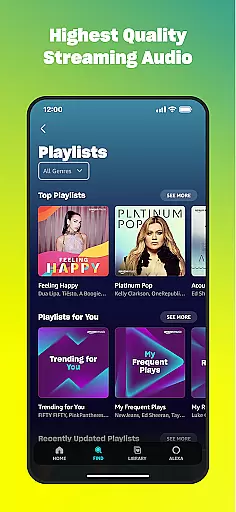
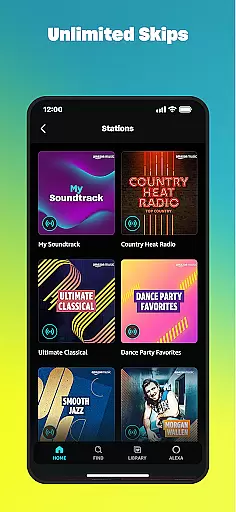
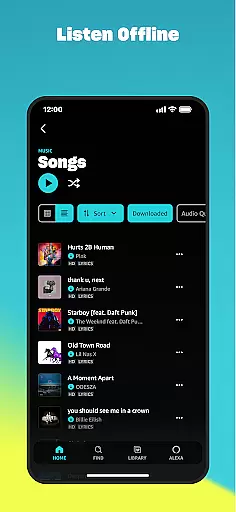
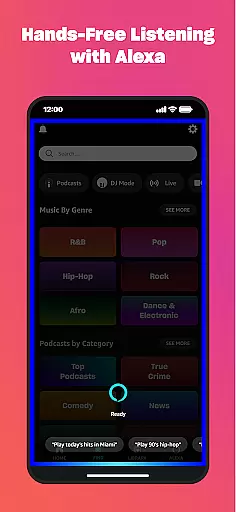
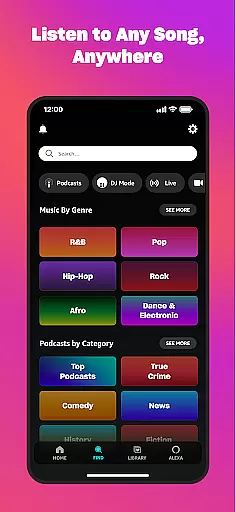
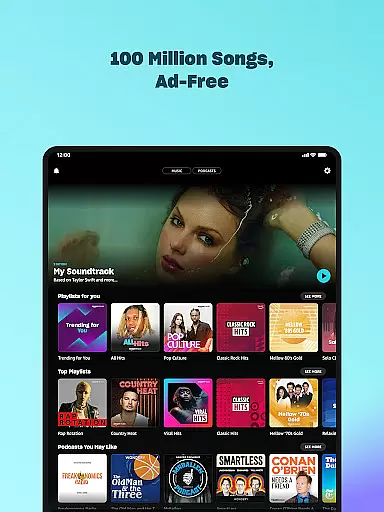

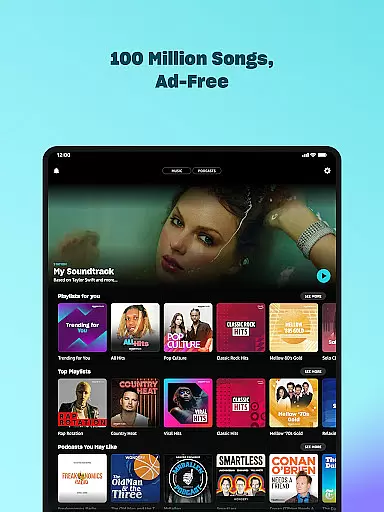

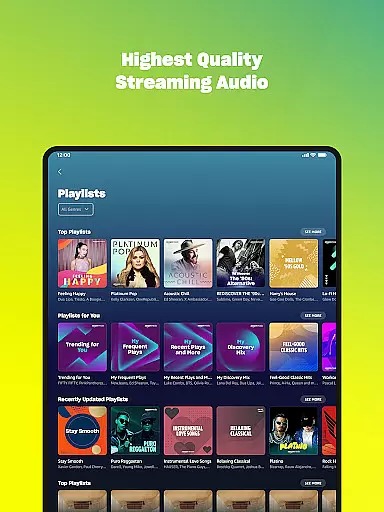
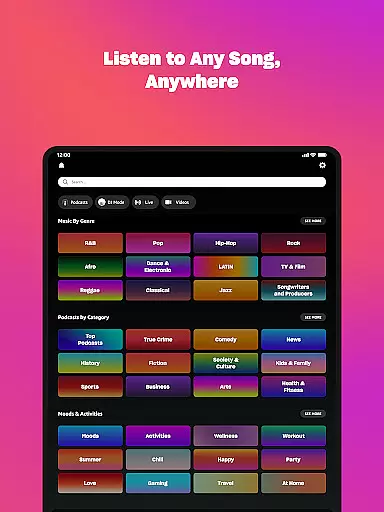



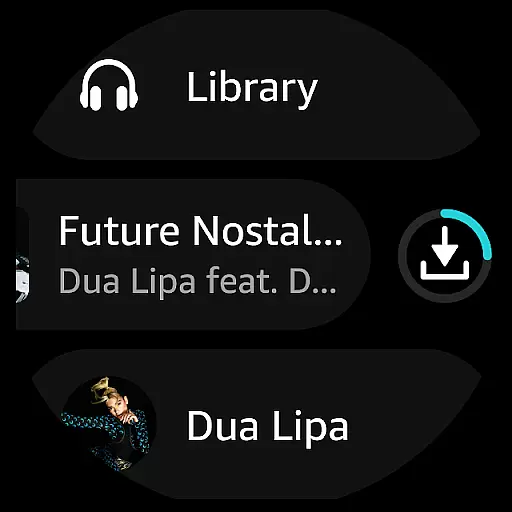
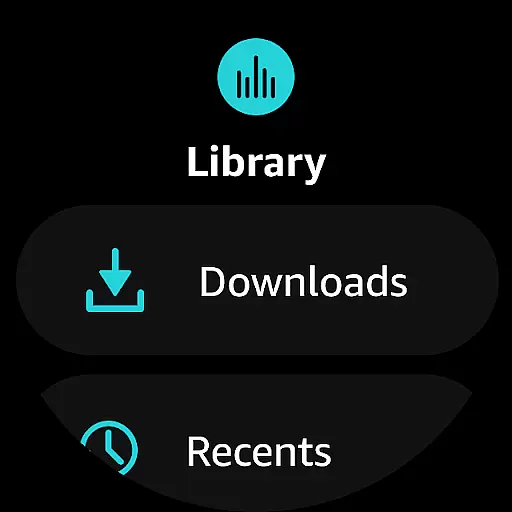
Amazon Music is a comprehensive music streaming application designed for Android Wear devices, allowing users to access millions of songs and podcasts effortlessly. The app offers multiple subscription options, including a free tier with ads and premium tiers like Prime membership and Amazon Music Unlimited for an enhanced, ad-free experience.
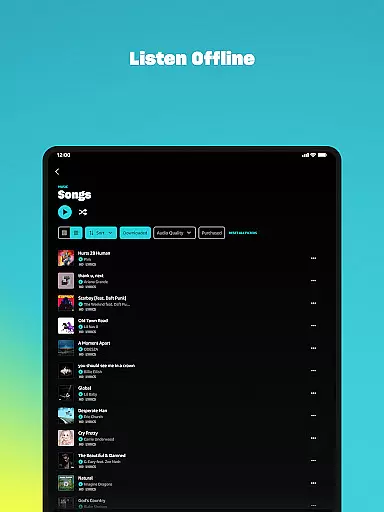
With features tailored for wearable technology, Amazon Music lets you control playback directly from your watch, download playlists for offline listening, and even cast to compatible devices. Whether you're a casual listener or an audiophile, the app provides personalized recommendations based on your preferences, making it easier than ever to discover new music.
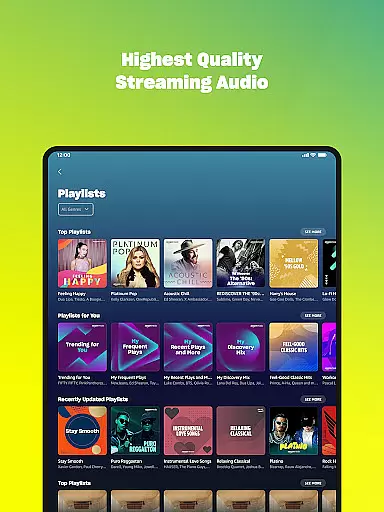
The true value of Amazon Music lies in its seamless integration across devices and its ability to deliver high-quality audio experiences, including spatial audio, right to your wrist. This makes it an ideal choice for users who want instant access to their favorite tunes while on the go.
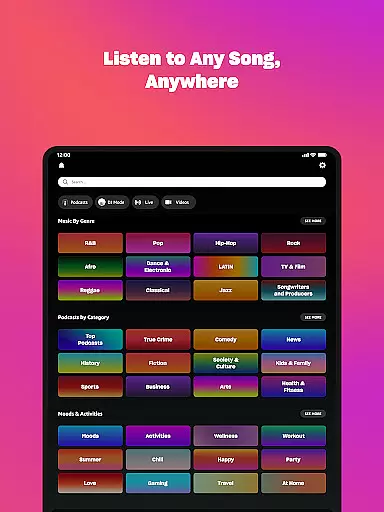
Amazon Music stands out with its diverse range of features that cater to various types of listeners. For Prime members, the app offers an extensive catalog of ad-free music and top podcasts, along with personalized recommendations based on user preferences. The shuffle play option allows for a dynamic listening experience across artists, albums, or playlists.
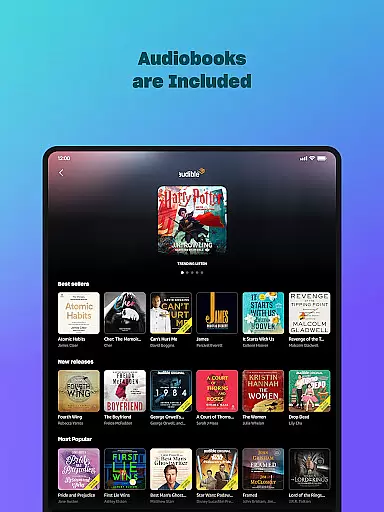
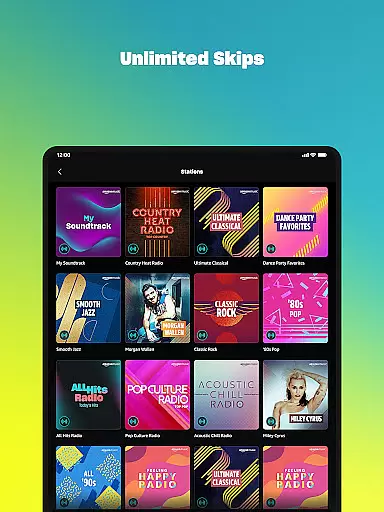
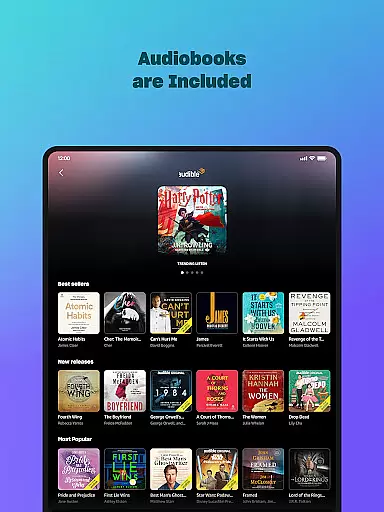
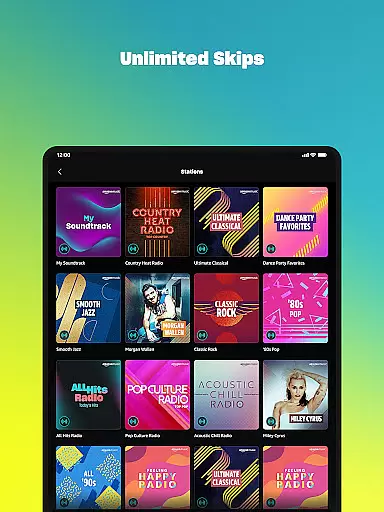
Subscribers to Amazon Music Unlimited gain access to over 100 million songs, unlimited skips, and the largest selection of audiobooks. The app also supports spatial audio, providing an immersive sound experience. Additionally, users can import playlists from other platforms, ensuring a smooth transition to Amazon Music.
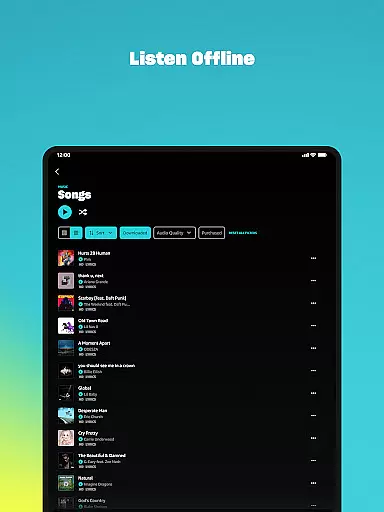
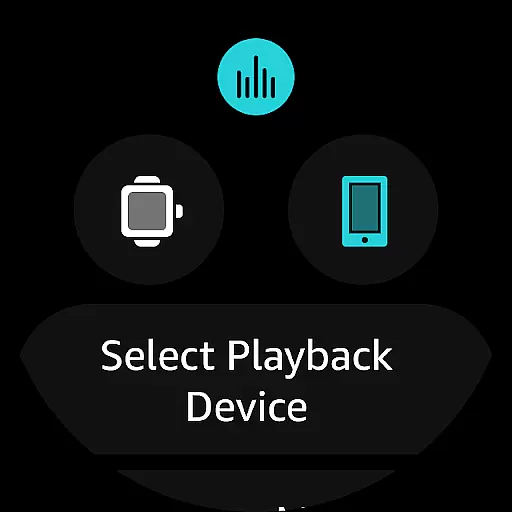
Specifically optimized for Android Wear, the app enables users to access music directly from their smartwatch, control playback on connected devices, and download content for offline use. These features collectively enhance user convenience and make Amazon Music a versatile choice for wearable technology enthusiasts.
Companion app integration is essential for a seamless experience between mobile devices and wearables. Amazon Music ensures that your favorite playlists, albums, and personalized recommendations are effortlessly synchronized across your smartphone and Wear OS device.
The application provides real-time updates, ensuring that any changes made on one device reflect immediately on the other. This includes downloading music for offline listening or updating playlists, which enhances user convenience by maintaining consistency across devices.
Users benefit from uninterrupted access to their music library regardless of the device in use. Whether you're at home controlling playback via your phone or out for a run with only your smartwatch, Amazon Music keeps you connected to your tunes without missing a beat.
Ensuring broad compatibility with various Wear OS devices is crucial for an optimal user experience. Amazon Music supports a wide range of smartwatches, allowing users to enjoy their favorite tracks directly from their wrists.
The app is optimized for different screen sizes and resolutions, providing crisp visuals and responsive controls. It also integrates smoothly with built-in speakers or Bluetooth headphones, offering high-quality audio output tailored for wearable technology.
By prioritizing Wear OS/device compatibility, Amazon Music delivers a versatile and reliable service. Users can confidently explore new music, manage their libraries, and control playback settings knowing that their wearable device will handle these tasks efficiently and intuitively.
Wide music selection
Personalized recommendations
Offline listening
Spatial audio support
Cross-device compatibility
Limited free version
Ads in free tier
Subscription cost
Feature restrictions
Device compatibility

Highly customizable hybrid watch face for Wear OS, perfect for everyday use.
 4.60
4.60
Christmas Theme Watch Face for Wear Os
5.00
A Wintery Snow Globe on Your Wrist; now celebrating Christmas!
4.3
Stunning modern digital watch face with 7 complications and strong contrast
4.0
The most customizable minimal watch face. For Wear OS 5.0, API 34+ and later
4.70
Fitness interactive virtual pet super fighter boy watch face
4.4
Kia Access makes getting your vehicle information easier than ever
4.60
A realistic hybrid watch face with many customization options.
4.60
Fitbit is dedicated to helping people lead healthier, more active lives.
4.10
Real-time weather radar with temperatures, warnings, hurricanes, and widgets
4.80
Diet tracker for weight loss - track calories, food and macros. Simple and easy!
4.70
Easy Voice Recorder is your everyday companion to record important moments.
4.70
Find EV charging stations
4.30
Animated video-game inspired “secret agent” simulation, right on your wrist!
4.20
Hyper-Realistic Airplane Dashboard Watch Face With 10 Skins and Custom AOD
4.00
Wear Os Watch Face - Animated Snow Effect & Christmas Lights
4.4
Analog watch face with 8 complications and expedition styling
4.3
Funny animated watch face for Thanksgiving
4.1
Minimalistic design modern digital watch face.
4.4


User Reviews