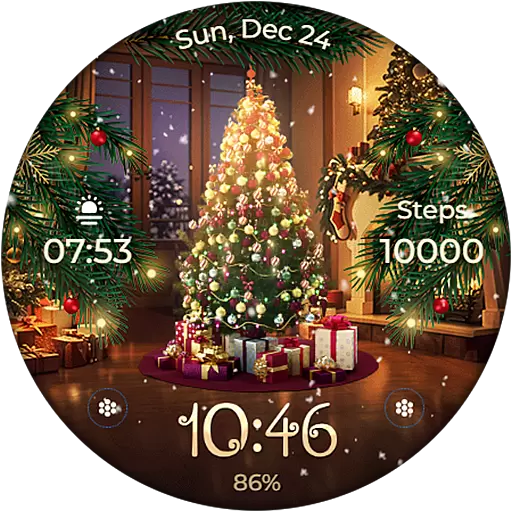
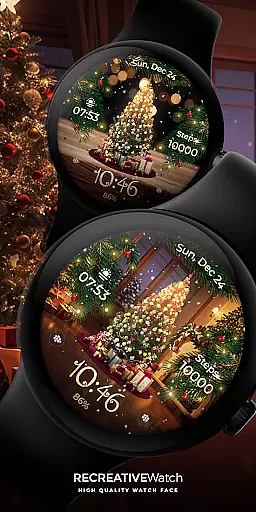
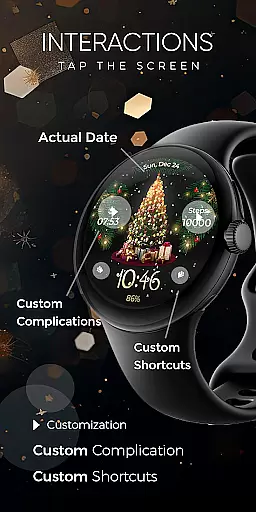
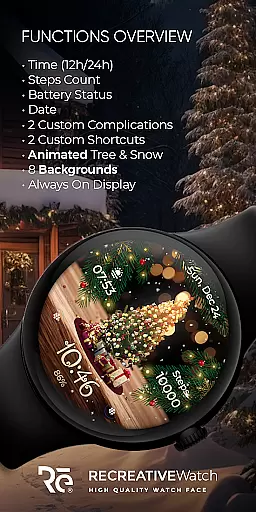
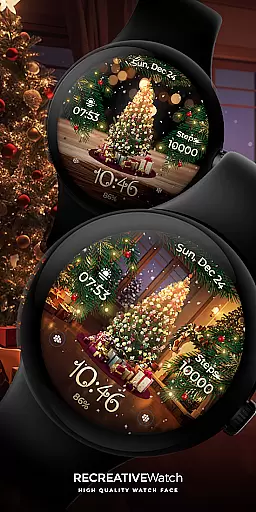
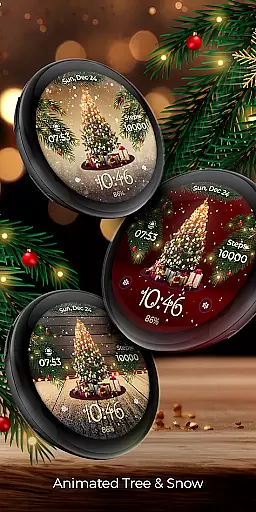
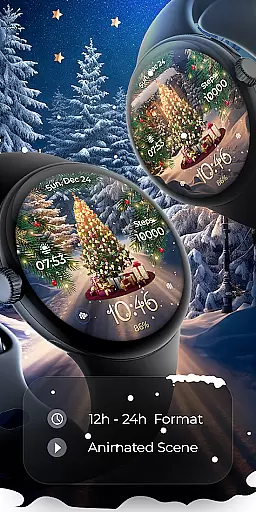
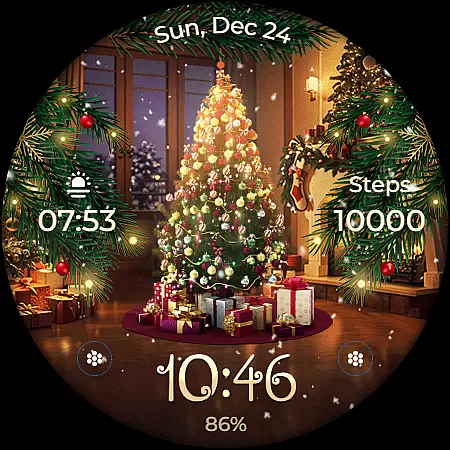
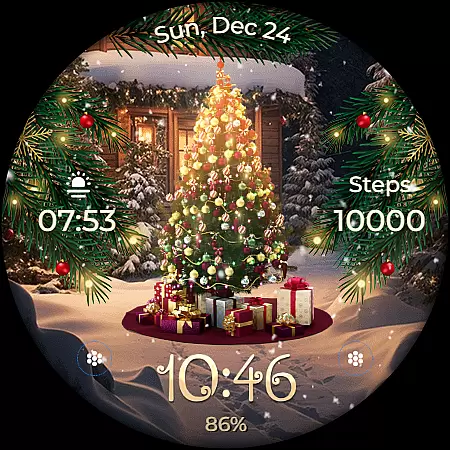
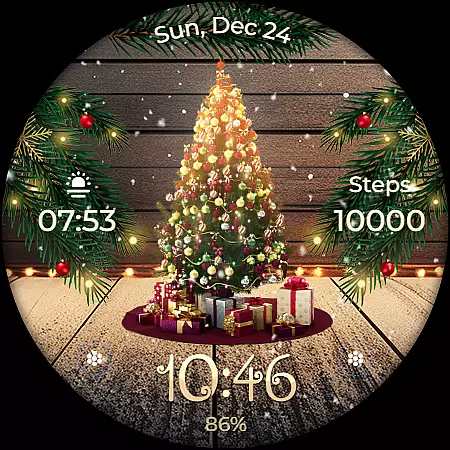
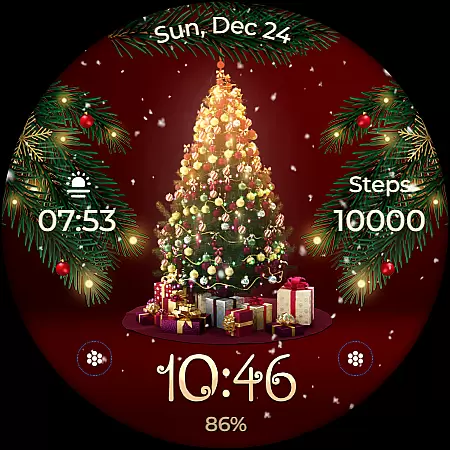
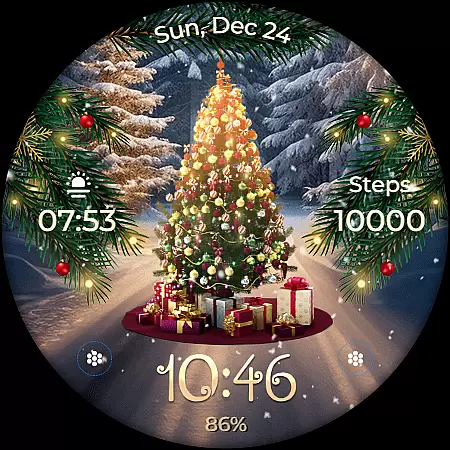
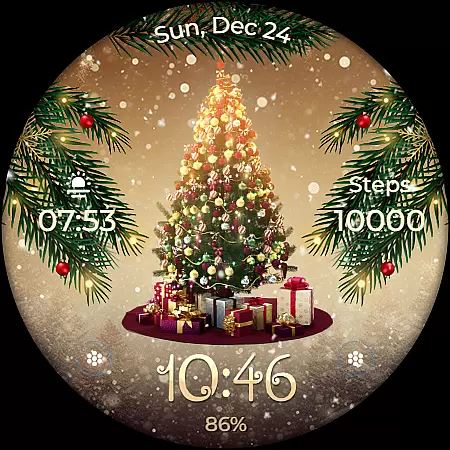
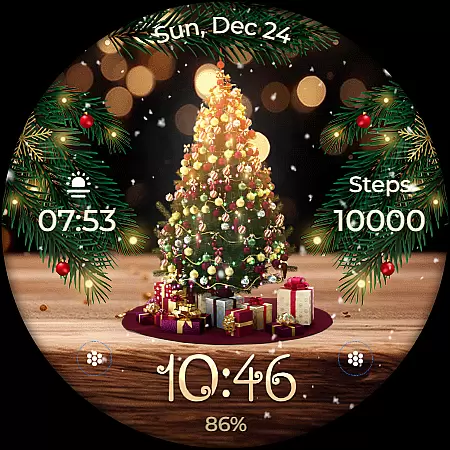
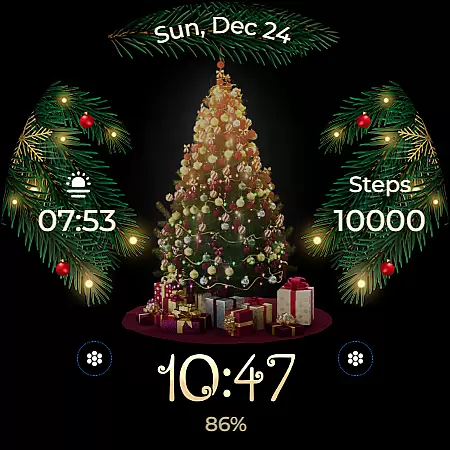
Animated is a festive Wear OS watch face that brings the magic of Christmas to your wrist. Featuring a lively animated Christmas tree adorned with presents, the watch face creates a winter wonderland experience as snowflakes cascade across the screen and enchanting sparkles leave a magical trail. Beyond its holiday charm, this app provides essential functionalities like time display, date, battery status, and step count.
The watch face supports Always ON Display with customizable colors and modes, allowing users to tailor their experience. With compatibility across API level 33+ devices including Google Pixel and Galaxy Watch models, Animated ensures both style and utility. Whether you're looking to celebrate the season or simply enjoy a visually appealing watch face, this app offers a unique blend of festivity and practicality for daily use.
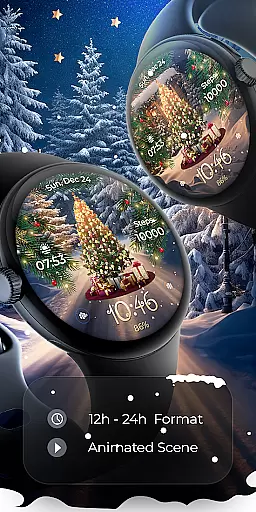
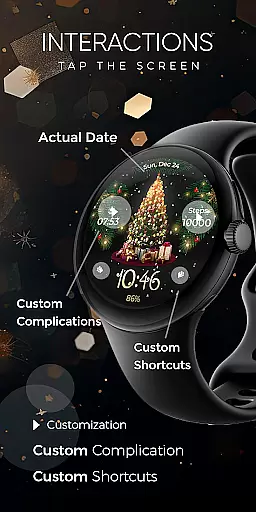
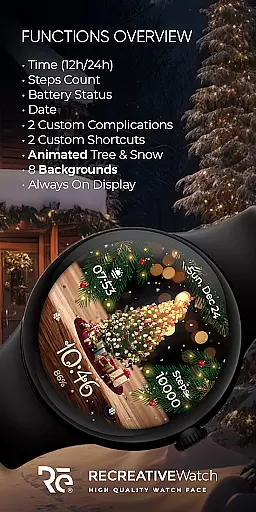
Animated stands out with its rich feature set designed to enhance both aesthetics and functionality. The watch face displays 12/24h digital time, date, battery level, and step count, ensuring users stay informed while enjoying the whimsical animations. Two customizable complications and shortcuts allow personalization, enabling users to access their preferred data directly from the watch face.
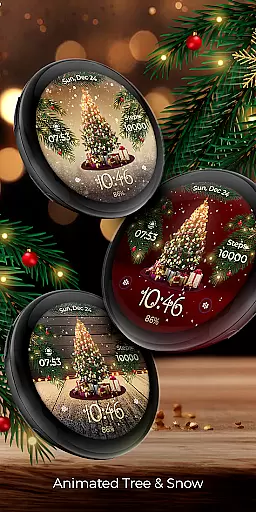
One of the key highlights is the inclusion of eight selectable backgrounds alongside the signature animated Christmas tree, snowfall, and magical sparkles. These dynamic elements create an immersive experience that captures the holiday spirit. Additionally, the Always ON Display feature supports changeable colors and modes, offering flexibility for different preferences and lighting conditions. This combination of visual appeal and functional versatility makes Animated a standout choice among Wear OS watch faces.
Companion app integration is essential for a seamless wearable experience. The Animated watch face demonstrates excellent companion app integration by providing users with an easy way to install and locate the watch face on their Wear OS device.
The mobile app serves as a facilitator, ensuring that users can effortlessly set up the animated Christmas tree watch face. This includes features like guiding users through installation steps and helping them customize the watch face according to their preferences.
While the phone app contains ads, it doesn't detract from the overall functionality. Instead, it focuses on delivering a smooth setup process, making it convenient for users to access the delightful animations and functionalities of the watch face.
This integration ensures that users can enjoy the magic of cascading snowflakes and sparkling particles right on their wrists, creating an enchanting winter wonderland experience every time they glance at their watch.
Device compatibility is crucial for ensuring that applications run smoothly across various devices. The Animated watch face is compatible with Wear OS, supporting API level 33+ devices such as Google Pixel and Galaxy Watch models 4, 5, and 6.
This compatibility ensures that users with different Wear OS watches can enjoy the whimsical Christmas-themed animations without any issues. The wide range of supported devices highlights the versatility and adaptability of the watch face.
Additionally, the watch face offers features like Always ON Display support, customizable complications, and shortcuts, which are optimized for these devices. This optimization provides users with a rich and engaging experience tailored specifically for their smartwatches.
For those concerned about battery performance, disabling the Always ON Display mode is recommended. This balance between functionality and power management exemplifies the thoughtful design behind the Animated watch face's compatibility strategy.
Festive design
Customizable features
Battery optimization
Wide device support
Always ON Display
Holiday-themed only
Limited free options
Ads in mobile app
Complex setup
High battery usage
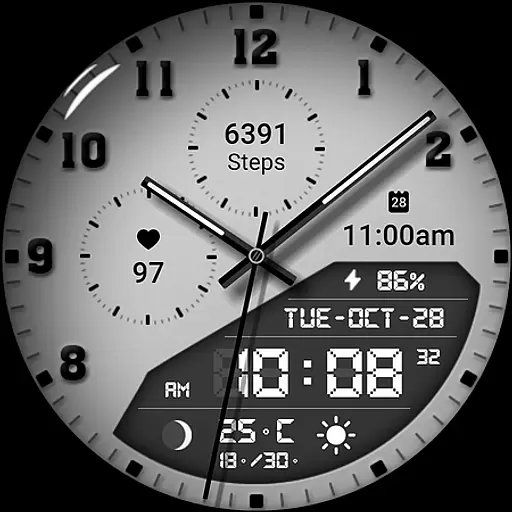
3 Complications. All shadow on/off. 30 Themes color palette...
 4.1
4.1
Bold, Modern Hybrid Watch Face for Wear OS. 10 Colors, Rich Info Display.
4.30
Stylish digital watch face for Wear OS devices with customizable features
4.1
The ultimate destination for kids ages 3-8 to explore the Marvel Universe!
4.30
The Chevron App allows you to pay for fuel from the comfort of your car!
4.80
A modern hybrid informative watch face for Wear OS designed by BALLOZI
4.80
Your music, your playlists, and more—offline and unlimited.
4.20
Fitbit is dedicated to helping people lead healthier, more active lives.
4.10
Control your Samsung Smart TVs, appliances, and SmartThings-compatible devices
4.60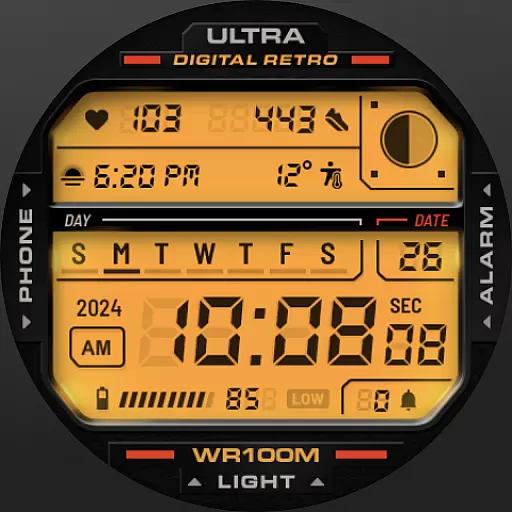
Retro digital watch face with customizable colors and a unique lighting effect
4.60
Gym & home workout plans with strength training, exercise tracking, HIIT & more.
4.60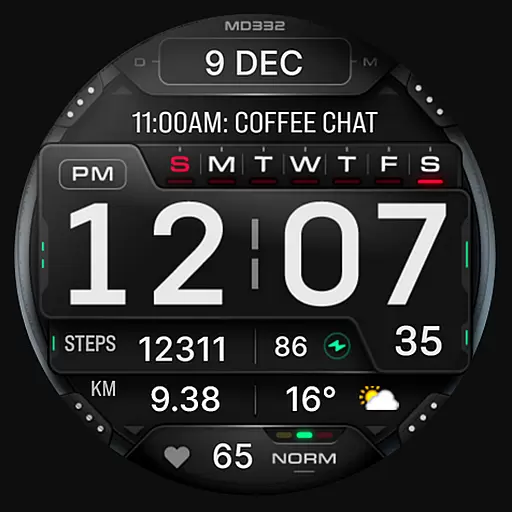
Digital watch face with big numbers and many customization for Wear OS devices
4.40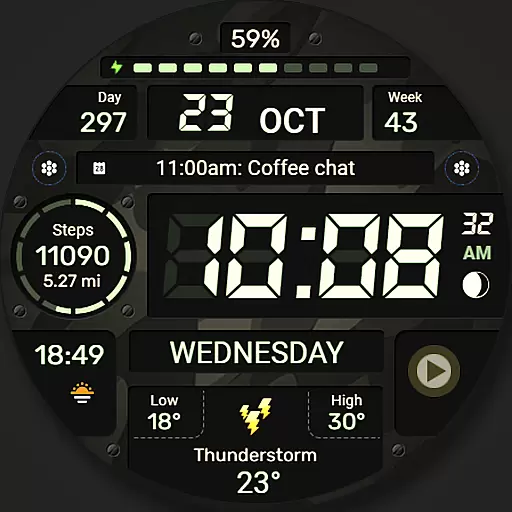
Digital watch face. For Wear OS devices.
4.40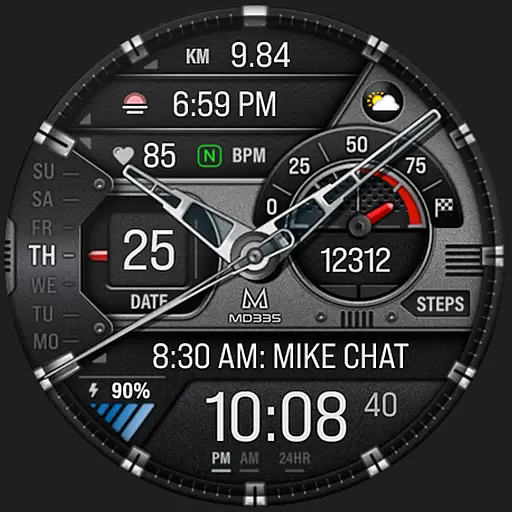
Premium hybrid watch face with many customizations for Wear OS devices.
4.40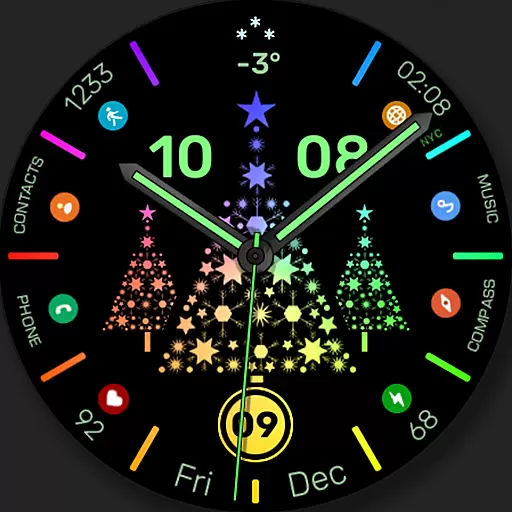
Christmas watch face. For Wear OS devices.
4.30
Find EV charging stations
4.30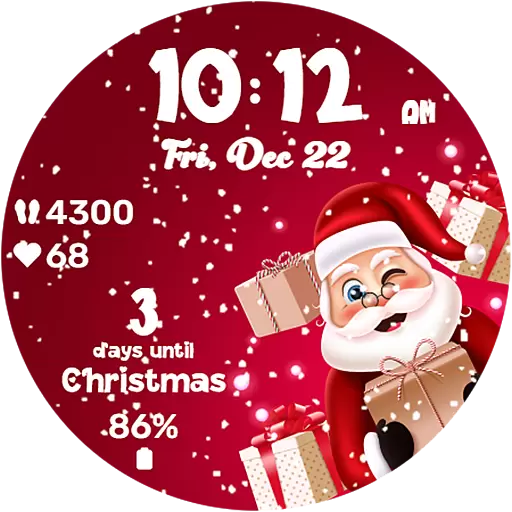
Embrace the festive spirit with our Christmas Countdown watchface for Wear OS
4.10
sleep, alarm, snoring, stress, healing, focus, sound therapy, circadian rhythm
4.10
A watch face that fuses motorsport precision with contemporary smartwatch design
4.5


User Reviews