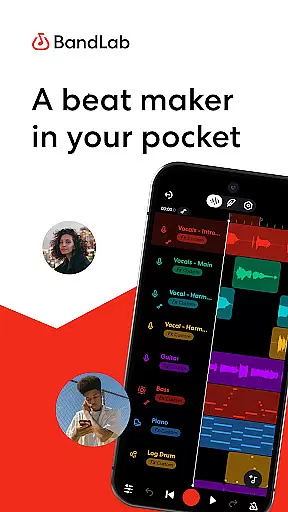
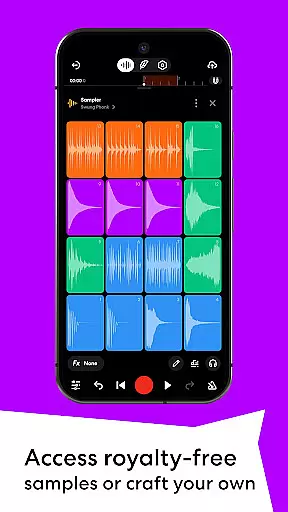
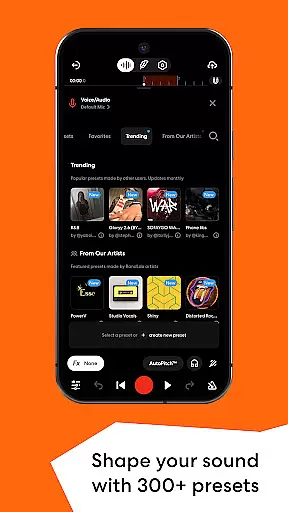
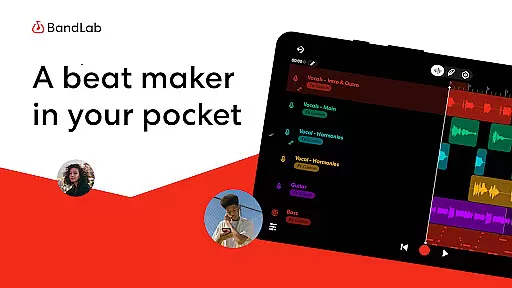
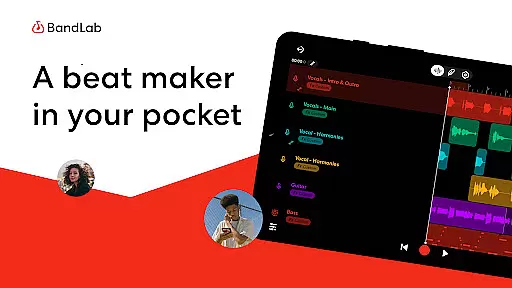
BandLab is a comprehensive music production studio that empowers users to create, mix, and share their music directly from their mobile devices. The app offers an extensive suite of professional-grade tools including a royalty-free sample library with over 100,000 sounds, 300+ audio presets for vocals, guitars, and bass, and AI-powered stem separation for extracting individual tracks from songs.
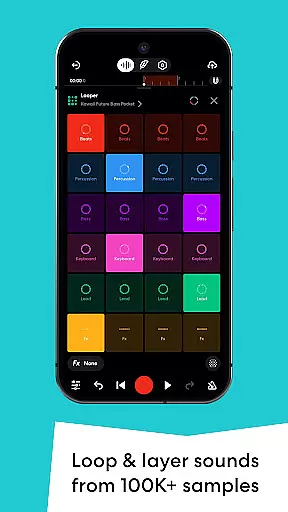
Designed for both beginners and experienced musicians, BandLab provides intuitive features like the SongStarter AI beat generator, Drum Machine, and Looper. These tools help users quickly develop musical ideas across various genres. With additional capabilities such as 385+ Virtual MIDI instruments, automation controls, and mastering presets created by award-winning engineers, BandLab delivers a complete music-making solution in one convenient package.
The app's cross-platform functionality allows seamless project syncing between devices while offering unlimited multi-track projects and free cloud storage. Users can distribute their finished tracks to major streaming platforms directly through the app, making it an essential tool for modern music creators looking to produce professional-quality content on the go.
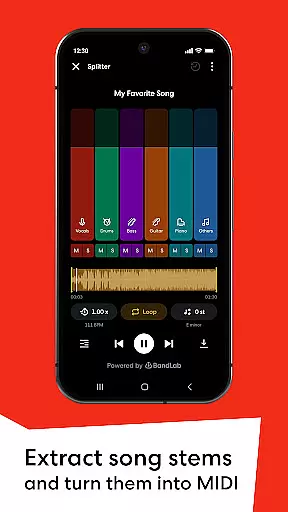
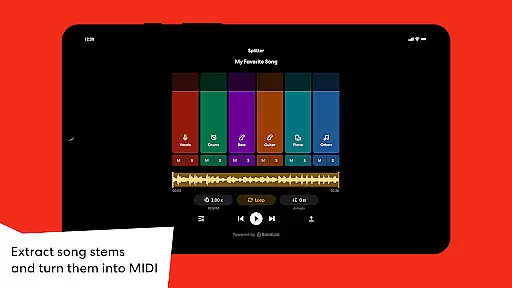
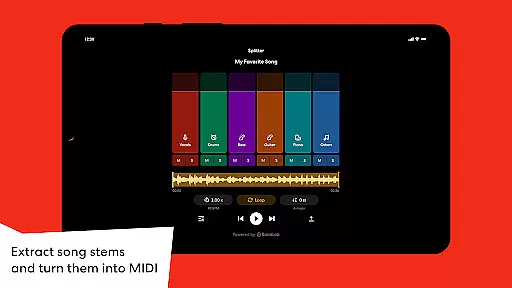
BandLab distinguishes itself through its robust feature set tailored specifically for music producers and beatmakers. The app's Splitter tool utilizes advanced AI algorithms to separate any song into high-quality stems, enabling users to isolate vocals or specific instruments for remixing and practice purposes. This innovative approach to stem extraction sets BandLab apart from traditional DAWs.
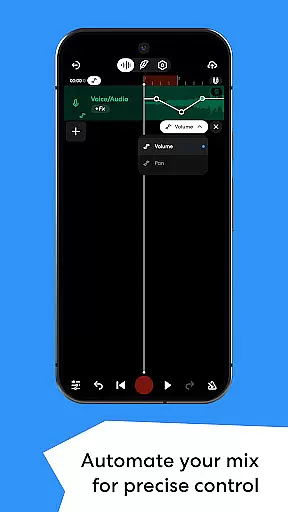
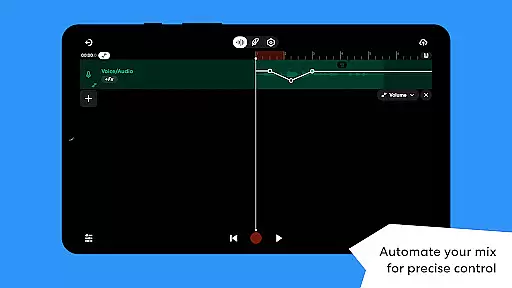
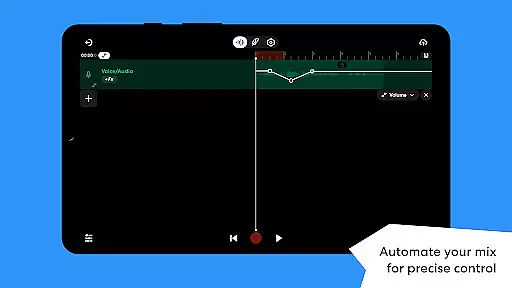
The inclusion of 385+ Virtual MIDI instruments provides musicians with an impressive array of sound options, from hard-hitting 808s to smooth synthesizers, all accessible through an intuitive interface. The app's Automation feature gives precise control over mixing parameters, allowing for dynamic transitions and professional-grade audio manipulation. Additionally, BandLab's mastering tools, developed in collaboration with Grammy-winning engineers, ensure tracks are optimized for streaming platforms with just a single tap.
What truly makes BandLab stand out is its comprehensive ecosystem that combines creation, collaboration, and distribution in one platform. The app supports unlimited multi-track projects, automatic cloud saving, and direct distribution to popular streaming services while allowing users to keep 100% of their earnings. This all-in-one approach streamlines the entire music production process from initial idea to global release.
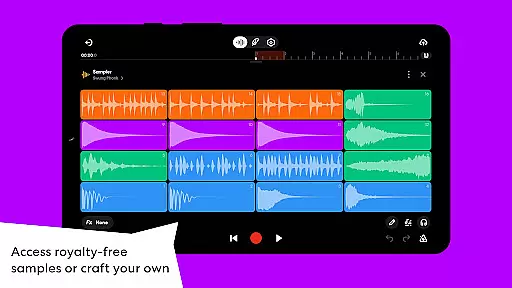
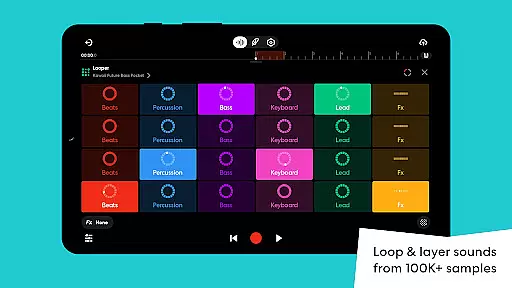
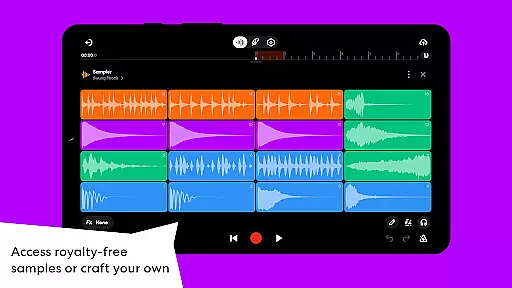
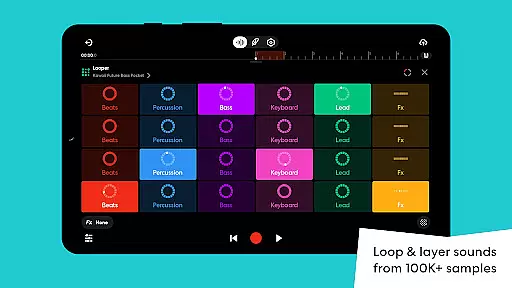
BandLab offers an extensive music library that includes over 100,000 royalty-free samples and 385 virtual MIDI instruments. This vast collection allows users to explore a wide range of sounds and genres, from hard-hitting 808s to smooth synths, ensuring that creators have the tools they need to perfect their sound.
The app emphasizes copyright authenticity by providing users with royalty-free content. This means musicians can use any sample or instrument within the app without worrying about legal issues, making it a reliable source for original music creation. The inclusion of such a comprehensive and legally safe library empowers artists to focus on their creativity without concerns about copyright infringement.
Moreover, BandLab's library is not static; it evolves with regular updates and new additions. Users can access fresh content frequently, keeping their music production innovative and up-to-date. This commitment to maintaining a dynamic and authentic music library ensures that BandLab remains a top choice for both amateur and professional music producers.
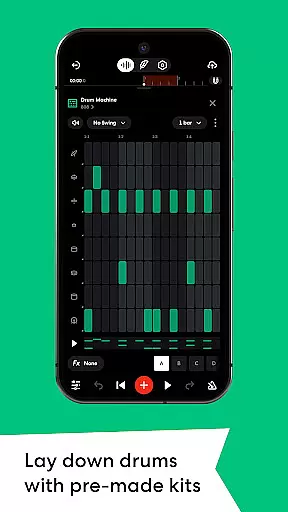
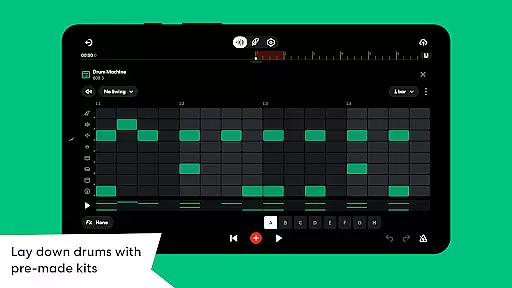
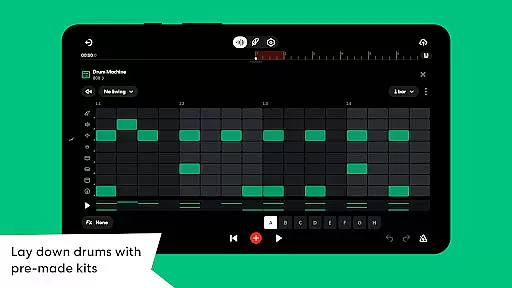
BandLab provides superior audio quality options through its advanced features like the SongStarter, Drum Machine, and Looper. These tools allow users to create high-quality beats and backing tracks effortlessly, regardless of their experience level. With pre-made kits and genre-diverse drum sounds, users can achieve professional-grade audio in their projects.
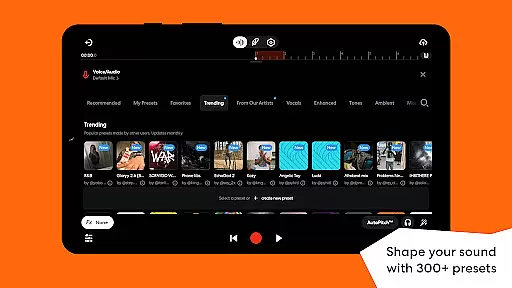
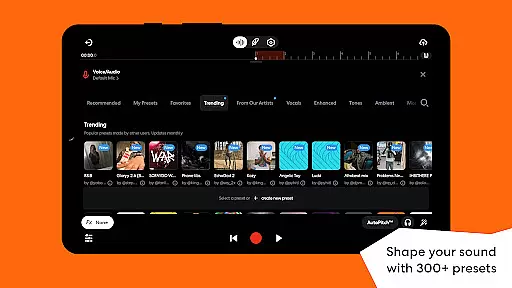
In addition to beat-making tools, BandLab offers 300+ vocal, guitar, and bass audio presets. These presets include effects such as reverb, delay, and EQ, enabling users to shape their sound precisely. By saving favorite presets, musicians can maintain consistency across different projects while achieving the desired audio quality.
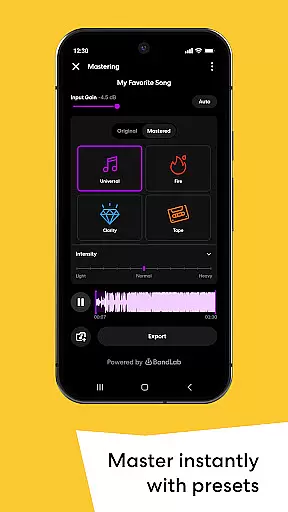
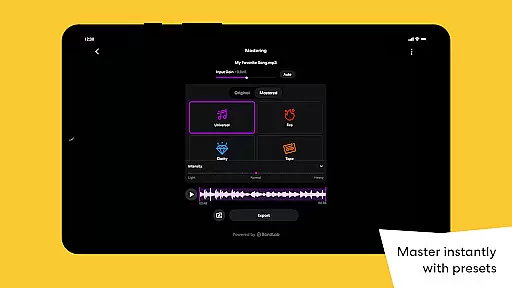
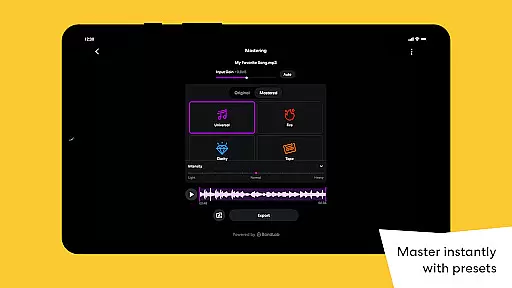
Furthermore, BandLabu2019s mastering feature enhances tracks with presets designed by multi-Platinum and Grammy-winning engineers. This final touch ensures that tracks are polished and ready for streaming platforms, giving them the shine they deserve. Such dedication to audio quality makes BandLab an indispensable tool for musicians aiming to produce top-notch music directly from their mobile devices.
User-friendly interface
Extensive sound library
Professional mastering tools
Free cloud storage
Cross-device syncing
Limited advanced editing
Occasional bugs
Ads in free version
Steep learning curve
Internet required

SqueezePlayer turns your Android phone or tablet into a SqueezeBox on its own!
 4.60
4.60
Powerful beat maker & DJ mixer to remix tracks, make music, & perform DJ mix
3.70
Walkout Song DJ is the most intuitive app to manage your sports music.
4.70
Your song collections with lyrics and chords on Android smartphones and tablets.
4.80
Network/Cloud Streaming, Visualization, Graphic Equalizer and Sound Effects.
4.20
The only true audiophile music player with Hi-Fi audio rendering and DSP engine
3.90
Learn and play 2M+ music tabs & chords on guitar, ukulele, bass, and more
4.30
Powerful 10-Band equalizer pro with sound booster improves Android audio quality
4.30
Sheet music reader, piano & music note player. Play music score & learn to read.
3.90
Performance-Synthesizer & Multi-Track-Sequencer, polyphonic + multi timbral!
4.70
Gorgeous UI, Powerful music Search and Equalizer, the great choice for you!
4.70
Over 100 million tracks available for high quality streaming and download
4.60
Manage your Sonos system directly from your home-screen!
4.40
Equalizer, Bass Booster and Volume Booster (Eq & Bass) improve sound quality
4.30
The official Sonos app
4.10
Versatile MP3 recorder with auto-backup to Dropbox and Google Drive
4.10
The ultimate media player for Android devices
3.90
USB audio recording and playback finally possible on Android 3.1 or higher!
3.90
MilkDrop for Android TV
3.00


User Reviews