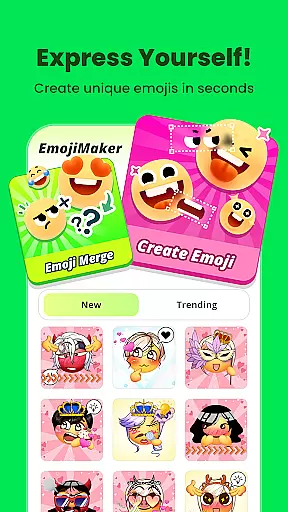
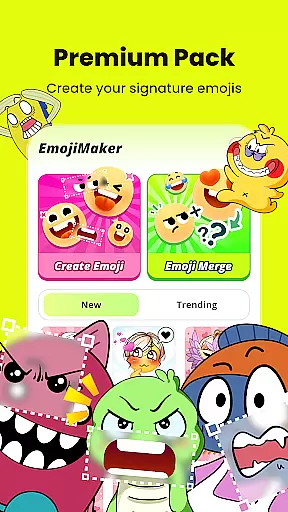
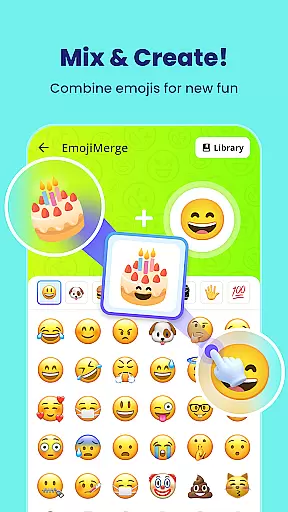
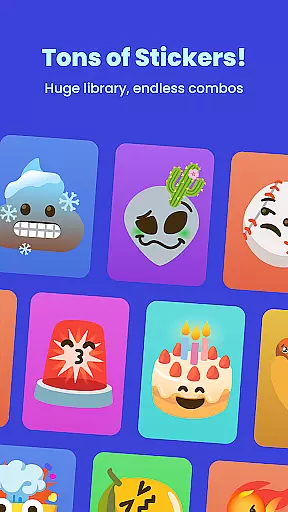
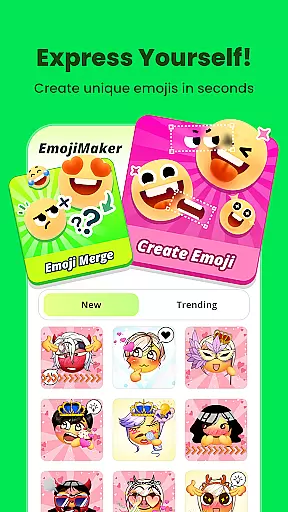
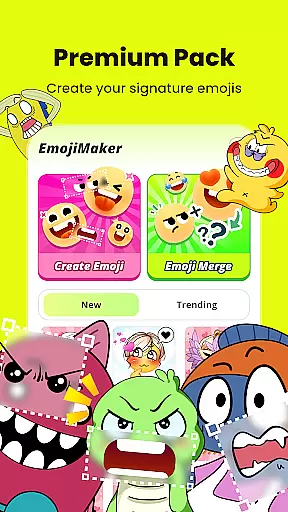
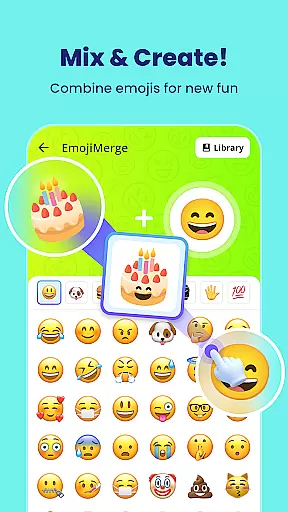
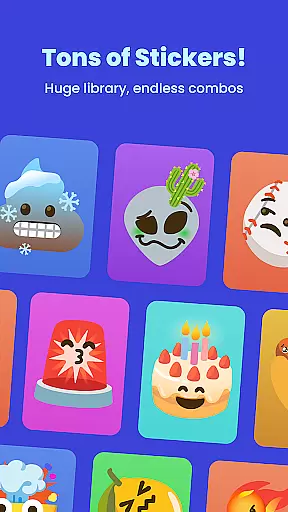
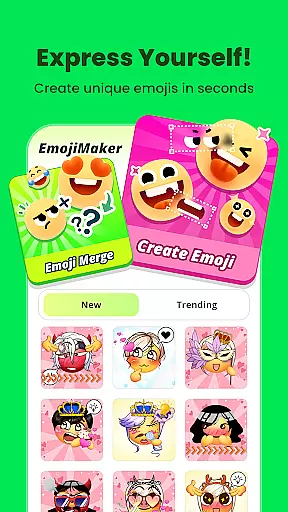
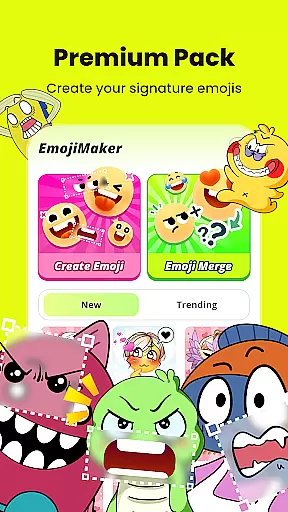
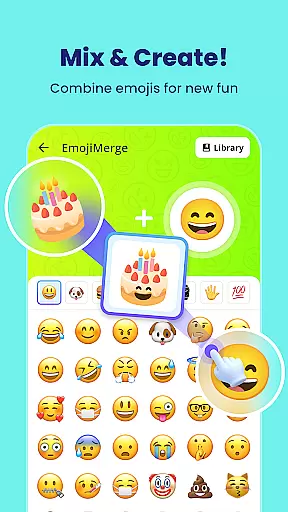
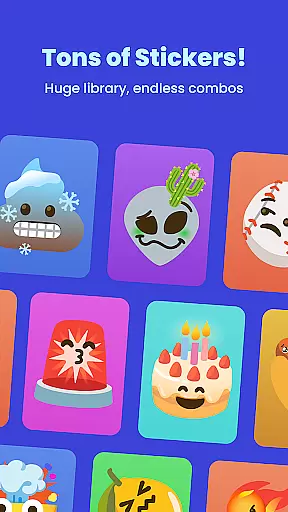
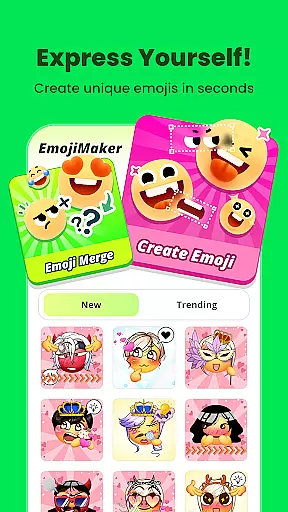
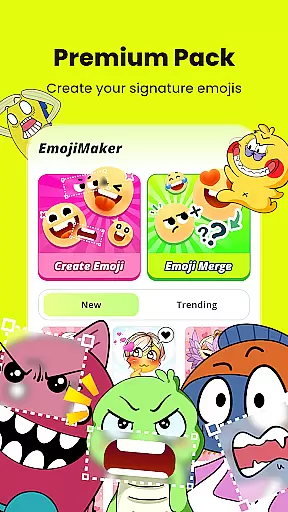
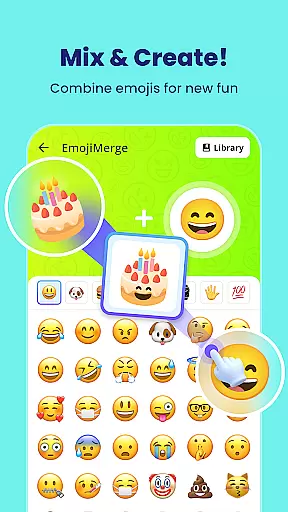
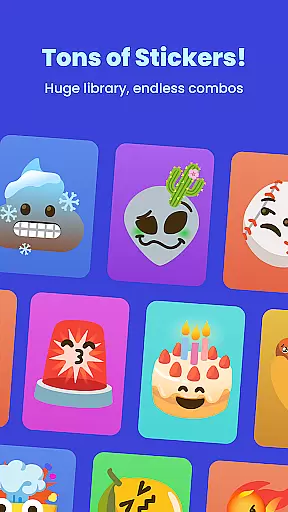
Gemoji is an innovative emoji creation platform that empowers users to design personalized emojis and stickers. This app provides a rich library of customizable components including eyes, mouths, accessories, and more, allowing for endless combinations. Users can create unique emojis for various occasions such as birthdays, holidays, or everyday chats.
The app's intuitive interface makes it easy to use for all age groups. With real-time preview functionality and simple editing tools, crafting custom emojis becomes a seamless experience. Gemoji stands out by offering frequent updates with new components and seasonal themes, ensuring the content stays fresh and engaging.
Whether you're looking to express specific emotions or simply have fun creating unique designs, Gemoji offers a creative outlet that enhances digital communication. The ability to download and share creations adds a social dimension, making it a valuable tool for personal expression.
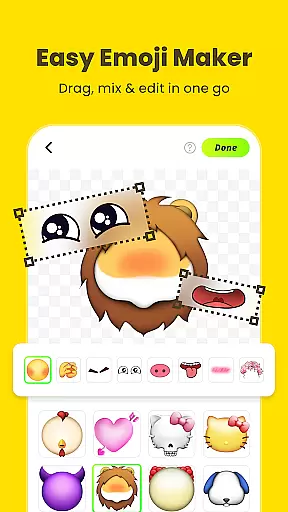
Gemoji boasts a variety of features that cater to creative expression. One standout feature is its extensive customization options. Users can mix and match different elements like eyes, mouths, and accessories from a vast selection of beautifully designed components. This flexibility allows for the creation of emojis that suit every mood, season, or special occasion.
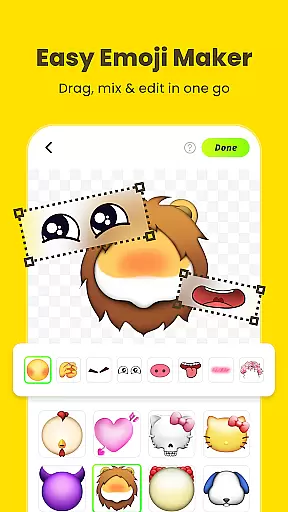
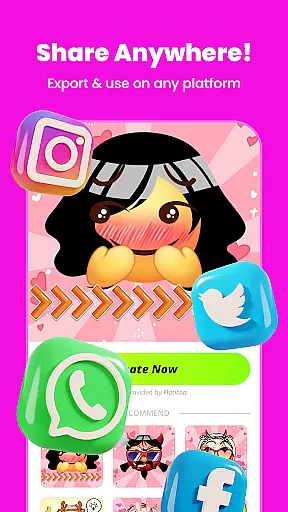
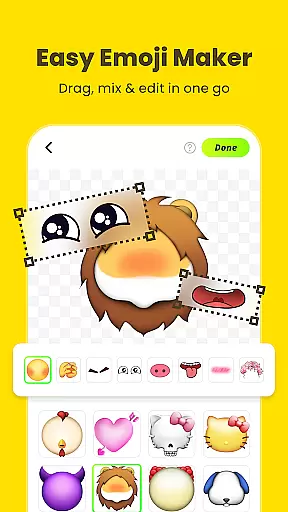
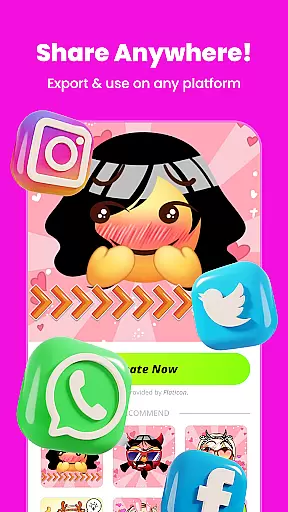
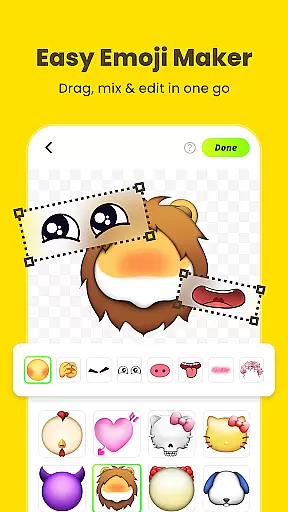
Another key feature is its user-friendly interface. The app allows users to click and change components effortlessly, layering elements in real time. This ease of use ensures that even those with minimal design experience can craft stunning emojis. Additionally, the app supports transforming custom emojis into messaging stickers, which can be shared across various platforms.
Gemoji also excels in providing professionally designed elements and effects. These high-quality components help users create standout emojis that are not available in standard emoji libraries. Frequent updates and new seasonal themes keep the content fresh, encouraging continuous engagement and exploration within the app.
Customization is at the heart of Gemoji, allowing users to express their unique style and creativity through emojis. With a vast array of options, users can mix and match different elements such as eyes, mouths, accessories, and more, ensuring that each emoji is one-of-a-kind.
The app provides an extensive selection of colors and design components, enabling creators to craft emojis for every mood, season, or special occasion. Whether it's a quirky face or a cute character, Gemoji places the power of emoji creation directly into the user's hands.
Users benefit from the real-time customization feature, where changes are instantly visible, making the design process both intuitive and enjoyable. This level of personalization ensures that your emojis will stand out in any conversation, offering a fresh and unique way to communicate with friends and family.
Gemoji excels in theme compatibility, providing a rich library of professionally designed emoji elements that can be combined to create stunning effects. The app frequently updates its components, introducing seasonal themes and new design elements that keep the content fresh and engaging for users.
Whether you're celebrating holidays, birthdays, or just everyday chats, Gemoji's versatile themes ensure that there's always something appropriate and fun to add to your messages. This makes it not only a tool for communication but also a platform for connecting and sharing joy through creative expression.
With Gemoji, staying unique in your digital interactions has never been easier. Users can enjoy crafting custom emojis that truly reflect their personal style, knowing that they have access to an ever-evolving set of themes and components that guarantee their creations remain novel and exciting.
Highly customizable
User-friendly interface
Frequent content updates
Vibrant design elements
Social sharing capability
Limited free features
In-app purchases required
Occasional bugs reported
Heavy on storage
Learning curve for new users

Capture moments that pass like a storm, second by second.
 4.4
4.4
Beautiful realistic hybrid watch face with numerous customization options.
4.50
Wear Os Watch Face - Seasonal - Animated Snow Effect - 9 Animals
4.20
Prank your friends with realistic broken screen and cracked HD effects!
4.2
Sparkle your screen with Glitter Wallpapers For Girls and Cute Backgrounds!
4.80
Turn your lock screen into fun with smile live wallpapers & animated wallpapers!
2.50
Nothing Icon pack with more than 3750+ highly crafted icons.
4.70
350+ widgets with a premium glass-style finish, perfect for home & lock screens.
4.70
Cool custom fonts & keyboard themes! Symbols & font changer for Instagram
4.50
Enjoy a variety of amazing live wallpapers and colorful EDGE lighting borders!
4.80
Vertically oriented rectangular icons
4.70
Shimeji adds cute animated characters to your screen, lively and fun.
4.70
400+ Beautifully crafted widgets inspired by NOTHING.
4.70
Ultra realistic high quality analog watch face for Wear OS.
4.60
300+ widgets inspired by Material You and Material 3 expressive design.
4.60
App Icon Changer & Shortcut Creator. Customize your icons without any watermarks
4.30
Launcher OS™ Pro without ads help make your phone simple and pretty
4.30
Your home screen, just the way you like it.
4.30
Customize glowing edges, wallpapers, and caller screen with EdgeAura.
3.50
Wallpaper Engine Android review—PC sync setup, crash issues, sound reactive limitations, and whether this free companion app is actually good.



User Reviews