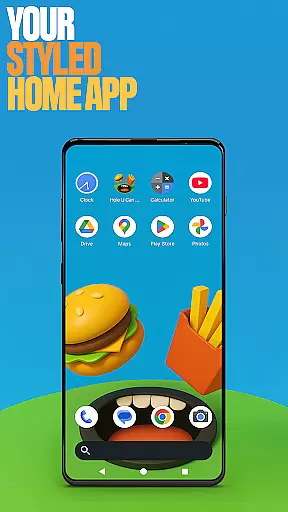
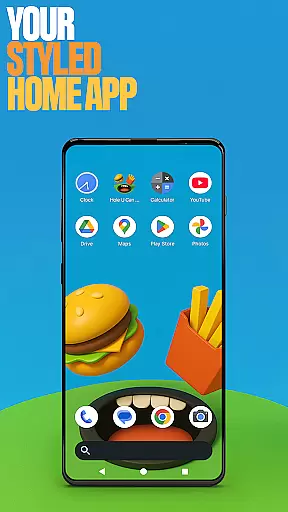
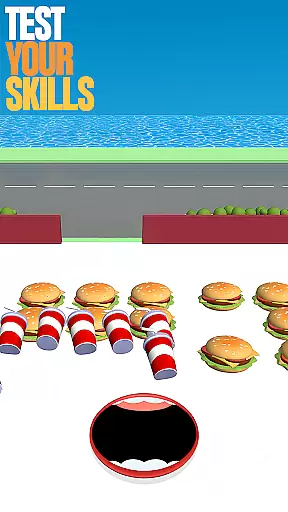
Hole U Can Eat Home App is a dynamic personalization tool designed to enhance your device's interface with customizable features. This app offers flexible layouts, custom icon shapes, and game-style wallpapers inspired by the popular Hole U Can Eat game. Users can tailor their home screen experience while enjoying a fresh design that keeps interactions engaging.
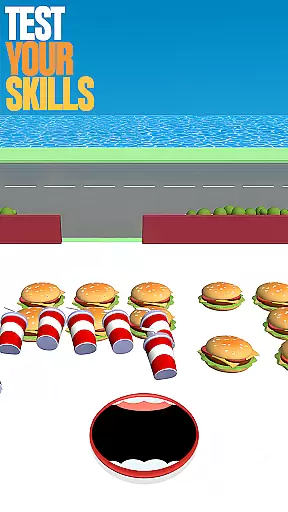
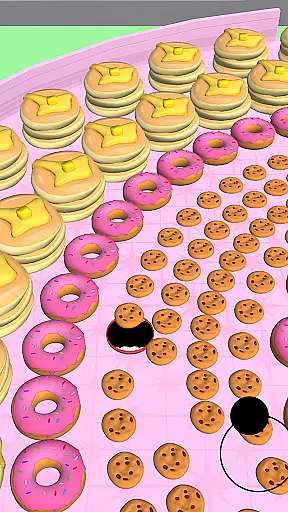
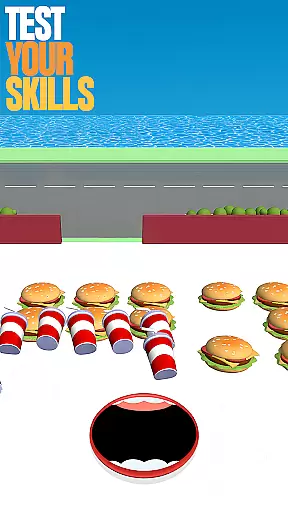
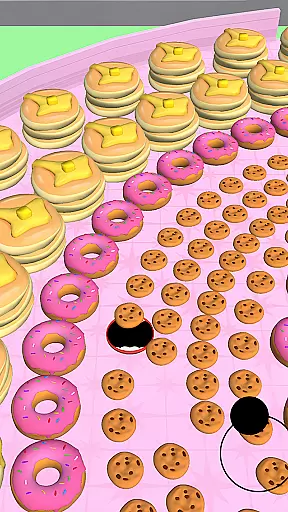
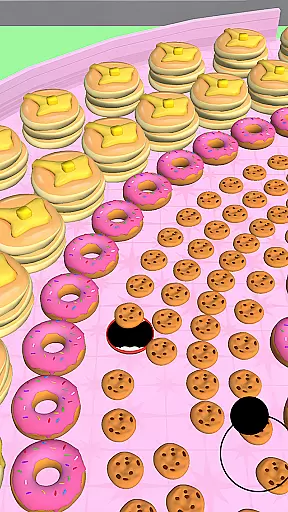
As a launcher app, it allows you to set it as your default home app for daily use, with the flexibility to revert to your previous launcher anytime. The app also integrates gaming elements, letting users dive into a fun, chaotic game where they grow a hole by swallowing objects and earning coins for upgrades.
This dual-purpose app is ideal for those seeking both utility and entertainment on their devices. It combines practical home screen management with an addictive gaming experience, making it suitable for quick breaks or extended play sessions.
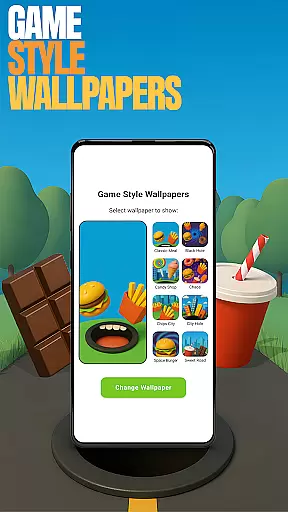
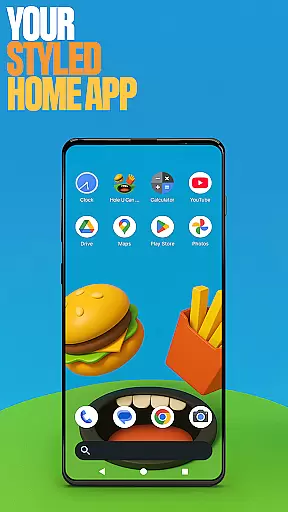
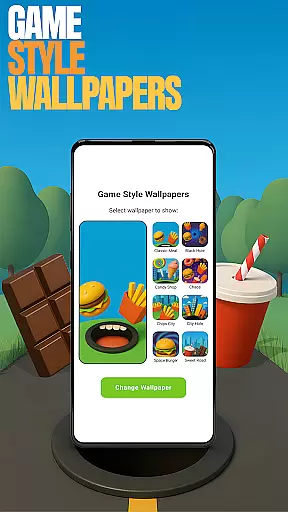
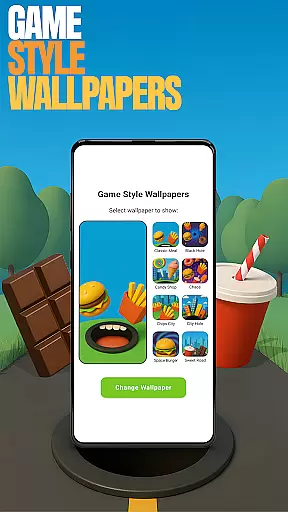
Hole U Can Eat Home App stands out with its diverse customization options. The Game Style Wallpapers feature lets users apply unique designs from the Hole U Can Eat game, adding a playful touch to their home screens. To access, simply long-press on the home screen and select 'Game Style Wallpapers'.
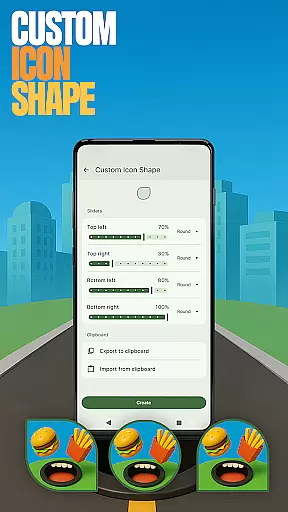
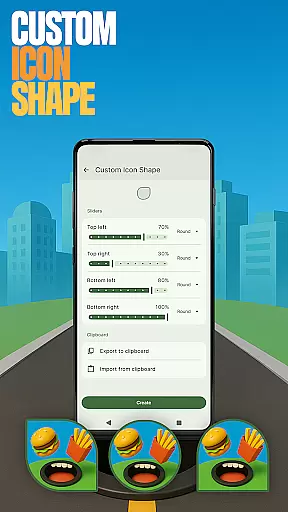
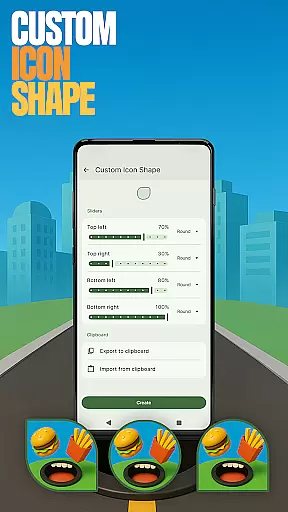
The app provides Custom Icon Shapes, allowing personalized iconography that matches individual tastes. By long-pressing on the home screen and navigating to 'Custom Icon Shape', users can modify their device's aesthetic easily. Additionally, Custom Gestures streamline navigation by enabling specific swipes or taps to open apps or settings quickly.
For privacy-conscious users, the Hide Apps feature ensures sensitive applications remain concealed yet accessible. Through 'Home settings', users can manage hidden apps discreetly. Lastly, Accent Color customization empowers users to define their device's color scheme, either through presets or custom creations, ensuring a truly personalized experience.
Customization is at the heart of Hole U Can Eat Home App, offering users a wide array of options to personalize their device's appearance and functionality. With features like Game Style Wallpapers, Custom Icon Shapes, and Accent Color settings, this app allows for an unprecedented level of personal style expression.
The app provides unique wallpapers inspired by the Hole U Can Eat game, enabling users to set a playful backdrop on their home screens. Additionally, the Custom Icon Shape feature lets users alter the look of their app icons, ensuring that every visual element aligns with their personal taste.
Beyond aesthetics, the app includes practical customization options such as Custom Gestures and Hidden Apps. Users can define specific gestures to streamline app navigation and manage privacy by hiding sensitive apps from view. These diverse customization capabilities ensure that each user's experience is tailored to their preferences.
Hole U Can Eat Home App excels in theme compatibility, allowing users to seamlessly integrate various visual themes across their device. Whether you're looking to match your device's theme with your current mood or the season, this app offers flexibility that caters to all your theming needs.
With its Accent Color feature, users can choose from preset color schemes or create custom combinations, ensuring that their device's theme is always fresh and exciting. This level of control over color schemes enhances the overall cohesiveness of the device's appearance.
Moreover, the app ensures that any changes made to the theme are applied uniformly across the home screen and app drawer, maintaining visual consistency. This attention to detail in theme application guarantees that users enjoy a polished and professional look, regardless of how often they switch themes.
Highly customizable
Engaging game integration
User-friendly interface
Variety of themes
Flexible layout options
May overwhelm new users
Limited widget support
Occasional performance lags
Ads in free version
Complex gesture setup

Stunningly Different look with Line Icons and Neon Colors
 4.60
4.60
Themes - Widget & Wallpaper: Customize home screen, icon changer w unique themes
4.30
Personalize your phone with stunning HD and 4K wallpapers!
4.70
Interactive Miniature Painting Catalogue
3.30
More than 3000+ themes and 9000+ wallpapers for everybody!
4.10
Customizable screen pets that play, climb, and keep you company.
4.50
Romantic Kiss Stickers App. Start romantic messaging now!
4.30
200+ Material Inspired Widgets
4.50
Enjoy a variety of amazing live wallpapers and colorful EDGE lighting borders!
4.80
Customizable Glass widgets. Over 360+ stunning widgets and more!
4.70
Nothing Icon pack with more than 3750+ highly crafted icons.
4.70
Want to make your phone more special than ever?
4.60
Zip lock screen with magic wallpaper to decorate your phone with fun zipper lock
4.60
Stylish Pink Cute Hippo keyboard with 10000+ customized keyboard themes!
4.60
300+ widgets inspired by Material You and Material 3 expressive design.
4.60
Ultra realistic gold analog watch face with lots of customization options.
4.50
Launcher OS™ Pro without ads help make your phone simple and pretty
4.30
Transform your phone with stunning video wallpapers and a unique, personal touch
3.80
Adorable pets roam and play right on your phone screen!
3.30
Wallpaper Engine Android review—PC sync setup, crash issues, sound reactive limitations, and whether this free companion app is actually good.


User Reviews