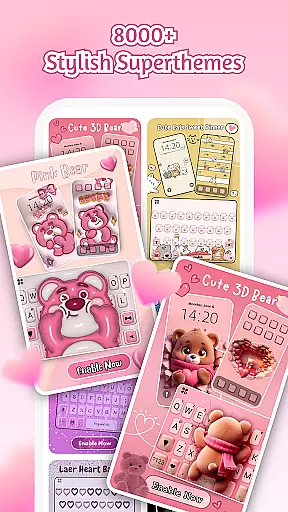
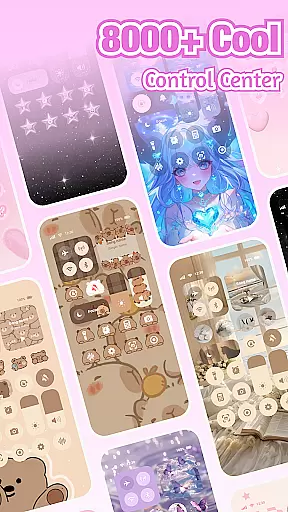
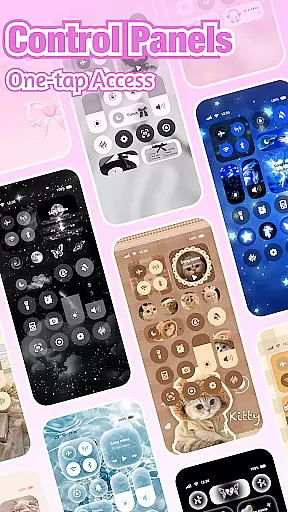
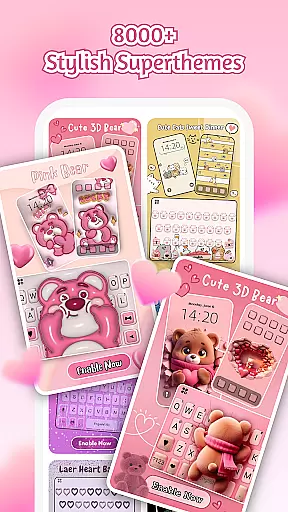
iControl is a feature-rich personalization app designed to transform your Android device into a canvas of creativity. This professional theme application allows users to personalize their phones with aesthetic control packs and keyboard themes, offering a unique way to express individual style.
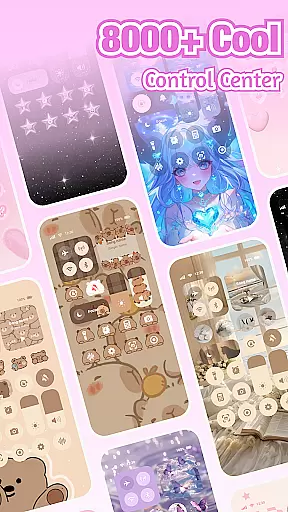
The app provides an extensive range of customization options including Control Center tools, custom keyboard themes, and photo keyboards. With over 500 designer templates updated daily, users can easily tailor their home screens to match their personal aesthetics. Whether you prefer simple, trendy, or totally unique styles, iControl empowers you to be your own home screen designer.
Beyond its visual appeal, iControl enhances user experience through practical features such as brightness and volume adjustment, dark mode switching, and various connectivity controls. These functionalities ensure both style and substance, making it an ideal choice for those looking to optimize their device's appearance and performance.
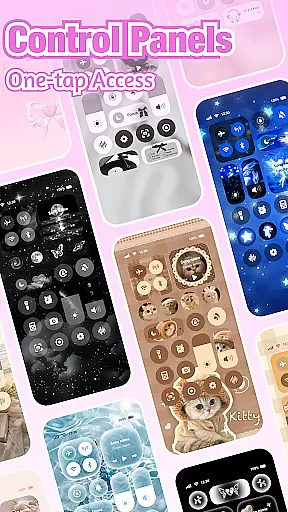
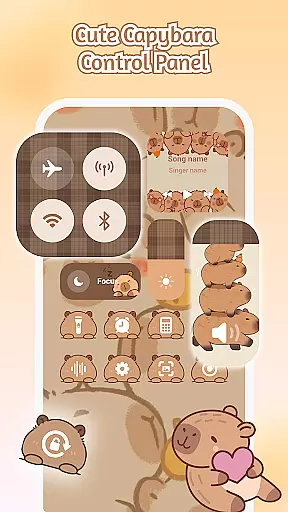
iControl stands out with its comprehensive set of features that cater to both aesthetic and functional needs. The Control Center offers smart tools like brightness and volume sliders, dark mode switch, Wi-Fi and Bluetooth connectivity options, Do Not Disturb mode, screen rotation lock, airplane mode, and flashlight functionality.
The app's Custom Keyboard and Photo Keyboard features allow users to create exclusive keyboard designs with customizable colors, backgrounds, sounds, effects, fonts, and layouts. It supports fast and smart typing with clipboard functionality for multiple copy-paste actions, swipe typing, contextual prediction, and cloud-based next-word prediction.
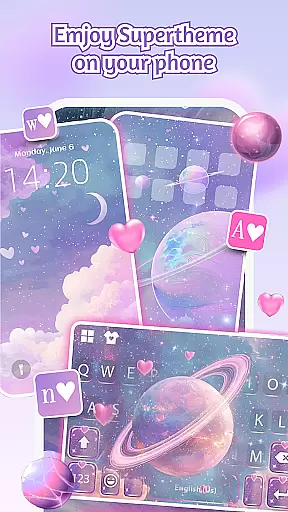
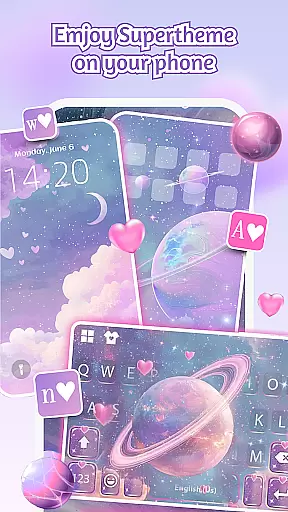
One of iControl's most impressive aspects is its SuperTheme feature, which ensures unified aesthetics across different elements. The Zero-Skill DIY approach makes professional-level design accessible to all users, while maintaining privacy and security standards. With support for over 150 languages and regular template updates, this app truly offers limitless personalization possibilities.
Customization is at the heart of iControl, allowing users to tailor their Android devices to reflect personal style and preference. With an extensive range of aesthetic control packs and keyboard themes, this app transforms your phone into a personalized gadget.
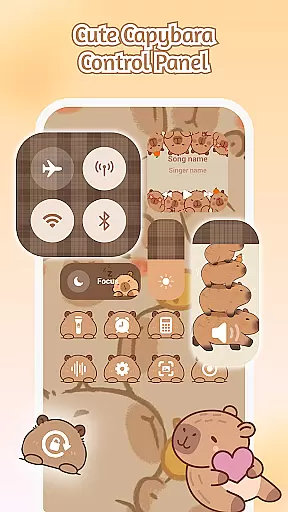
The app offers a Control Center that combines smart tools with stylish design. Users can adjust settings like brightness and volume through simple sliders, toggle dark mode to ease eye strain, manage Wi-Fi and Bluetooth connections, activate Do Not Disturb for uninterrupted focus, lock screen rotation, enable Airplane Mode, and access the flashlightu2014all from one stylish interface.
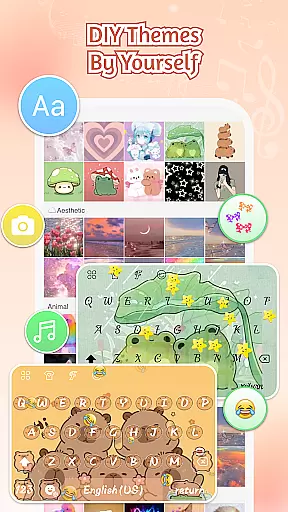
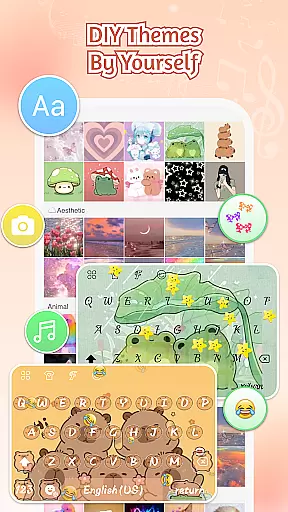
Moreover, iControl provides a custom keyboard feature where users can select photos or pictures to create exclusive keyboard themes. This includes customizable colors, backgrounds, sounds, effects, fonts, and layout, ensuring a unique typing experience tailored to individual tastes.
iControl excels in theme compatibility, ensuring that all personalized elements blend seamlessly into the user's device interface. The SuperTheme feature offers unified aesthetics, eliminating the frustration of mismatched themes.
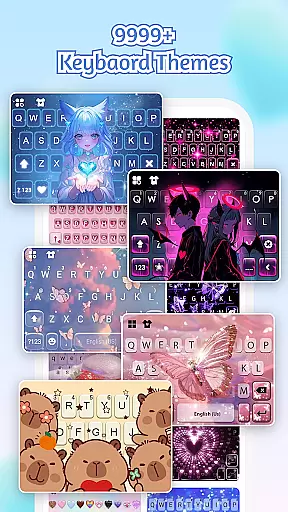
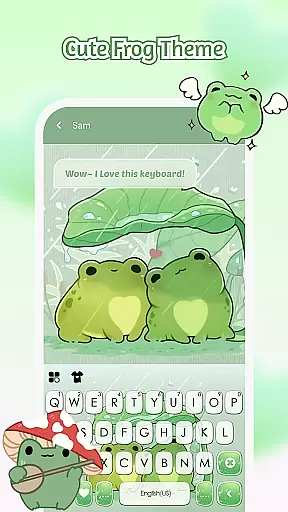
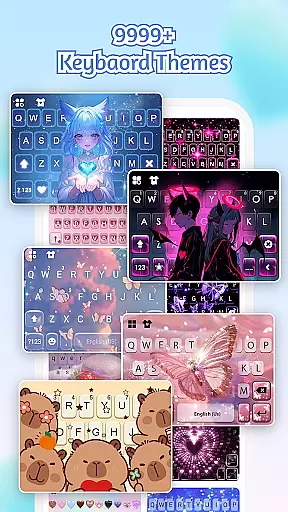
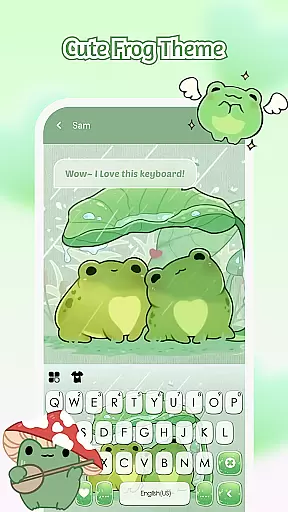
With over 500 designer templates updated daily, users have a vast selection of styles to choose from. Whether it's galaxy-themed keyboards that mirror starry skies or sakura keys that blend into forest-themed backgrounds, there's something for everyone.
In addition to pre-designed themes, iControl allows for zero-skill DIY customization. Users can reshape keys, tweak transparency, add touch effects and sounds, and even use AI-generated art for professional-level designs. One-tap activation brings these creations to life instantly, making everyone a designer.
User-friendly interface
Extensive customization options
Comprehensive language support
Regular template updates
Privacy-focused design
Requires accessibility permissions
Some features may need learning
Design options can be overwhelming
Occasional performance impact
Limited iOS compatibility

Vertically oriented rectangular icons
 4.70
4.70
Themes - Widget & Wallpaper: Customize home screen, icon changer w unique themes
4.30
Gun Chase - Let the chase begin.
4.80
100+ Stylish Fonts, Emojis, Symbols keyboard for Instagram & TikTok!
4.80
Romantic Kiss Stickers App. Start romantic messaging now!
4.30 4.50
4.50 4.50
4.50
Yandex Browser — stylish and secure, with voice search and data compression
4.40
300+ widgets inspired by Material You and Material 3 expressive design.
4.60
350+ widgets with a premium glass-style finish, perfect for home & lock screens.
4.70
A retro cartoon style watch face and a punch right in the face of the copyright
4.60
Unique Android Launcher
4.60
Stylish Pink Cute Hippo keyboard with 10000+ customized keyboard themes!
4.60
Transform your phone with Launcher iOS 26 - Smooth & elegant iOS experience
4.50
Customizable screen pets that play, climb, and keep you company.
4.50
Color phone with cool effects for call screen, flash alert & ringtones music
4.50
Unique Fonts, typefaces and stylish text. Fonts for Instagram, Whatsapp & others
4.20
Crystal-clear, square icon provides a sleek and sophisticated visual upgrade
4.00
Modern Glass Icon Pack with glossy icons, clean minimal theme & aesthetic style
4.2
Wallpaper Engine Android review—PC sync setup, crash issues, sound reactive limitations, and whether this free companion app is actually good.


User Reviews