
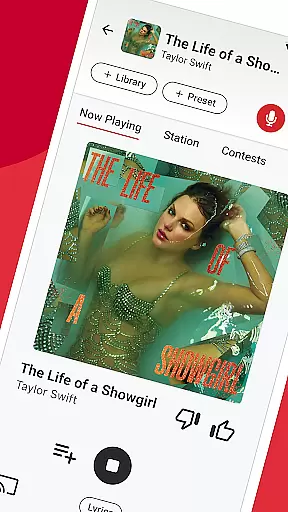

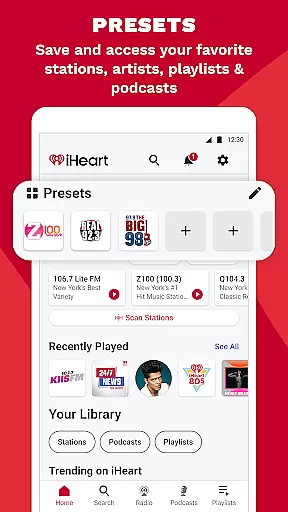
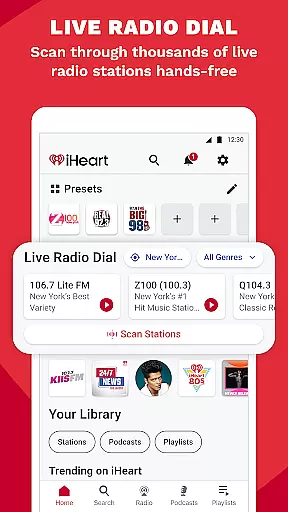
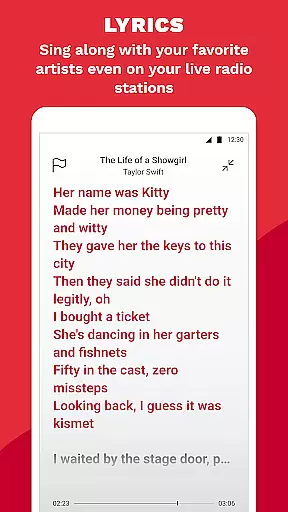
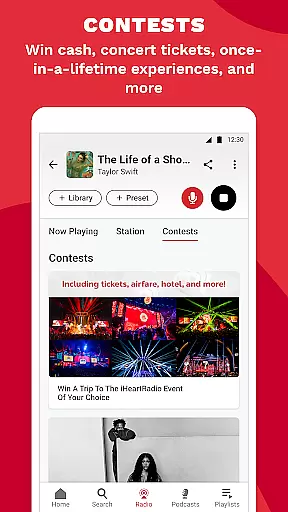
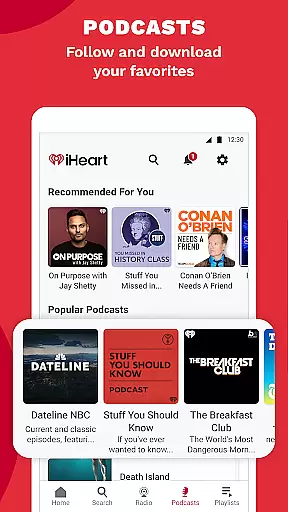
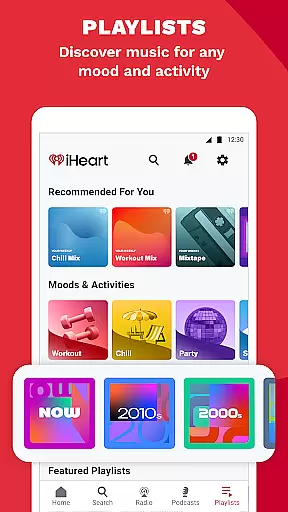
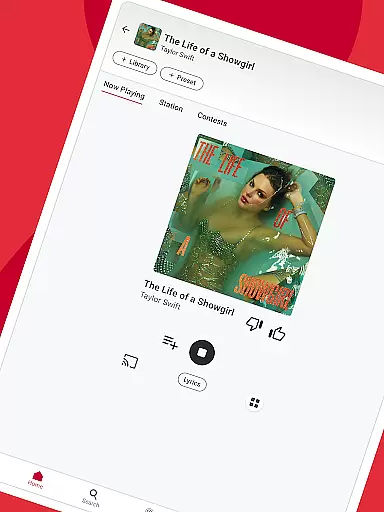
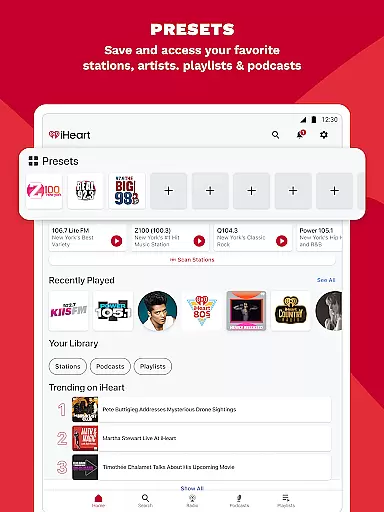
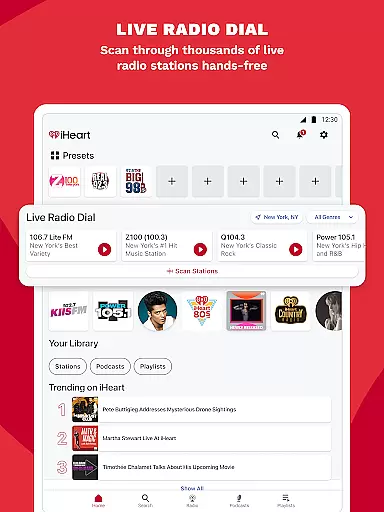
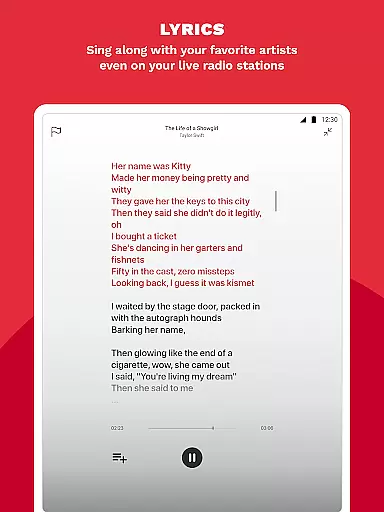
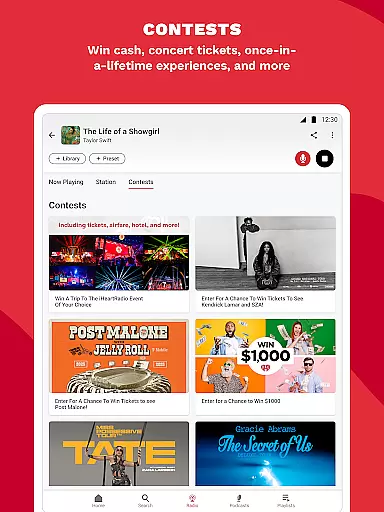
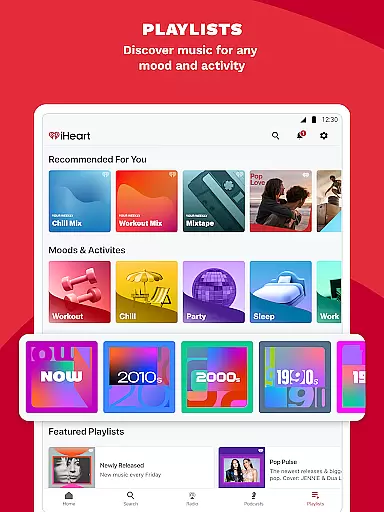
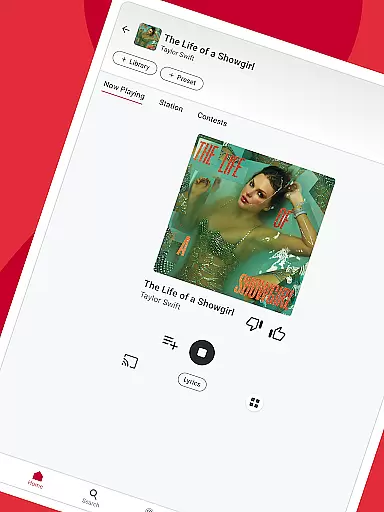
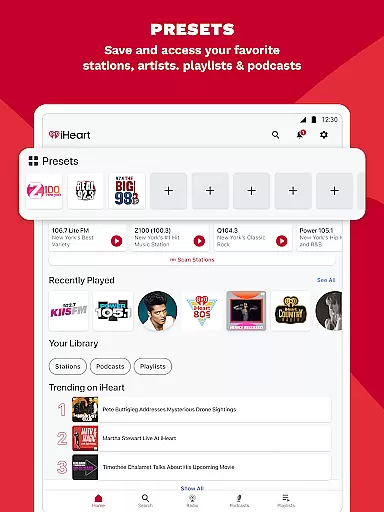
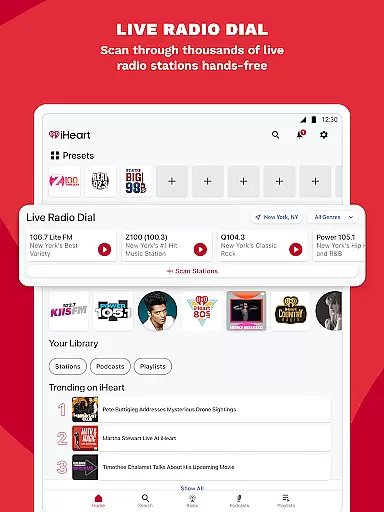
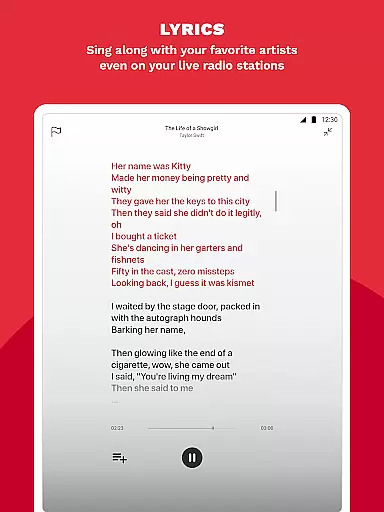
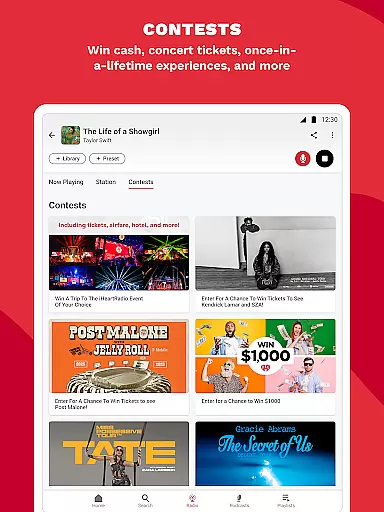
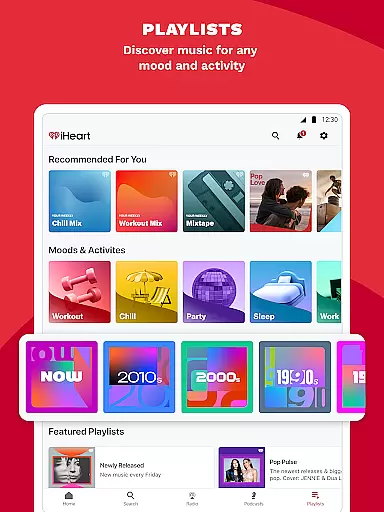
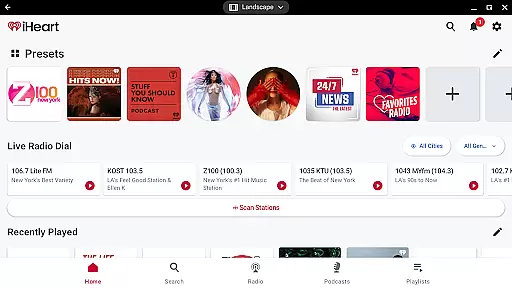
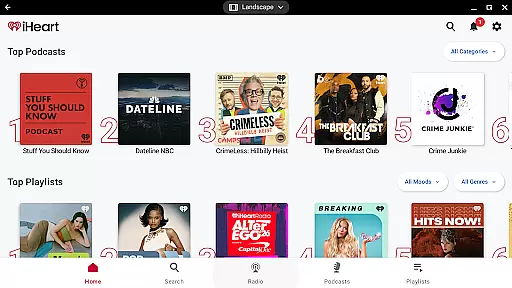
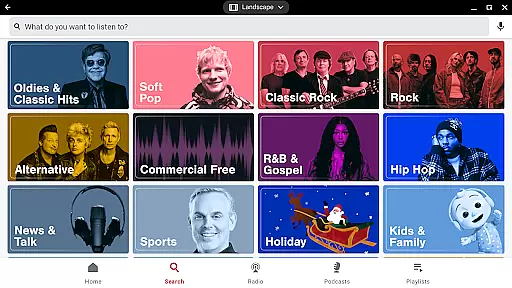
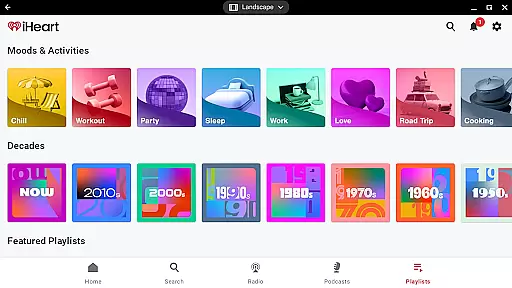
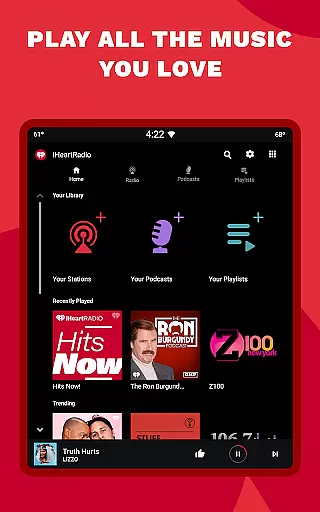
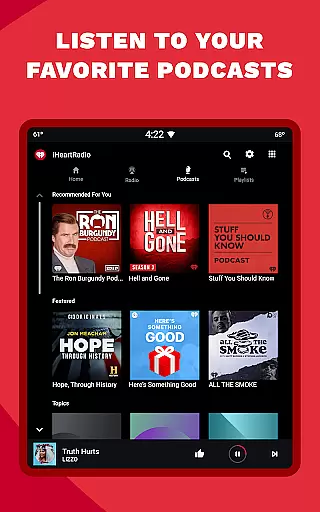
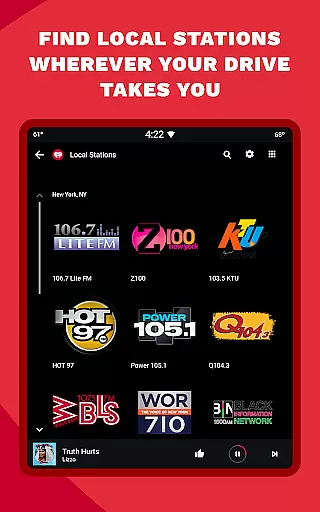
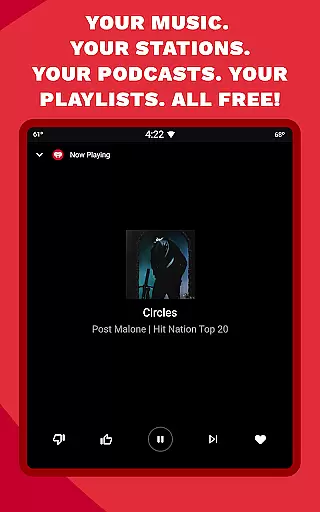
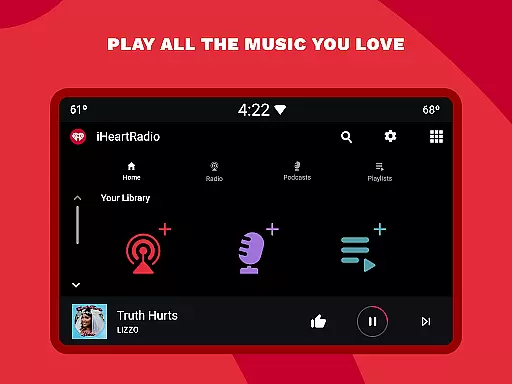
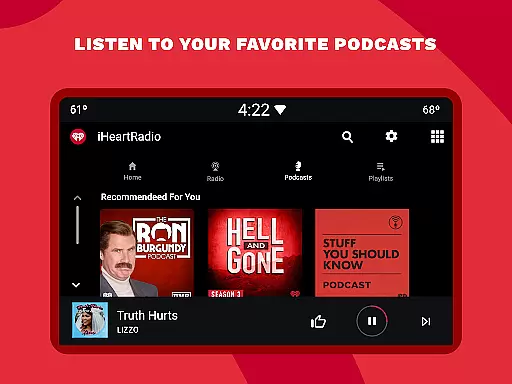
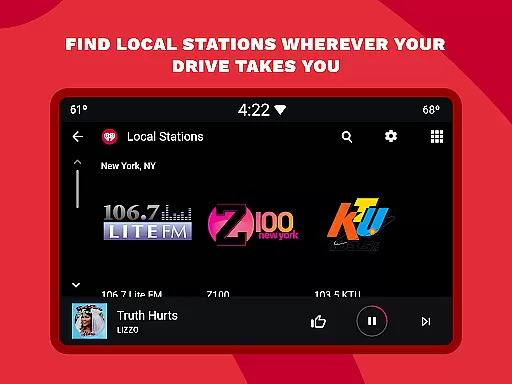
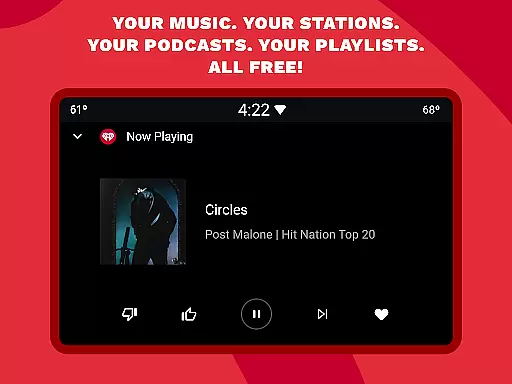
iHeartRadio is a versatile audio streaming app that offers users access to thousands of live radio stations, unlimited free music playlists, and a vast library of podcasts. The app caters to various interests, including music, sports, news, and talk shows.
One of the standout features of iHeartRadio is its extensive selection of holiday and Christmas music stations, perfect for getting into the festive spirit. Whether you're at home or on-the-go, you can enjoy your favorite holiday tunes with stations like Christmas Classics and North Pole Radio.
The app also provides ad-free music options and allows users to create personalized music stations based on their favorite artists or genres. With compatibility across multiple devices, including Android Auto, iHeartRadio ensures that users can enjoy their preferred content wherever they are.
iHeartRadio stands out with its comprehensive feature set tailored to diverse user preferences. The app's free radio service includes over a thousand local and global live radio stations, offering everything from music to sports and news.
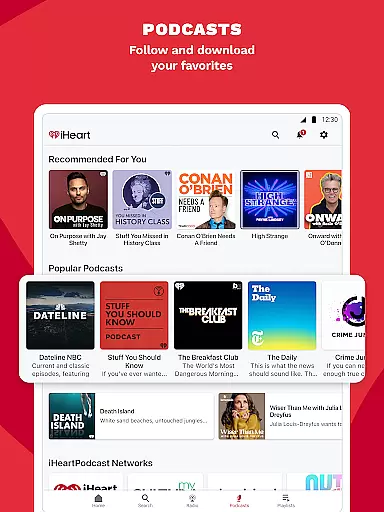
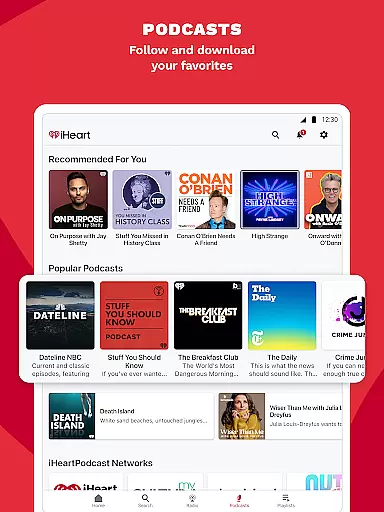
For podcast enthusiasts, iHeartRadio boasts an extensive library covering various topics such as true crime, self-improvement, and sports analysis. Popular shows like On Purpose with Jay Shetty and Crime Junkie are readily available, and users can even adjust playback speed for a personalized listening experience.
Sports fans can tune in to live play-by-play broadcasts from major networks like ESPN Radio and Fox Sports Radio. Additionally, the app supports interactive features such as Talkback, allowing listeners to engage directly with radio hosts and discuss their favorite teams' latest games.
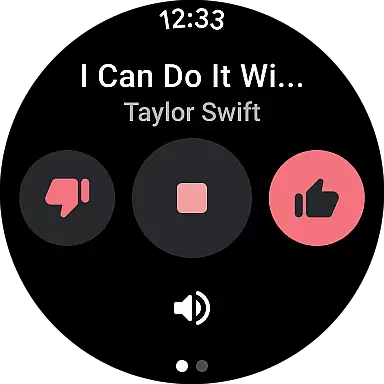
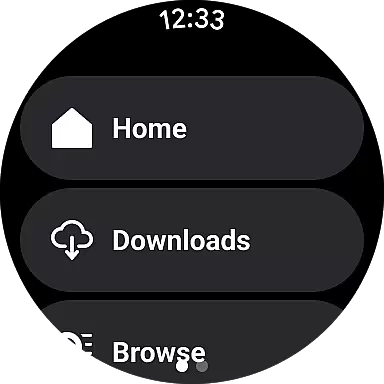
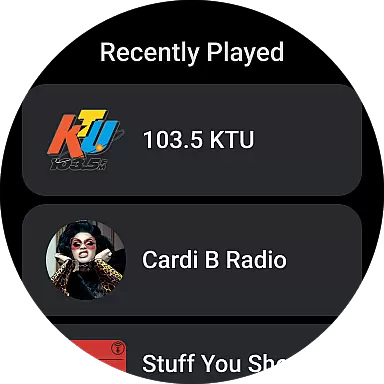
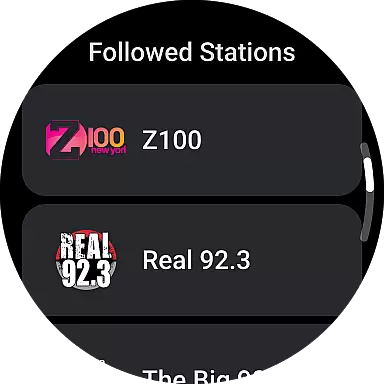
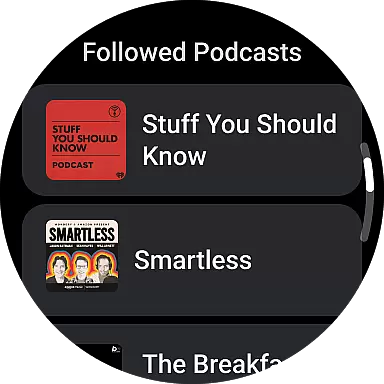
Companion app integration refers to the seamless connection between a wearable device and its corresponding mobile application. For iHeart, this means users can easily control their music, podcasts, and radio stations directly from their Android Wear devices. The app ensures that all content available on the smartphone version is accessible on the wearable, allowing for an uninterrupted entertainment experience.
The iHeart app achieves this by maintaining real-time synchronization between the phone and wearable versions. Whether you're streaming live radio or playing a podcast, the transition between devices is smooth and instant. This allows users to leave their phones behind while still enjoying their favorite content during activities like jogging or hiking.
Users benefit greatly from this feature as it enhances convenience and accessibility. With companion app integration, they can use voice commands to search for specific songs or podcasts, adjust volume, or skip tracks without needing to take out their smartphones. This hands-free operation makes the app particularly useful in situations where holding a phone is impractical or unsafe.
Ultimately, the value of companion app integration lies in providing a cohesive user experience across multiple devices. By ensuring that all features are mirrored on the wearable, iHeart maximizes user engagement and satisfaction, making it a top choice for those who rely on their smartwatches for entertainment and information.
Wear OS/device compatibility ensures that an application functions optimally across various devices running Wear OS. For iHeart, this compatibility means that regardless of whether users have a smartwatch from different manufacturers, they can expect consistent performance and access to all key features. This universality is crucial for reaching a broad audience and enhancing user satisfaction.
The iHeart app supports a wide range of Wear OS devices, optimizing its interface and functionalities to fit smaller screens without compromising usability. It adapts seamlessly to different screen sizes and resolutions, ensuring that text remains readable and controls are easily accessible. This adaptability extends to supporting both touch and non-touch interfaces, catering to diverse user preferences and device capabilities.
For users, having robust Wear OS compatibility translates into flexibility and reliability. They can enjoy their favorite radio stations, podcasts, and music playlists on any compatible device, knowing that the app will perform consistently well. This assurance encourages more frequent use and greater reliance on the app for daily entertainment needs.
In summary, Wear OS/device compatibility is a cornerstone of the iHeart app's design philosophy. By prioritizing cross-device functionality, iHeart not only meets but exceeds user expectations, solidifying its position as a leading entertainment app in the wearable technology space.
User-friendly interface
Extensive music library
Variety of podcasts
Live sports coverage
Holiday music stations
Ads in free version
Limited offline access
Occasional connectivity issues
Premium subscription cost
Complex navigation for new users

A watch face that fuses motorsport precision with contemporary smartwatch design
 4.2
4.2
Contemporary digital watch face with five complications
4.5
Beautiful, colorful and practical watch face. For Wear OS devices.
5.00
Gym & home workout plans with strength training, exercise tracking, HIIT & more.
4.60
Real-time weather radar with temperatures, warnings, hurricanes, and widgets
4.80
Retro digital watch face with customizable colors and a unique lighting effect
4.60
Hybrid Vibrant Health Watch Face for Wear OS
4.3
Your local weather forecast, storm tracker, radar maps & live weather news
3.40
Fitbit is dedicated to helping people lead healthier, more active lives.
4.10
Christmas Theme Watch Face for Wear Os
5.00
Diet tracker for weight loss - track calories, food and macros. Simple and easy!
4.70
Be an elegant and classy secret agent, with this carefully detailed watch face
4.70
MyNISSAN® lets you remotely control your car from your phone.*
4.50
Embrace the holiday spirit with this magical animated watch face!
4.40
The ultimate destination for kids ages 3-8 to explore the Marvel Universe!
4.30
Elegant animated Christmas tree with multiple customization options
4.20
A digital watch face that celebrates Christmas.
4.00
Sleek, highly customizable watch face inspired by Galaxy Watch Circle Dashboard.
4.3
Funny animated watch face for Thanksgiving
4.1


User Reviews