
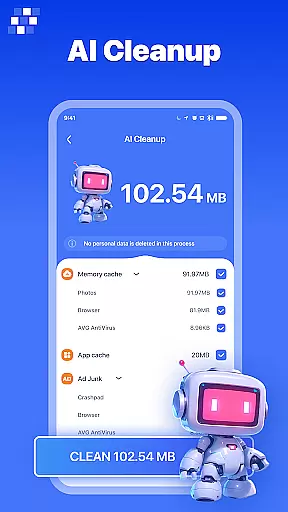
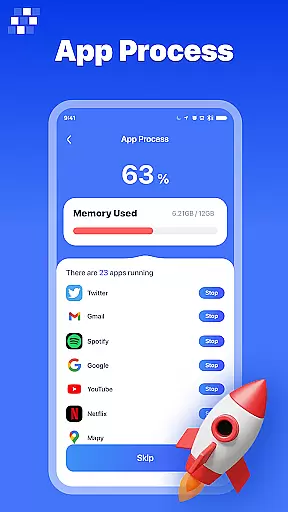
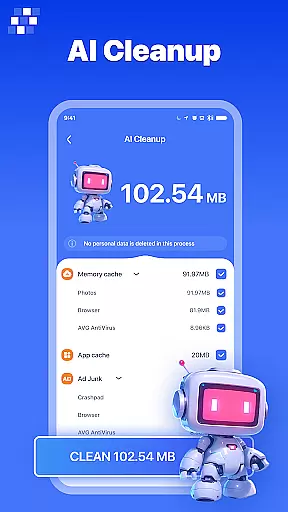
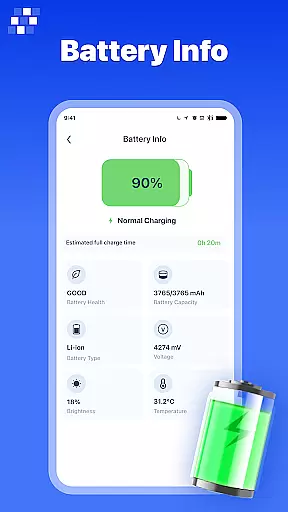
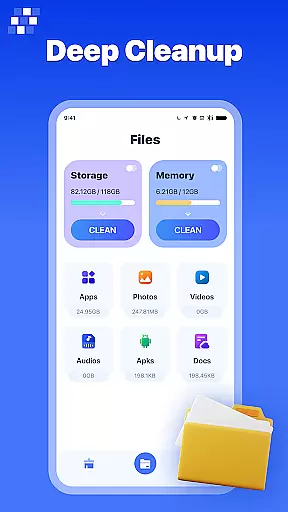
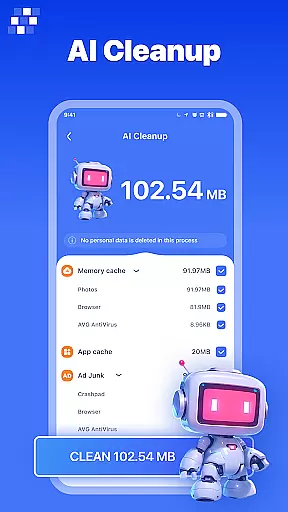
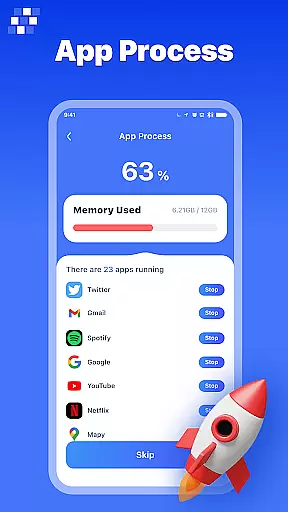
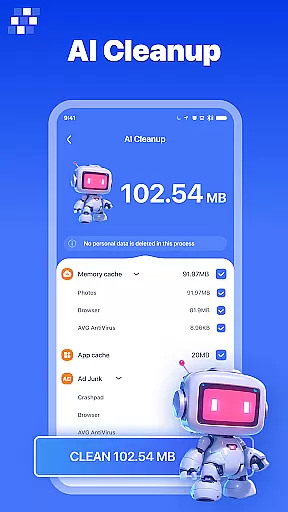
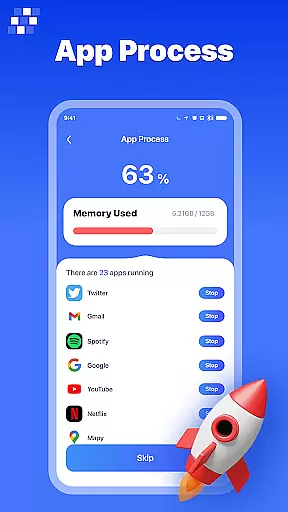
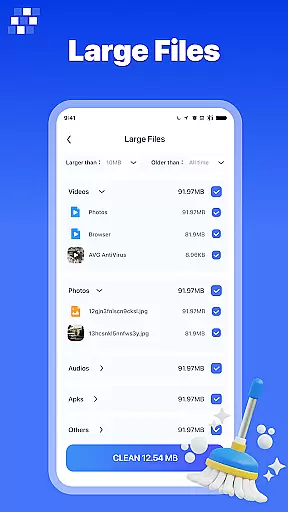
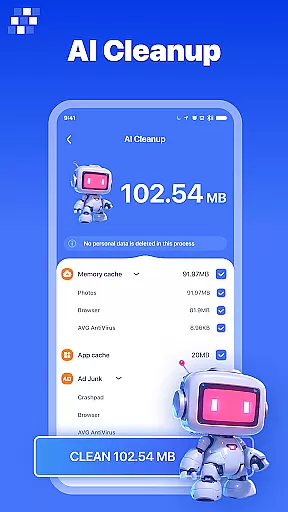
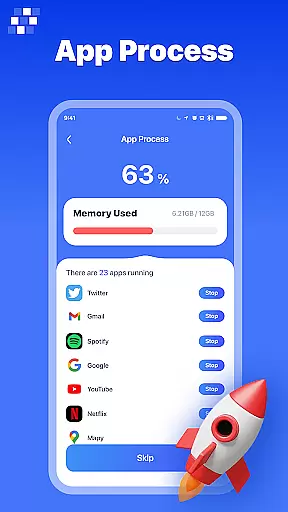
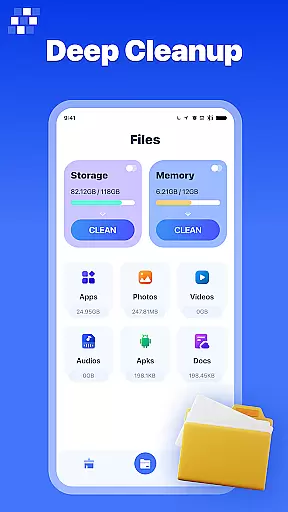
PureClean AI is a comprehensive Android phone cleaning tool designed to optimize device performance and free up valuable storage space. The app's core functionality revolves around its powerful AI One-Click Cleaner, which intelligently identifies and removes junk files, residual data, and temporary files that accumulate over time.
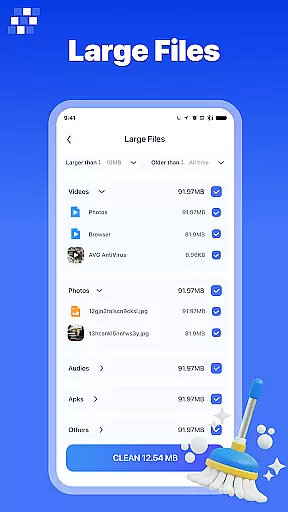
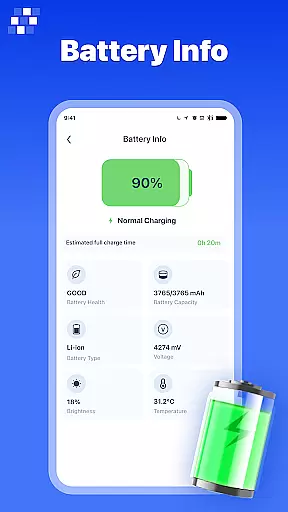
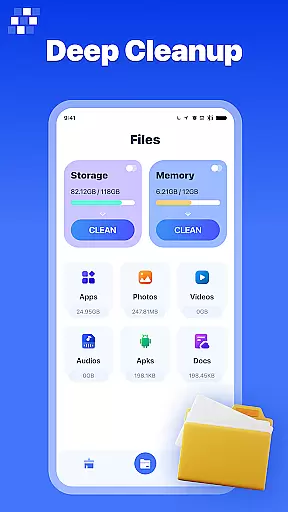
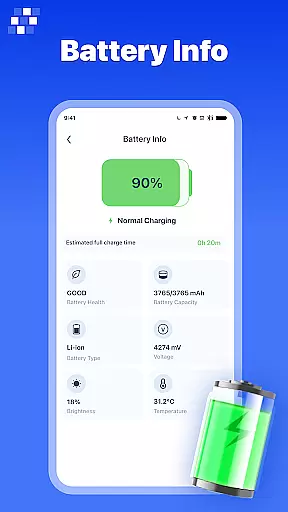
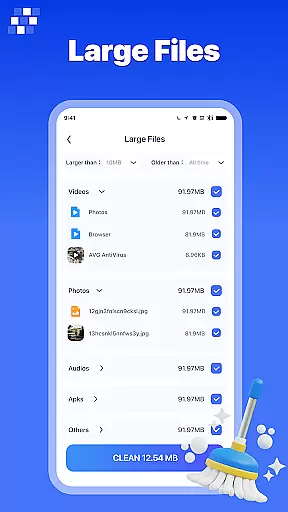
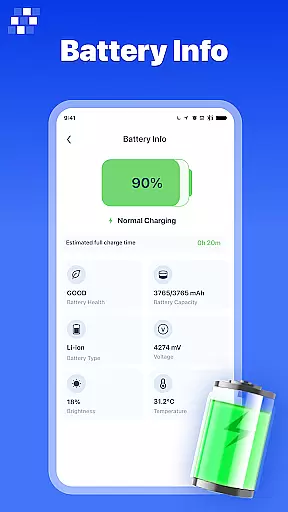
Beyond basic cleaning, PureClean AI offers specialized tools for managing different types of content. Users can efficiently scan and remove large files, eliminate duplicate images, and organize various file categories including pictures, audio, video, documents, and APK files. The built-in Device Details feature provides users with essential information about their phone's specifications and storage usage.
This application is particularly useful for individuals who frequently download media files or install numerous applications on their devices. By maintaining optimal storage levels and organizing digital assets, PureClean AI helps ensure smooth device operation and prevents potential performance issues.
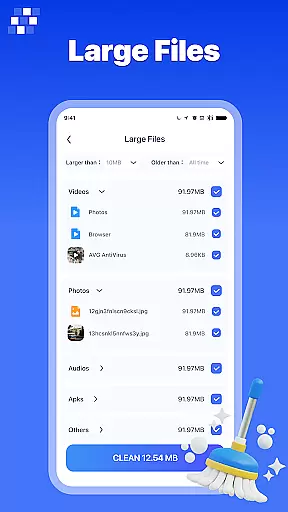
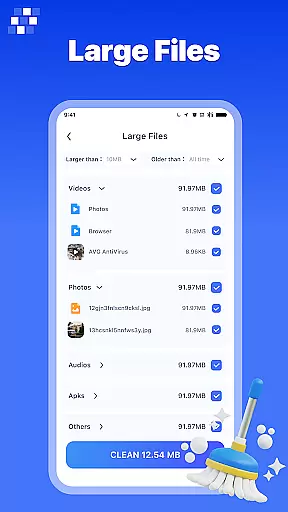
PureClean AI distinguishes itself through its diverse range of specialized cleaning and management features. The Large File Cleaner allows users to systematically scan their device for space-consuming files, while the Duplicate Image Cleaner employs advanced algorithms to detect and remove identical pictures, saving valuable storage space.
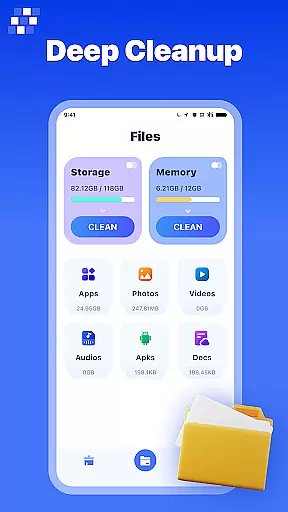
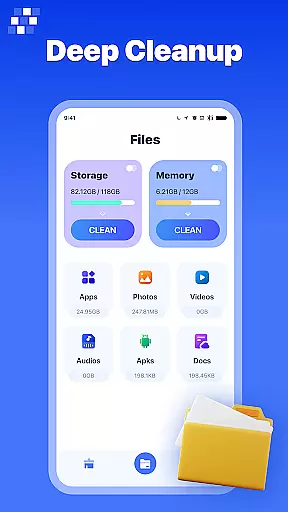
The app's File Manager component provides comprehensive control over various file types. Through dedicated managers for apps, pictures, audio, video, documents, and APK files, users can efficiently organize, view, and delete specific content categories. The App Manager simplifies the process of uninstalling unnecessary applications, while media-specific managers help maintain an organized digital library.
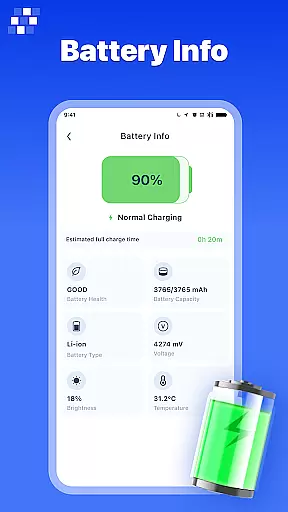
What sets PureClean AI apart is its ability to combine multiple cleaning and management functions into a single interface. This integration creates a streamlined user experience, allowing for thorough device maintenance without needing multiple specialized applications. The inclusion of detailed device information further enhances users' ability to monitor and optimize their phone's performance.
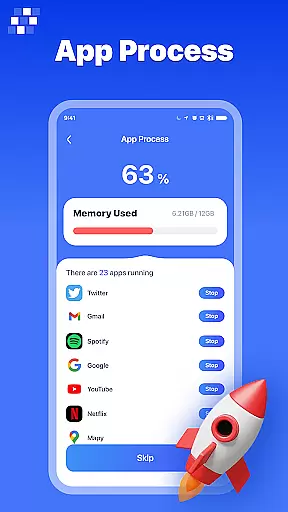
PureClean AI stands out in the Tools category by offering highly accurate and effective core functionalities that cater to Android users' device optimization needs. The app employs advanced AI algorithms to ensure precise identification and management of various file types and system resources.
The AI One-Click Cleaner feature exemplifies this accuracy by intelligently detecting junk, residual, and temporary files that can be safely removed. This targeted cleaning approach prevents accidental deletion of important files while maximizing storage space. Similarly, the Large File Cleaner and Duplicate Image Cleaner functions demonstrate effectiveness through their ability to systematically scan and identify space-consuming files without compromising system stability.
Users benefit from these features through improved device performance and increased available storage. The app's accuracy in file identification ensures that only unnecessary files are removed, maintaining system integrity. This precision in cleaning operations translates to tangible value for users who need reliable device maintenance without technical complications.
In the realm of mobile cleaning applications, PureClean AI excels in providing an interface that combines simplicity with intuitive navigation. The design philosophy focuses on making complex device management tasks accessible to users of all technical backgrounds.
The app presents its comprehensive features through a well-organized dashboard that categorizes different cleaning and management functions. Each tool, from the App Manager to the Document Manager, follows a consistent design pattern that helps users quickly understand how to operate different features. Visual indicators and clear labeling further enhance the user experience by providing immediate feedback on storage usage and cleaning progress.
This thoughtful interface design enables users to efficiently manage their device's storage without facing a steep learning curve. The intuitive layout saves time and reduces frustration, allowing users to focus on optimizing their device rather than figuring out how to use the application itself.
Powerful AI cleaning algorithms
Comprehensive file management system
User-friendly interface design
Multiple specialized cleaning tools
Detailed device information display
Limited to Android platform
Some features require technical knowledge
Premium version may be costly
Occasional false positives in file detection
Interface could be overwhelming for beginners
Easily install aab(Android App Bundle) files on your Android device with our app
 4.80
4.80
1-Click close all background apps on Android TV
3.90
Remote for Roku, Fire TV, Samsung TV, LG TV, Android TV, Chromecast and VIZIO TV
4.20
Save any video in HD - paste the link, download fast and watch offline.
4.5
App that Recover your pictures, videos or files after you delete them.
4.20
The one-and-only remote control for PC, Mac, and Linux
4.70
Quickly check the frequency of the Earth
4.30
Protect your device with antivirus, storage cleanup, and system monitoring
4.70
Enhance your Beats
3.70
Powerful collection of electronics tools and reference.A must for any enthusiast
4.90
Extremely fast, secure, and protects your privacy
4.80
Creation, Learning, Entertainment & More — The All-in-One AI Search Engine
4.70
FV File Manager Pro, Fast and powerful file manager for Android
4.60
Keep track of your Palia friendships, tasks, and inventory with Palia Notebook
4.60 4.50
4.50
Pro Emulator is an easy to use game console emulator for a range of consoles.
4.40
Clean up large files and similar photos, fast and easy to use
4.40
Detect hidden spy camera with advanced scanning {{ Premium version }}
4.00
Undelete and recover your lost or deleted files with DiskDigger!
3.40
Honest Scratch app review—is it actually good for teaching kids to code? Real user insights on features, limitations, and learning outcomes.



User Reviews