
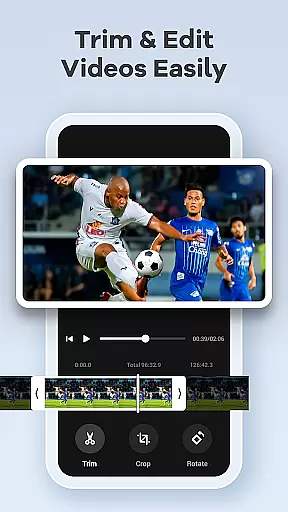
Screen Recorder Video Recorder is a versatile screen recording tool that allows users to capture high-quality videos of their device screens. With support for 1080P resolution at 120FPS, it ensures every detail is recorded with stunning clarity. The app also includes an intuitive built-in video editor, enabling users to trim, crop, and rotate videos effortlessly.
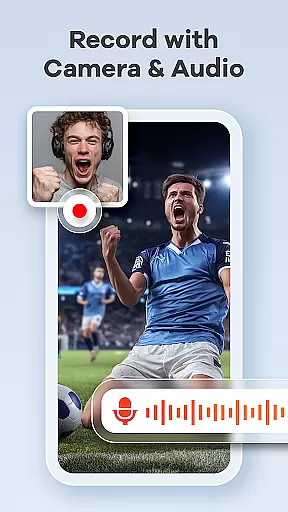
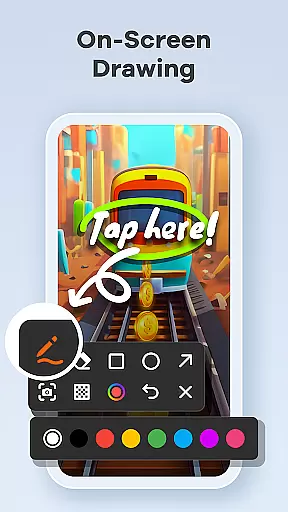
Beyond basic recording, the application offers advanced features like facecam integration, live drawing tools, and real-time annotations, making it ideal for creating engaging tutorials, capturing gameplay, or recording video calls. Its seamless workflow is enhanced by gesture controls and a one-tap floating ball for easy operation, ensuring uninterrupted recording sessions.
This app is perfect for content creators, educators, and gamers who need professional-grade recordings without watermarks or time limits. By combining powerful functionality with user-friendly design, Screen Recorder Video Recorder transforms any mobile device into a portable studio.
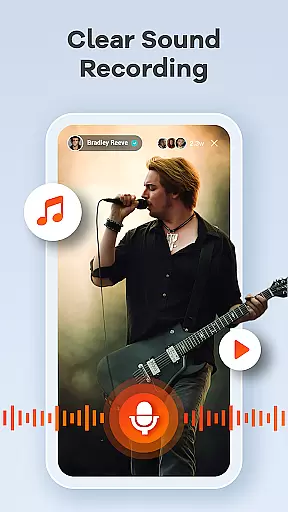
One of the standout features of Screen Recorder Video Recorder is its ability to produce crystal-clear HD recordings at up to 120FPS, paired with options for both internal and external audio capture. This ensures that sound quality matches the visual fidelity, whether you're using your device's speakers or an external microphone.
The app also provides creative tools such as video-to-GIF conversion, live drawing capabilities, and facecam integration. These features allow users to add personal touches to their videos, making them more engaging for audiences. Additionally, customizable settings let users tailor recording parameters to their specific needs, while gesture controls streamline the entire process.
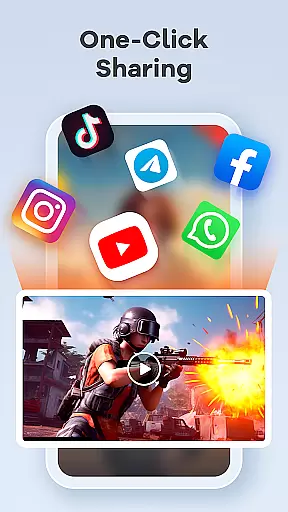
With no time limits or watermarks on recordings, this app empowers users to create professional-looking content ready for sharing across platforms like YouTube and social media. Its comprehensive feature set makes it more than just a recorder—it’s a complete pocket video-making solution.
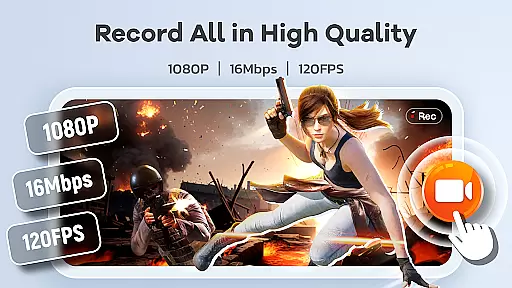
Screen Recorder Video Recorder stands out for its precision and effectiveness in capturing screen activities. The app offers HD recording at 1080P, with bitrates up to 16Mbps and frame rates as high as 120FPS, ensuring every detail is captured with clarity.
Beyond just video, the app records both internal and external audio with remarkable fidelity. Whether it's system sounds or voice from a microphone, users can expect crisp and clear audio tracks that complement their video content perfectly.
The inclusion of a built-in video editor enhances its functionality, allowing users to trim, crop, and rotate videos effortlessly. This feature ensures that final outputs are not only high in quality but also polished and professional-looking, ready for sharing across various platforms.
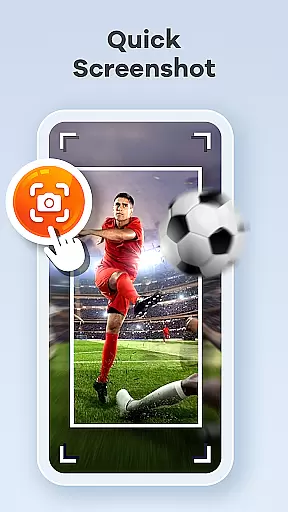
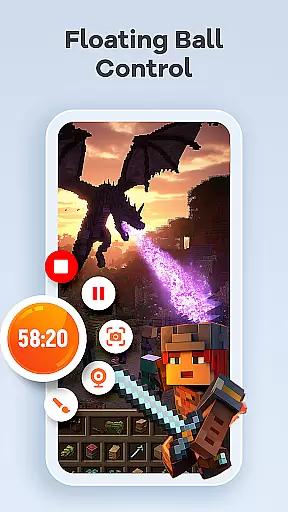
The hallmark of Screen Recorder Video Recorder is its intuitive control and seamless workflow, designed to simplify the video creation process. A one-tap floating ball interface allows users to start, pause, resume recordings, and even take screenshots without interrupting their current task.
Gesture controls add another layer of convenience, enabling users to customize gestures for quick actions. This streamlines the entire video creation process, making it faster and more efficient without sacrificing quality or creativity.
With no time limits on recordings and the absence of watermarks, users enjoy an uninterrupted recording experience. Customizable settings further enhance user experience by allowing adjustments to recording parameters, catering to individual preferences and specific project requirements.
User-friendly interface
High-quality recording
No watermark
Built-in editor
Facecam support
Requires permissions
Privacy concerns
Limited in some apps
Ads may appear
Premium features cost

Unit and currency converter with easy and simple UI.
 4.80
4.80
Head tracking for PC sim games such as MSFS 2024 or Elite:Dangerous. No headset!
4.50
HD Video player and downloader for all formats, fast & smooth 4K video playback.
4.60
Optimize your WiFi network, turn your phone into Wifi Analyzer
4.70
The Ultimate Bluetooth Keyboard & Mouse. Securely control your PC, Mac, and more
4.50
Quickly check the frequency of the Earth
4.30
Download any file easily and quickly with Downloader
4.2
Fast VPN USA for any country. Super secure VPN for calls, streaming, games, TV.
4.40
fast and easy mp3 music downloader
4.80
Small and simple app to Verify Root Access and BusyBox Install!
4.70
Fast Video Downloader, Movie Downloader, Torrent Downloader & Adblock Browser
4.70 4.50
4.50
Game Booster, GFX Tool is now compatible with newer game update
4.50
Clean up large files and similar photos, fast and easy to use
4.40
Carry a FTP server in your pocket and avoid USB cables for file transfer
4.20 4.10
4.10
Family Locator, Share location, StayConnect with your family in real time
3.90
A recovery soft,it features photo recovery, video recovery, file recovery.
3.40
card-reader app
2.20
Honest Scratch app review—is it actually good for teaching kids to code? Real user insights on features, limitations, and learning outcomes.



User Reviews