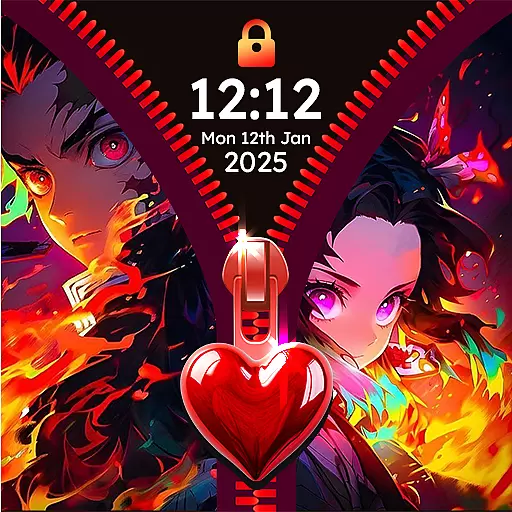
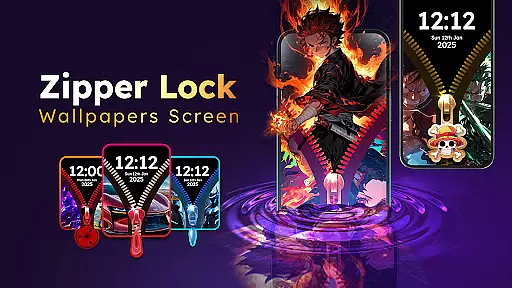
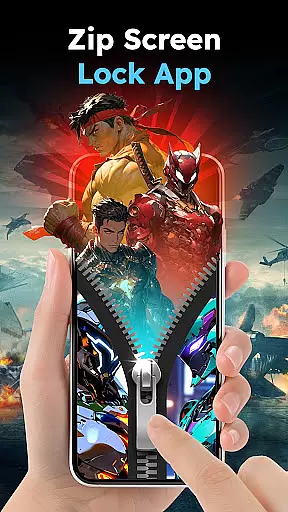
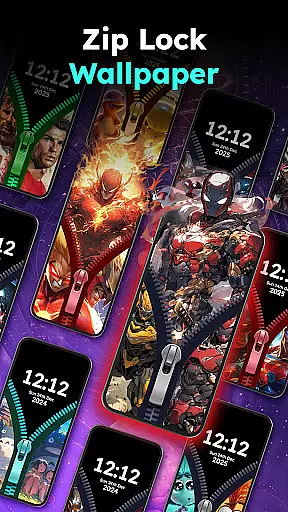
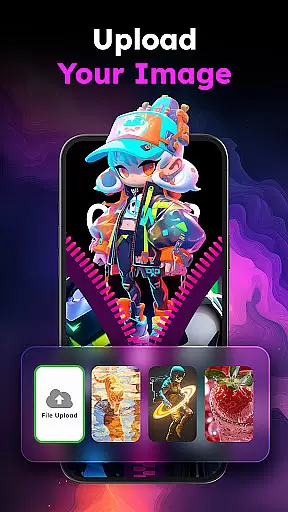
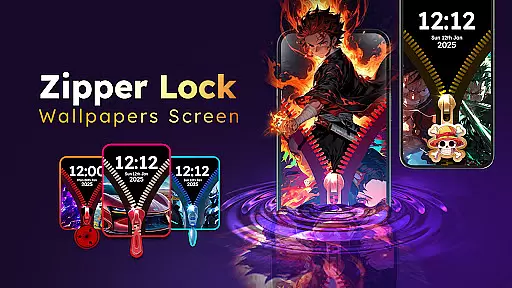
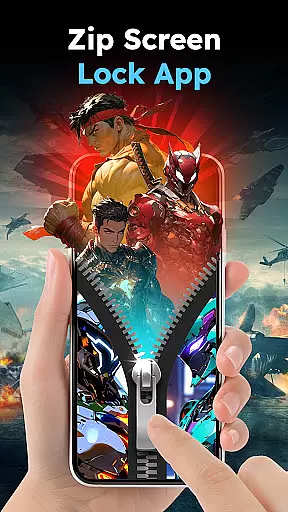
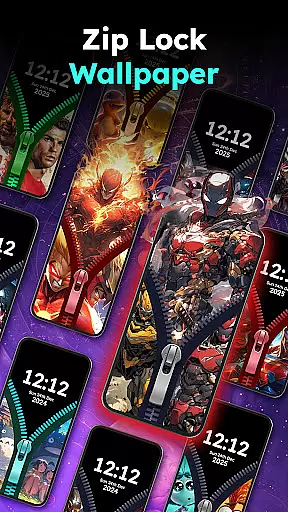
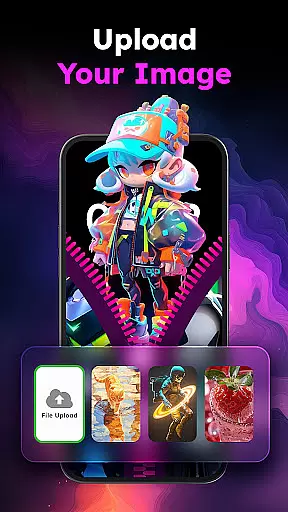
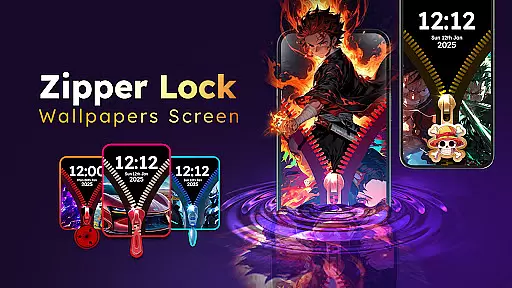
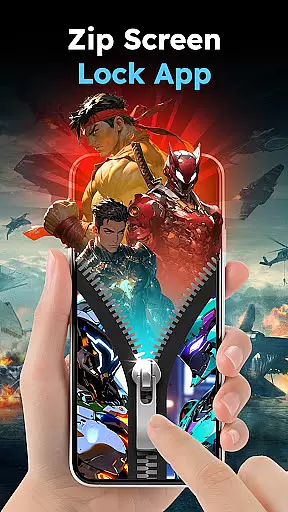
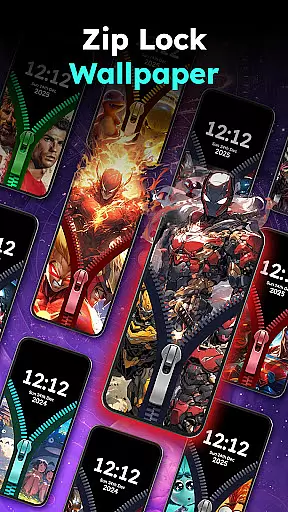
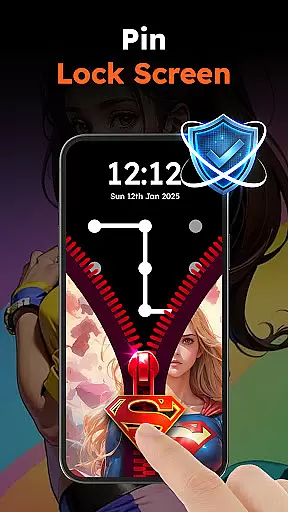
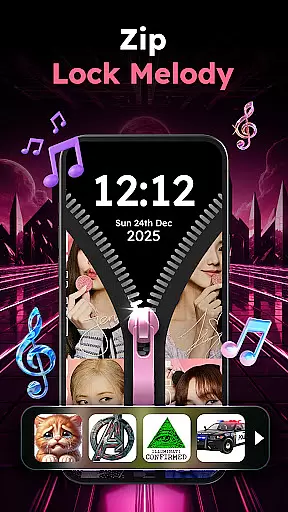
Zipper Lock Wallpapers Screen is a unique personalization app that transforms your phone's lock screen into an interactive zipper-style unlocking experience. The app offers a rich collection of HD wallpapers across various themes, including anime, animals, cars, and cartoons, allowing users to customize their lock screens to match their personal style.
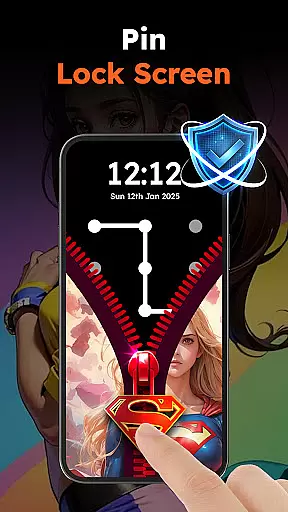
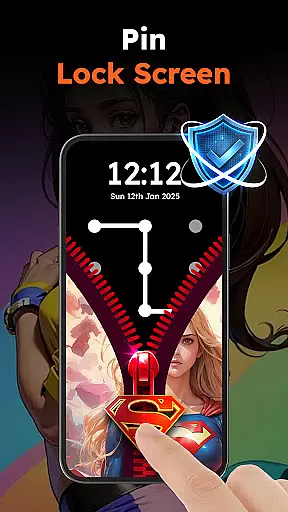
Beyond its aesthetic appeal, the app provides practical security features. Users can enable PIN protection alongside the zipper lock for enhanced security. The realistic unlocking effects, combined with customizable sound options ranging from fun to creepy, create an engaging and secure mobile experience. This combination of visual appeal and functionality makes Zipper Lock ideal for users seeking both style and protection.
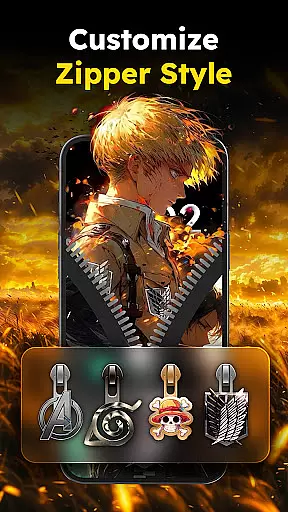
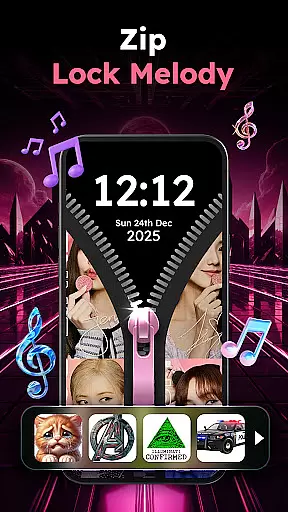
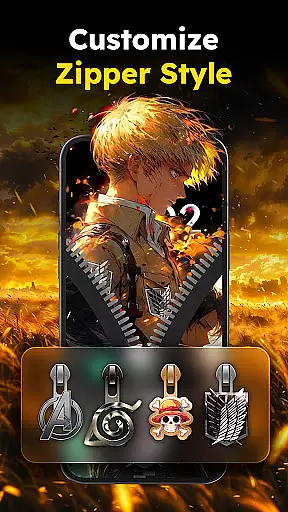
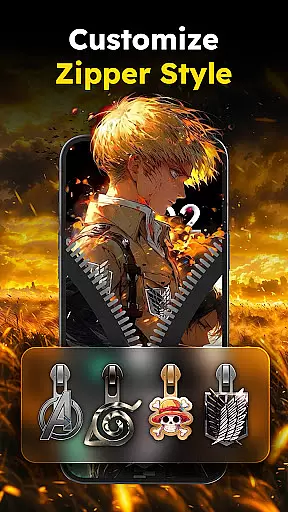
The app's standout feature is its innovative zipper lock mechanism, which simulates the experience of unzipping your phone screen. Users can choose from multiple zipper styles, including stars, hearts, and spiderman shapes, creating a personalized unlocking experience. The interactive preview function lets you experiment with different combinations before finalizing your selection.
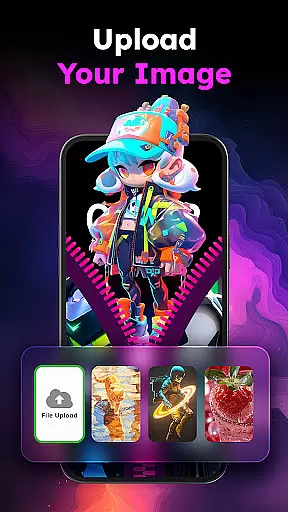
Zipper Lock Wallpapers Screen offers extensive customization options. You can select from unlimited lock screen wallpapers across various categories, adjust the zipper row style, and choose from different sound effects. The app also includes essential security features such as PIN code protection, providing dual-layer security through both the zipper mechanism and traditional passcode verification.
Additional features include smooth unlocking animations, energy-efficient design, and regular content updates. The app's user-friendly interface makes it easy to navigate between different customization options, while its lightweight architecture ensures minimal impact on device performance.
Customization is at the heart of Zipper Lock Wallpapers Screen, offering users a rich tapestry of options to personalize their phone's lock screen. This app stands out by providing an extensive array of themes, ranging from anime and animals to cars and cartoons, ensuring that every user can find something that resonates with their personal style.
The app allows for an unprecedented level of personalization through its diverse selection of zipper styles and wallpapers. Users can choose from various zipper shapes, including stars, hearts, and even Spiderman, allowing them to tailor their unlocking experience precisely to their liking. This level of detail ensures that each user's phone reflects their unique personality and preferences.
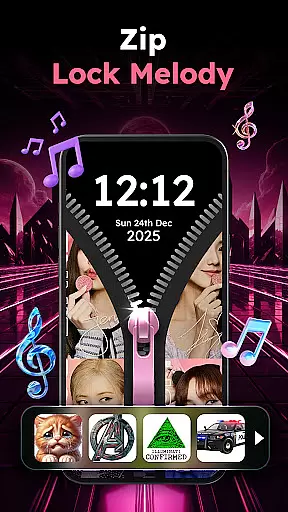
Moreover, Zipper Lock Wallpapers Screen enhances user engagement by integrating sound effects into the unlocking process. With a range of sounds from fun to heroic, users can select auditory cues that complement their visual choices, creating a cohesive and immersive experience every time they unlock their device.
By leveraging these customization options, users not only enjoy a personalized aesthetic but also benefit from added security features like PIN protection. This dual focus on personal expression and device security makes Zipper Lock Wallpapers Screen a comprehensive solution for modern smartphone users seeking both style and safety.
Theme compatibility is a crucial aspect of Zipper Lock Wallpapers Screen, ensuring that all visual elements work seamlessly together to create a unified look. The app offers a wide selection of themes designed to cater to different tastes, from vibrant anime scenes to serene natural landscapes, guaranteeing that users can find the perfect match for their personal style.
Each theme within the app is crafted to maintain consistency across various components, including wallpapers, zipper styles, and row designs. This attention to detail ensures that when users customize their lock screen, every element harmonizes beautifully, enhancing the overall visual appeal of their device without any mismatched or discordant features.
Beyond aesthetics, the app's commitment to compatibility extends to functionality as well. By allowing users to preview different combinations before finalizing their choice, Zipper Lock Wallpapers Screen empowers them to experiment freely. This interactive feature helps in making informed decisions about which themes best suit their preferences while maintaining optimal performance and appearance.
Ultimately, the emphasis on theme compatibility not only elevates the user experience but also reinforces the appu2019s dedication to quality and coherence. Users can confidently explore diverse customization options knowing that each selection will integrate flawlessly, resulting in a polished and professional-looking lock screen that truly reflects their individuality.
Unique zipper concept
Extensive theme options
Enhanced security features
Customizable sound effects
User-friendly interface
Premium themes locked
Occasional bugs reported
Ads in free version
High battery usage
Limited iOS support

Gun Chase - Let the chase begin.
 4.80
4.80
Customizable screen pets that play, climb, and keep you company.
4.50
Run multiple accounts of the same app on a single device
4.10
Zip lock screen with magic wallpaper to decorate your phone with fun zipper lock
4.60 4.50
4.50
Color phone with cool effects for call screen, flash alert & ringtones music
4.50
Customize your home screen with stunning themes, blur, widgets & icons.
4.60
Yandex Browser — stylish and secure, with voice search and data compression
4.40
Emoji Maker app - Design custom emojis and effortlessly blend them with Mixer
3.80
Dark icon pack based on One 8
4.80
Vertically oriented rectangular icons
4.70
400+ Beautifully crafted widgets inspired by NOTHING.
4.70
A retro cartoon style watch face and a punch right in the face of the copyright
4.60
Bring adorable pets to life on your screen. Playful, interactive and full of fun
4.60
Stylish Pink Cute Hippo keyboard with 10000+ customized keyboard themes!
4.60
Magic fluids wallpaper 4D: Relax with stunning fluid simulation wallpaper app
4.20
Your go to Weather App & Home Screen. Get your weather at a swipe of a finger!
3.80
Adorable pets roam and play right on your phone screen!
3.30
Capture moments that pass like a storm, second by second.
4.2
Wallpaper Engine Android review—PC sync setup, crash issues, sound reactive limitations, and whether this free companion app is actually good.



User Reviews