
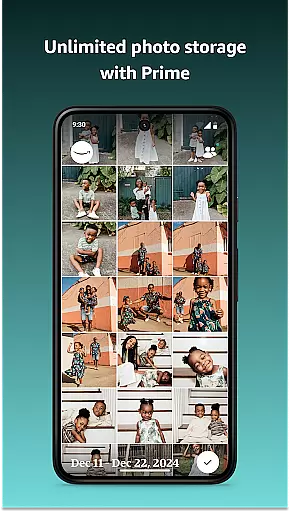
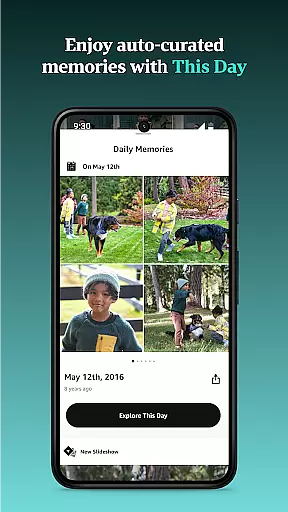





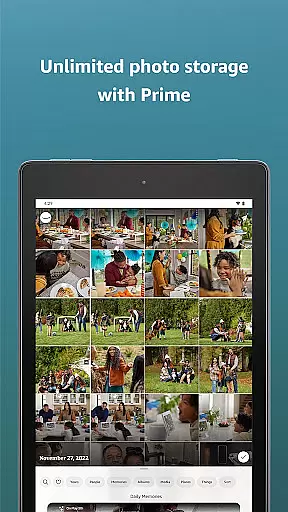





Amazon Photos is a cloud-based photography app that allows users to store, manage, and share their full-resolution photos and videos securely. The app offers 5 GB of free storage for all Amazon customers, while Prime members enjoy unlimited photo storage and additional benefits like free print deliveries in the US. With features such as Auto-Save, Alexa integration, and private sharing groups, it ensures both convenience and privacy.
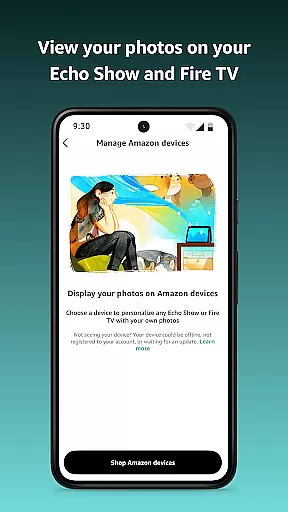
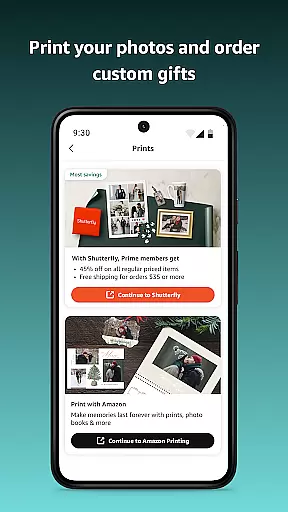
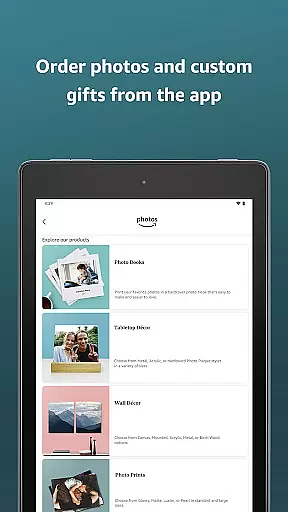
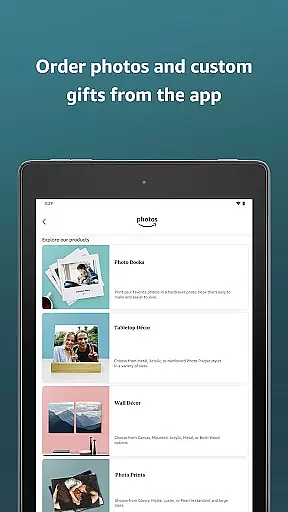
The app's cross-device compatibility lets you access your memories on various Amazon devices including Echo Show and Fire TV. It also provides creative tools to order prints and custom gifts. Whether you're looking to back up precious moments or create personalized home decor, Amazon Photos delivers a comprehensive solution for photo management.
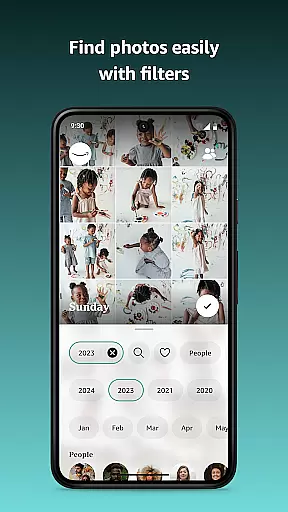
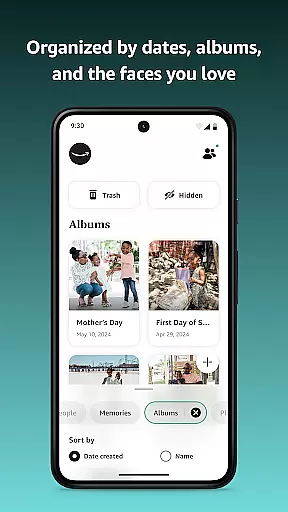
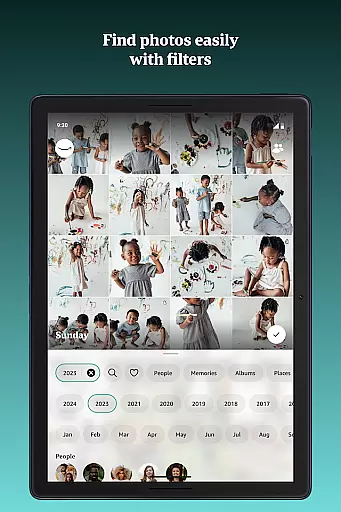
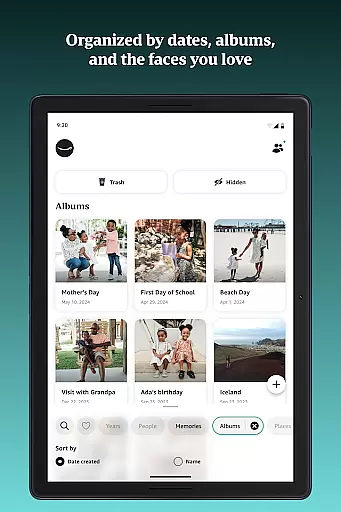
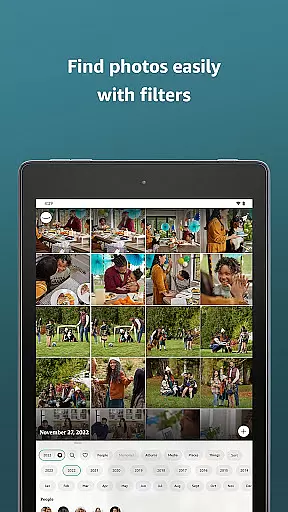
Amazon Photos stands out with its robust feature set tailored for photo enthusiasts. The Auto-Save functionality automatically backs up every photo and video you take, ensuring no moment is lost. Its powerful search capabilities allow you to find specific images by date or location, making organization effortless.
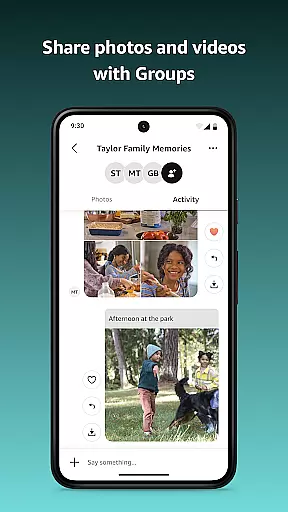
Alexa integration brings voice control to your photo viewing experience. Simply ask Alexa to display photos from specific events or locations. Additionally, the Private Sharing feature enables you to create groups where friends and family can contribute and comment on shared albums, fostering closer connections through collective memories.
Real-time capture and preview functionality is essential for ensuring that every photo taken meets the user's expectations. Amazon Photos offers a seamless experience by allowing users to view their images in full resolution immediately after capture. This feature ensures that photos are not compressed, maintaining the highest quality standards.
The application provides an intuitive interface where users can enable auto-save settings. Once activated, every photo taken is automatically uploaded to the cloud in real-time. This eliminates the risk of losing precious memories due to device failure or accidental deletion. Users can confidently capture moments knowing their data is securely backed up.
Additionally, Amazon Photos integrates with various Amazon devices such as Echo Show and Fire TV. This integration allows users to display their cherished memories on larger screens, enhancing the viewing experience. By simply connecting these devices, users can enjoy a dynamic photo display that brings their favorite moments to life.
For those who value convenience and security, this real-time functionality ensures that all captured images are instantly available across multiple devices. Whether it's for personal enjoyment or sharing with loved ones, Amazon Photos delivers a reliable and high-quality solution for preserving life's special moments.
AI beauty and enhancement features have become increasingly popular, offering users the ability to refine their photos with natural-looking results. Amazon Photos leverages advanced AI technology to provide enhancements that maintain the authenticity of the original image. This ensures that edited photos retain their genuine appeal without appearing overly processed.
Users can take advantage of AI-powered tools to adjust various aspects of their photos, such as brightness, contrast, and color balance. These adjustments are applied intelligently, preserving the natural aesthetics of the image. The AI algorithms are designed to enhance facial features subtly, ensuring that portraits look lifelike and pleasing to the eye.
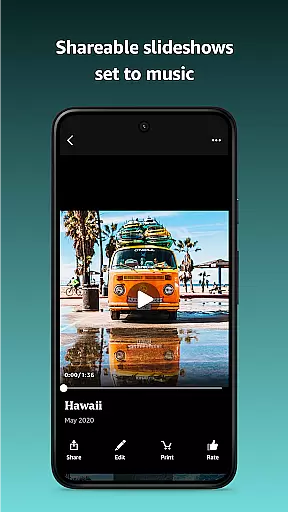
In addition to basic enhancements, Amazon Photos offers creative filters and effects that add artistic flair to photos. These options allow users to experiment with different styles while maintaining the integrity of the original shot. From vintage looks to modern aesthetics, the app provides a range of choices to suit diverse preferences.
By focusing on natural enhancement, Amazon Photos ensures that users can achieve professional-quality edits without extensive technical knowledge. This makes it easy for anyone to create stunning visuals that capture the essence of their memories. With these powerful AI tools, Amazon Photos empowers users to express their creativity and share beautifully enhanced images with friends and family.
User-friendly interface
Secure cloud storage
Unlimited photo storage for Prime members
Voice-controlled photo viewing
Cross-device synchronization
Limited free storage
Prints delivery restricted to the US
Paid subscription required for extra storage
No advanced editing tools
Prime membership necessary for full benefits

AI portrait generator and polaroid AI selfie, fun AI generated AI photo creator!
 4.30
4.30
Create funny photos and videos with the popular Time Warp Scan filter.
4.90
How old age camera Gender Swap App Face Shape Hairstyle App Hair Styler App fun!
4.00
Light-weight Media Gallery app for Android made with Jetpack Compose
4.60
Amazing Photo Effects - The most fun you can have with your photos!
4.70
GCamera allows all GCam features on all phone models! Better photos with GCamera
3.30
Unblur, enhance & restore photos with powerful AI photo enhancer tools.
4.60
A unique animation app. Powerful, easy to use, and lots of fun.
4.30
Edit photos with the picture generator: PS2 & AI Clay filters, cartoon effects.
4.50
Collage your moments in one tap: 1000+ layouts, filters, stickers, and texts.
4.90
Photo prints, cards, & gifts at Walgreens. Easy ordering & fast local pickup !
4.80
PhotoSync Bundle Add-On License. Enables all features and services in PhotoSync.
4.60
A reflected light meter with spot metering and incident light metering.
4.40
Future baby face generator: AI kids generator, kid face! What my baby look like?
4.40
Turn your phone into a professional camera - full DSLR manual photography
4.30
What celebrity do you look like? Celebs will find your celebrity match!
4.10
USB Storage Access for Photos, Videos, Music and Documents
3.80
An interval timer to automate photo taking process for timelapse
2.90
Over 800 film simulation recipes for Fujifilm. Black Friday Offer!
4.0


User Reviews