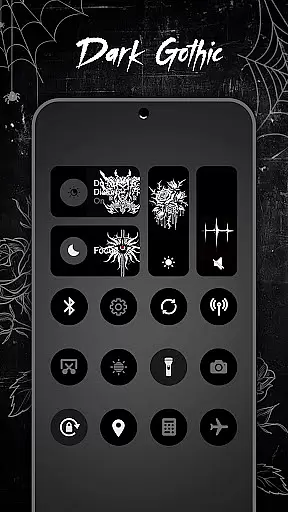
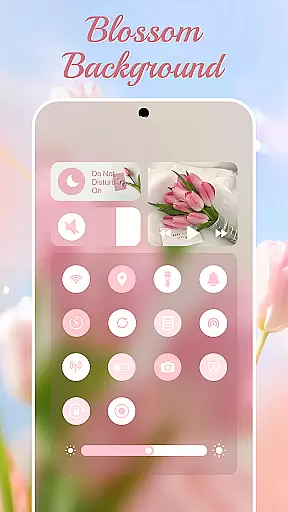
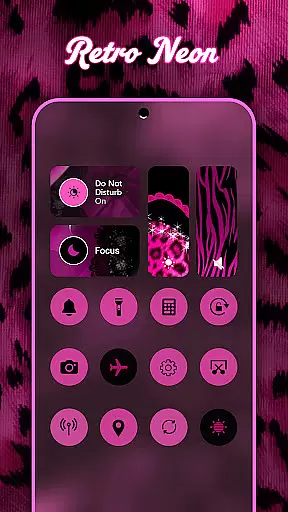
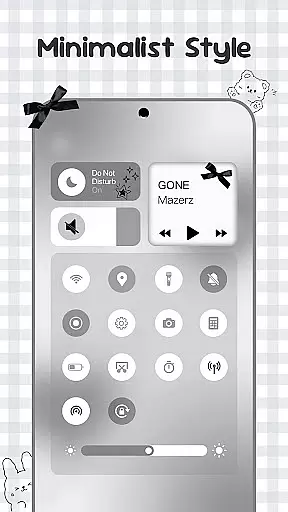
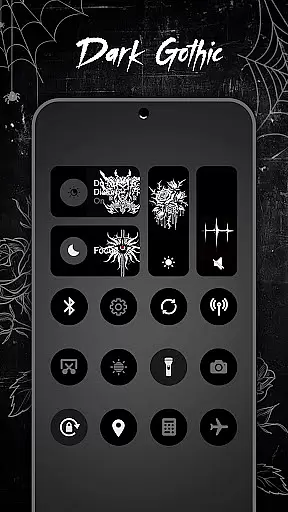
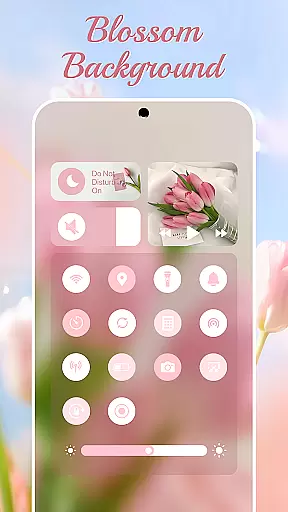
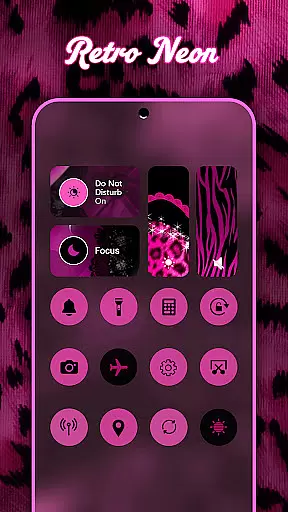
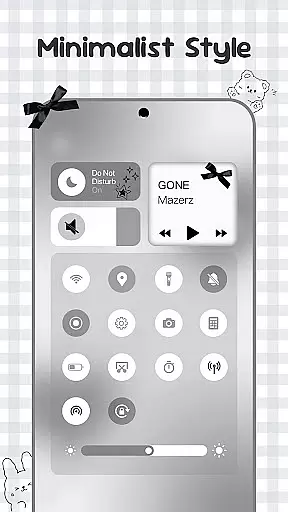
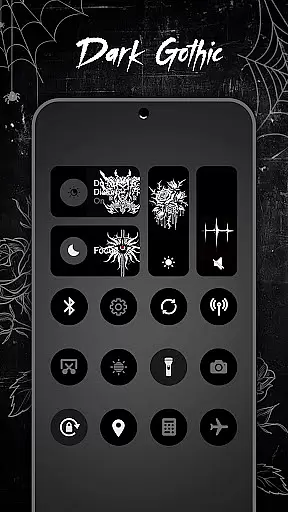
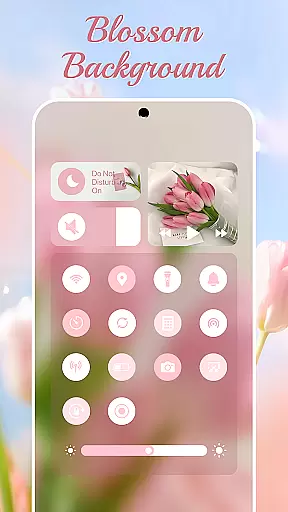
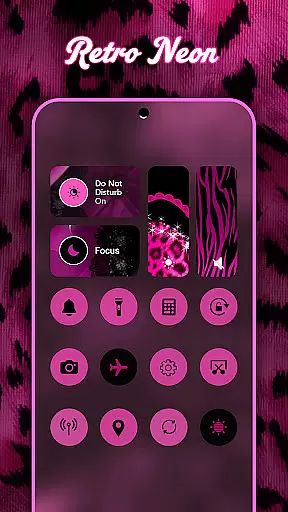
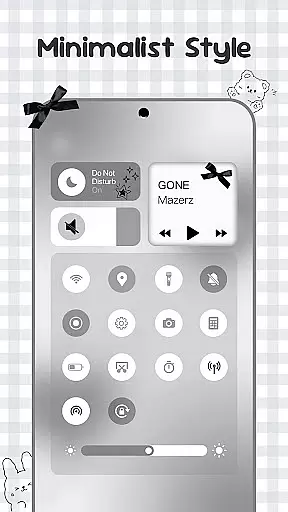
Control Widget is a personalized quick settings panel designed for Android users who value both functionality and aesthetics. This app combines essential device controls with unlimited customization options, allowing users to tailor their control panels to match their unique styles.
The core feature set includes brightness and volume adjustment, Wi-Fi and Bluetooth toggles, Do Not Disturb mode, screenshot and screen recording tools, and more – all accessible through sleek, one-tap controls. With thousands of aesthetic themes available, such as anime, K-pop, neon gradients, minimalism, and sports-inspired designs, users can easily switch between styles to suit their mood or home screen setup.
Whether you're looking to streamline your daily tasks or simply enhance the visual appeal of your device, Control Widget offers an all-in-one solution that elevates the Android experience while maintaining ease of use.
Control Widget stands out with its rich feature set tailored for personalization enthusiasts. The app provides a comprehensive suite of tools including smooth sliders for brightness and volume adjustments, instant toggles for Wi-Fi, Bluetooth, and Airplane Mode, and quick access to Do Not Disturb settings.
One of the key highlights is its theming capability. Users can choose from thousands of aesthetic collections ranging from anime-inspired visuals to minimalist designs. These themes are not static; they offer live style updates so users can refresh their panels anytime. Additionally, the app supports custom theme requests, enabling users to actively participate in designing their own layouts.
Advanced functionalities like screen recording, screenshot capture, flashlight activation, and rotation lock further enhance usability. By integrating Accessibility Services, Control Widget ensures seamless operation without compromising privacy or security, making it a reliable companion for power users seeking both form and function.
Customization is at the heart of Control Widget, offering users an extensive array of options to tailor their Android experience. With thousands of aesthetic themes ranging from Anime to K-pop, neon gradients to minimalism, users can curate a style that resonates with their personality.
The app provides live style updates, allowing users to switch panels effortlessly to match their evolving moods or home screen aesthetics. This dynamic approach ensures that your device remains a true reflection of your personal taste and creativity.
One of the standout features is the one-tap magic transformation of the entire control panel. This instant visual feedback empowers users to see exactly what they will get, making customization not only comprehensive but also intuitive and satisfying.
Theme compatibility in Control Widget ensures that every chosen design integrates seamlessly with your Android device. Whether you prefer soft coquette aesthetics or sports-inspired themes, each option is crafted to maintain visual consistency across your smartphone experience.
The app's sleek design is sync-ready, meaning it complements any wallpaper, icon pack, or widget you might have. This compatibility elevates the overall user interface, creating a harmonious and visually pleasing environment that enhances usability.
Furthermore, Control Widget invites users to request custom themes, enabling them to participate actively in the design process. This level of personal involvement guarantees that your vision is realized, making every interaction with your device uniquely yours.
Highly customizable
User-friendly interface
Variety of aesthetic themes
Quick access to essential tools
Privacy-focused design
Requires accessibility permissions
May overwhelm new users
Limited default themes
Occasional performance lags
No iOS version available

A light in the dark, a unique style and an andless cutomization!
 4.30
4.30
3D, live, and moving wallpapers & themes in 4K and HD for your device.
4.50
Bring adorable pets to life on your screen. Playful, interactive and full of fun
4.60
Personalize your phone with stunning HD and 4K wallpapers!
4.70
Turn your lock screen into fun with smile live wallpapers & animated wallpapers!
2.50
Interactive Miniature Painting Catalogue
3.30
Want to make your phone more special than ever?
4.60
Aesthetic Widgets, HD Wallpapers, Themes in Mico Widget for Home and Lock Screen
4.50
300+ Beautifully crafted widgets inspired by OneUI.
4.60
Vertically oriented rectangular icons
4.70
A minimalist productivity launcher. One-hand-friendly. Zero ads.
4.70
Handcrafted pixel art icons, widgets & wallpapers
4.60
Beautiful realistic hybrid watch face with numerous customization options.
4.50 4.50
4.50
Launcher OS™ Pro without ads help make your phone simple and pretty
4.30
Adult video chat, dating, making friends, random matching
4.20
Unique Fonts, typefaces and stylish text. Fonts for Instagram, Whatsapp & others
4.20
Customize glowing edges, wallpapers, and caller screen with EdgeAura.
3.50
Adorable pets roam and play right on your phone screen!
3.30
Wallpaper Engine Android review—PC sync setup, crash issues, sound reactive limitations, and whether this free companion app is actually good.


User Reviews