
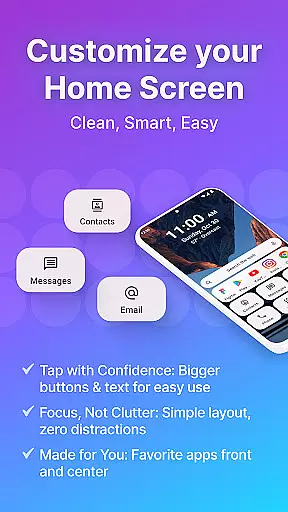
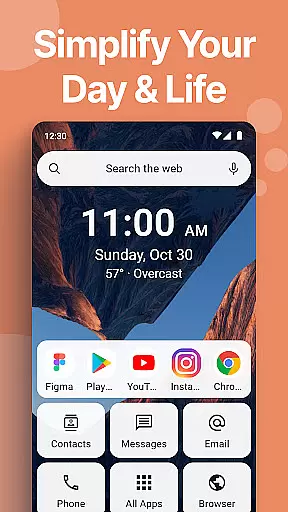
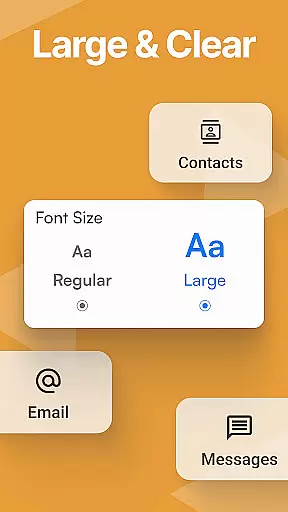
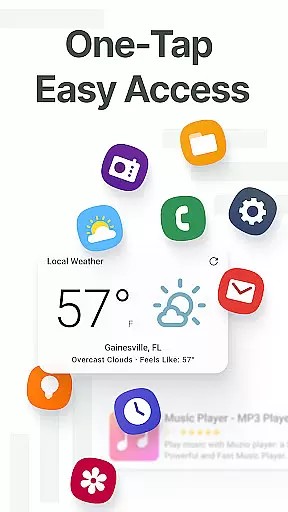
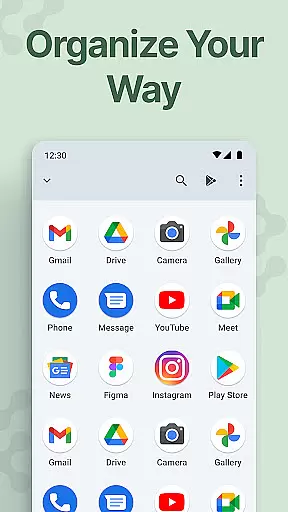
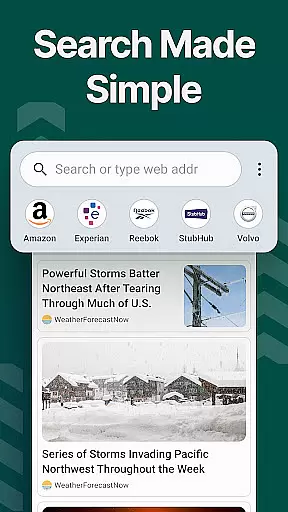
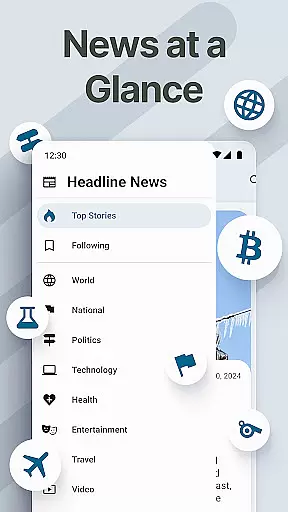
Easy Homescreen is a personalized home screen launcher designed to simplify and declutter your Android device. With its user-friendly interface, the app transforms chaotic screens into organized spaces through oversized buttons, clear text, and smart personalization features. It focuses on accessibility with large fonts and buttons while offering advanced tools like widget support, themes, and app hiding.
The app adapts to individual user needs by displaying only frequently used tools and hiding unnecessary ones. Its minimalist design reduces digital noise, creating a calming environment for users of all ages. Whether you're tech-savvy or prefer simplicity, Easy Homescreen provides an intuitive experience that prioritizes comfort and control.
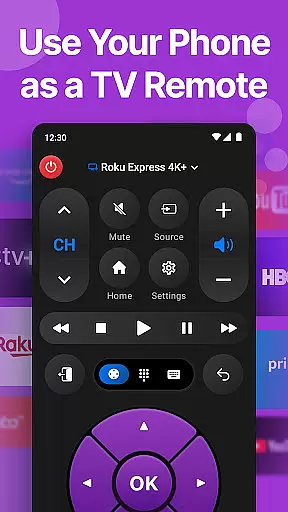
Easy Homescreen offers a variety of innovative features tailored to enhance usability. One standout capability is its customizable UI, allowing users to personalize fonts, themes, and app icons to match their style. The app also includes essential built-in tools such as a universal remote, weather app, and large keyboard, ensuring everything you need is easily accessible.
Another key feature is its widget support, including lockscreen widgets that keep important information visible without being intrusive. Additionally, the optional easy keyboard provides larger keys for improved accessibility. These features collectively create a seamless experience that adapts to each user's unique preferences while maintaining a clean and stress-free interface.
Customization is at the heart of Easy Homescreen, offering users a wide array of options to tailor their smartphone experience. With features ranging from custom fonts and themes to personalized app icons, this launcher allows for an unprecedented level of personal expression. Whether you prefer a bold, playful look or a more professional appearance, Easy Homescreen adapts seamlessly to match your style.
The application's customization extends beyond mere aesthetics. It includes practical elements such as widget support, app hiding, and even a universal remote feature. These functionalities ensure that your home screen is not only visually appealing but also optimized for productivity and ease of use. The ability to organize apps, conversations, and shortcuts with a minimalist approach further enhances the user experience.
By providing oversized buttons and clear text, Easy Homescreen ensures accessibility for all users. This attention to detail in design caters particularly well to those who prioritize usability without sacrificing personal flair. Users can enjoy a clutter-free interface that reduces digital noise and stress, making every interaction with their device a calming one.
Theme compatibility is a standout feature of Easy Homescreen, ensuring that users can fully express their individuality through diverse visual styles. The launcher supports a wide range of themes, allowing users to transform their home screens into personalized spaces that reflect their unique tastes and preferences. From vibrant colors to sleek, monochromatic designs, the possibilities are virtually endless.
Beyond just changing appearances, Easy Homescreen's theme system maintains visual consistency across all elements of the user interface. This means that whether you're adjusting fonts, icons, or widgets, everything will harmoniously blend together. Such cohesion not only enhances the aesthetic appeal but also contributes to a more intuitive navigation experience.
Moreover, the inclusion of advanced customization options like built-in essentials and accessibility-first design ensures that themes do more than just look good. They adapt to each useru2019s needs, displaying frequently used tools while hiding unnecessary clutter. This thoughtful integration of form and function makes Easy Homescreen a truly versatile and user-centric launcher.
User-friendly interface
Customizable themes
Accessible design
Smart personalization
Minimalist layout
Limited widget options
No iOS support
Occasional bugs
Ads in free version
Learning curve

Vertically oriented rectangular icons
 4.70
4.70
Only for Wear OS devices!
4.90
Art & Emoji Keyboard with Cool Fonts, Cute Themes and Custom Designs.
4.40
Shimeji adds cute animated characters to your screen, lively and fun.
4.70
Run multiple accounts of the same app on a single device
4.10
Unique Fonts, typefaces and stylish text. Fonts for Instagram, Whatsapp & others
4.20
Customize glowing edges, wallpapers, and caller screen with EdgeAura.
3.50
Modern Glass Icon Pack with glossy icons, clean minimal theme & aesthetic style
4.1
Transform your phone with stunning video wallpapers and a unique, personal touch
3.80
Embrace the Night. Unleash the power of darkness with Raven Dark Icon Pack
4.60
Icons made of colorful linear lines
4.60
300+ widgets inspired by Material You and Material 3 expressive design.
4.60 4.50
4.50
Launcher OS™ Pro without ads help make your phone simple and pretty
4.30
Adult video chat, dating, making friends, random matching
4.20
More than 3000+ themes and 9000+ wallpapers for everybody!
4.10 4.10
4.10
Interactive Miniature Painting Catalogue
3.30
Capture moments that pass like a storm, second by second.
4.4
Wallpaper Engine Android review—PC sync setup, crash issues, sound reactive limitations, and whether this free companion app is actually good.



User Reviews