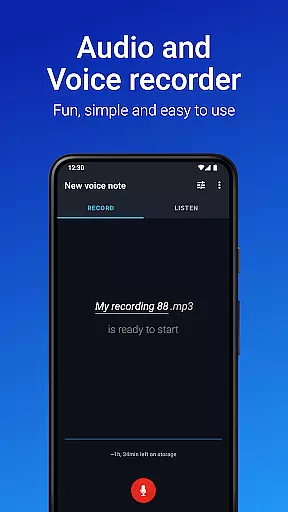
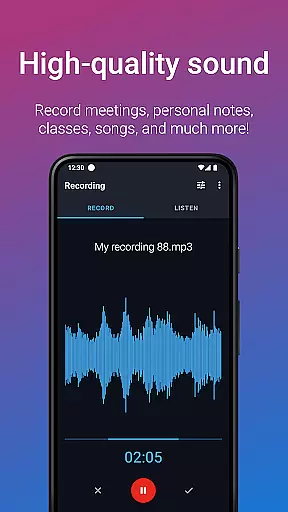
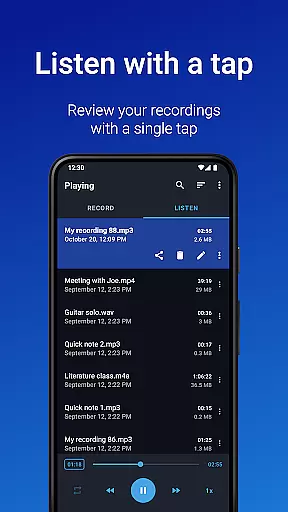
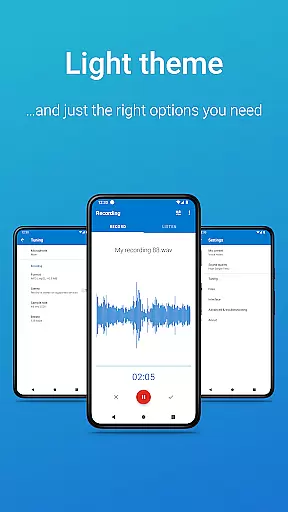
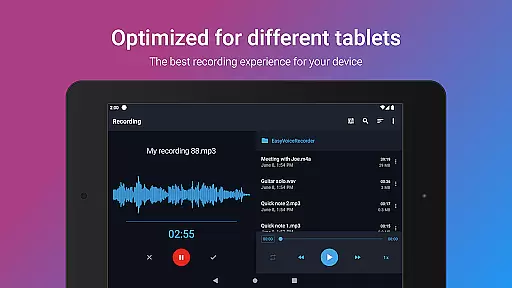
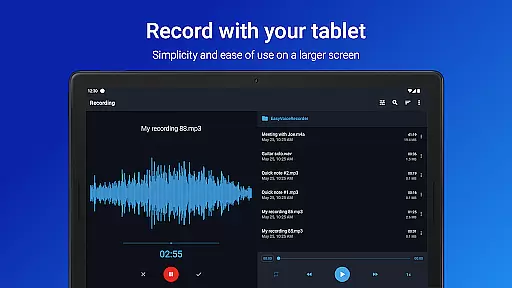
Easy Voice Recorder Pro is a versatile audio recording application designed for Android users. This app allows you to capture high-quality recordings of meetings, personal notes, classes, and even music without any time restrictions or advertisements. With its user-friendly interface, it caters to various needs, from students wanting to record lectures to professionals capturing interviews and meetings.
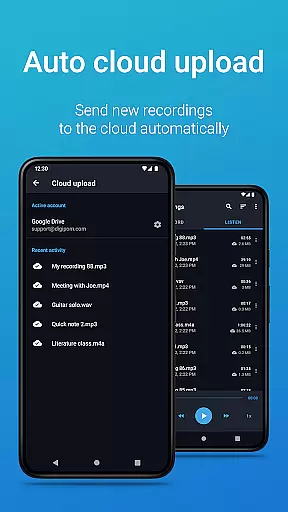
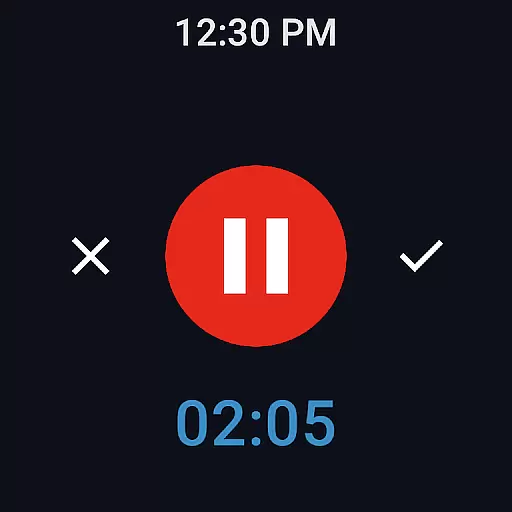
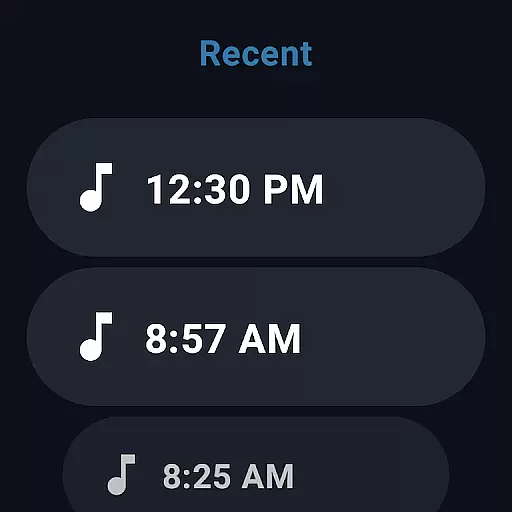
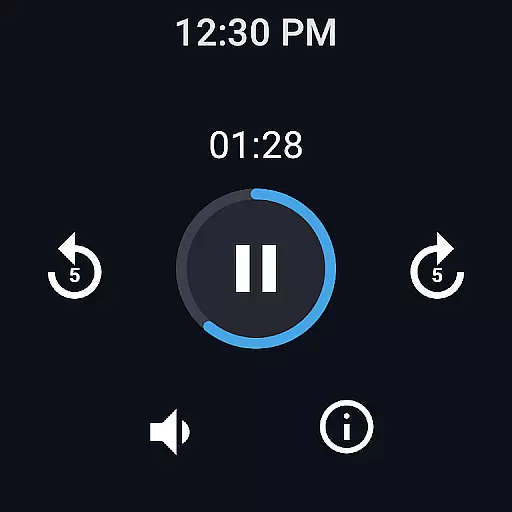
The app offers exclusive Pro features such as automatic uploads to cloud services like Google Drive or Dropbox, recording in multiple formats including MP3 and FLAC, and the ability to use Bluetooth microphones. It also includes powerful editing tools, organizational folders, and control through the notifications bar. Additionally, Easy Voice Recorder Pro supports Wear OS, enabling convenient voice recording directly from your smartwatch.
Whether you're a student revising for exams, a business professional sharing meeting notes, or a musician experimenting with new ideas, Easy Voice Recorder Pro provides the flexibility and reliability needed to adapt to different recording scenarios.
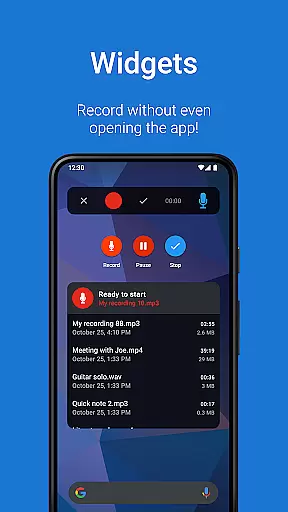
Easy Voice Recorder Pro stands out with its comprehensive feature set tailored for both casual and professional recording needs. The app supports high-quality PCM and MP4 formats, as well as space-saving AMR, catering to users who prioritize either quality or storage efficiency. Its intuitive widgets and shortcuts allow for quick access and background recording, ensuring you never miss an important moment.
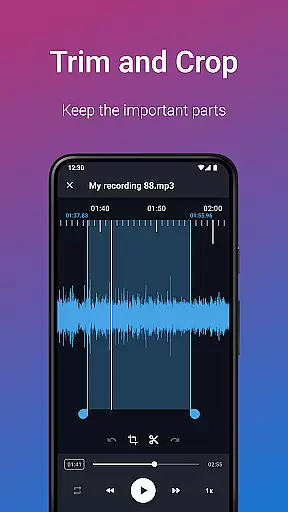
One of the key highlights is the exclusive Pro features available on supported devices. These include automatic cloud uploads to Google Drive or Dropbox, recording capabilities in advanced formats like MP3, FLAC, and AAC, and the option to use Bluetooth microphones. The inclusion of an Edit mode enables users to trim recordings and remove unwanted sections, while folder management helps organize files effectively.
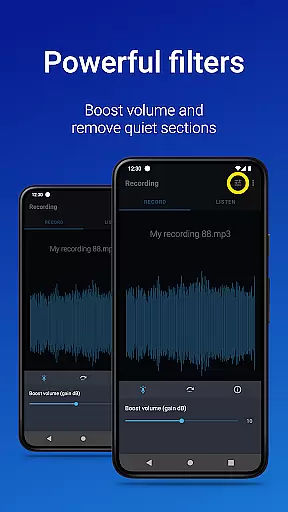
Additional functionalities enhance the overall user experience. Users can control the recorder from the notifications bar, switch between different recording presets effortlessly, and take advantage of bonus features such as stereo recording, importing files, skipping silence, volume boosting, and custom bitrates. These robust features make Easy Voice Recorder Pro a top choice for anyone needing reliable and flexible audio recording solutions.
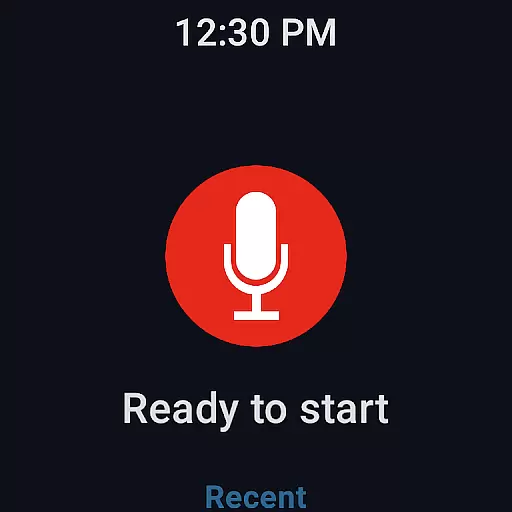
Companion app integration is essential for users who want seamless connectivity between their mobile devices and wearables. Easy Voice Recorder Pro excels in this area by offering robust support for Wear OS, allowing you to record directly from your smartwatch. This feature ensures that you never miss an important moment, even when you don't have your phone handy.
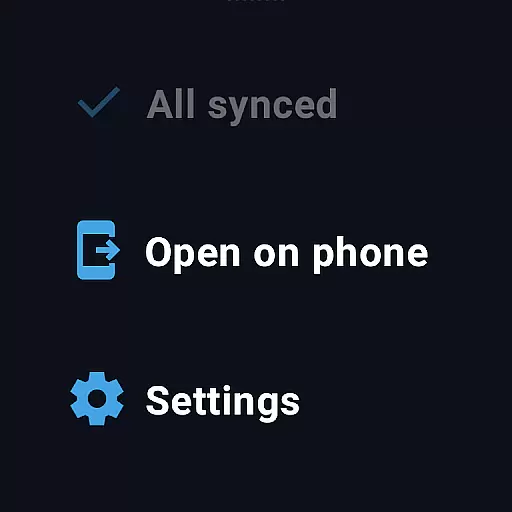
The app provides a dedicated watch tile, making it incredibly easy to start or stop recordings with just a tap on your wrist. This instant access transforms your smartwatch into a powerful recording tool, perfect for capturing spontaneous ideas or crucial conversations. The synchronization between the phone and watch versions of the app is smooth, ensuring all recordings are promptly available across devices.
Moreover, Easy Voice Recorder Pro supports automatic cloud uploads, which means your recordings can be automatically sent to services like Google Drive or Dropbox. This functionality not only secures your data but also makes it effortlessly accessible from any device. Whether commuting or multitasking, you can rely on the app to keep your recordings safe and synchronized.
Ensuring broad compatibility with various devices, especially within the Wear OS ecosystem, is crucial for maximizing user convenience. Easy Voice Recorder Pro stands out by providing extensive support for a wide range of Wear OS devices, ensuring that no matter what smartwatch you own, you can take full advantage of its features.
This compatibility extends beyond just basic recording functions. With advanced options such as Bluetooth microphone support, users can enjoy high-quality audio capture without being tethered to their phones. Such flexibility enhances the overall user experience, catering to diverse needs whether for personal notes, professional meetings, or creative brainstorming sessions.
In addition to supporting multiple devices, the app offers consistent performance and reliability. Users can expect the same intuitive interface and powerful functionality regardless of their specific Wear OS device. This uniformity simplifies the learning curve and ensures that everyone, from tech-savvy individuals to casual users, can benefit from the app's comprehensive recording capabilities.
User-friendly interface
High-quality recording options
Cloud integration
Editing capabilities
Wear OS support
No call recording
Premium price
Complex settings
Limited free features
Device compatibility issues

WTW M17 is a premium and luxurious hybrid watch face
 4.70
4.70
Christmas is near, let's count together the days left until Santa comes
4.1
Wear Os Watch Face - Animated Snow Effect & Magic Spark - 6 Scenes
4.10
Artistic Digital Watchface
4.1
Sleek, highly customizable watch face inspired by Galaxy Watch Circle Dashboard.
4.1
Stylish digital watch face for Wear OS devices with customizable features
4.0
The Chevron App allows you to pay for fuel from the comfort of your car!
4.80
A digital watch face that celebrates Christmas.
4.00
From periods to pregnancy & perimenopause, Flo helps you track it all. Try now.
4.70
Christmas Theme Watch Face for Wear Os
5.00
To-Do List: daily schedule planner, task organizer, to do reminder app, calendar
4.60
Simple, helpful messaging by Google
4.60
MyNISSAN® lets you remotely control your car from your phone.*
4.50
Viewer for Wyze/Yi/Eufy/Arlo/ONVIF/RTSP/P2P IP cams w/ adv. features & DIY DVR
4.00
Authentic military-tactical design with ZULU time! Realistic and functional!
3.80
Wear Os Watch Face - Animated Snow - Sesonal for Christmas & Winter
4.5
Fitness interactive virtual pet super fighter boy watch face
4.2
Funny animated watch face for Thanksgiving
4.5
Hybrid Vibrant Health Watch Face for Wear OS
4.2


User Reviews