
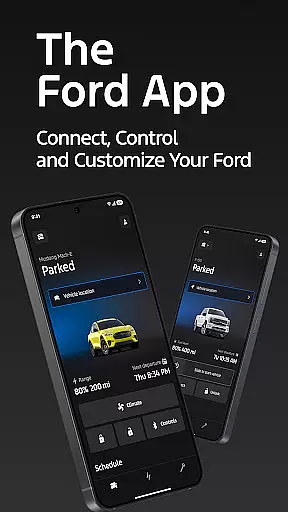
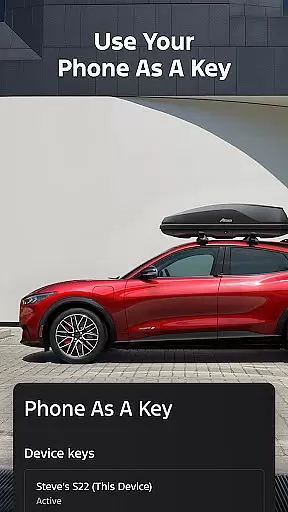
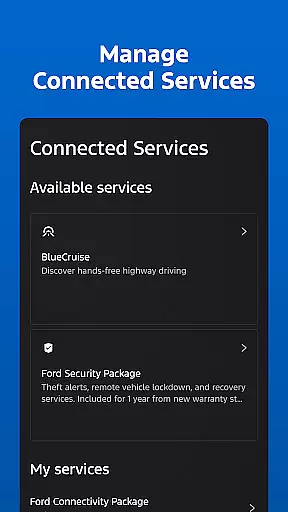
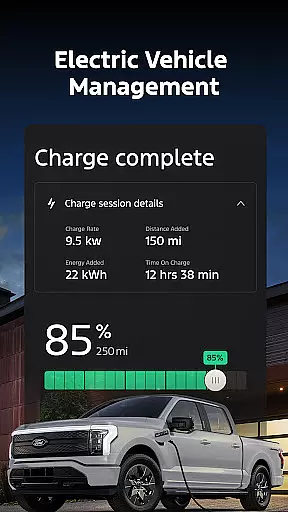
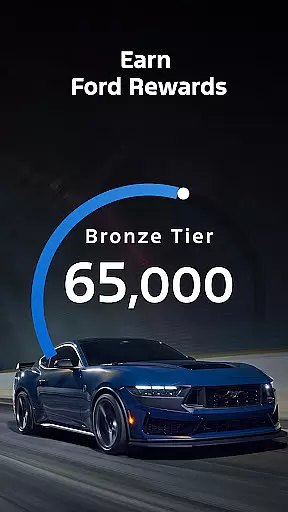
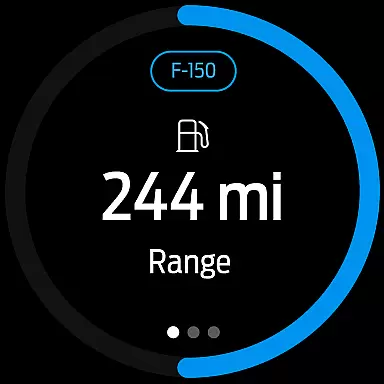
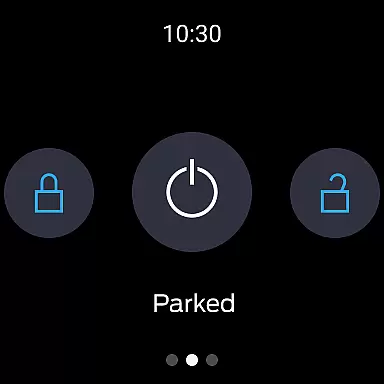
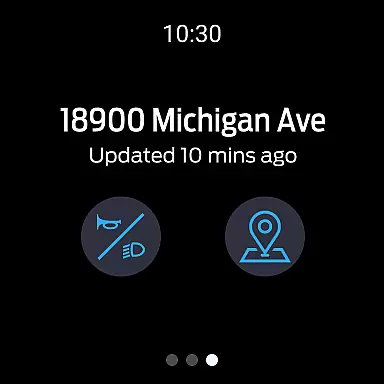
The Ford app is a comprehensive mobile solution designed to enhance the ownership experience for Ford vehicle owners. This application serves as a centralized control hub, providing users with convenient access to essential vehicle functions and advanced connected services.
Core features include remote start, lock and unlock capabilities, real-time vehicle status monitoring, and GPS tracking. The app also supports electric vehicle management, service scheduling, and integration with wearable devices through Wear OS. These functionalities create significant value for modern drivers seeking to maintain constant connectivity with their vehicles.
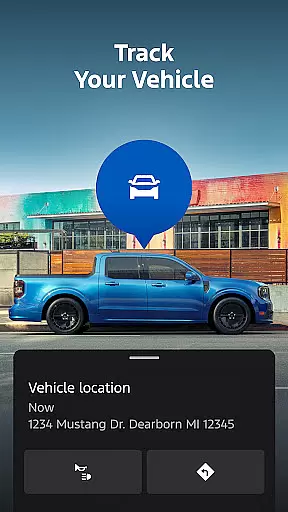
Ideal for daily commuters and long-distance travelers alike, the Ford app enables users to manage their vehicles from anywhere. Whether it's remotely starting the car on a cold morning or locating your vehicle in a crowded parking lot, this application delivers practical solutions that simplify vehicle ownership and maintenance.
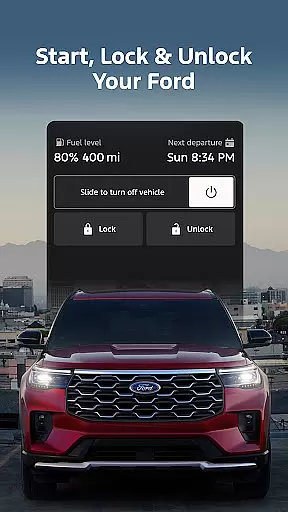
The Ford app distinguishes itself through an impressive array of innovative features. Its remote functionality suite allows users to execute commands such as engine start, door lock/unlock, and climate control activation directly from their smartphones.
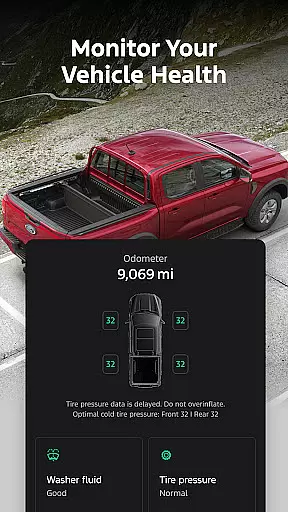
A key differentiator is its comprehensive vehicle management system. Users can monitor fuel levels, battery status, and maintenance schedules while utilizing their phone as a digital key. The integration with wearable technology through Wear OS smartwatches further expands accessibility, enabling wrist-based vehicle control.
Additional notable features include over-the-air software update scheduling, Ford Rewards program participation, and seamless dealer service appointment booking. These capabilities demonstrate the app's commitment to providing a complete ecosystem for vehicle interaction and maintenance, setting it apart from standard automotive companion applications.
Companion app integration refers to the seamless connection between a primary application and its wearable counterpart. For Ford app users, this means being able to interact with their vehicle directly from a Wear OS smartwatch.
The Ford app offers an advanced level of integration by allowing users to send commands and check vehicle status right from their wrist. This includes functionalities such as remote start, lock and unlock, which are essential for convenience and security.
By utilizing the wearable platform, Ford ensures that drivers have access to critical features without needing to take out their smartphones. This hands-free approach enhances user experience, especially when the phone is not readily accessible.
Ultimately, companion app integration in the Ford app exemplifies how technology can simplify interactions with personal vehicles, making it more intuitive and immediate regardless of the situation or device in hand.
Wear OS/device compatibility is crucial for ensuring that applications function across different devices seamlessly. The Ford app supports Wear OS, expanding its usability beyond smartphones and into the realm of smartwatches.
This compatibility allows users to leverage their smartwatches to control Ford vehicle functions. Whether it's checking fuel levels or locating the car via GPS, these tasks can be accomplished directly through a Wear OS device.
Moreover, the ability to receive updates and alerts on a smartwatch keeps drivers informed at all times. This constant connectivity fosters a more engaged relationship between the driver and their vehicle, enhancing overall satisfaction.
With Wear OS/device compatibility, the Ford app demonstrates its commitment to embracing diverse technologies, thereby offering users flexibility and convenience in managing their automotive needs.
User-friendly interface
Comprehensive vehicle control
Regular feature updates
Wear OS integration
Remote management tools
Limited vehicle compatibility
Network dependency issues
Potential extra costs
Feature variation by model
Data rate charges

Christmas watch face. For Wear OS devices.
 4.30
4.30
Digital watch face with big numbers and many customization for Wear OS devices
4.40
Ideal for surviving in the wasteland left after nuclear fallout
4.50
sleep, alarm, snoring, stress, healing, focus, sound therapy, circadian rhythm
4.10
Locate your family members by GPS phone location tracker everywhere and anytime
4.30
The Chevron App allows you to pay for fuel from the comfort of your car!
4.80
Professional weather radar and more
3.90
Retro digital watch face with customizable colors and a unique lighting effect
4.60
Track your active life in one place and share the journey with friends.
4.40
Digital, flexibly customizable watch face. For Wear OS 5.0, API 34+ and later.
5.00
Hybrid watch face for Wear OS with customizable complications by Matteo Dini MD
4.70
Stylish, Energizing and Modern Watch Face crafted by Dominus Mathias.
4.50
Fast and smart typing with Emojis, GIFs, and more
4.50
The ultimate destination for kids ages 3-8 to explore the Marvel Universe!
4.30
Snowflake Rose Gold Watch Face - Digital, modern, & sleek with GYRO effect.
4.10
The #1 source of faces for your smartwatch!
4.00
Viewer for Wyze/Yi/Eufy/Arlo/ONVIF/RTSP/P2P IP cams w/ adv. features & DIY DVR
4.00
Authentic military-tactical design with ZULU time! Realistic and functional!
3.80
Stunning modern digital watch face with 7 complications and strong contrast
4.0


User Reviews