
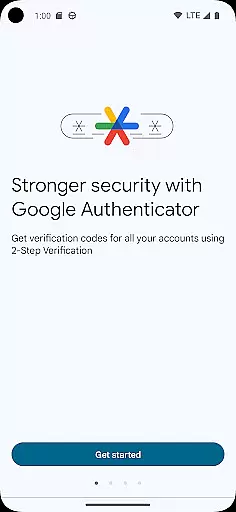
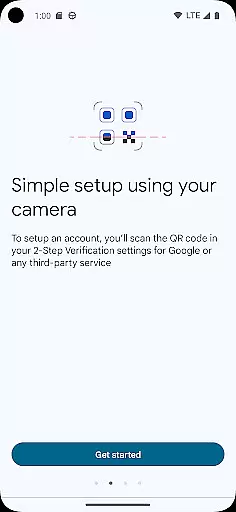
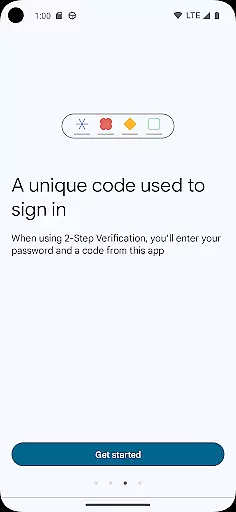
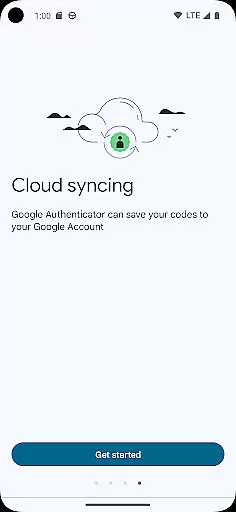
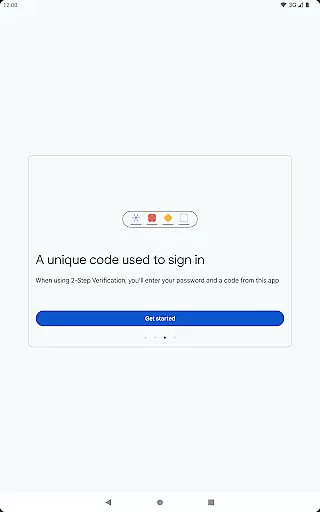
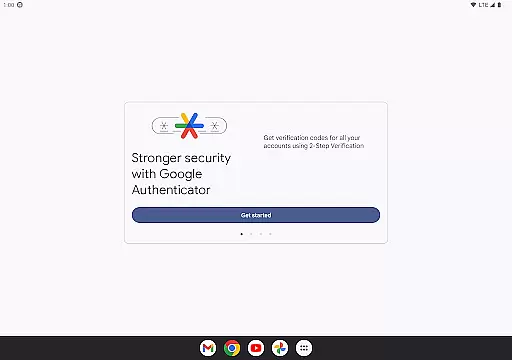
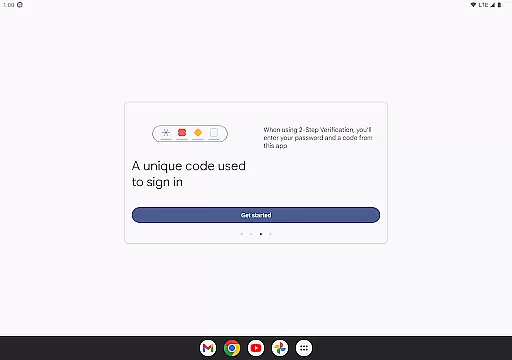
Google Authenticator is a security tool that provides an additional layer of protection for your online accounts through two-factor authentication. When signing in, users must enter both their password and a unique code generated by the app on their mobile device. This ensures enhanced account security even if passwords are compromised.
The app supports time-based and counter-based code generation, syncs codes across devices via Google Account, and allows easy setup using QR codes. It also enables account transfers between devices and works offline, making it reliable in any situation. Suitable for managing multiple accounts, this tool is essential for anyone seeking stronger digital security.
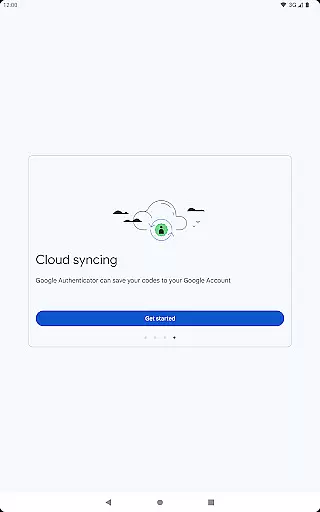
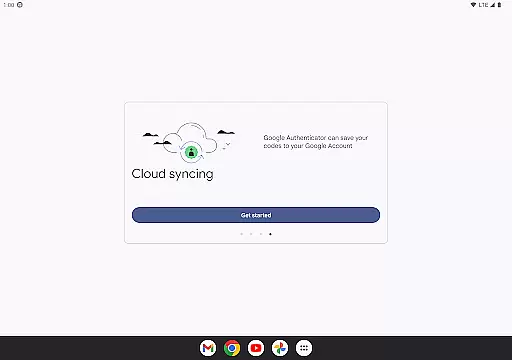
Google Authenticator offers several advanced features to streamline secure access management. One standout feature is its ability to sync verification codes with your Google Account, ensuring you never lose access even if your phone is lost or damaged. Additionally, the app supports automatic account setup via QR codes, simplifying the process of adding new accounts.
For users managing multiple accounts, the app provides seamless switching between them without requiring separate apps for each service. It also supports both time-based and counter-based code generation methods, catering to different user preferences. Furthermore, transferring accounts to a new device is effortless thanks to QR code-based migration functionality.
Google Authenticator excels in providing precise and effective two-factor authentication. The app generates time-based or counter-based codes that serve as the second verification layer for your online accounts.
Its core functionality is built around ensuring maximum security while maintaining ease of use. Even without an internet connection, the app reliably produces accurate verification codes, making it dependable in various scenarios.
The integration with multiple accounts is seamless, allowing users to manage all their 2FA needs within a single interface. This consolidation significantly enhances user convenience without compromising security protocols.
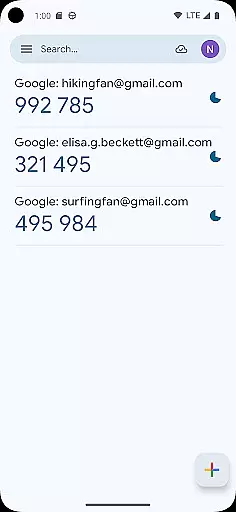
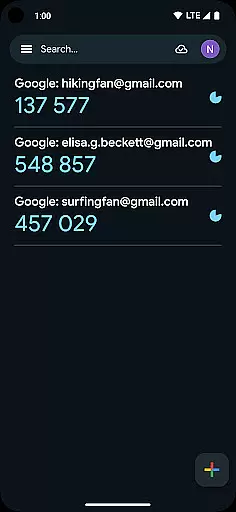
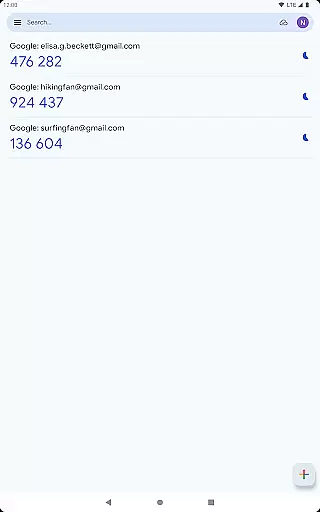
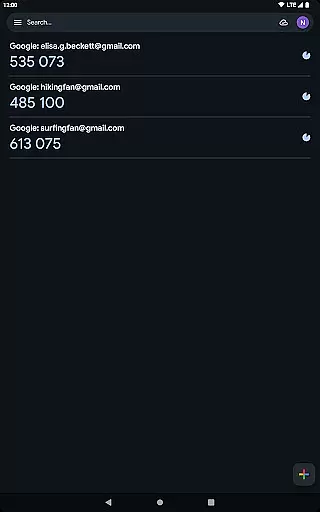
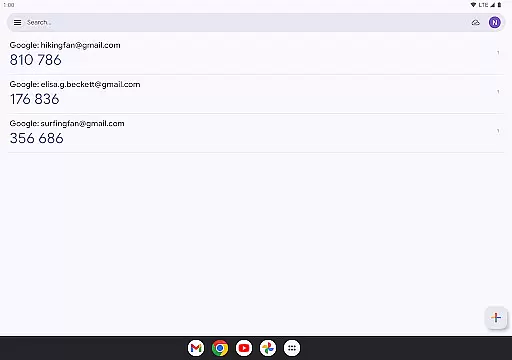
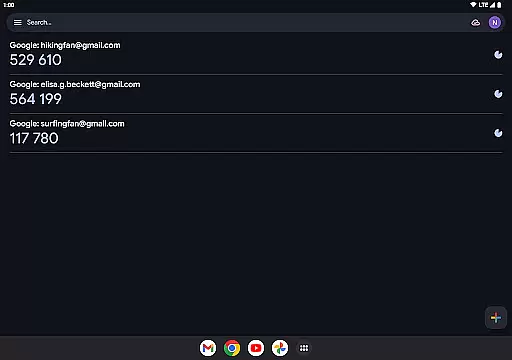
The interface of Google Authenticator is designed with simplicity at its core, focusing on delivering an intuitive user experience. Upon opening the app, users are greeted with a straightforward display showing the registered accounts and their corresponding verification codes.
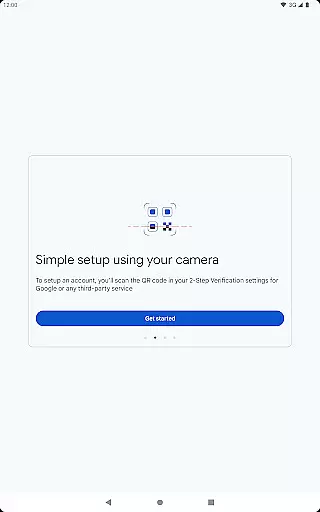
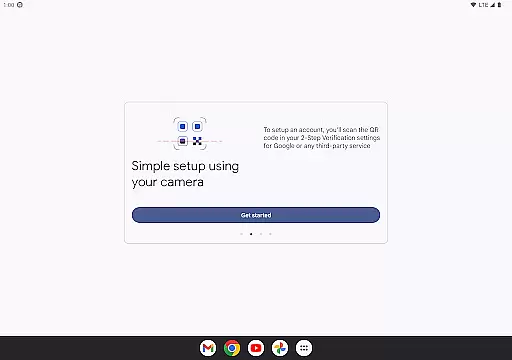
Adding new accounts is made effortless through QR code scanning, which minimizes manual input errors and expedites the setup process. This feature ensures that even non-tech-savvy individuals can easily configure their two-factor authentication settings.
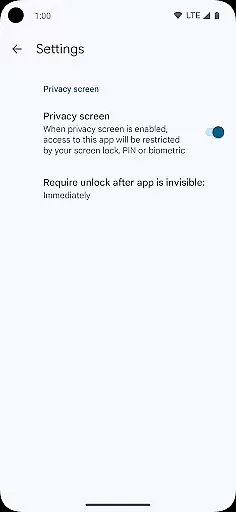
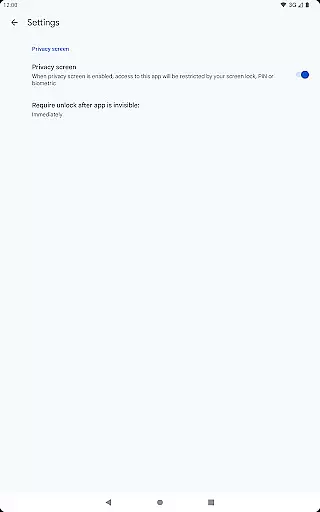
Despite its powerful security features, the app maintains a clean and uncluttered interface. This design choice makes daily usage hassle-free, allowing users to focus on what truly mattersu2014maintaining the security of their online presence.
Enhanced Security
Offline Functionality
Easy Setup
Multi-Account Support
Code Syncing
No Backup Option
Limited Customization
No Desktop Version
QR Code Dependency
Manual Entry Required

Change your GPS location instantly. Simulate routes anywhere in the world.
 4.90
4.90
Connect instantly to a fast, encrypted VPN with one tap
4.60
Unit and currency converter with easy and simple UI.
4.80
Fluid navigation gestures for all of us!
4.30
Keep track of your Palia friendships, tasks, and inventory with Palia Notebook
4.60
View detailed information about your Nissan Leaf the dealer never shows you.
4.10
Game Booster, GFX Tool is now compatible with newer game update
4.50
Introducing Smart Printer, your ultimate destination for printing solutions!
4.00
Clean up your phone, find files, play media, and share files offline
4.50
Easily install aab(Android App Bundle) files on your Android device with our app
4.80
Optimize your WiFi network, turn your phone into Wifi Analyzer
4.70
HD Camera captures every special moment.
4.60
Canon PRINT is a companion app for your Canon printer.
4.60 4.50
4.50
Universal TV remote control all TVs, Roku, LG, Samsung, Fire, Vizio, Sony, TCL.
4.40
Complete kernel toolbox with features to manage and tweak your rooted device
4.30
Family Locator, Share location, StayConnect with your family in real time
3.90
card-reader app
2.20
Unlock your Essential Key. Create custom shortcuts to your favorite apps!
4.3
Honest Scratch app review—is it actually good for teaching kids to code? Real user insights on features, limitations, and learning outcomes.



User Reviews