
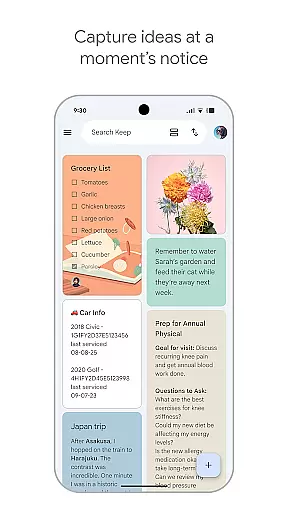
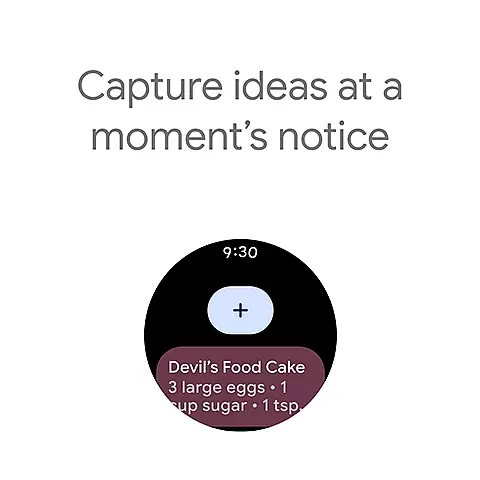
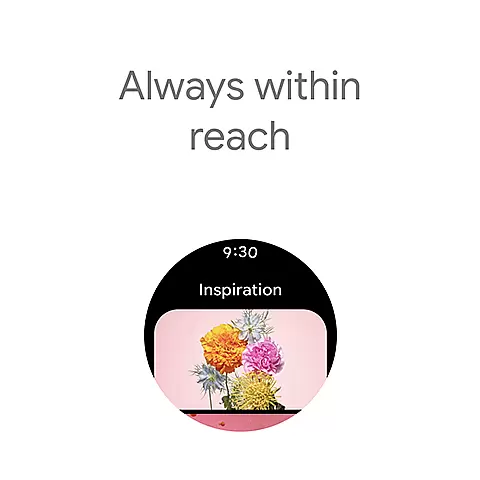
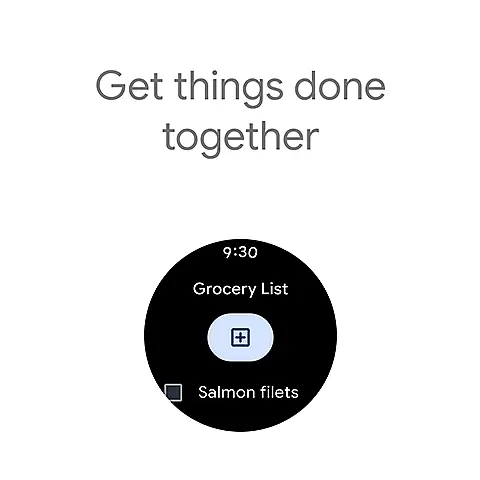
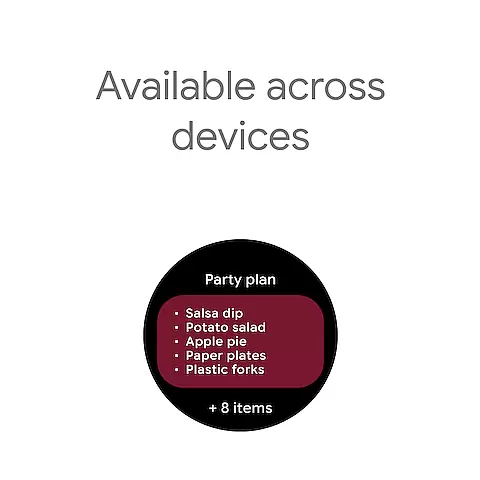
Google Keep is a versatile note-taking application designed specifically for Android Wear and other Android devices. This app allows users to quickly capture thoughts, manage to-do lists, and stay organized through various means such as text notes, voice memos, and photos. With seamless integration across phone, tablet, computer, and Wear OS devices, Google Keep ensures your information is always synchronized and accessible wherever you go.
Beyond basic note-taking, Google Keep offers advanced features like reminder settings, collaboration options, and powerful organizational tools including color-coding and labeling. These features help users retrieve information quickly and efficiently. The app also emphasizes security and privacy, ensuring that your notes remain confidential and protected. Whether you need to remember a grocery list or plan an upcoming trip with friends, Google Keep provides the tools necessary to keep your life organized and on track.
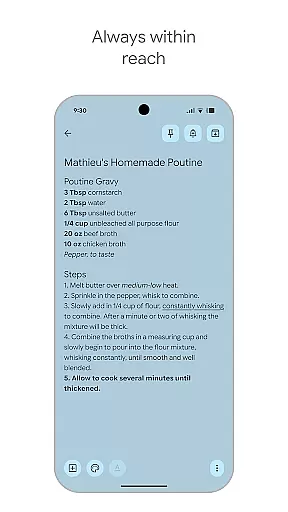
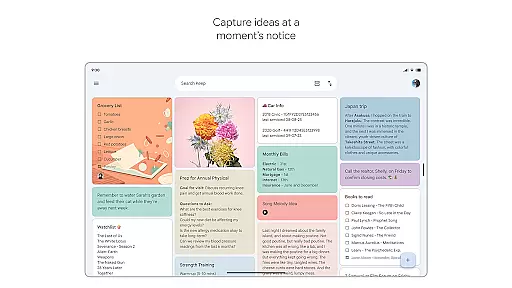
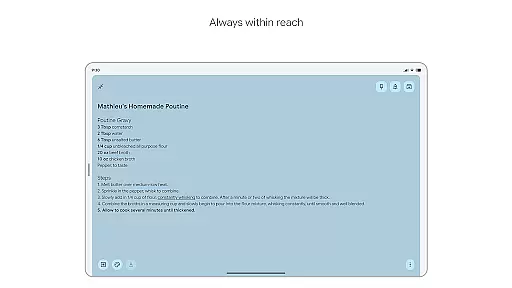
Google Keep stands out with its comprehensive feature set tailored for productivity and organization. One of its key features is the ability to capture notes in multiple formats - text, voice, and images. This flexibility allows users to record their thoughts in the most convenient way possible, whether they're at home or on the move. Additionally, the app supports widgets on phones and tablets, enabling quick access and effortless note-taking.
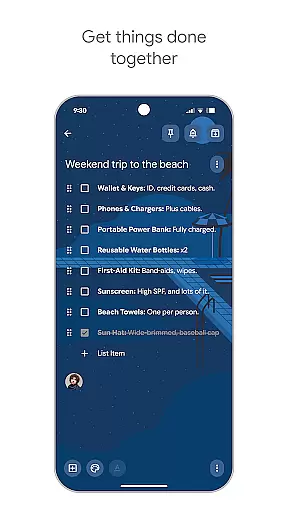
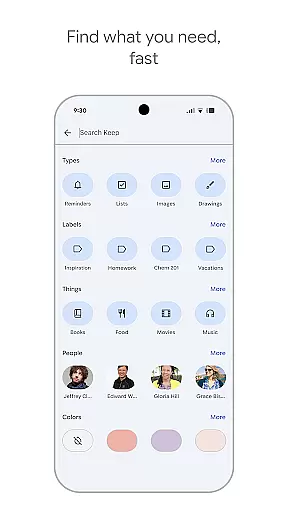
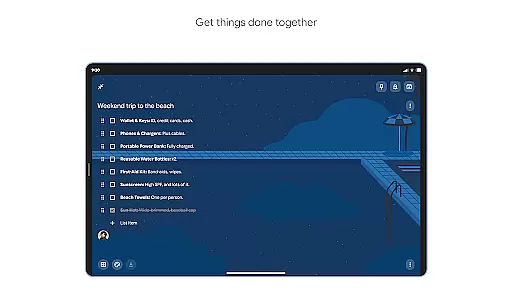
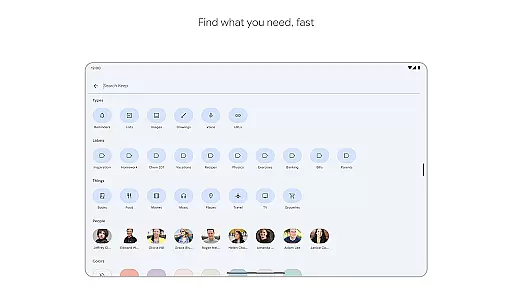
Collaboration is another strong suit of Google Keep. Users can share their notes with friends and family, making it easy to manage shared tasks like grocery shopping or planning trips. The app's powerful search functionality and organizational tools, such as labels and color-coding, ensure that finding specific notes is quick and straightforward. Reminders can be set to alert users at just the right moment, ensuring important tasks are never forgotten. With everything syncing seamlessly across all devices, Google Keep keeps your life organized no matter where you are.
Companion app integration is essential for a seamless user experience across multiple devices. Google Keep excels in this area by ensuring that all your notes, lists, and reminders are synchronized effortlessly between your phone, tablet, computer, and Wear OS device.
The app's architecture supports real-time updates, meaning any changes you make on one device instantly appear on all others. This synchronization capability ensures that whether you're at home, in the office, or on the move, your information is always up-to-date and accessible.
Google Keep also leverages widgets and tiles to enhance its companion app functionality. Users can pin notes to their device's homescreen or add shortcuts on a Wear OS device, making it easier than ever to access important information quickly.
For users invested in the Wear OS ecosystem, Google Keep offers unparalleled compatibility and functionality. The app is optimized to work smoothly on Wear OS devices, providing a user-friendly interface that complements the wearable form factor.
Google Keep takes advantage of Wear OS features such as complications and tiles, allowing users to capture thoughts and access notes directly from their watch face or through quick settings. This level of integration ensures minimal disruption to the user's routine while maximizing productivity.
Moreover, the app maintains consistent performance and design language across different devices, reinforcing a cohesive user experience. Whether you're using voice commands to create a note or viewing a grocery list on your watch, Google Keep ensures that every interaction feels intuitive and natural.
User-friendly interface
Seamless cross-device sync
Versatile note-taking options
Robust security measures
Efficient collaboration tools
Limited formatting options
No native desktop app
Basic drawing tools
Occasional sync issues
Fewer integrations with third-party apps

Gym Log & Workout Tracker | Fitness Journal, Training & Weight Lifting Planner
 4.90
4.90
Highly customizable hybrid watch face for Wear OS, perfect for everyday use.
4.60
Wear Os Watch Face - Animated Snow - Sesonal for Christmas & Winter
4.4
Beautiful, colorful and practical watch face. For Wear OS devices.
5.00
Stylish digital watch face for Wear OS devices with customizable features
4.0
Fitness interactive virtual pet super fighter boy watch face
4.1
Reliable phone calls with spam protection, caller ID and more helpful features
4.40
A realistic hybrid watch face with many customization options.
4.60
Start and succeed with PAP
4.10
Digital, flexibly customizable watch face. For Wear OS 5.0, API 34+ and later.
5.00
The Chevron App allows you to pay for fuel from the comfort of your car!
4.80
Diet tracker for weight loss - track calories, food and macros. Simple and easy!
4.70
Easy Voice Recorder is your everyday companion to record important moments.
4.70
Stylish, Energizing and Modern Watch Face crafted by Dominus Mathias.
4.50
Stay in touch with your friends and family using LINE!
3.40
Christmas is near, let's count together the days left until Santa comes
4.3
Analog watch face with 8 complications and expedition styling
4.3
A watch face that fuses motorsport precision with contemporary smartwatch design
4.4
Minimalistic design modern digital watch face.
4.2


User Reviews