
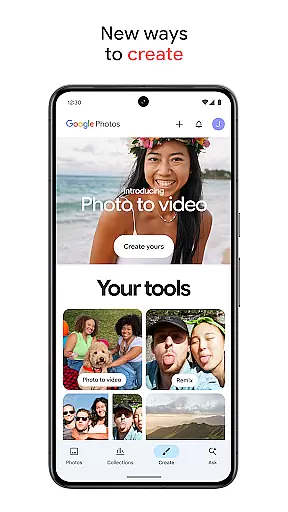
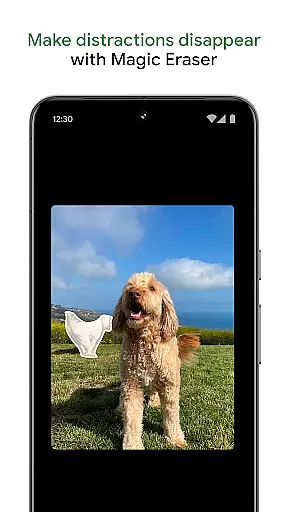
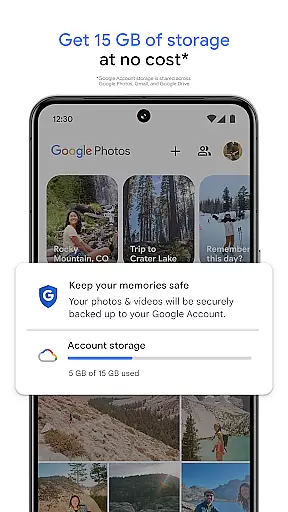
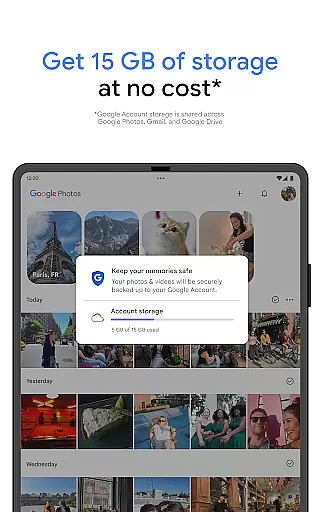
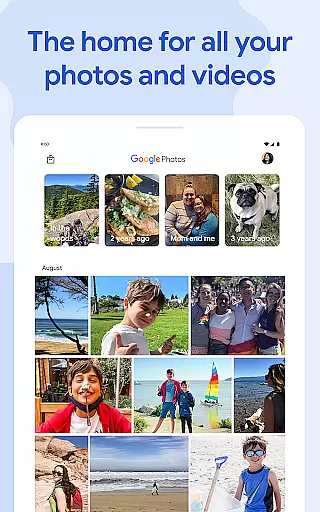
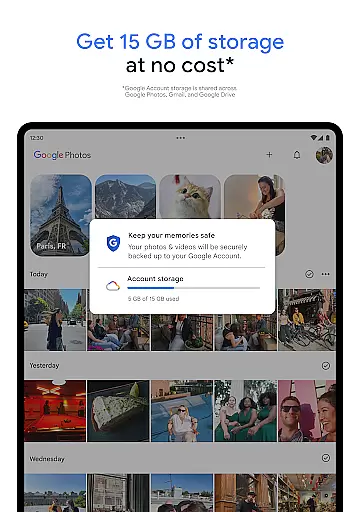
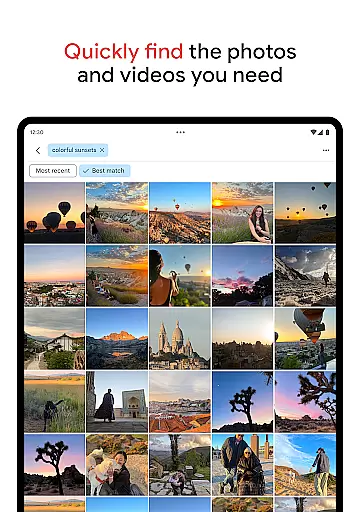
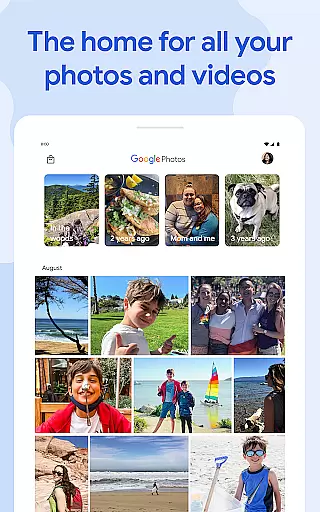
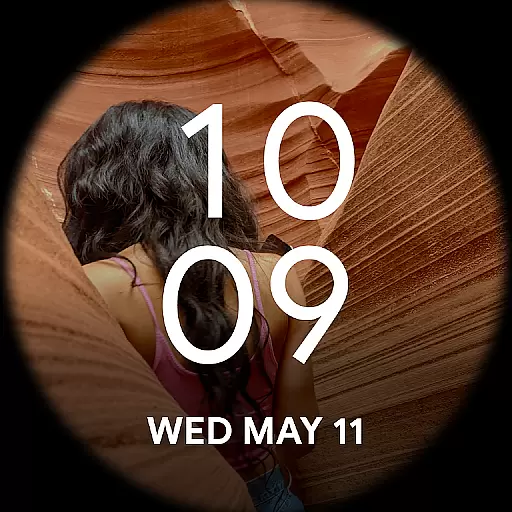
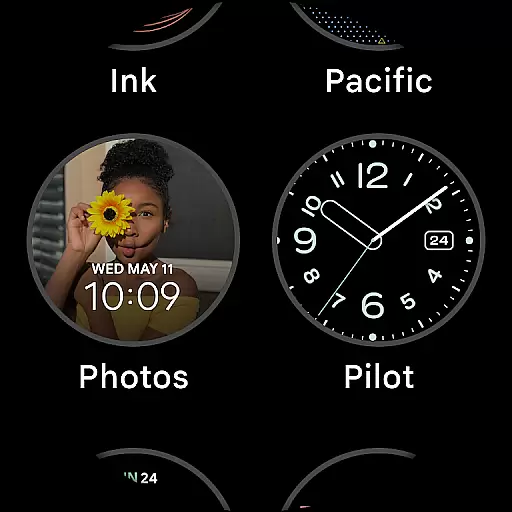
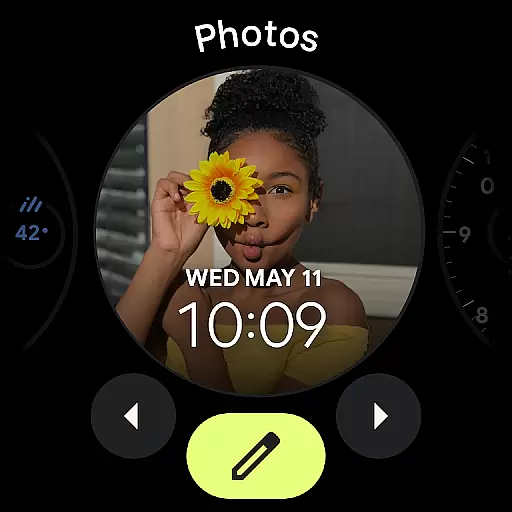
Google Photos is a comprehensive photo and video management application that leverages Google AI to help users back up, edit, organize, and search their memories. The app provides 15 GB of free cloud storage for every Google account, ensuring automatic backup across all devices. With features like AI-powered editing tools, users can make complex edits easily, such as removing distractions with Magic Eraser or enhancing lighting with Portrait Light.
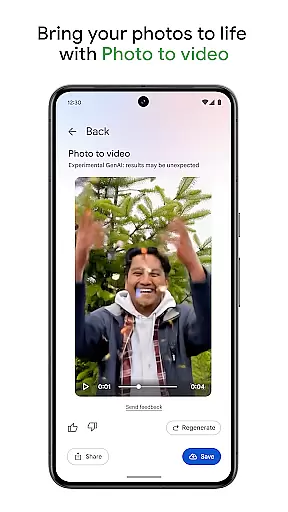
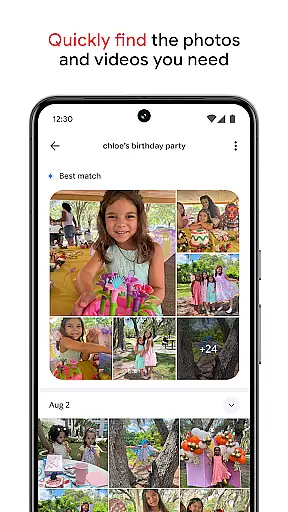
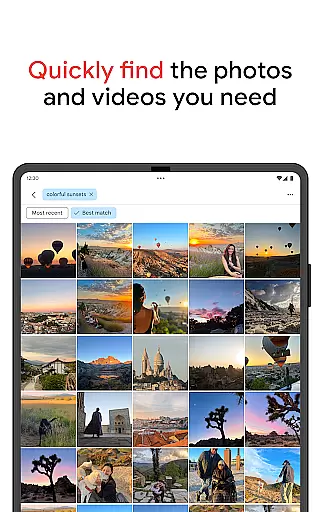
The app also offers creative tools like Remix and Photo to video, which transform static images into dynamic content. Its powerful search functionality allows users to find specific photos quickly, even with complex queries. Google Photos helps declutter galleries by organizing duplicates and similar photos into stacks, while also providing personalized folders for different types of content. Users can relive memories and share them effortlessly with others, even if they don't use Google Photos.
Google Photos stands out with its AI-powered features that simplify photo management. The app's Magic Eraser tool allows users to remove unwanted objects from photos seamlessly. It also includes Unblur for fixing out-of-focus images and Portrait Light to adjust brightness and lighting. These intelligent tools ensure users can enhance their photos with minimal effort.
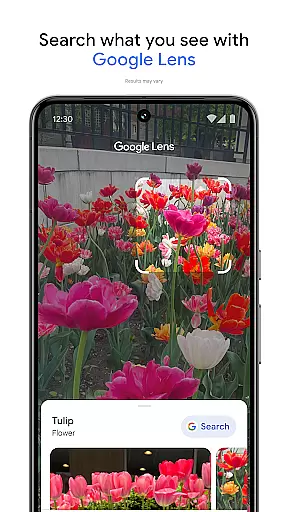
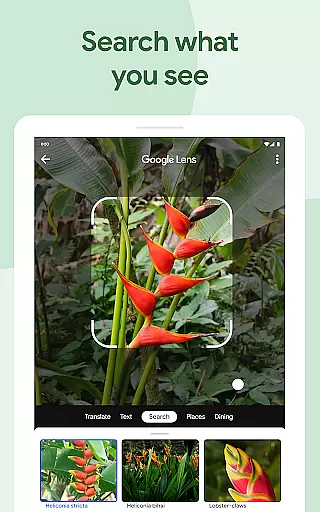
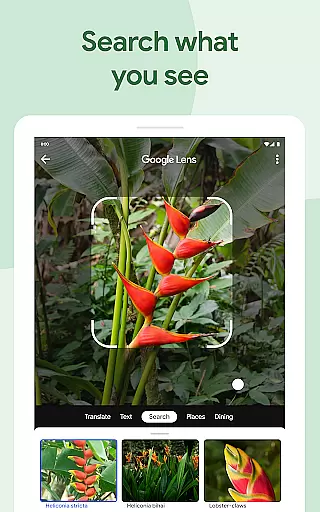
Organization is made easy with automatic grouping of duplicates and similar photos into Photo Stacks. Smart folders categorize screenshots, documents, and daily camera rolls intuitively. For privacy, sensitive content can be stored in a locked folder secured by the device’s screen lock. Additionally, Google Lens enables users to identify text and objects within photos, offering further utility beyond simple storage.
Companion app integration is essential for users who want a seamless experience between their mobile devices and wearable technology. Google Photos excels in this area by ensuring that all your photos and videos are automatically backed up and accessible across all your devices.
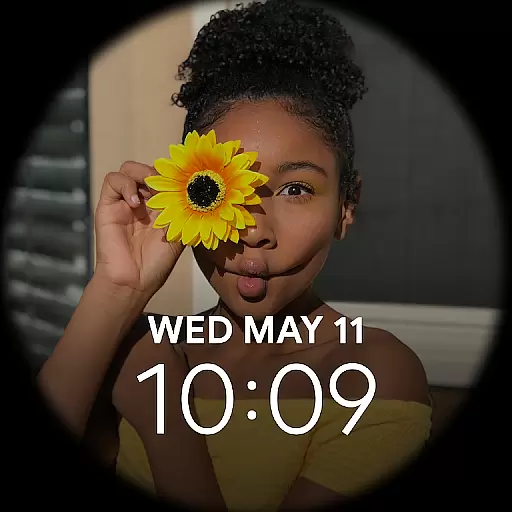
The application leverages Google's robust cloud infrastructure to sync content instantly, allowing users to access their media library from their Wear OS devices effortlessly. This means you can view, manage, and even share your cherished memories directly from your smartwatch or other Android Wear gadgets.
Moreover, the app provides notifications and updates on your wearable device, keeping you informed about new uploads, shared albums, or storage limits. This interconnected ecosystem ensures that whether you're on-the-go or at home, your content is always within reach, enhancing both convenience and productivity.
Ensuring compatibility with Wear OS and various devices is crucial for delivering a consistent user experience. Google Photos has been optimized to work seamlessly with Wear OS, providing users with an intuitive interface tailored for smaller screens without compromising functionality.
The app supports a wide range of devices, ensuring that regardless of your hardware, you can enjoy a smooth and responsive experience. Whether it's browsing through albums, viewing recent uploads, or managing your photo stacks, every feature is designed to be easily navigable on Wear OS devices.
In addition to broad device support, Google Photos also offers specialized features such as voice commands and gesture controls, which enhance usability on wearable tech. These thoughtful integrations make it easier than ever to interact with your photo library hands-free, offering unparalleled convenience and accessibility.
User-friendly interface
Powerful AI tools
Free cloud storage
Advanced search capabilities
Creative content options
Limited free storage
Subscription required for more space
Privacy concerns
Occasional sync issues
Ads in free version

A customizable Christmas watch face for Wear OS with a countdown.
 4.20
4.20
WTW M17 is a premium and luxurious hybrid watch face
4.70
Watch the sharpness of the sky on your wrist..
3.70
Wear Os Watch Face - Animated Snow - Sesonal for Christmas & Winter
4.1
Watch face for Wear OS.
4.20
3 Complications. All shadow on/off. 30 Themes color palette...
4.4
Monitor health with the stress test and pulse checker in the heart rate app.
4.60
Fast and smart typing with Emojis, GIFs, and more
4.50
Fitbit is dedicated to helping people lead healthier, more active lives.
4.10
A modern premium sporty hybrid watch face for Wear OS by Ballozi
4.70
Easy Voice Recorder is your everyday companion to record important moments.
4.70
Embrace the holiday spirit with this magical animated watch face!
4.40
Beautiful artistic animated digital watch face, with a customizable layout!
4.40
Premium hybrid watch face with many customizations for Wear OS devices.
4.40
Find EV charging stations
4.30
"PER27 Galaxy Digital" is a digital Wear OS watch face designed by PERSONA
4.10
Snowflake Rose Gold Watch Face - Digital, modern, & sleek with GYRO effect.
4.10
Precision analog watch face with 7 complications and style options
4.1
Fitness interactive virtual pet super fighter boy watch face
4.1


User Reviews