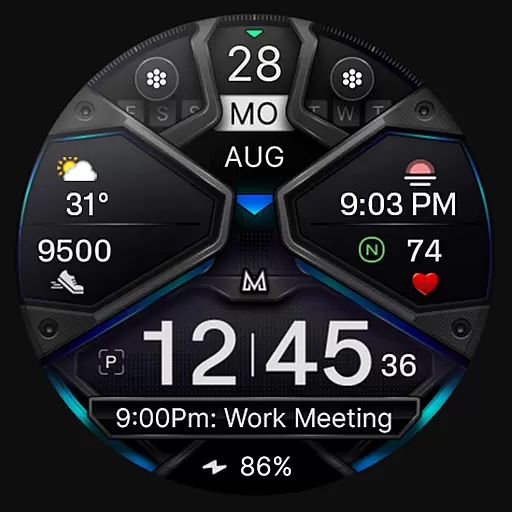
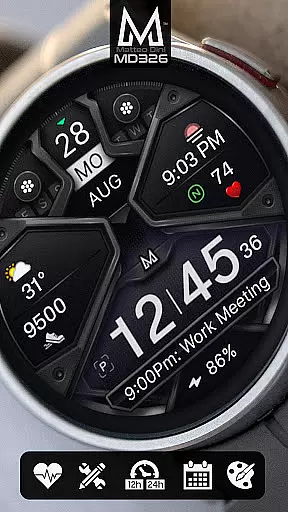
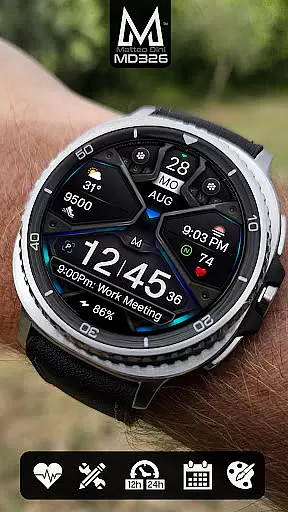
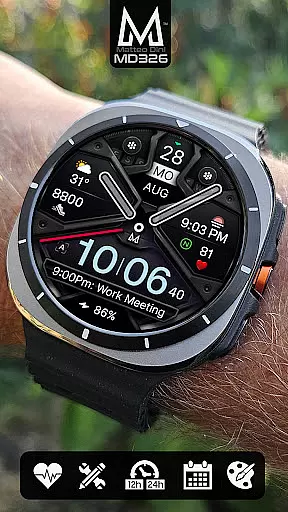
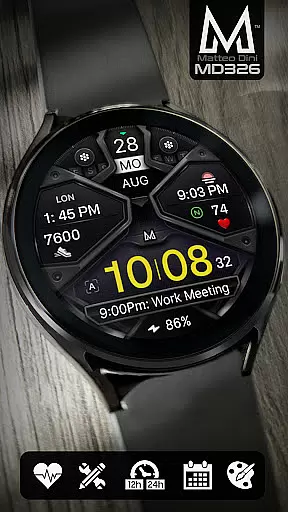
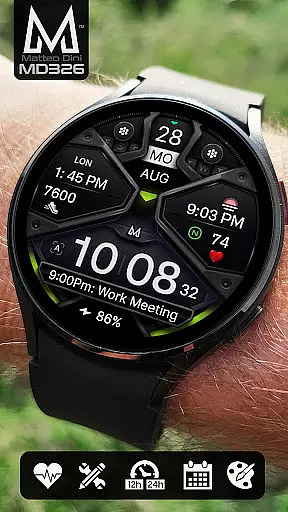
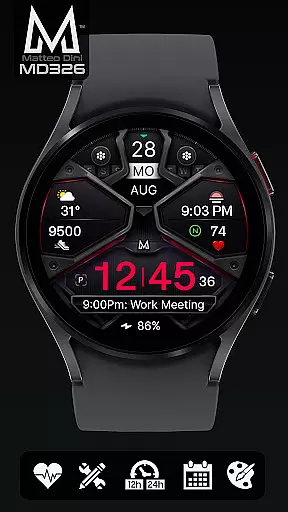
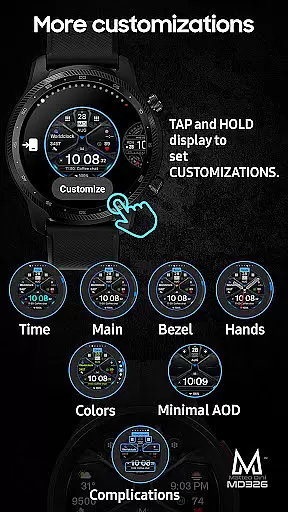
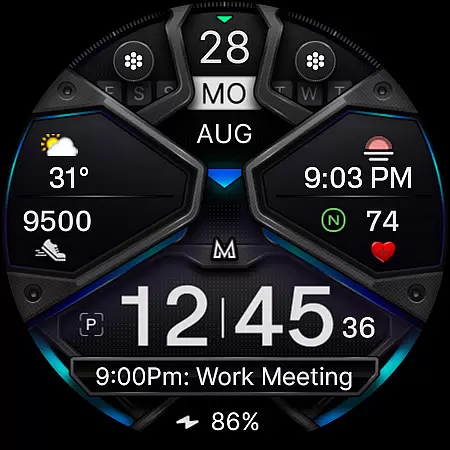
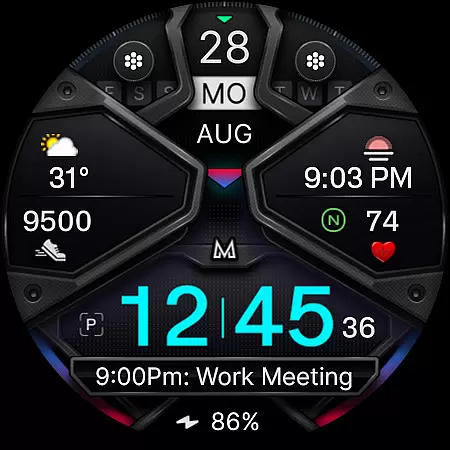
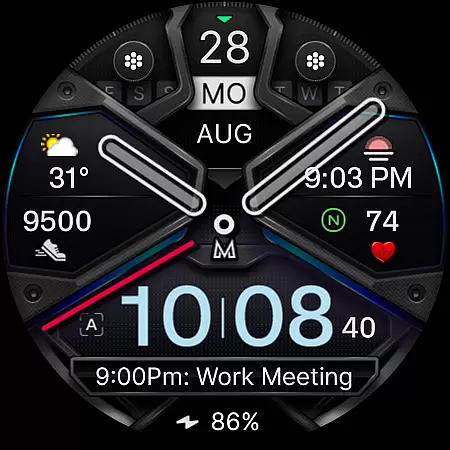
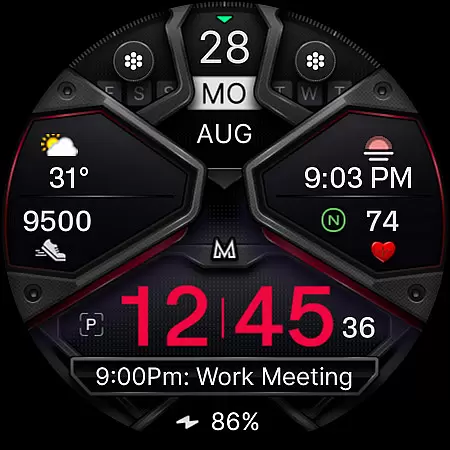
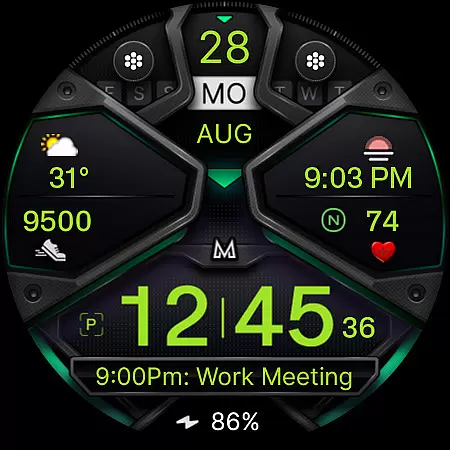
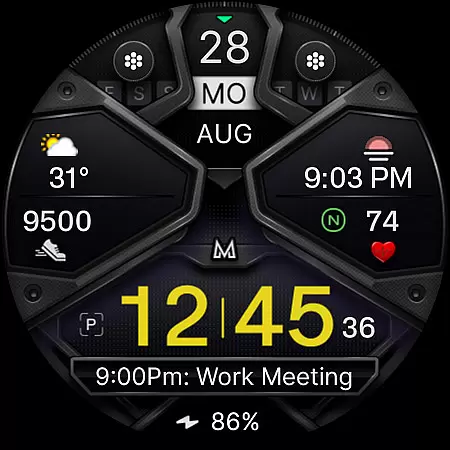
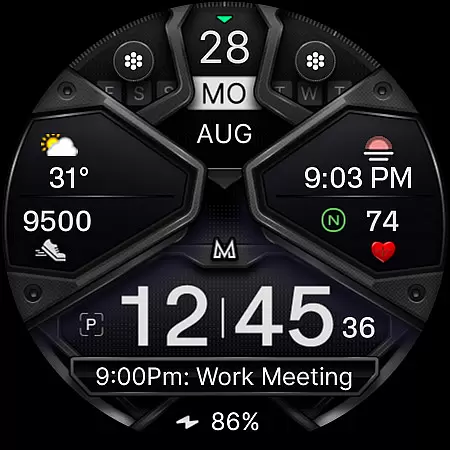
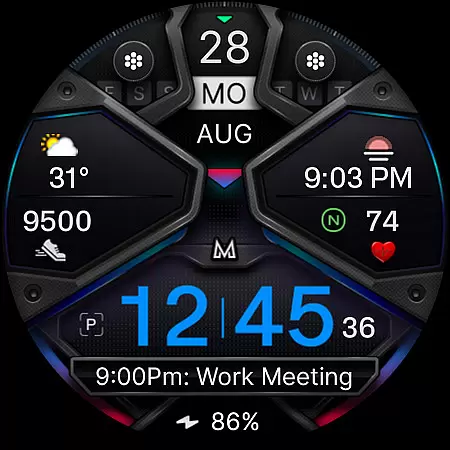
MD326 3D Modern Watch Face offers a sophisticated and customizable timepiece experience for Wear OS devices. Designed with advanced features, this watch face supports all Wear OS devices with API Level 33+ including Samsung Galaxy Watch 4-8, Ultra, and Pixel Watch.
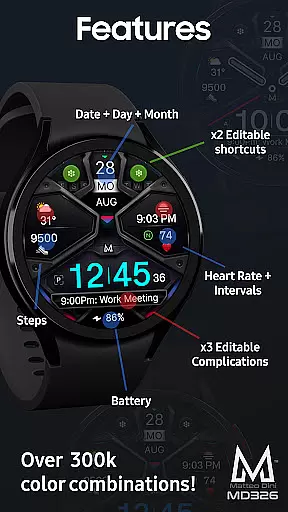
The interface includes 3 preset app shortcuts, 2 customizable shortcuts, and 3 complications that can display data such as weather, barometer readings, and UV index. Users can personalize the appearance by changing colors of the time, bezel, background, and more. The Always ON Display feature ensures essential information is visible at a glance.
Ideal for users seeking both functionality and style, MD326 enhances productivity while offering a sleek modern design suitable for various occasions.
This innovative watch face stands out with its extensive customization options. Users can modify time format (12/24hr), date, day, month, battery status, step count, heart rate intervals, and more. The hands and other elements can be hidden or color-adjusted to suit personal preferences.
With support for Always ON Display in minimal style, MD326 ensures important details remain accessible without draining battery life. Preset app shortcuts like Calendar, Battery, and Heart Rate Measurement provide quick access to frequently used functions.
Complications are highly adaptable, allowing integration of diverse data sources such as weather forecasts, world clocks, and barometric pressure readings. This flexibility empowers users to tailor their watch face to specific needs and interests.
Companion app integration is essential for a seamless wearable experience. The MD326 3D Modern Watch Face offers users the ability to customize their watch face directly on their Wear OS device, bypassing potential issues with the Samsung Wearable app's editor.
This customization process allows users to access features such as app shortcuts and complications without relying on an external editor. By tapping and holding the display, users can easily personalize their watch face to suit their preferences.
The direct-on-device customization ensures that all users, regardless of their smartphone model or settings, can enjoy a fully personalized experience. This approach not only enhances usability but also provides a reliable solution until any third-party app issues are resolved.
With this level of integration, users can expect a cohesive ecosystem where their wearable device works harmoniously with their digital lifestyle, offering both convenience and functionality.
Ensuring broad device compatibility is crucial for any Wear OS application. The MD326 3D Modern Watch Face supports all Wear OS devices with API Level 33+ including popular models like Samsung Galaxy Watch 4-8, Ultra, and Pixel Watch.
This wide compatibility range means that users across different devices can enjoy the advanced features of this watch face without worrying about technical limitations. The support for the latest Wear OS versions guarantees optimal performance and access to cutting-edge functionalities.
By covering a comprehensive array of devices, the MD326 watch face caters to a diverse user base, enhancing its market reach and user satisfaction. This inclusivity is vital for providing a consistent user experience across various hardware platforms.
Ultimately, robust device compatibility ensures that more users can benefit from customizable features like app shortcuts, complications, and color options, making it a versatile choice for tech-savvy individuals.
Highly customizable
Sleek modern design
Extensive feature set
Always ON Display
Versatile complications
Complex setup process
Limited device compatibility
Preset shortcut limitations
Customization learning curve
Battery consumption concerns

Diet tracker for weight loss - track calories, food and macros. Simple and easy!
 4.70
4.70
an Analog Watch Face for winter season with freeze winter background for Wear OS
4.1
Rose gold watch face with festive lights & customizable features.
4.60
Wear Os Watch Face - Animated Snow Effect & Magic Spark - 6 Scenes
4.10
Beautiful, colorful and practical watch face. For Wear OS devices.
5.00
Stylish digital watch face for Wear OS devices with customizable features
4.1
Monitor health with the stress test and pulse checker in the heart rate app.
4.60
Find EV charging stations
4.30
The #1 source of faces for your smartwatch!
4.00
Christmas - Festive - Christmas Village - Winter - Christmas lights
5.00
Real-time weather radar with temperatures, warnings, hurricanes, and widgets
4.80
MyNISSAN® lets you remotely control your car from your phone.*
4.50
Current temperature, weather hourly, weather radar by the weather forecast app
4.40
Elegant animated Christmas tree with multiple customization options
4.20
Animated video-game inspired “secret agent” simulation, right on your wrist!
4.20
Your local weather forecast, storm tracker, radar maps & live weather news
3.40
A heartwarming Christmas scene featuring a cute image of Santa and Rudolf
4.5
Fitness interactive virtual pet super fighter boy watch face
4.0
Minimalistic design modern digital watch face.
4.4


User Reviews