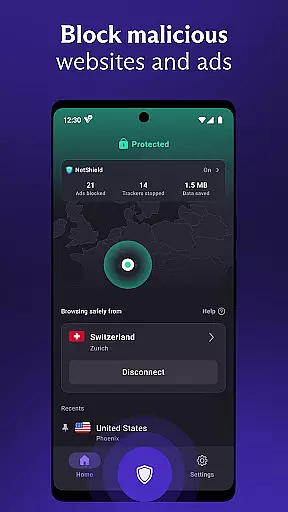
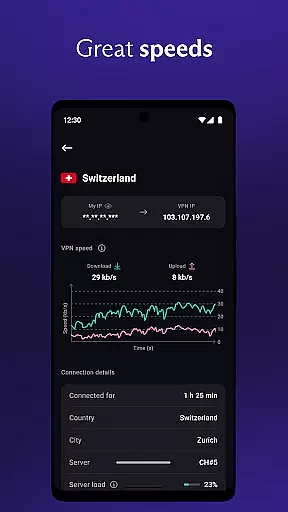

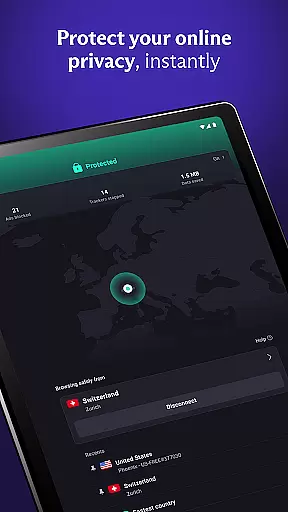
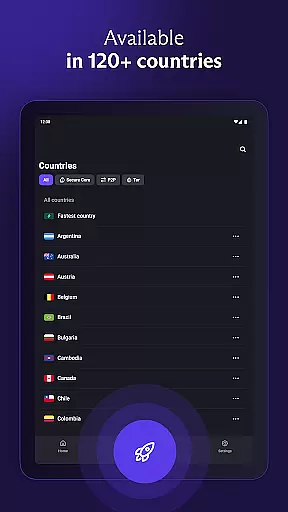
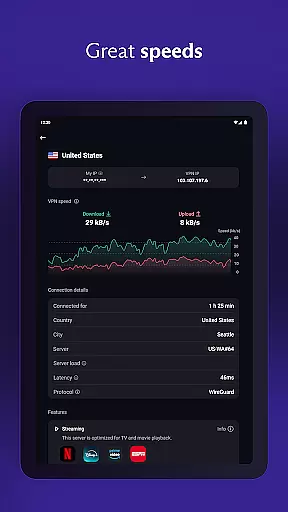
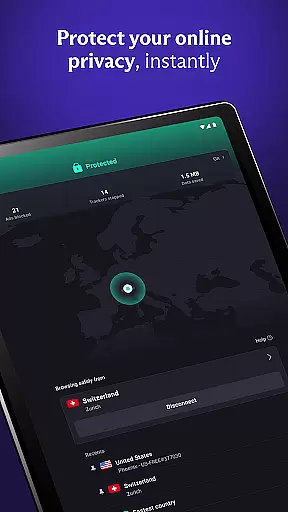
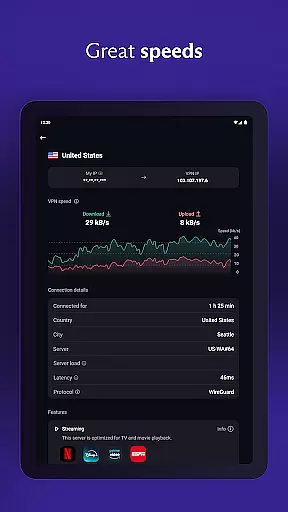
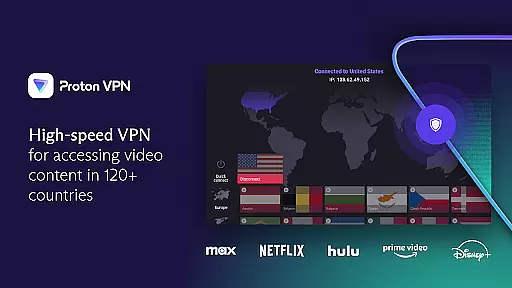
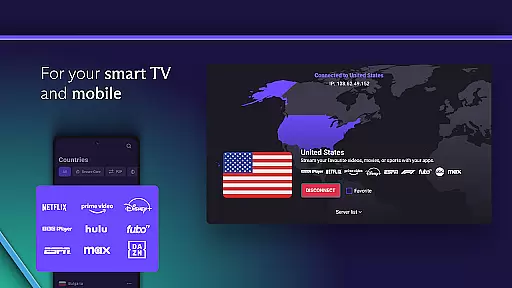
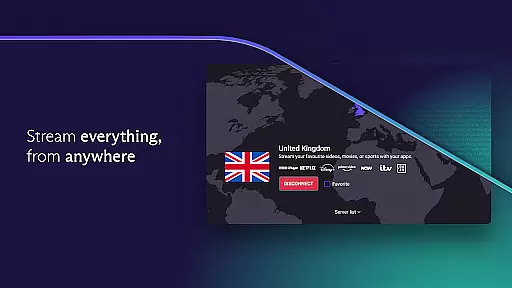
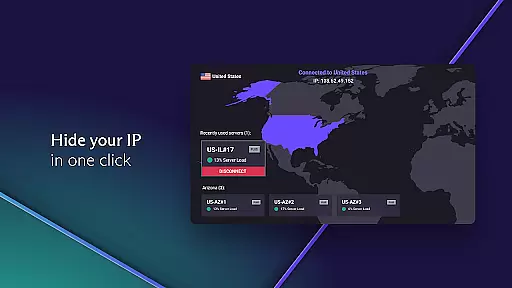
Proton VPN is a secure and privacy-focused virtual private network application developed by the team behind Proton Mail. This free VPN service offers unlimited data access with no bandwidth or speed restrictions, ensuring users can browse the internet without compromising their privacy. The app features advanced security protocols including OpenVPN and WireGuard, full-disk encrypted servers, and perfect forward secrecy to protect user data.
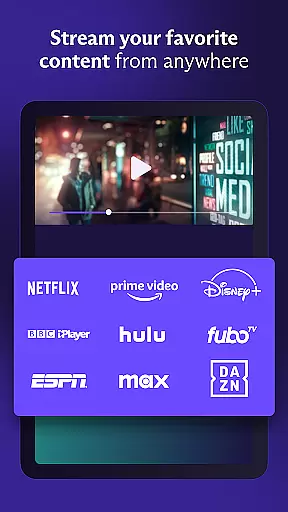
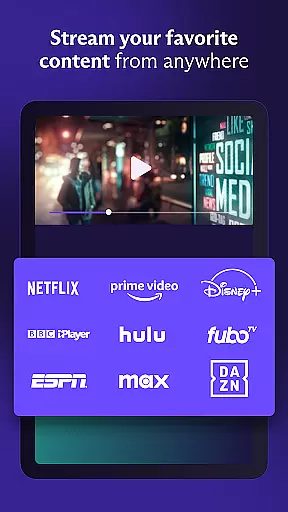
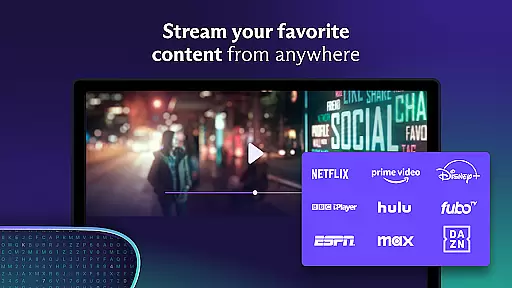
The application is designed for multiple platforms such as Android, iOS, Windows, and macOS, making it versatile for various devices. With its strict no-logs policy and discreet app icon option, Proton VPN ensures that your online activities remain confidential. Whether you're looking to bypass geo-restrictions, stream content securely, or protect your connection on public Wi-Fi, Proton VPN provides a robust solution for maintaining internet privacy and security.
Proton VPN stands out with its comprehensive set of features tailored for privacy and security. One of its key features is the advanced protocol support, utilizing both OpenVPN and WireGuard to ensure secure connections. Additionally, the app includes DNS leak protection and an always-on VPN feature that acts as a kill switch to prevent accidental disconnections from exposing your data.
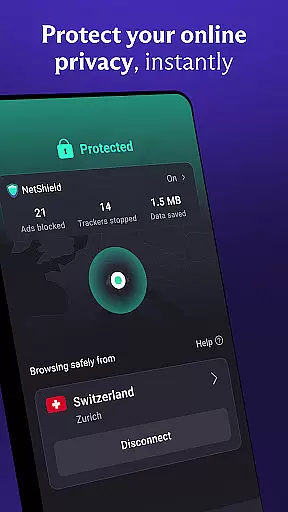
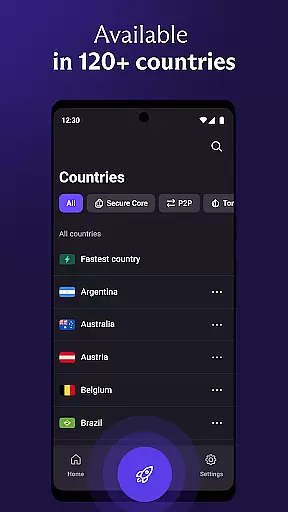
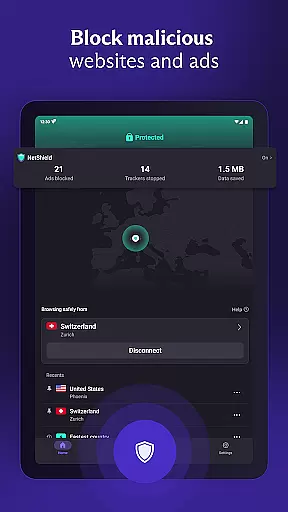
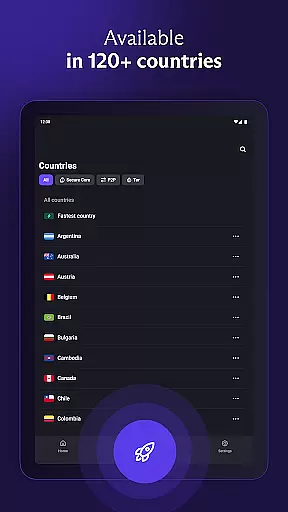
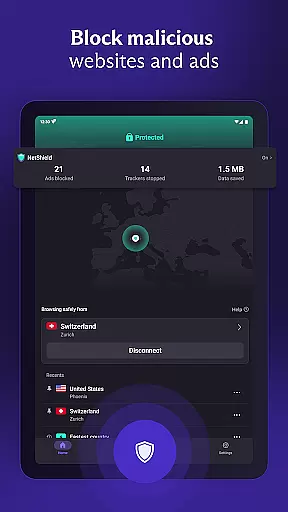
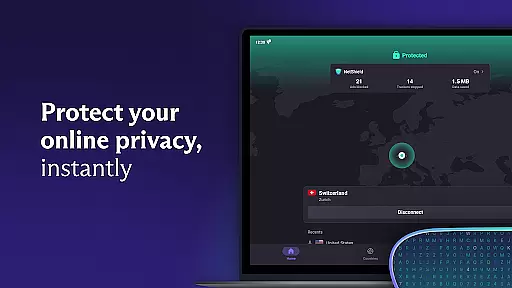
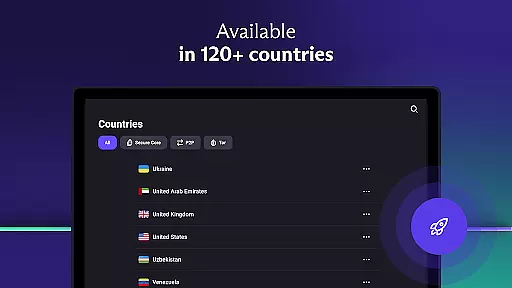
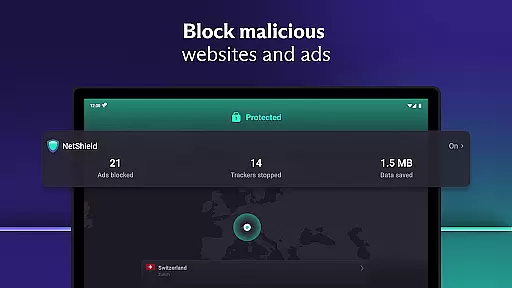
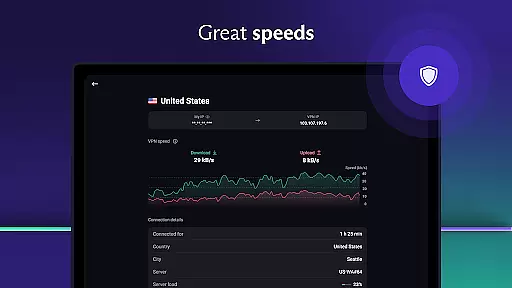
Premium users benefit from access to over 15,000 high-speed servers across 126 countries, enabling fast browsing experiences with speeds increased by up to 400% through the unique VPN Accelerator technology. Other notable features include NetShield, which blocks ads and malware, split tunneling for selective app routing, and Secure Core servers that defend against network-based attacks using multi-hop VPN technology.
For those concerned about privacy, Proton VPN's strict no-logs policy ensures that your browsing history remains private. The app also supports file-sharing and P2P connections, making it suitable for users who require these functionalities while maintaining top-notch security standards.
At the heart of Proton VPN's appeal is its core function accuracy and effectiveness, setting a gold standard in the Tools category. This application doesn't merely promise secure internet access; it delivers through advanced privacy features and high-strength encryption protocols, ensuring that your online activities remain private and unrestricted.
The app leverages proven secure protocols such as OpenVPN and WireGuard, alongside AES-256 and 4096 RSA encryption standards, to safeguard connections. Such measures are critical for protecting data against unauthorized access and cyber threats, making Proton VPN not just a tool but a fortress for your digital communications.
For users, this means enjoying an open and unrestricted internet without compromising personal security or privacy. Whether it's bypassing geo-restrictions, accessing censored content, or securing connections on public Wi-Fi hotspots, Proton VPN equips its users with the necessary tools to navigate the digital world safely and freely.
This dedication to precision and performance in its core functions underlines Proton VPN's commitment to providing a reliable, effective solution for secure internet access, distinguishing it as a top choice for users seeking privacy-respecting connectivity solutions.
In the realm of digital tools, the simplicity and intuitiveness of an interface can significantly influence user adoption and satisfaction. Proton VPN excels in this area, offering an interface that demystifies the complex processes of encryption and secure connections, making privacy accessible to all.
With features like one-click 'Quick Connect,' users can effortlessly secure their internet connection, even on public Wi-Fi networks. This ease of use extends across its multi-platform support, including Android, iOS, Windows, and macOS, ensuring a seamless experience regardless of the device.
Moreover, Proton VPN's design philosophy centers around the user, evident in options like the discreet app icon, which helps maintain privacy by disguising the VPN's presence on your phone. Such thoughtful touches underscore the app's focus on delivering not just powerful security features but doing so in a manner that respects and enhances the user's interaction with their digital environment.
By prioritizing an intuitive user experience, Proton VPN bridges the gap between sophisticated cybersecurity measures and the end-user, affirming its status as a leader in the Tools category for those seeking both protection and practicality in their digital interactions.
Free unlimited data
No logs policy
Advanced security
Multi-platform
High-speed servers
Limited free servers
Premium costs
Complex setup
Occasional slowdowns
Ads in free version

Remote for Roku, Fire TV, Samsung TV, LG TV, Android TV, Chromecast and VIZIO TV
 4.20
4.20
Unlock your Essential Key. Create custom shortcuts to your favorite apps!
4.1
Forza Tuning Calculator App for Forza Horizon 5, Motorsport and Earlier Titles
4.40
Signal Strength, Mobile, Wifi, Speed Test, Bad Signals, Cellular, 5G, LTE, 4G
4.20
Mirror your screen to Chromecast and Android TV - Super fast and simple
4.60
Support Fossify apps with a warm thank you!
5.00
Screen Mirroring with sound for Samsung TV, LG TV, Sony TV, Smart TV and Browser
4.20
Mobile Security with Scam Protection | Malware & Virus Cleaner | Safe Browser
4.70
Clean up your phone, find files, play media, and share files offline
4.50
Change your GPS location instantly. Simulate routes anywhere in the world.
4.90
Navigate with Ease and Style
4.90
Fast Video Downloader, Movie Downloader, Torrent Downloader & Adblock Browser
4.70
Connect instantly to a fast, encrypted VPN with one tap
4.60
Canon PRINT is a companion app for your Canon printer.
4.60 4.50
4.50
Button mapper, mouse toggle, sleep timer and a lot of another features
4.50
Just swipe the edge to do something!
4.40
Just one-tap to easy translate in any language after calls within seconds.
4.20
Save any video in HD - paste the link, download fast and watch offline.
4.4
Honest Scratch app review—is it actually good for teaching kids to code? Real user insights on features, limitations, and learning outcomes.



User Reviews