
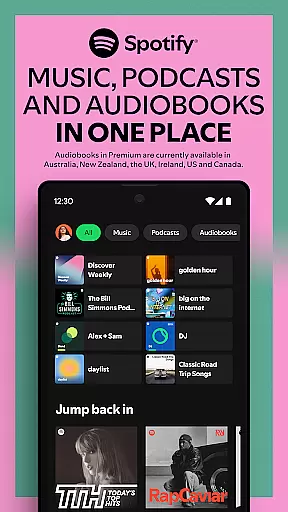
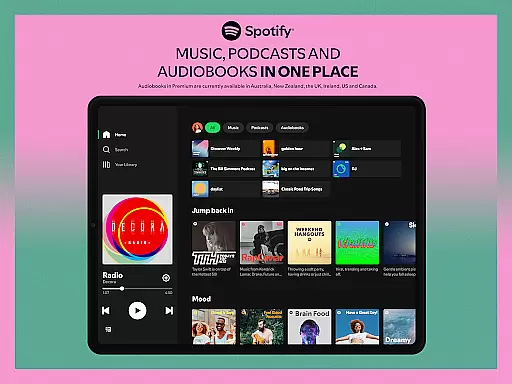
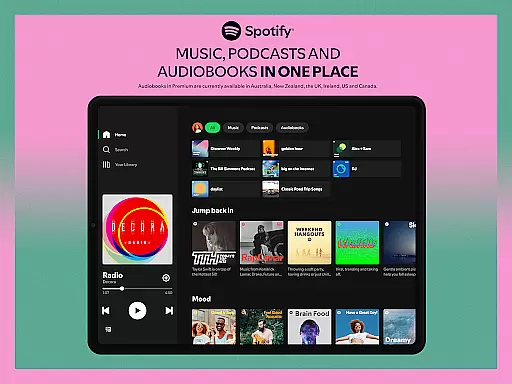
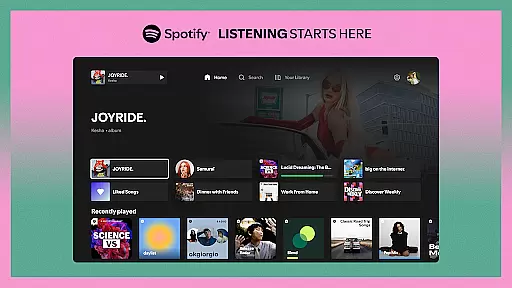
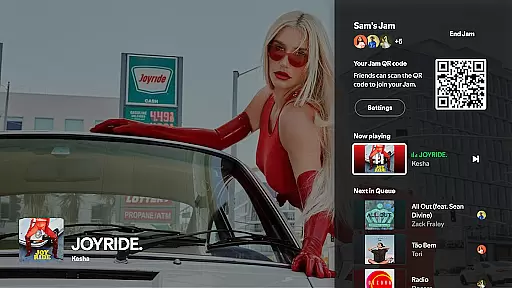

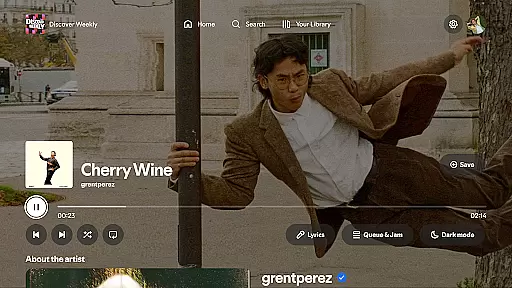
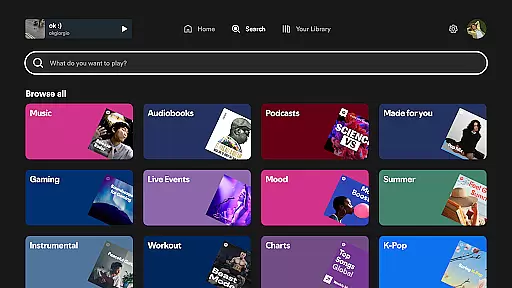
Spotify for Android TV transforms your living room into a dynamic entertainment hub. This app allows you to stream millions of songs, curated playlists, and a wide range of podcasts directly on your TV. With features like on-screen lyrics and the ability to control playback using your phone or TV remote, it offers an immersive audio-visual experience.
Whether you're hosting friends, relaxing after work, or exploring new music, Spotify enhances every moment with its vast content library. Premium users can enjoy additional benefits such as hosting Jams where friends can queue up their favorite tracks. The app also supports Google Assistant for hands-free control on compatible devices, making it easy to integrate music seamlessly into your daily life.
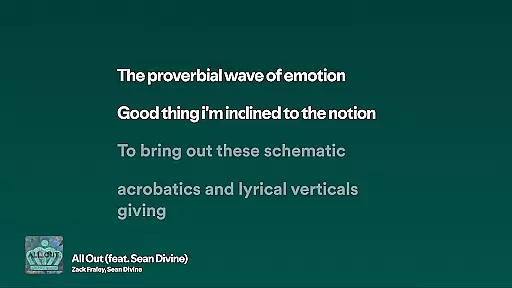
Spotify for Android TV boasts an array of impressive features tailored for home entertainment. One standout feature is the ability to host a Jam session, allowing multiple users to add songs to a shared queue—a perfect feature for parties. Additionally, the app provides on-screen lyrics for select tracks, enabling sing-along sessions right in your living room.
The app supports Spotify Connect, giving you the flexibility to control playback from your phone without interrupting the music. For those who prefer voice commands, Google Assistant integration allows for hands-free operation. With ad-free listening and enhanced audio quality available through Spotify Premium, users can enjoy uninterrupted, high-fidelity sound that elevates the overall listening experience.
When it comes to digital music services, the size and authenticity of the music library are crucial factors for users. Spotify on Android TV offers an extensive collection of millions of songs across various genres and languages, ensuring that there's something for everyone. This vast library is not just about quantity; it's also about quality and legality.
Spotify has established partnerships with major record labels and independent artists alike, guaranteeing that all tracks available on the platform are properly licensed and authenticated. This means users can enjoy their favorite tunes without worrying about copyright infringement issues. The service regularly updates its catalog to include the latest releases, live recordings, and exclusive content.
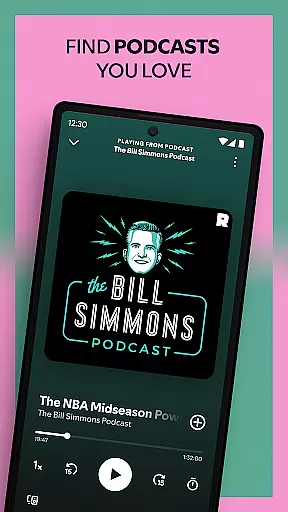
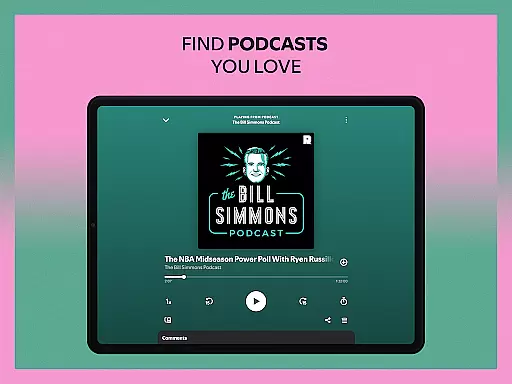
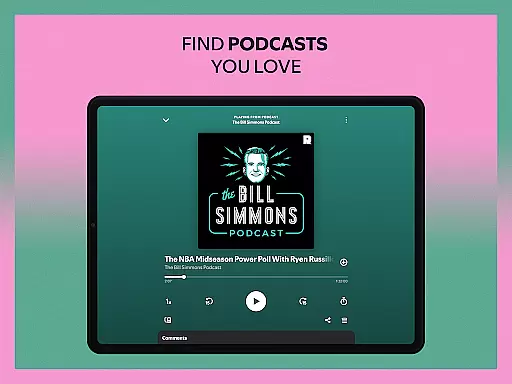
For those who appreciate podcasts, Spotify brings an equally impressive selection of audio and video podcasts covering a wide array of topics. Whether you're into true crime, comedy, or tech news, there's a podcast for you. With features like on-screen lyrics where available, listeners can sing along to their favorite tracks directly from their TV screens.
The combination of a massive, legally-verified music library and diverse podcast options makes Spotify on Android TV a comprehensive entertainment solution. Users benefit from uninterrupted access to high-quality audio content, enhanced by features such as ad-free listening and improved sound quality with Spotify Premium. This ensures an optimal listening experience whether you're hosting friends or enjoying a quiet evening at home.
Audio quality is a fundamental aspect of any music streaming service, and Spotify on Android TV excels in providing users with flexible options to suit their listening preferences. The platform supports various audio quality settings, allowing listeners to choose between standard, high-quality, and extreme quality streams. This flexibility ensures that users can optimize their experience based on their internet connection speed and personal preferences.
For audiophiles and those who demand the best possible sound, Spotify Premium offers enhanced audio quality that delivers richer, more detailed soundscapes. This feature is particularly noticeable when using high-end sound systems connected to your Android TV, where every instrument and vocal nuance can be appreciated in crystal-clear detail. The ability to control playback through your TV remote or via Spotify Connect adds another layer of convenience to the premium audio experience.
Moreover, Spotify's integration with Google Assistant on supported devices allows for hands-free control of audio settings. You can easily adjust the quality or skip tracks without interrupting playback, maintaining an immersive listening environment. This seamless interaction enhances the overall user experience, making it easier than ever to manage your audio preferences while enjoying your favorite content.
Whether you're hosting a party, relaxing after work, or exploring new music, the customizable audio quality options on Spotify for Android TV ensure that every listening session is tailored to your exact specifications. From background music to critical listening sessions, users can count on consistent, high-fidelity sound that elevates their entertainment experience to new heights.
User-friendly interface
Extensive music library
Seamless device integration
Voice command support
Premium audio quality
Limited free features
Requires stable internet
Premium subscription cost
Device compatibility issues
Regional content restrictions
 4.70
4.70
Gorgeous UI, Powerful music Search and Equalizer, the great choice for you!
4.70
VB-AUDIO Software / VBAN-Receptor allows listening to any VBAN Streams
4.10
Network/Cloud Streaming, Visualization, Graphic Equalizer and Sound Effects.
4.20
Bass Booster Pro takes auto-equalizing to the next level!
4.30
Play your hearts out on TouchTunes jukeboxes & connect with fellow music lovers.
4.80
The official Sonos app
4.10
Turn your Android phone into a professional audio analyser with up to 120 bands.
4.00
One-tap booster for max volume - enjoy powerful sound with this audio booster
4.50
More downloads than any other metronome. Includes drum machine & tempo trainer.
4.80
Performance-Synthesizer & Multi-Track-Sequencer, polyphonic + multi timbral!
4.70
The best music and audio player, with beautiful UI, music search and equalizer.
4.60
Save hundreds of dollars for a physical strobe tuner and instead use this app.
4.50
Advanced 10-Band Audio Graphic Equalizer Sound Booster Pro
4.30
The alternative folder based music player.
4.20
Permanently backup Now Playing. Maps, filters & listening stats.
4.00
The only true audiophile music player with Hi-Fi audio rendering and DSP engine
3.90
Background pads for your band
3.80
Make music anywhere. Turn your device into an instrument.
4.0


User Reviews