






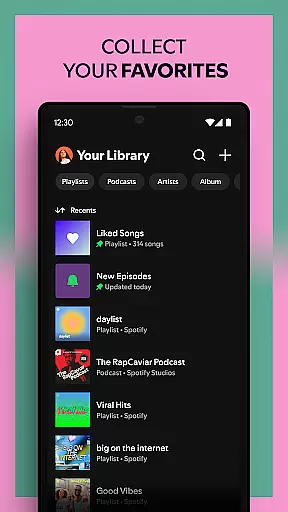
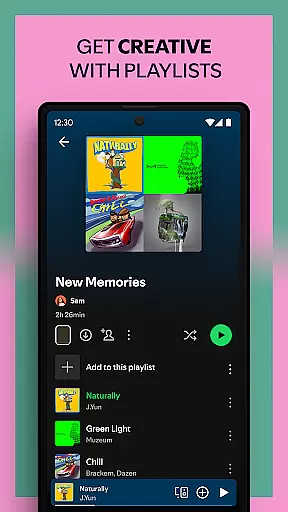
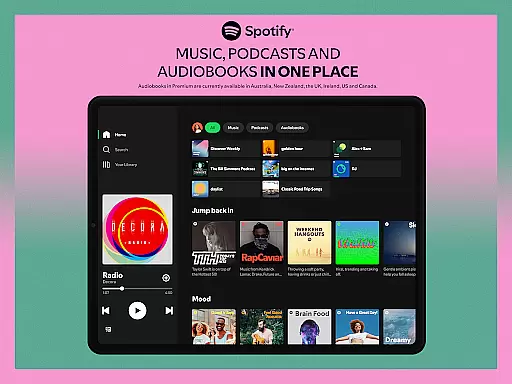

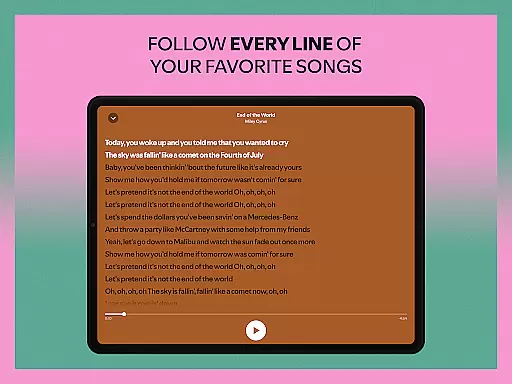

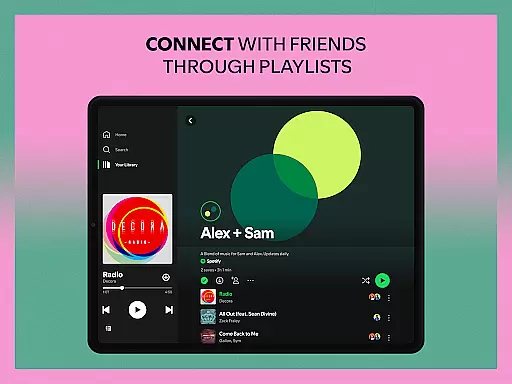
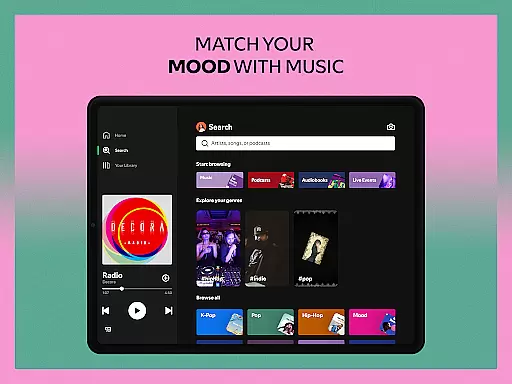
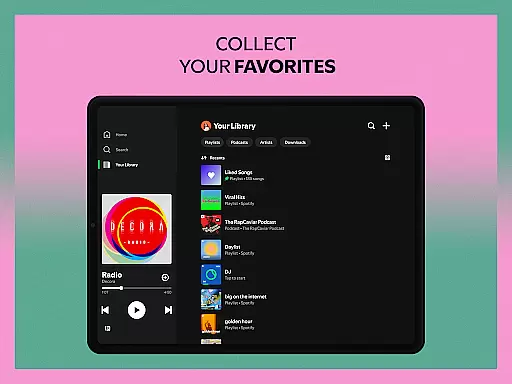
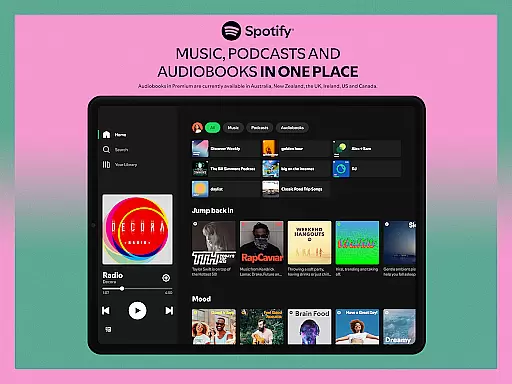


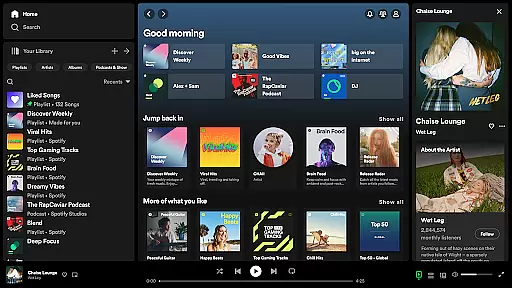




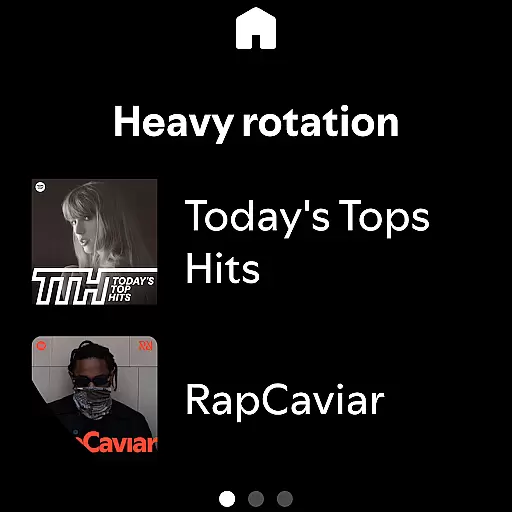






Spotify is a premier music and podcast application that offers users access to millions of songs, albums, and original podcasts for free. With the added feature of audiobooks, it extends its entertainment value beyond just music. Available on multiple platforms including mobile, tablet, desktop, and wearable devices, Spotify ensures you can enjoy your favorite content anywhere, anytime.
The app stands out with its vast library of over 80 million songs and 4 million podcasts, alongside an impressive collection of audiobooks. It provides curated playlists, daily mixes tailored to individual preferences, and exclusive content from popular artists and podcasters. Whether you're into chart-topping hits or niche genres, Spotify caters to diverse musical tastes and moods.
For those seeking uninterrupted listening experiences, Spotify Premium offers ad-free playback, offline downloads, and high-quality audio streaming. This subscription model enhances user convenience and satisfaction, making Spotify a top choice for digital music and podcast enthusiasts.
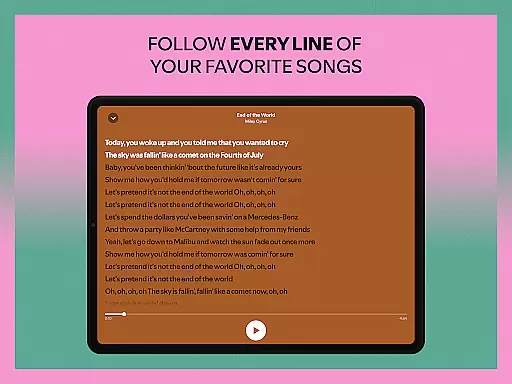
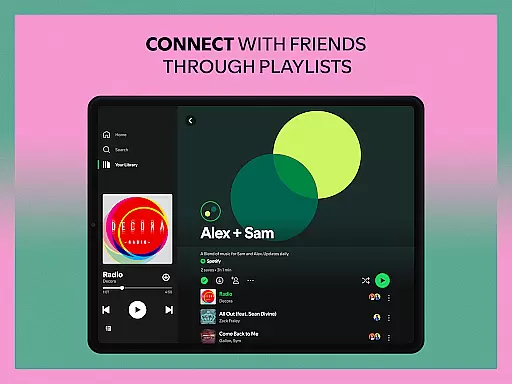
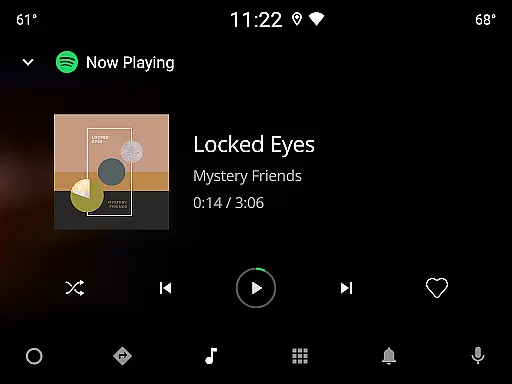
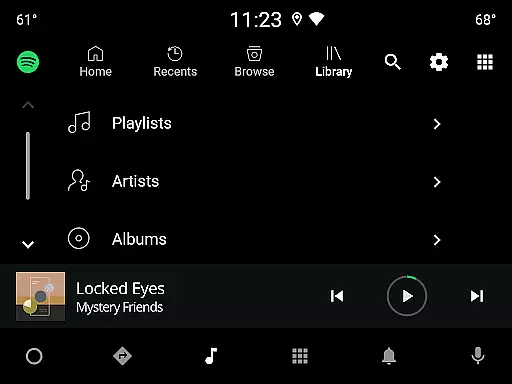
Spotify boasts an array of features designed to enhance user experience. The app's powerful search functionality allows users to find their favorite songs or artists by simply typing a lyric. Its intuitive interface supports the creation and sharing of personalized playlists, enabling users to curate music that suits their mood or occasion.
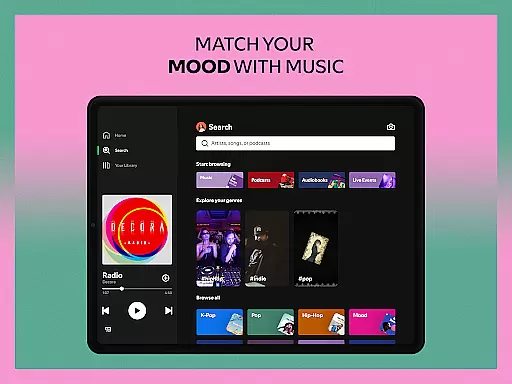
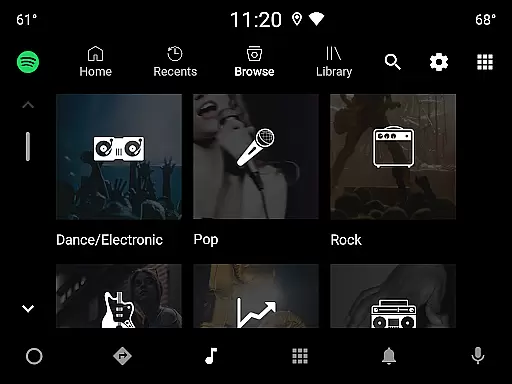
One of Spotify's standout features is its ability to deliver daily music mixes crafted specifically for each user. These mixes are based on listening habits and preferences, ensuring a unique and engaging experience every day. Additionally, the app offers extensive genre exploration, allowing users to discover new music across different categories and regions.
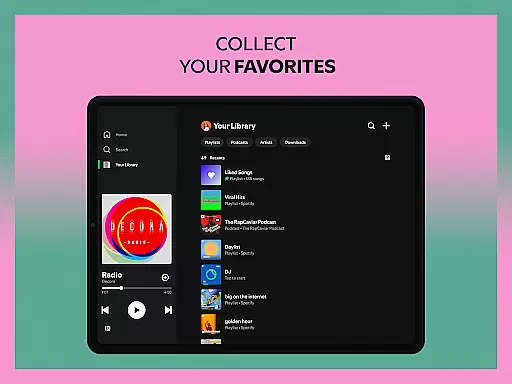
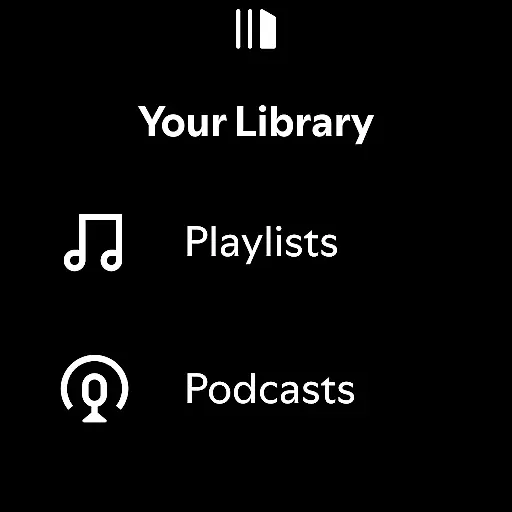
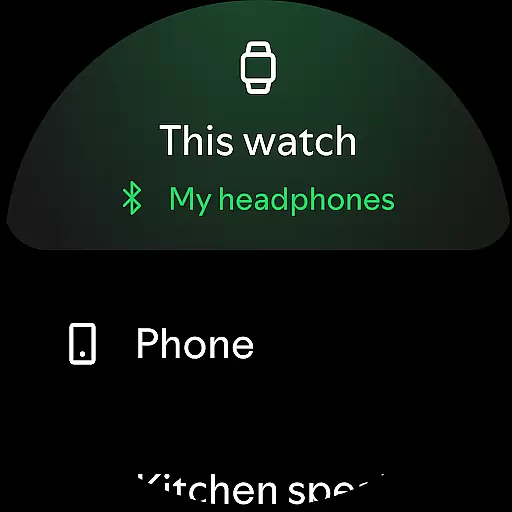
For podcast lovers, Spotify provides a rich selection of popular and exclusive shows. Users can subscribe to their favorite podcasts, create podcast libraries, and even bookmark episodes into playlists. The integration with wearable devices like Wear OS further extends Spotify's accessibility, offering seamless control and offline listening options for Premium subscribers.
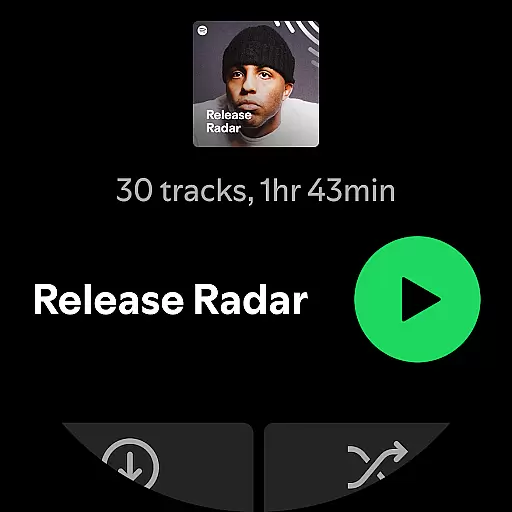
For Spotify users, companion app integration is essential for a seamless experience across multiple devices. The Android Wear version of Spotify ensures that you can control your music and podcasts directly from your wearable device without needing your phone nearby.
This functionality allows users to play, pause, skip tracks, and adjust volume directly from their smartwatch interface. Such integration provides the convenience of managing your audio content while on the go, whether you're jogging, commuting, or simply away from your primary device.
The synchronization between the main Spotify app and its Wear OS counterpart is designed to be instantaneous. This means any changes made on one device are immediately reflected on others, ensuring a consistent listening experience regardless of which device you use.
Overall, this level of companion app integration enhances user accessibility and flexibility, making it easier than ever to enjoy your favorite music and podcasts in a way that fits your active lifestyle.
Spotify's compatibility with Wear OS and various devices is a significant advantage for users invested in the ecosystem. By supporting a wide range of devices including smartphones, tablets, desktops, PlayStation, Chromecast, TVs, and specifically Wear OS, Spotify ensures that you can enjoy your music and podcasts virtually anywhere.
This broad compatibility means that whether you're at home, in the office, or on the move, there's likely a device you own that can serve as a playback option for Spotify. For Wear OS users, this translates into the ability to leave their phones behind while still enjoying their favorite playlists during activities like workouts or walks.
Furthermore, Spotify optimizes its performance for each platform, ensuring high-quality sound and smooth operation. This attention to detail guarantees that no matter which device you choose to use, the experience remains top-notch.
Ultimately, Spotify's commitment to extensive device compatibility underscores its dedication to providing users with flexible, high-quality audio experiences tailored to their diverse lifestyles.
User-friendly interface
Extensive music library
Personalized playlists
High-quality audio streaming
Cross-device compatibility
Limited free version features
Occasional ads in free tier
Offline mode requires Premium
Some regional restrictions
Premium subscription cost

WTW M17 is a premium and luxurious hybrid watch face
 4.70
4.70
Rose gold watch face with festive lights & customizable features.
4.60
Current temperature, weather hourly, weather radar by the weather forecast app
4.40
Digital, flexibly customizable watch face. For Wear OS 5.0, API 34+ and later.
5.00
Nutrition, Macro tracker: Food, fitness & healthy diet tracking for weight loss
4.60
Funny animated watch face for Thanksgiving
4.0
The most customizable hybrid watch face. For Wear OS 5.0, API 34+ and later
4.70
Hyper-Realistic Airplane Dashboard Watch Face With 10 Skins and Custom AOD
4.00
Daily Weather forecast with 15 weather images for Day & Night plus Big Bold time
4.10
Christmas Theme Watch Face for Wear Os
5.00
Real-time weather radar with temperatures, warnings, hurricanes, and widgets
4.80
Be an elegant and classy secret agent, with this carefully detailed watch face
4.70
Fast and smart typing with Emojis, GIFs, and more
4.50
Embrace the holiday spirit with this magical animated watch face!
4.40
Structured watch face with seven complications and modular UI elements
3.90
Precision analog watch face with 7 complications and style options
4.3
Analog watch face with 8 complications and expedition styling
4.0
Stunning modern digital watch face with 7 complications and strong contrast
4.3
Stylish digital watch face for Wear OS devices with customizable features
4.1


User Reviews