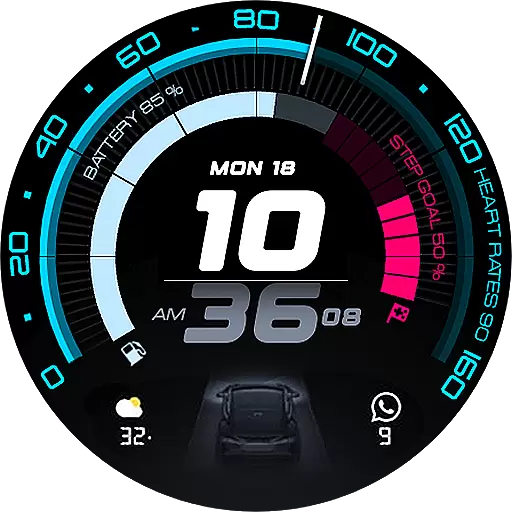
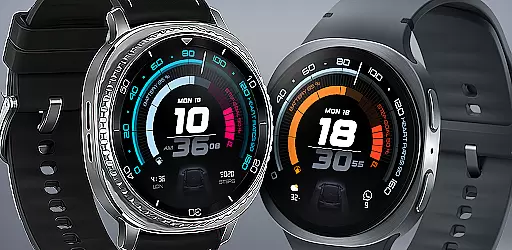
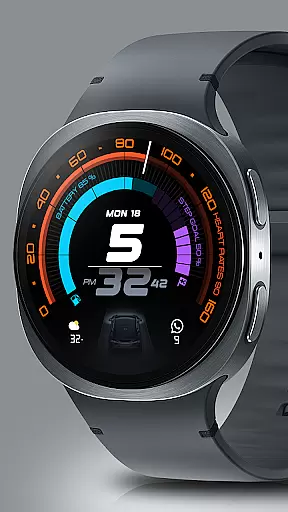
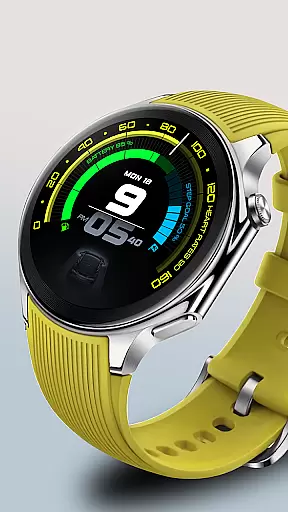
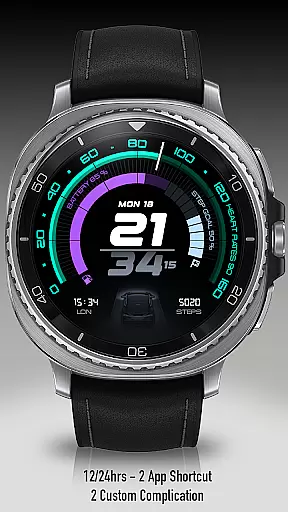
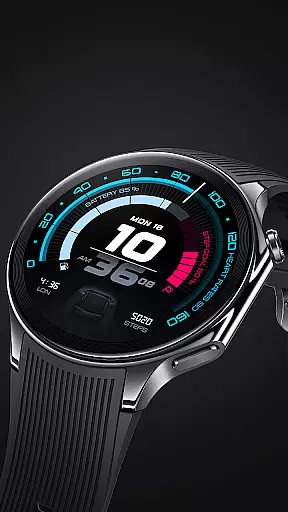
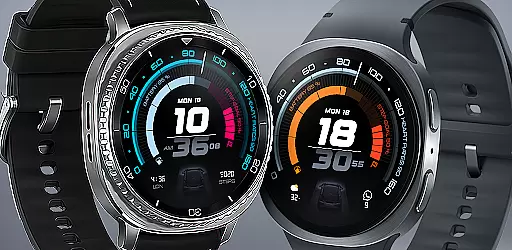
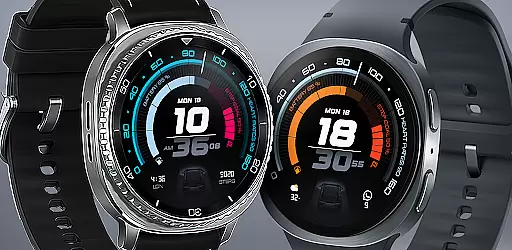
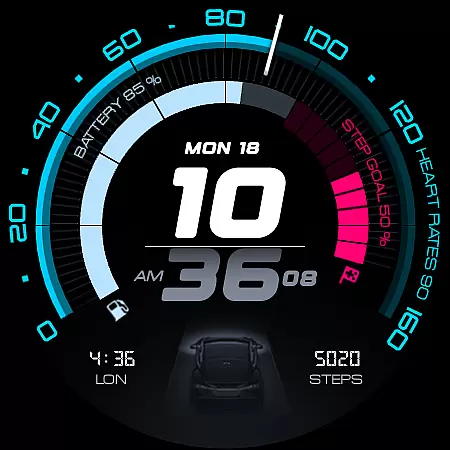
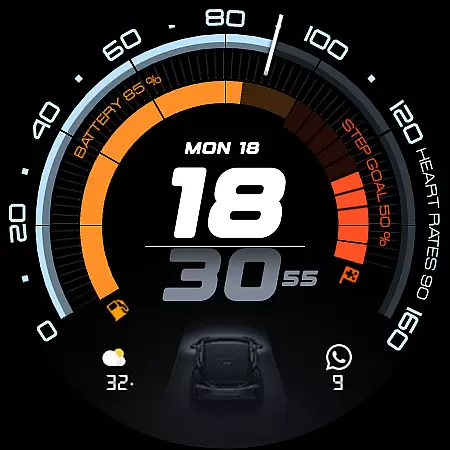
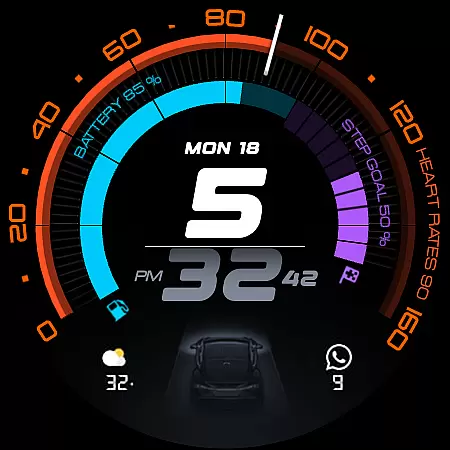
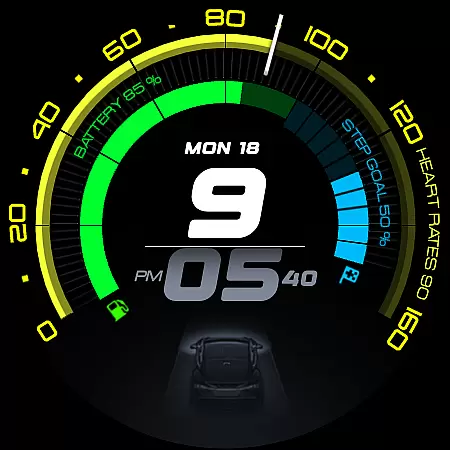
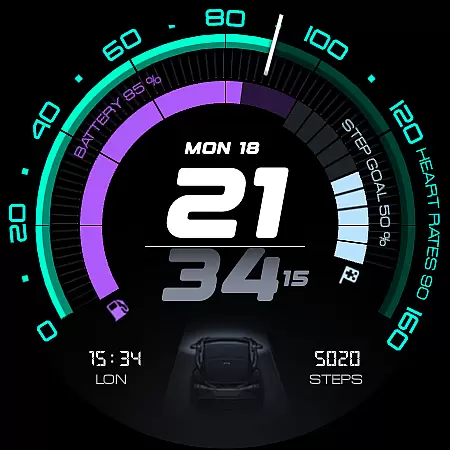
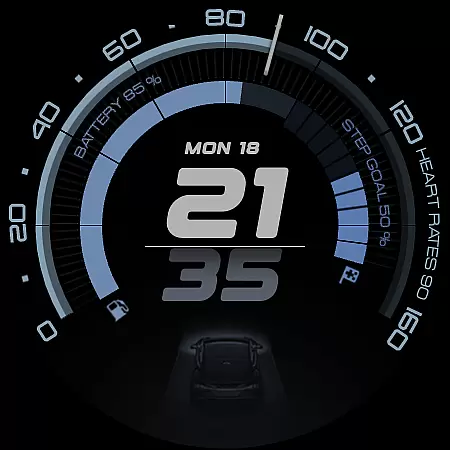
ARS Acceleration is a high-performance watch face designed for users who value both style and functionality. It features a dynamic interface with bold digital time display, vibrant activity arcs, and essential health metrics like heart rate, step count, and battery level.
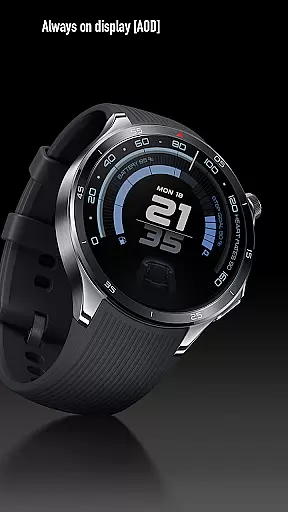
Inspired by sports dials, this Android Wear app offers real-time updates on weather and fitness tracking while maintaining an elegant automotive-inspired design. The Always-On Display ensures seamless adaptability between day and night modes, making it ideal for those seeking precision at a glance.
The ARS Acceleration watch face stands out with its customizable complications and dual app shortcuts, allowing users to tailor their experience. It supports both 12-hour and 24-hour time formats, catering to global preferences while delivering a modern aesthetic.
With real-time health tracking, including heart rate and step count, alongside environmental data like weather updates, this app transforms your smartwatch into a comprehensive performance tool. Its sleek design and vibrant color-coded activity arcs ensure both form and function are prioritized.
Companion app integration is essential for a seamless wearable experience. ARS Acceleration ensures that your smartwatch and smartphone work in perfect harmony. The watch face connects effortlessly with its companion app, enabling real-time data synchronization.
This integration allows users to receive updates on crucial metrics such as heart rate, battery level, step count, and weather conditions directly on their wrist. By maintaining constant communication between devices, ARS Acceleration provides a unified and responsive user experience.
With customizable complications and dual app shortcuts, the companion app enhances functionality while keeping everything accessible. This cohesive ecosystem transforms your smartwatch into an indispensable tool for managing both productivity and fitness.
Device compatibility is a cornerstone of any successful Wear OS application. ARS Acceleration excels in this area by supporting a wide range of devices running Wear OS. This ensures that users can enjoy the same high-quality experience regardless of their specific smartwatch model.
The design takes full advantage of Wear OS features, offering both 12 and 24-hour time formats alongside vibrant color-coded activity arcs. Whether you're using an older device or the latest hardware, ARS Acceleration adapts seamlessly to deliver optimal performance.
Furthermore, the Always-On Display functionality provides at-a-glance information without compromising battery life. This commitment to compatibility guarantees that every user enjoys the perfect blend of style and function across all supported devices.
Customizable complications
Vibrant activity arcs
Real-time health tracking
Sleek automotive design
Dual app shortcuts
Limited to Android Wear
Battery consumption
Premium cost
Complex setup
Fewer features in free version

Walking app for weight loss: walk & step tracker, pedometer, indoor treadmill
 4.60
4.60
Analog watch face with 8 complications and expedition styling
4.2
Beautiful artistic animated digital watch face, with a customizable layout!
4.40
A modern premium sporty hybrid watch face for Wear OS by Ballozi
4.70
Digital, flexibly customizable watch face. For Wear OS 5.0, API 34+ and later.
5.00
The Chevron App allows you to pay for fuel from the comfort of your car!
4.80
A digital watch face that celebrates Christmas.
4.00
Viewer for Wyze/Yi/Eufy/Arlo/ONVIF/RTSP/P2P IP cams w/ adv. features & DIY DVR
4.00
Spam call blocker and caller ID for automatic call protection!
4.40
Ideal for surviving in the wasteland left after nuclear fallout
4.50
Reliable phone calls with spam protection, caller ID and more helpful features
4.40
Watch face for Wear OS.
4.20
Embrace the festive spirit with our Christmas Countdown watchface for Wear OS
4.10
Wear Os Watch Face - Animated Snow Effect & Magic Spark - 6 Scenes
4.10
Daily Weather forecast with 15 weather images for Day & Night plus Big Bold time
4.10
A full-featured Amazon Alexa voice assistant that can show you things.
3.70
Stay in touch with your friends and family using LINE!
3.40
Artistic Digital Watchface
4.2
Sleek, highly customizable watch face inspired by Galaxy Watch Circle Dashboard.
4.1


User Reviews