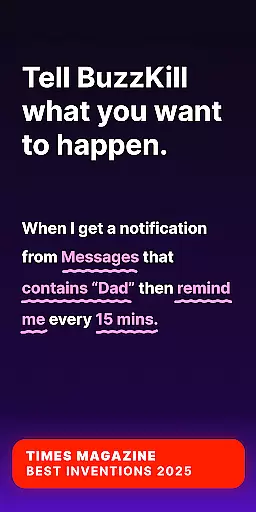
BuzzKill Notification Manager is an innovative notification management solution for Android devices, designed to streamline your notification experience. Recognized by TIMES MAGAZINE as one of the Best Inventions of 2025 and praised by ANDROID AUTHORITY for its superior functionality, this app allows users to filter and prioritize notifications effectively. With BuzzKill, you can ensure that only the most relevant alerts reach you at the right time.
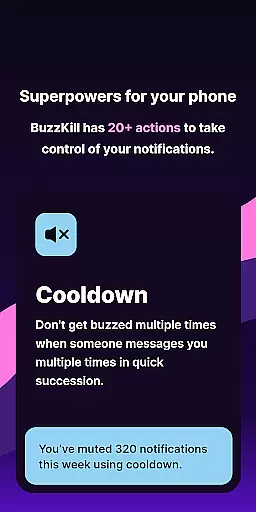
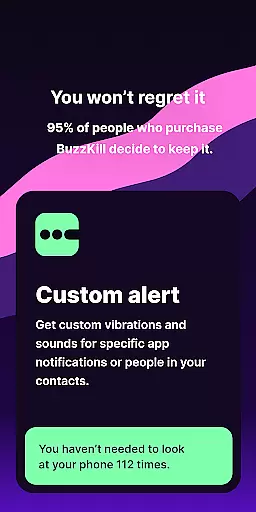
The application offers a comprehensive suite of features including Cooldown, Custom Alert, Dismiss, Reply, Remind Me, Undo, Snooze, Alarm, and Secret modes. These functionalities empower users to customize their notification settings extensively. Whether it's silencing repeated buzzes from the same sender or setting unique alert tones for specific contacts, BuzzKill provides granular control over how and when you receive notifications.
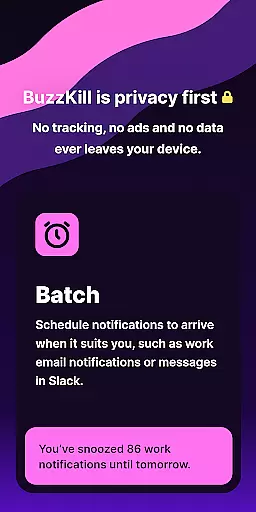
Particularly useful for professionals and individuals seeking to minimize distractions, BuzzKill ensures that critical notifications are never missed while filtering out unnecessary interruptions. Its privacy-first approach guarantees that no data leaves your device, offering peace of mind in an era of increasing digital surveillance. Available on both mobile and Wear OS platforms, BuzzKill enhances productivity by integrating seamlessly into your daily routine.
BuzzKill stands out with its extensive feature set tailored to enhance notification management on Android devices. One of its key capabilities is the Cooldown function, which prevents multiple consecutive alerts from the same sender, thereby reducing notification fatigue. Additionally, the Custom Alert feature enables users to assign unique sounds or vibration patterns to specific contacts or phrases, ensuring personalized and distinguishable notifications.
Another notable feature is the Dismiss option, allowing automatic removal of unwanted notifications without disabling all alerts from a particular app. The Reply functionality automates responses to unread messages after a set period, maintaining communication flow even during busy times. Moreover, the Remind Me and Undo features work together to ensure important notifications are not overlooked, providing persistent reminders and a safety net against accidental dismissals.
BuzzKill also includes advanced options like Snooze, which batches notifications according to user-defined schedules, and Alarm, designed to capture immediate attention for urgent alerts such as security camera notifications. Privacy-conscious users will appreciate the Secret mode, hiding notification content for sensitive information. These robust features collectively offer a highly customizable and secure notification experience, distinguishing BuzzKill in the realm of Android wearables and smartphones.
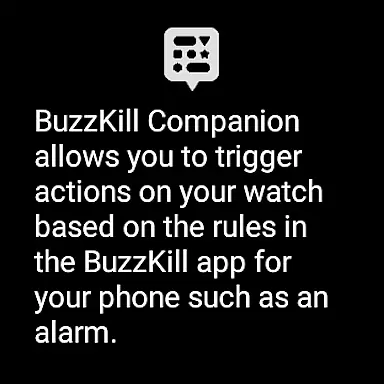
Companion app integration is a crucial feature for Android Wear applications, enabling seamless interaction between mobile devices and wearables. BuzzKill Notification Manager excels in this area by offering a dedicated companion app for Wear OS. This integration allows users to manage notifications not only on their phones but also on their smartwatches.
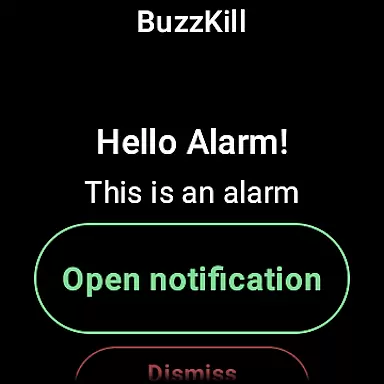
The BuzzKill companion app mirrors the sophisticated notification management capabilities of its mobile counterpart. For instance, when a notification rule is triggered on the phone, the same action can be replicated on the watch. This means if you set an alarm for specific notifications on your phone, the alarm will also appear on your Wear OS device.
This level of integration provides users with enhanced control and convenience. Whether you're in a meeting or exercising, you can stay informed without reaching for your phone. The ability to trigger actions like alarms directly on the watch ensures that important notifications never go unnoticed.
By leveraging the Companion app integration, BuzzKill delivers a unified notification experience across devices. This functionality underscores the app's commitment to privacy and user-centric design, ensuring that no data leaves your device while maximizing utility.
Device compatibility is essential for any Android Wear application, and BuzzKill Notification Manager ensures broad support across various Wear OS devices. By prioritizing compatibility, BuzzKill guarantees that its advanced notification features function seamlessly regardless of the specific wearable hardware.
BuzzKill's compatibility extends beyond just supporting different devices. It includes optimizing performance for various screen sizes and resolutions typical in Wear OS devices. This optimization ensures that users enjoy a consistent and high-quality experience whether they are using a smartwatch with a small display or one with a larger screen.
In addition to device compatibility, BuzzKill integrates smoothly with the Wear OS operating system. This deep integration allows the app to utilize native functionalities such as health sensors and voice commands, enhancing the overall user experience. Users can expect reliable performance and access to all core features without worrying about technical glitches.
Ultimately, BuzzKill's focus on Wear OS/device compatibility reflects its dedication to delivering a versatile and dependable notification management solution. By ensuring that its app works flawlessly across a wide range of devices, BuzzKill empowers users to take full advantage of their smartwatches' capabilities.
Highly customizable
Privacy-focused design
Extensive feature set
User-friendly interface
Cross-platform support
No free trial available
Limited call functionality
Premium pricing model
Requires manual setup
Device compatibility issues
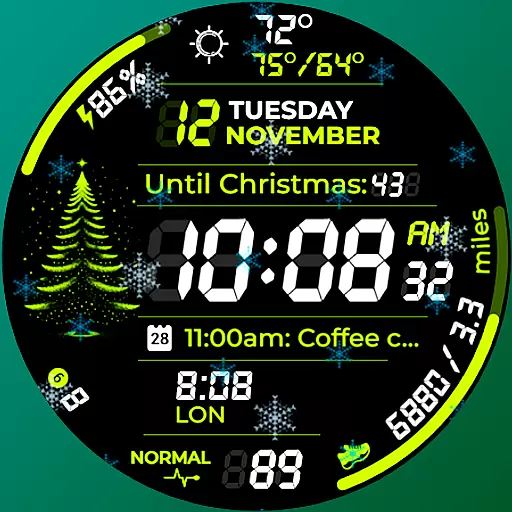
A customizable Christmas watch face for Wear OS with a countdown.
 4.20
4.20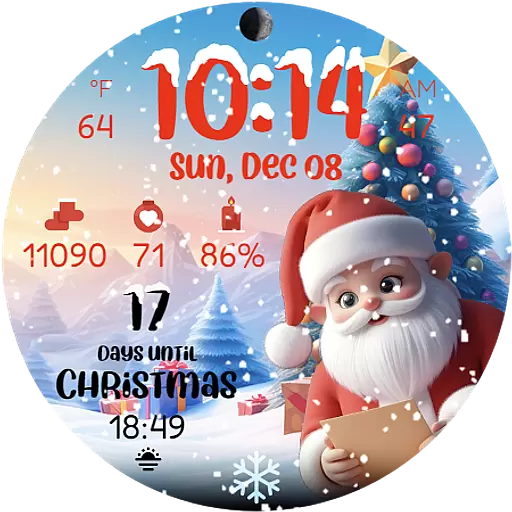
Christmas is near, let's count together the days left until Santa comes
4.0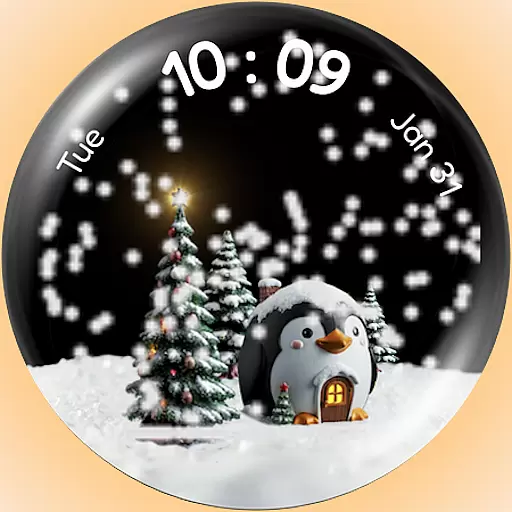
A Wintery Snow Globe on Your Wrist; now celebrating Christmas!
4.3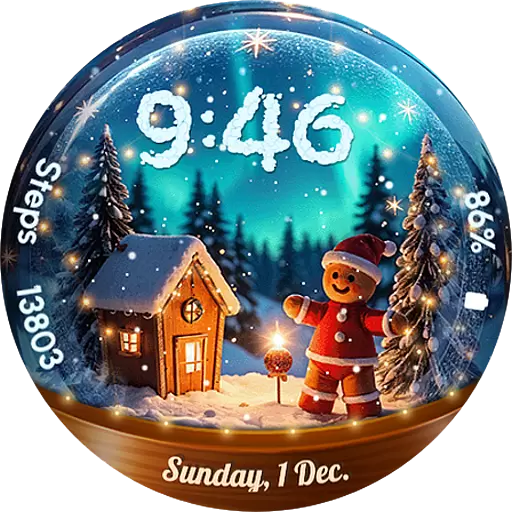
Wear Os Watch Face - Animated Snow Effect & Magic Spark - 6 Scenes
4.10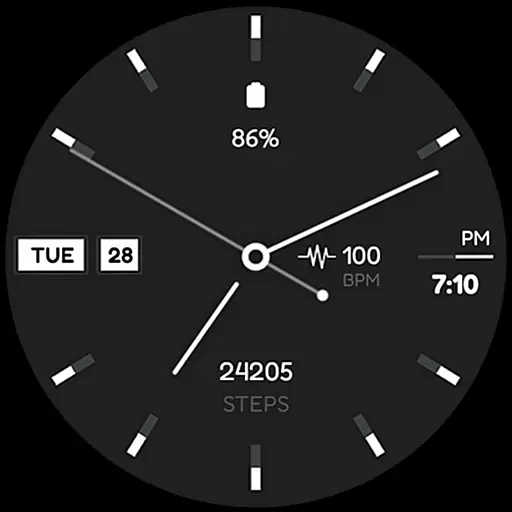
Simple Analog-Digital Watchface For Wear OS 3.0 and Up Smartwatches
4.5
Find EV charging stations
4.30
The ultimate destination for kids ages 3-8 to explore the Marvel Universe!
4.30
Get helpful reminders, take progress photos and find answers to your questions.
3.90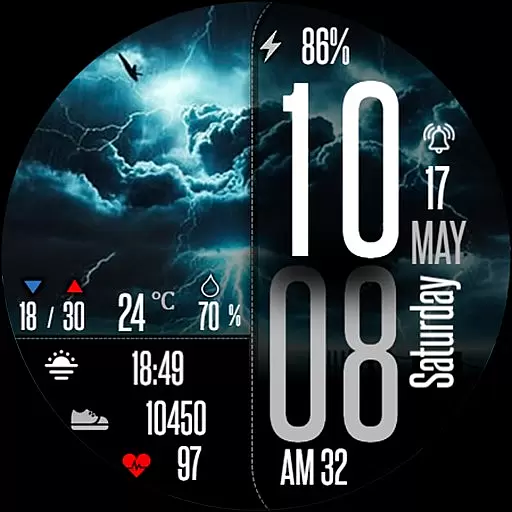
Daily Weather forecast with 15 weather images for Day & Night plus Big Bold time
4.10
The Chevron App allows you to pay for fuel from the comfort of your car!
4.80
Diet tracker for weight loss - track calories, food and macros. Simple and easy!
4.70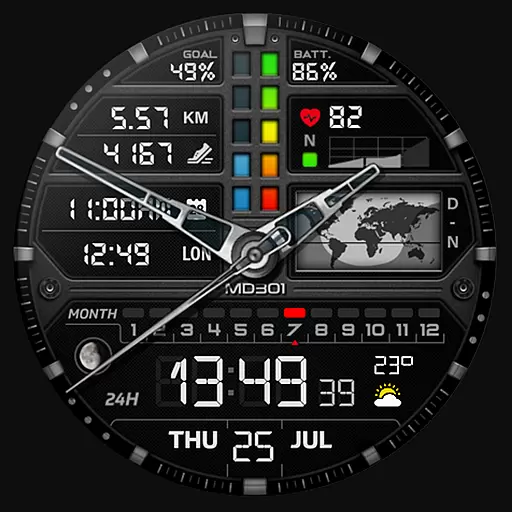
Hybrid watch face for Wear OS with customizable complications by Matteo Dini MD
4.70
Real-time results, stats, schedules and player profiles for all leagues
4.60
Connect to your Bluelink equipped Hyundai vehicle from your smartphone.
4.50
Your music, your playlists, and more—offline and unlimited.
4.20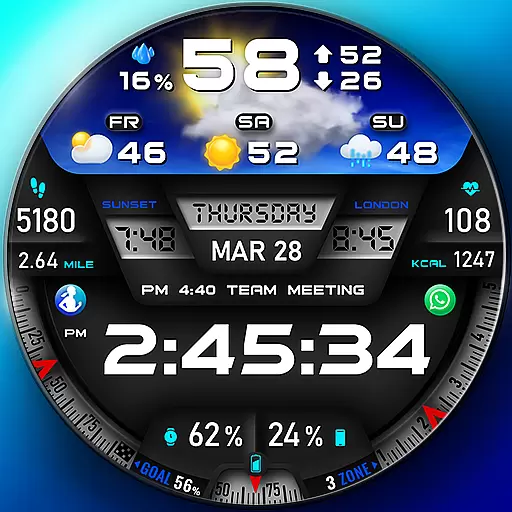
"PER27 Galaxy Digital" is a digital Wear OS watch face designed by PERSONA
4.10
sleep, alarm, snoring, stress, healing, focus, sound therapy, circadian rhythm
4.10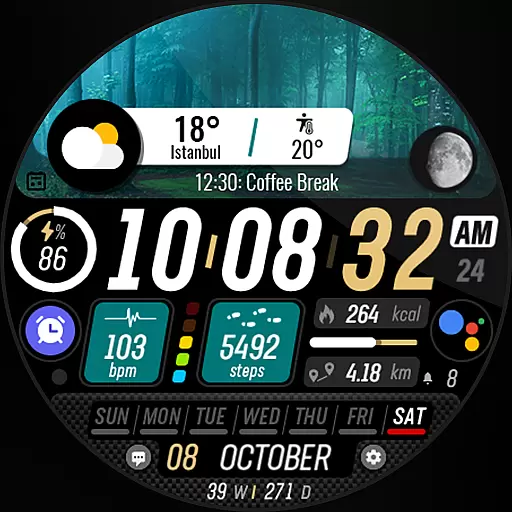
Watch the sharpness of the sky on your wrist..
3.70
Stylish digital watch face for Wear OS devices with customizable features
4.0


User Reviews