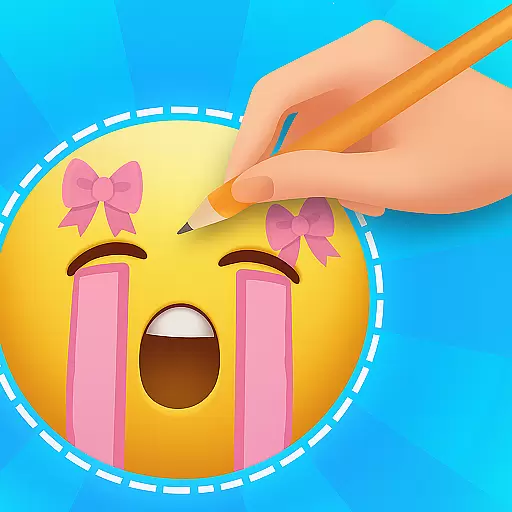
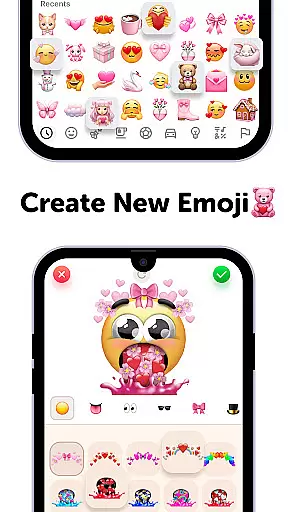
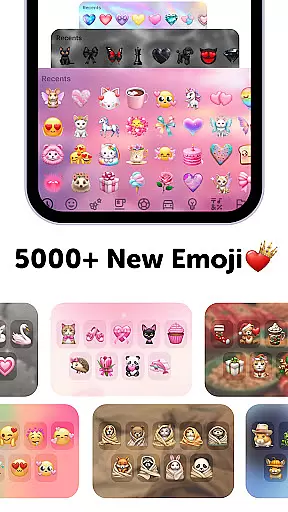
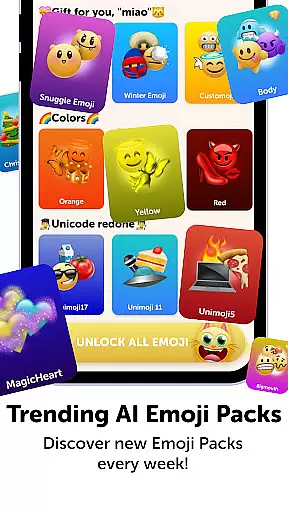
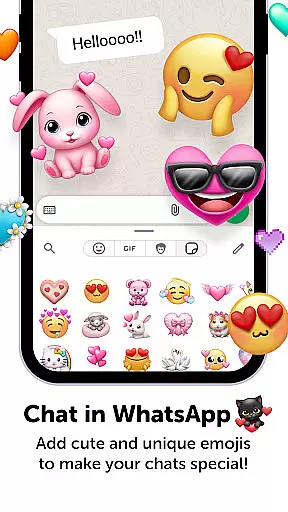
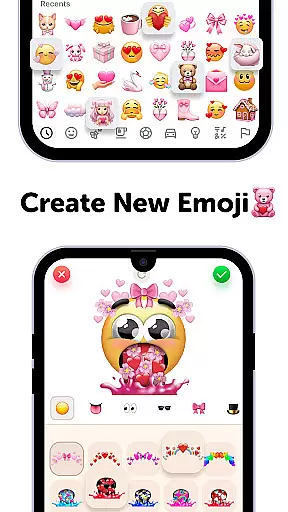
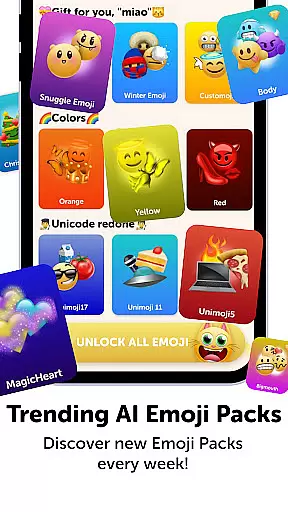
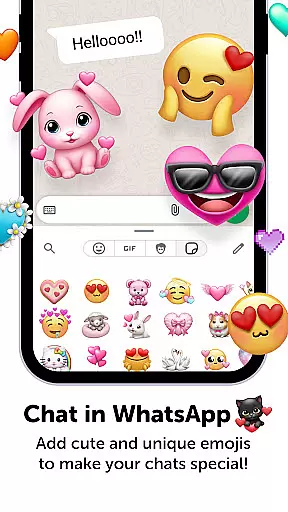
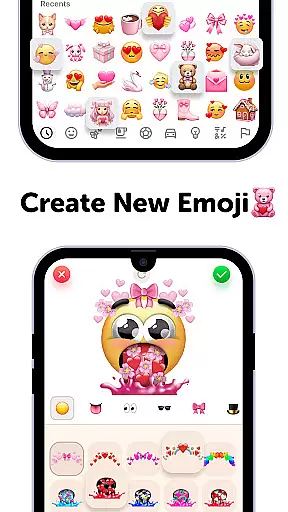
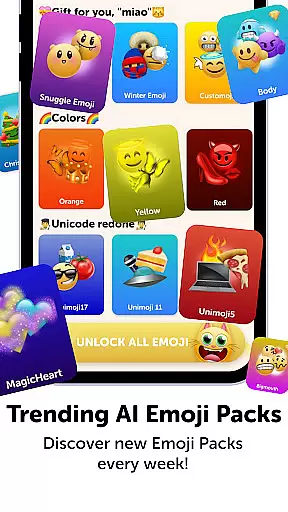
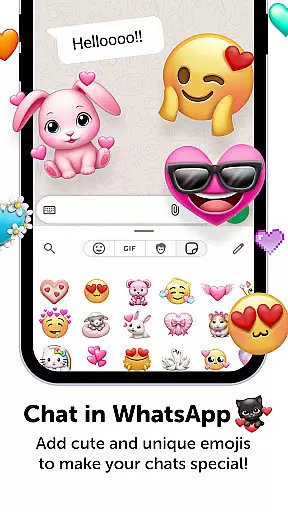
Emoji Up is a creative emoji maker app that allows users to design custom emojis and stickers. With an extensive range of customization options, users can mix various emoji bases, eyes, mouths, and more to create unique designs. The app also features 'Emoji Puzzle Blitz Game', an engaging IQ game where players match 3 emojis to collect 'Mystery Emoji Packs' containing cute emojis, stickers, and themes.
This app is perfect for those who wish to express themselves through personalized emojis on social media platforms like Tik Tok, Instagram, and Whatsapp. By offering a fun and interactive experience, Emoji Up caters to both creativity and entertainment, making it an ideal choice for emoji enthusiasts looking to enhance their digital communication with bespoke designs.
Emoji Up stands out with its comprehensive emoji creation tools. Users can draw and paint emojis, transforming simple elements into artistic creations. The app's 'Emoji Puzzle Blitz Game' adds an element of fun, challenging users to solve puzzles and earn rewards such as exclusive emoji packs.
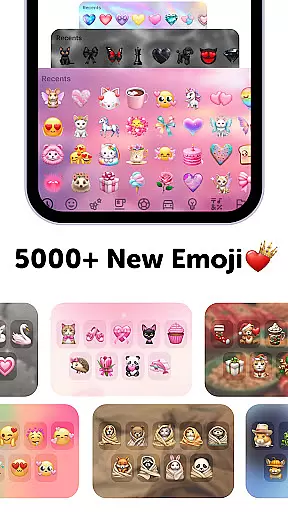
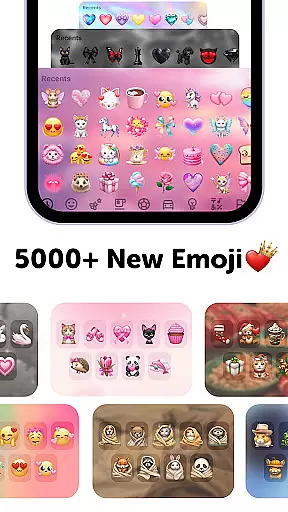
Additionally, Emoji Up provides a vast library of emojis and stickers, ensuring endless possibilities for creativity. Users can export their creations and use them across popular social networks, showcasing their skills as emoji artists. This combination of creative freedom and gaming elements makes Emoji Up a versatile personalization tool for enhancing digital conversations.
Customization is at the heart of Emoji Up, offering users an extensive array of options to express their creativity. The app provides a rich palette of emoji bases, eyes, mouths, and more, allowing for the creation of unique emojis and stickers.
With features akin to an emoji kitchen, users can mix and match different elements to whip up new emojis that are anything but ordinary. This process is not just about slapping together parts; it's about crafting something truly personal and reflective of one's own style.
The ability to draw and paint emojis elevates the user from a mere participant to a true emoji artist. It's like having your canvas where every stroke adds depth and character to your creations, making each piece a potential masterpiece.
Ultimately, this level of customization empowers users to break free from standard emoji templates and explore a world limited only by their imagination. Whether aiming for cool or cute, Emoji Up ensures that your emojis stand out in any conversation.
Emoji Up doesn't just stop at creating custom emojis; it extends its functionality to ensure seamless theme compatibility across various platforms. Once you've crafted your emoji art, exporting and using these personalized stickers on social networks like TikTok, Instagram, and WhatsApp becomes a breeze.
This compatibility feature means that your creative expressions aren't confined within the app itself. Instead, they become versatile tools for communication, enabling you to showcase your emoji masterpieces wherever you choose to engage online.
Moreover, the app supports a range of formats including GIFs and fonts, ensuring that no matter where or how you wish to use your creations, Emoji Up has got you covered. From wallpapers to keyboards, the possibilities are vast.
By bridging the gap between creation and application, Emoji Up enhances user engagement and lets everyone know that when it comes to emojis, you're the master. Ready for this adventure? Let's go!
User-friendly interface
Wide customization options
Engaging puzzle game
Vast emoji library
Social media integration
Premium diamond emojis
In-app purchases required
Subscription model
Limited free content
Game may be addictive

Ultra realistic gold analog watch face with lots of customization options.
 4.50
4.50
A launcher for Samsung Good Lock and Good Guardians modules without ads
4.70
Add cute Shimeji pets to screen, interact with them and relax with cute motions
4.60 3.50
3.50
Your go to Weather App & Home Screen. Get your weather at a swipe of a finger!
3.80
300+ widgets inspired by Material You and Material 3 expressive design.
4.60
Modern Glass Icon Pack with glossy icons, clean minimal theme & aesthetic style
4.3
Enjoy a variety of amazing live wallpapers and colorful EDGE lighting borders!
4.80
A minimalist productivity launcher. One-hand-friendly. Zero ads.
4.70
Only for Wear OS devices!
4.90
Dark icon pack based on One 8
4.80
Stunningly Different look with Line Icons and Neon Colors
4.60
Want to make your phone more special than ever?
4.60
Zip lock screen with magic wallpaper to decorate your phone with fun zipper lock
4.60
Yandex Browser — stylish and secure, with voice search and data compression
4.40
Unleash Your Creativity and Connect with Loved Ones with Lockscreen Drawing!
4.20
Run multiple accounts of the same app on a single device
4.10
Struggling to find apps? Use this app to locate and open any app on your phone!
2.20
Prank your friends with realistic broken screen and cracked HD effects!
4.0
Wallpaper Engine Android review—PC sync setup, crash issues, sound reactive limitations, and whether this free companion app is actually good.


User Reviews