
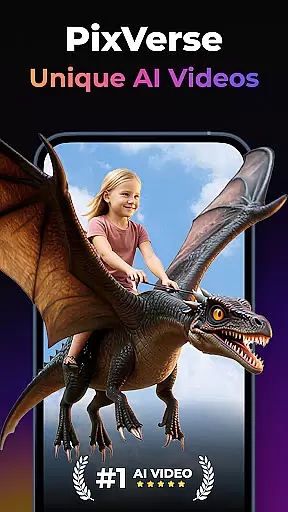
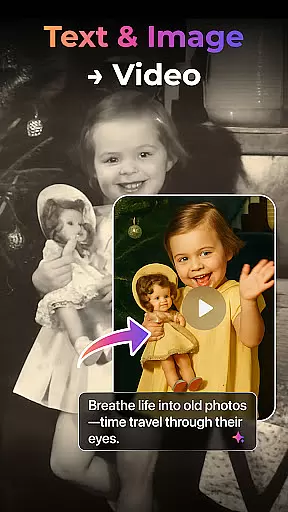

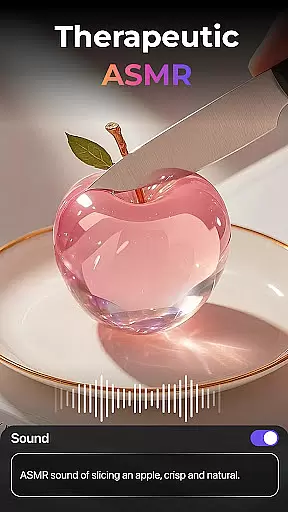
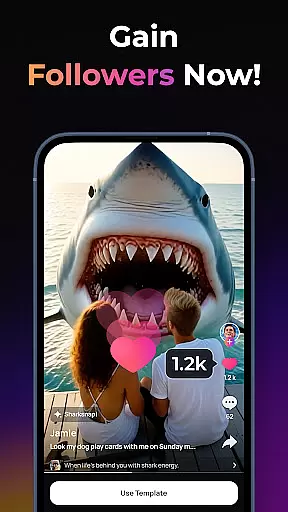
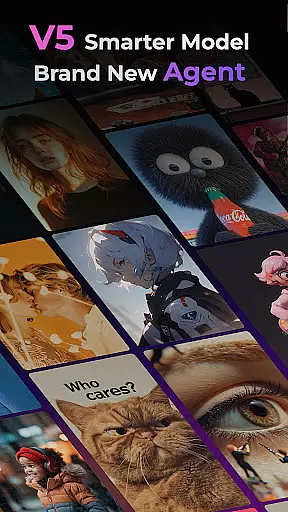
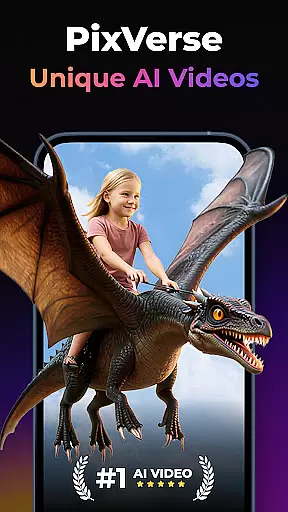
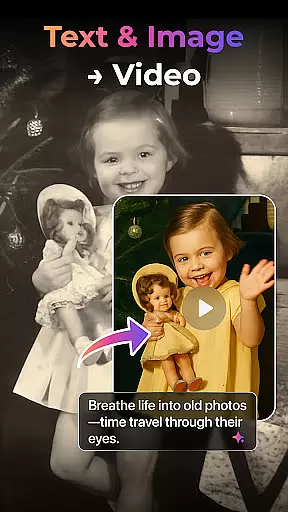

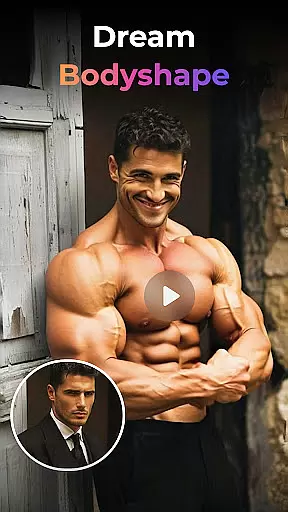
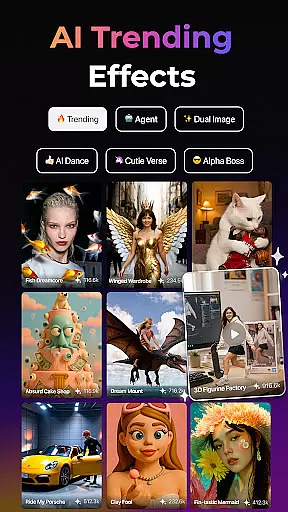
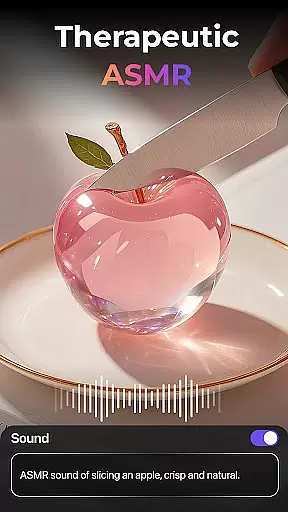
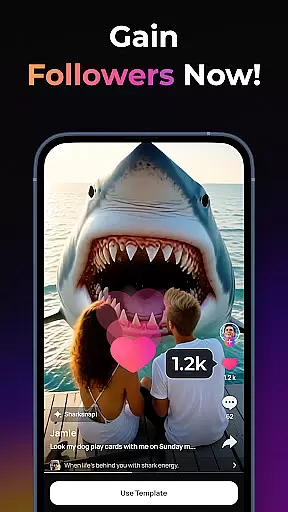
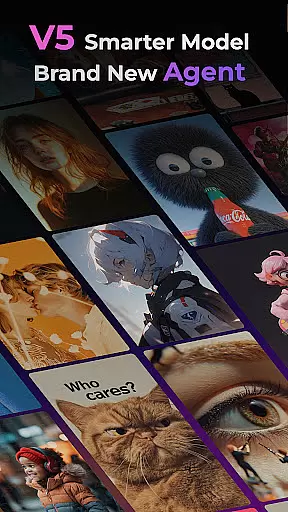
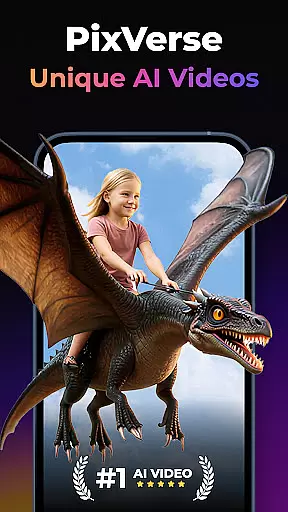
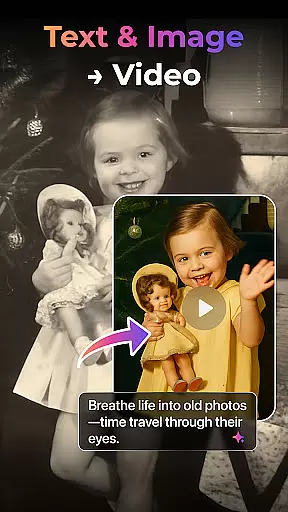

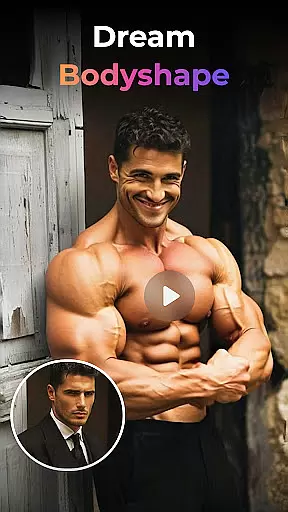
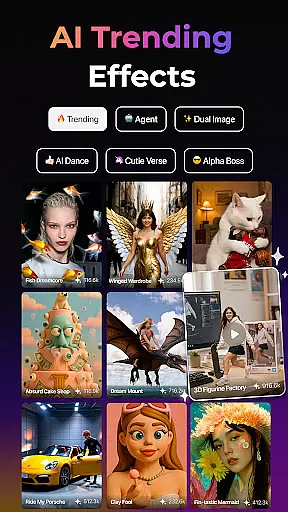
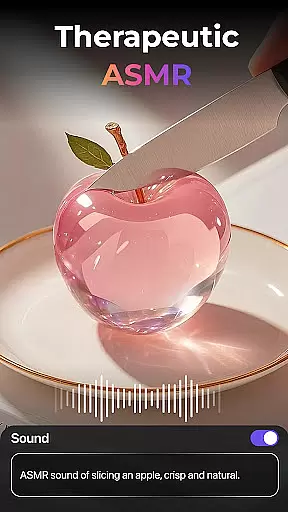
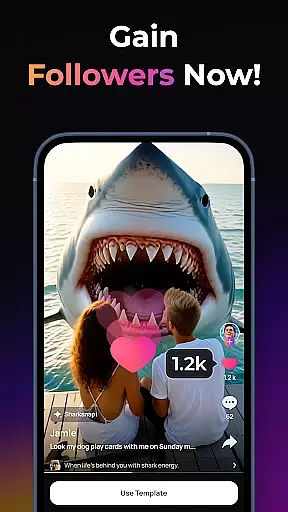
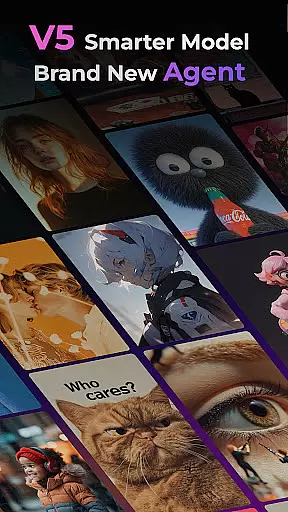
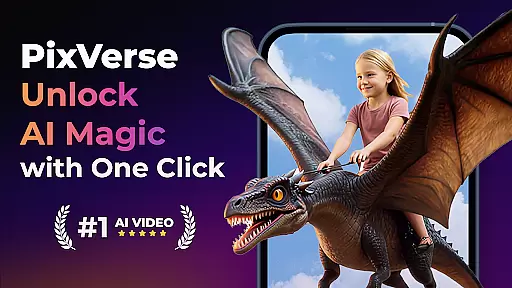

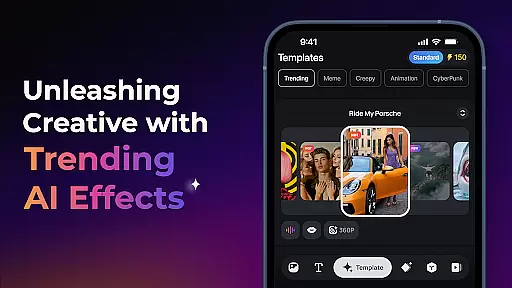
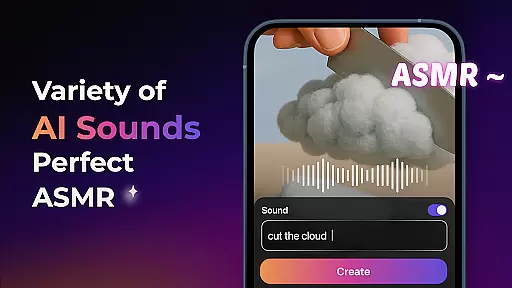
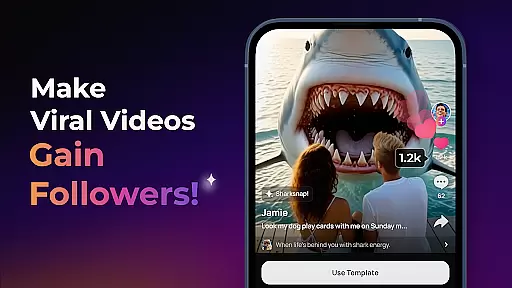
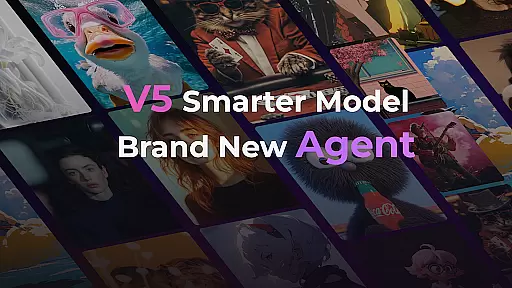
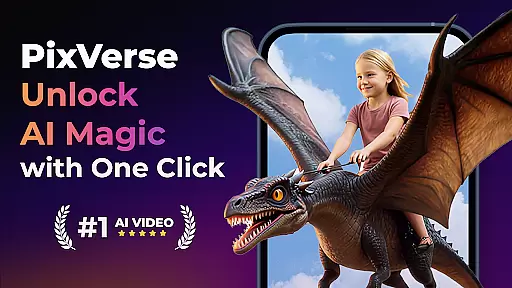
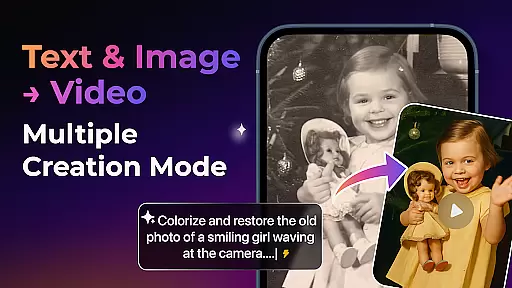

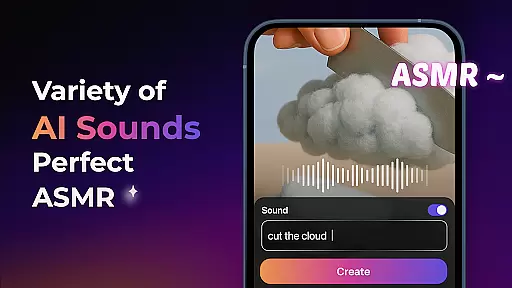
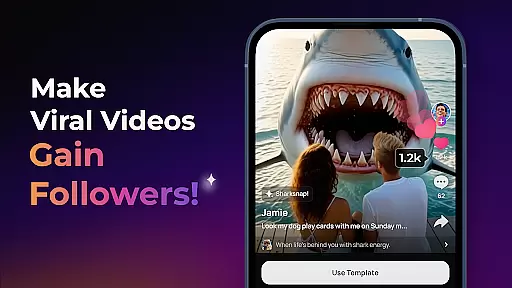
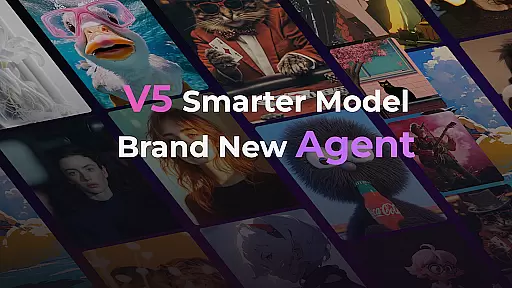
PixVerse is an innovative AI-powered video creation suite that transforms photos, text, and videos into captivating content within seconds. Designed for creators of all skill levels, this app offers a complete upgrade with its V5 model, ensuring perfect prompt alignment and lifelike details.
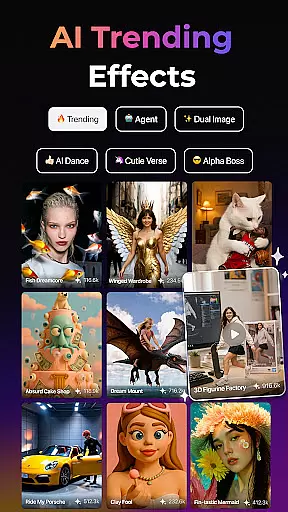
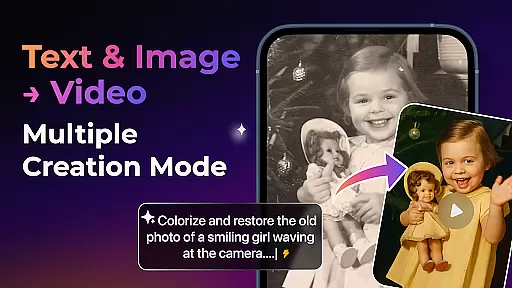
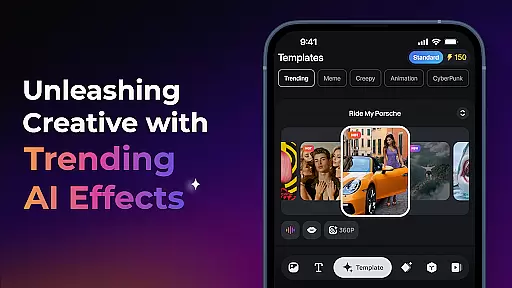
With features like the Brand New Agent, Multi-Creation Modes, and Trending AI Effects, PixVerse empowers users to explore endless creative possibilities. Whether you're reviving old photos or crafting cinematic masterpieces from text, PixVerse delivers professional-grade results with lightning speed and hyper-realistic quality.
PixVerse stands out with its advanced AI capabilities and diverse feature set. The Smarter V5 Model provides lifelike animations and smooth movements, while the Brand New Agent acts as your creative co-pilot, streamlining the content creation process.
The app supports multiple creation modes including Image to Video, Text to Video, and Video Extension, each powered by AI to ensure seamless continuity. With unique effects like Old Photo Revival and AI Dance Revolution, users can push creative boundaries further than ever before.
Additional tools like Key Frame Control and Fusion allow for unparalleled customization, letting you upload custom frames or fuse multiple images into a single stunning video. These professional-grade features make PixVerse an indispensable tool for modern storytellers.
Real-time capture and preview functionality is essential for any photography app as it allows users to see exactly what their final output will look like before they commit to taking a photo. PixVerse offers this feature by leveraging AI-powered animations that bring static images to life, providing an immediate sense of how the finished video will appear.
The app's real-time capabilities are powered by its advanced V5 model, which ensures prompt alignment with lifelike details and natural movements. This means that when you're setting up your shot or preparing text for conversion into video content, you can expect smooth transitions and realistic visuals right from the preview stage.
Users benefit greatly from this feature because it saves time in post-production adjustments and enhances creative decision-making during the capture process. With PixVerseu2019s real-time capture and preview, creators have greater control over their work, ensuring satisfaction with both the composition and movement within their videos before finalizing them.
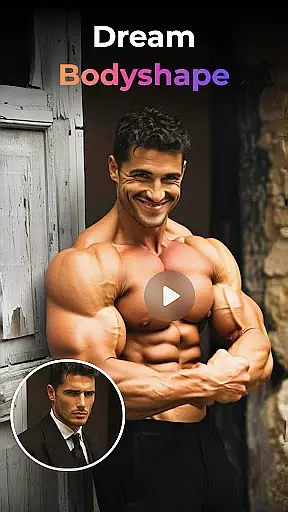
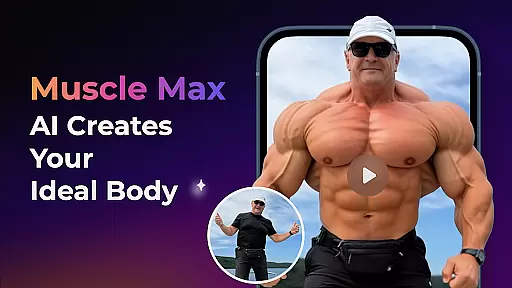
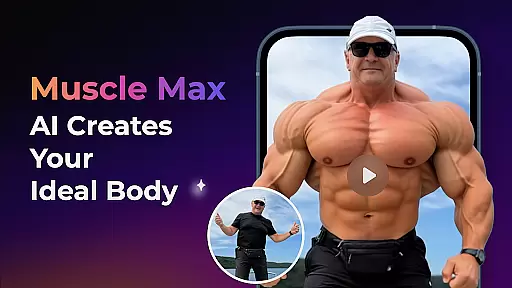
In today's digital age, enhancing beauty while maintaining naturalness is crucial for photographers and content creators alike. PixVerse excels in this area through its suite of AI effects designed not only to enhance but also preserve authenticity. From reviving old photos to sculpting physiques, each effect aims at delivering enhancements without compromising on realism.
PixVerse employs hyper-realistic physics simulations alongside cinematic quality rendering techniques to ensure every enhancement looks genuine. Whether itu2019s breathing life into still images or transforming poses into dance sequences, these tools help maintain original characteristics while adding polish where needed most.
This approach benefits users who seek professional-grade results without extensive editing skills; they gain access to powerful yet intuitive features capable of elevating ordinary visuals into extraordinary onesu2014all while keeping things looking naturally stunning.
Fast rendering speeds
High-definition output
User-friendly interface
Advanced AI effects
Multi-platform support
Subscription fees apply
Internet connection required
Steep learning curve
Limited free features
Occasional bugs

Remote control of the phone camera from your Wear OS smartwatch
 3.70
3.70
Long exposure camera with computational photography
2.60
Photo prints, cards, & gifts at Walgreens. Easy ordering & fast local pickup !
4.80
Create collages easily! Nice pic collage maker & background eraser for Instagram
4.50
Take videos and pictures with the popular TikTok TIME WARP SCAN filter.
4.60
Luminar: Photo Editor - easy picture editing with AI
4.20
Transform Photos: Edit, Beautify and Craft Memories & Make Collages!
4.10
Astrophotography with your smartphone, photo live stacking and much more!
3.90
Solocator stamps photos you take with GPS location, Compass Direction, Date/Time
3.80
Pro version: AR sun/moon tracker for any date. Tool for photographers & planners
4.90
Amazing Photo Effects - The most fun you can have with your photos!
4.70
Safe & smart flight with Go Fly drone controller for 40+ drone camera, zone map
4.50
AI photo editor with hair editor, retouch tools, hair color changer & filters!
4.50
Trendy TikTok time warp scan funny filter app brings you unique photos & videos.
4.40
AI portrait generator and polaroid AI selfie, fun AI generated AI photo creator!
4.30
Turn your phone into a professional camera - full DSLR manual photography
4.30
The #1 app for B&W film developing featuring an advanced darkroom timer.
4.10
USB Storage Access for Photos, Videos, Music and Documents
3.80
Add a dreamy vibe to your selfies and videos with soft style filters
4.0


User Reviews