


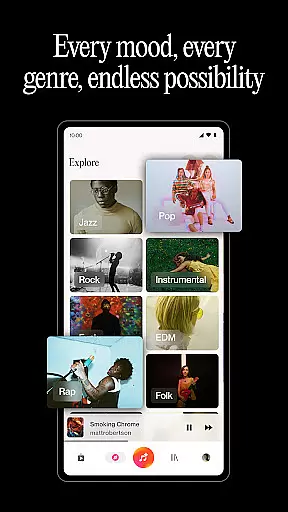
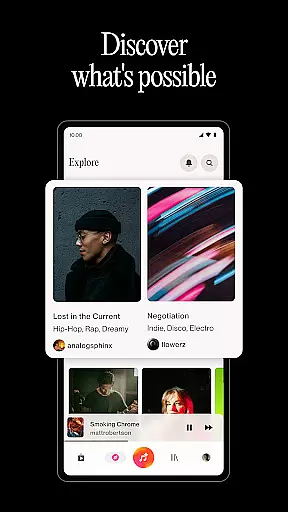
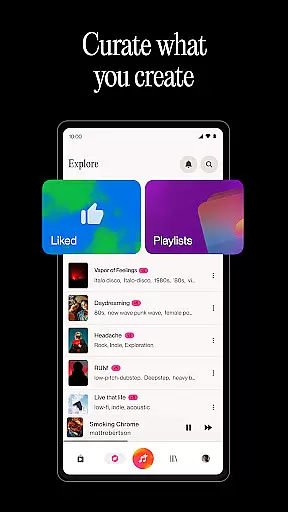
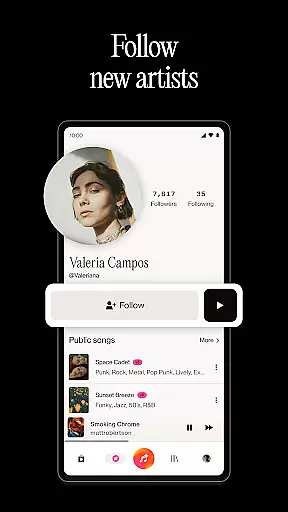


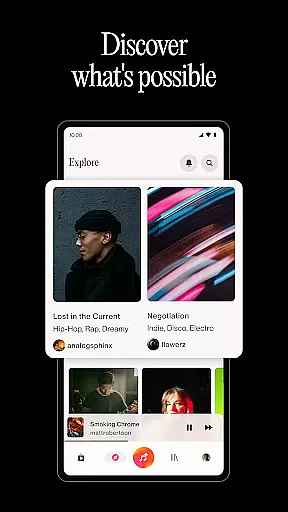
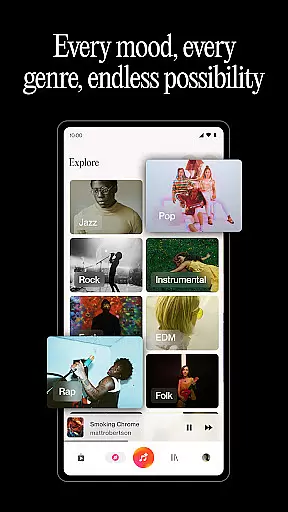
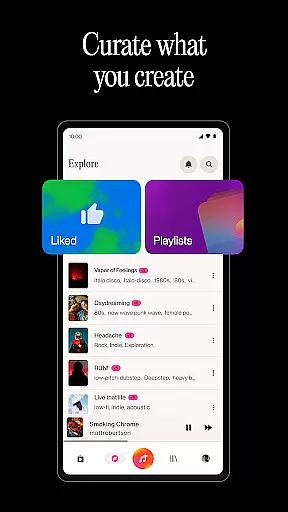
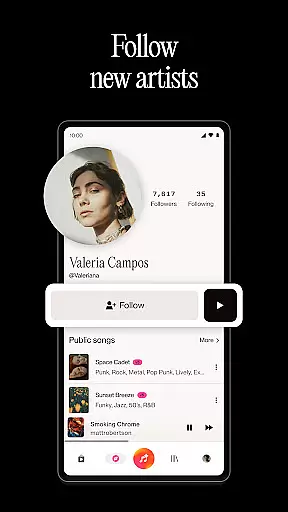
Suno is a revolutionary AI music creation app that empowers users to transform their creative ideas into fully-produced songs and beats effortlessly. Powered by the world's most advanced AI music model, this application allows anyone from casual music enthusiasts to professional artists to generate original music tracks without needing any musical instruments.
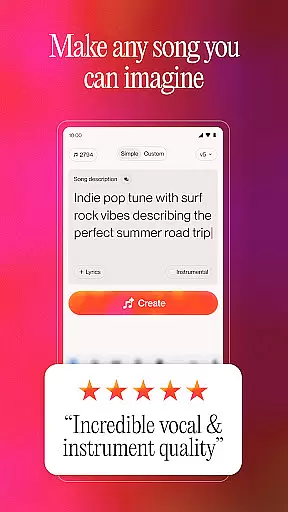
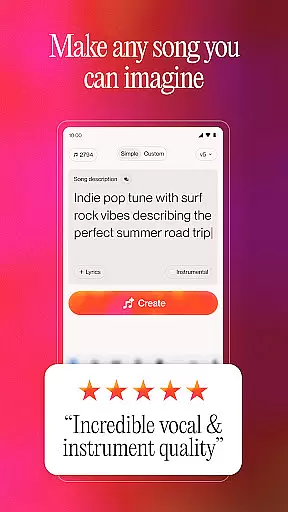
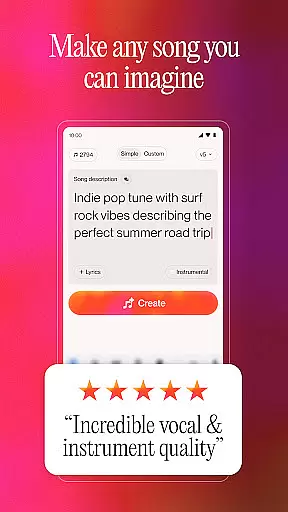
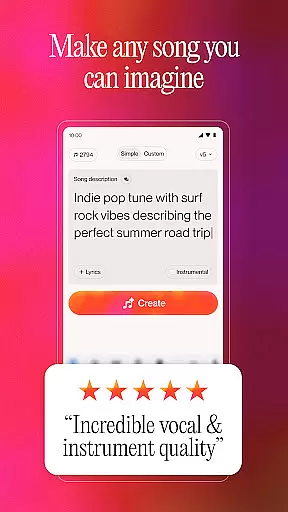
The app's core functionality lies in its ability to create music through various inputs including text prompts, audio recordings, images, and even videos. Users can simply describe their musical idea or provide basic audio elements, and Suno will generate complete compositions. The platform also offers advanced features for lyrics writing, playlist creation, and music discovery, making it an all-in-one solution for music creation and exploration.
Suno stands out with its comprehensive set of music creation tools that cater to different user needs and skill levels. The app's most remarkable feature is its AI-powered music generation engine that can produce 10 high-quality songs or beats daily at no cost. This engine supports multiple input methods including text descriptions, vocal recordings, and even visual media.
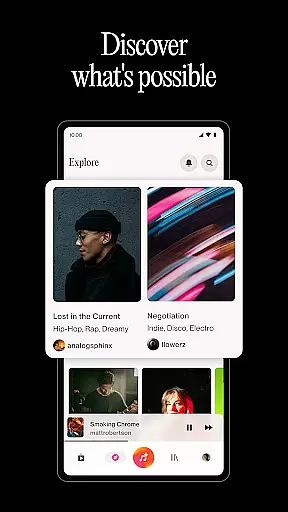
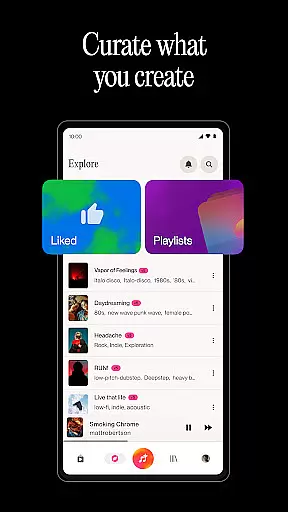
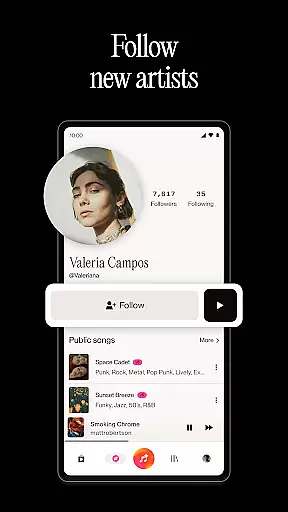
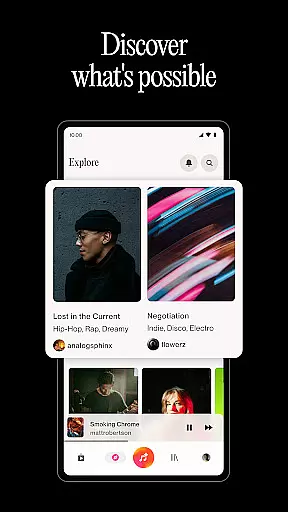
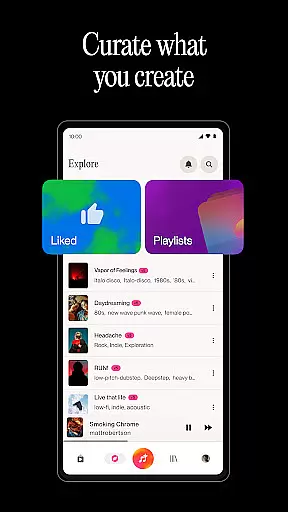
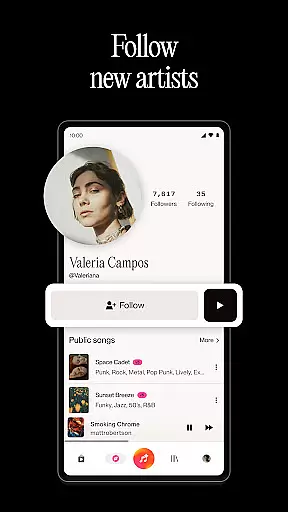
Beyond basic music generation, Suno offers specialized tools for lyric writing and playlist management. The lyrics generator can adapt to various musical styles from emotional ballads to energetic rap verses. The playlist creation feature allows users to organize their AI-generated music library systematically. Additionally, the app provides social discovery features that enable users to explore trending AI music across multiple genres and connect with other creators worldwide.
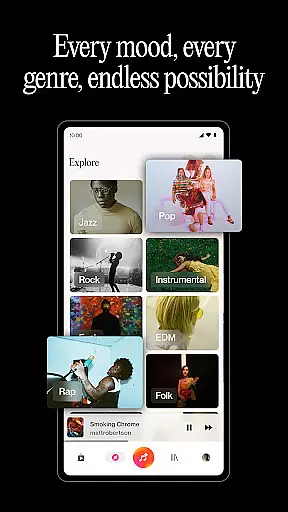
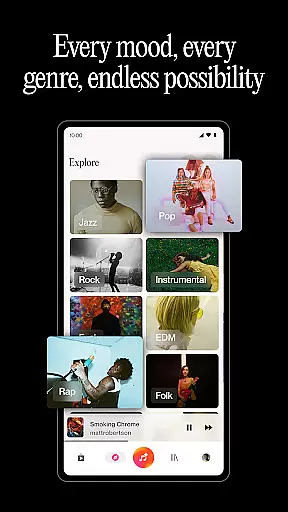
When it comes to music creation applications like Suno, the size and authenticity of the music library are crucial. Suno leverages the world's most advanced AI music model to offer a vast array of tracks that span multiple genres including rock, rap, hip hop, and pop.
The application ensures that all songs generated or used within its platform comply with copyright laws. This means users can freely create, discover, and share music without worrying about legal issues. The emphasis on copyright authenticity provides peace of mind for creators who wish to publish or monetize their work.
Additionally, Suno allows users to personalize their music by recording or uploading audio, ensuring that each piece is unique and tailored to individual preferences. This feature not only enhances creativity but also reinforces the importance of originality and intellectual property rights in music production.
Audio quality is a pivotal aspect of any music-related app, and Suno excels in providing diverse audio quality options. Users can generate music from simple prompts, images, or videos, resulting in high-quality audio outputs that meet professional standards.
Sunou2019s AI technology ensures that every track produced maintains clarity and depth, regardless of the source material. Whether you're creating a rap song about walking your dog or generating beats from a hummed tune, the app delivers crisp and clear audio that captures the nuances of your input.
Furthermore, Suno offers tools for fine-tuning melodies and editing track details, allowing users to adjust vocals and structures according to their vision. These features ensure that the final output aligns with the user's expectations and maintains high audio fidelity, making it suitable for both amateur enthusiasts and professional musicians.
User-friendly interface
Advanced AI model
Versatile input options
Comprehensive free tier
Rich feature set
Limited free usage
Subscription required
Occasional AI errors
Learning curve present
Device compatibility issues

Taal player that lets you sing any Indian & Western song with Tabla & Tanpura
 4.60
4.60
Gorgeous UI, Powerful music Search and Equalizer, the great choice for you!
4.70
Bass Booster Pro takes auto-equalizing to the next level!
4.30
Super Sound Editor, Song Maker & Mixer, Vocal Remover, Voice Recorder & Changer!
4.60
Listen radio AM / FM Stations. Live AM / FM Radio App Station. Radio Com.
4.70
Voice recorder - Audio recorder. Best recorder for recording
4.90
Offline Music Player&MP3 Player with themes, equalizer, lyrics, music play mode
4.60
Turn your Android phone into a professional audio analyser with up to 120 bands.
4.00
Versatile MP3 recorder with auto-backup to Dropbox and Google Drive
4.10
Make songs with AI! Any genre, custom lyric, song generator for music creation!
4.80
The best music and audio player, with beautiful UI, music search and equalizer.
4.60
Bass Booster & Volume Equalizer Pro improves your music and video sound quality
4.60
Learn the notes on the guitar fretboard fast with this easy and fun app
4.60
Visualize the guitar fretboard, master scales & play through changes like a pro!
4.50
Formerly known as Spotistats! View your top tracks, artists, albums and more!
4.40
Powerful 10-Band equalizer pro with sound booster improves Android audio quality
4.30
PowerAudio is a powerful offline music player.
4.20
Slow music down without changing pitch.
3.70
The Skullcandy App Experience
3.20


User Reviews