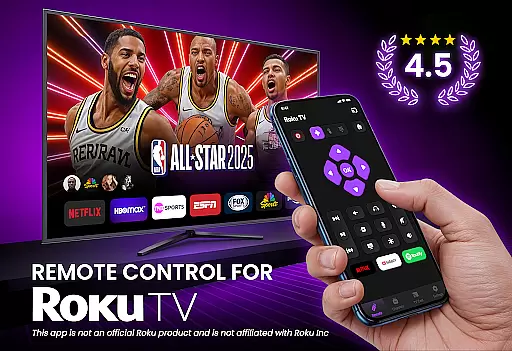
TV Remote Control for RokuTV transforms your smartphone into a universal remote control, offering complete functionality to manage your Roku TV effortlessly. With features like screen mirroring, quick channel launching, and an integrated smart keyboard, this app provides everything you need in one place.
The application is designed for seamless navigation using a swipe pad, supports casting media, and works with all Roku TV models. Whether you're looking to stream content or control basic TV functions, this app ensures reliable connectivity and user-friendly design.
This app stands out with its instant setup process - simply connect your phone and Roku TV to the same Wi-Fi network, and it automatically detects your device. The full remote functionality allows users to play, pause, adjust volume, and switch channels with responsive controls.
Unique to this app is the smart keyboard feature which makes typing fast and easy, eliminating the frustration of using traditional remotes. Additionally, the quick launch shortcuts for favorite channels enhance user convenience by providing one-tap access to popular streaming services.
TV Remote Control for RokuTV ensures core function accuracy by providing users with a reliable and responsive remote experience. The app's intuitive controls allow you to play, pause, fast forward, rewind, adjust the volume, and switch channels seamlessly.
The application is designed to connect effortlessly to your Roku TV. By simply connecting your smartphone and TV to the same Wi-Fi network, the app detects your device automatically, ensuring an effective and immediate connection every time you open the app.
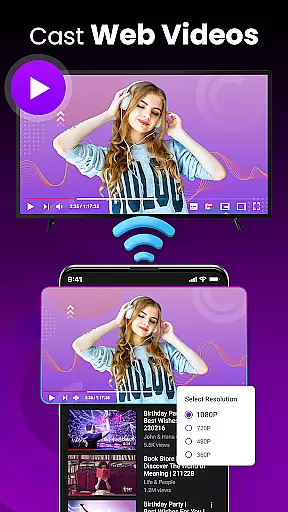
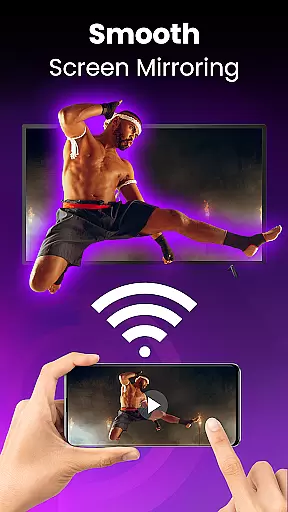
With features like screen mirroring and casting, users can cast photos, videos, and music directly from their phone to the TV. This functionality not only enhances entertainment options but also demonstrates the app's commitment to delivering accurate and effective media control.
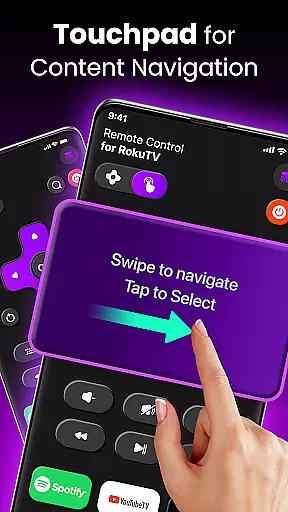
The interface of TV Remote Control for RokuTV is crafted for speed and simplicity, offering a user-friendly design that makes navigation effortless. A modern, swipe-based touchpad replaces traditional clunky buttons, allowing users to navigate Roku's interface smoothly and seamlessly.
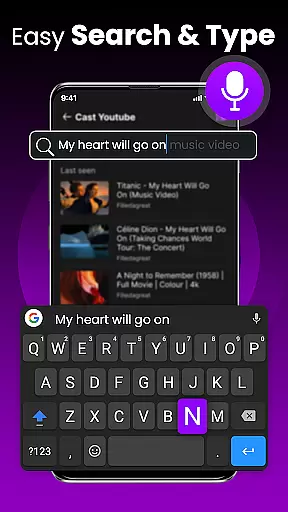
Including a smart keyboard for fast typing, the app simplifies tasks such as searching for movies or entering passwords. This feature eliminates the frustration associated with traditional remotes, making the overall interaction more intuitive and efficient.
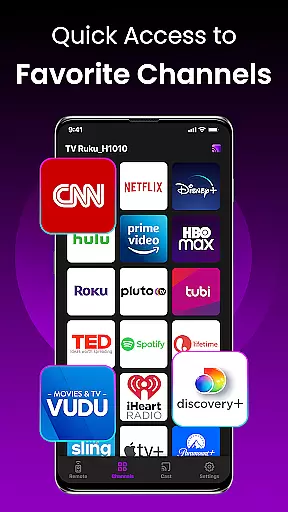
Moreover, quick launch shortcuts to favorite channels like Netflix and YouTube enhance the user experience by reducing the steps needed to access content. This combination of a clean interface and practical features underscores the app's dedication to providing an intuitive and straightforward remote control solution.
User-friendly interface
Fast and reliable connection
Comprehensive remote features
Integrated smart keyboard
Universal compatibility
Requires Wi-Fi connection
Limited to Roku devices
No physical buttons
Dependent on phone battery
Third-party application

Change your GPS location instantly. Simulate routes anywhere in the world.
 4.90
4.90
A convenient photo, video, and file recovery tool.
4.00
Just one-tap to easy translate in any language after calls within seconds.
4.20
Head tracking for PC sim games such as MSFS 2024 or Elite:Dangerous. No headset!
4.50
card-reader app
2.20
MS-DOS in your pocket. Play old DOS games anywhere you are ;)
4.10
PC precision for mobile gaming: dominate with keyboard and mouse!
4.30
Making emulation easy for everyone!
4.30
Support Fossify apps with a warm thank you!
5.00
Bedrock Together: Join any bedrock server on Xbox/PS
4.80
Excellent scientific calculator with symbolic algebra, integrals, derivatives
4.80
An easy-to-use calculator designed to save time calculating and bending conduit
4.30
Quickly check the frequency of the Earth
4.30
VESC Tool can monitor and configure VESC-compatible devices over BLE and Wifi
4.20
Screen Mirroring with sound for Samsung TV, LG TV, Sony TV, Smart TV and Browser
4.20
A simple app to back up and restore SMS & MMS messages and call logs.
4.10
PDF Reader - Document Viewer: Read, Manage & Organize Your Documents
3.10
Transfer Files, APK from Phone to Watch & Install.
4.5
Unlock your Essential Key. Create custom shortcuts to your favorite apps!
4.2
Honest Scratch app review—is it actually good for teaching kids to code? Real user insights on features, limitations, and learning outcomes.



User Reviews