
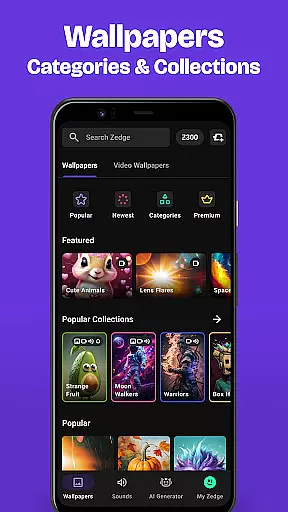
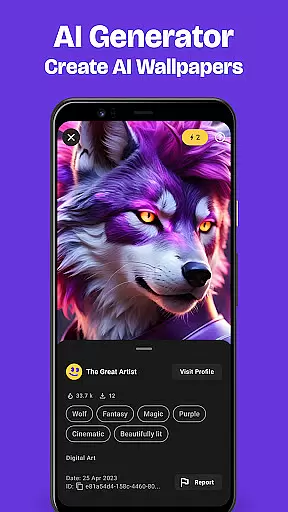
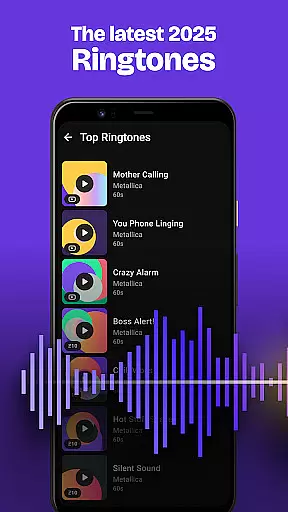
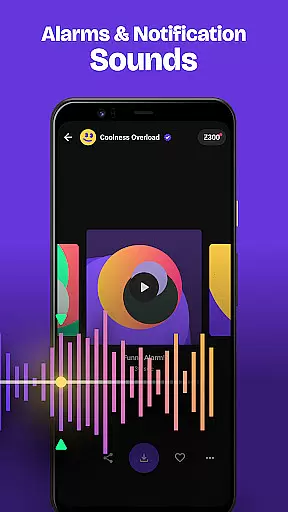
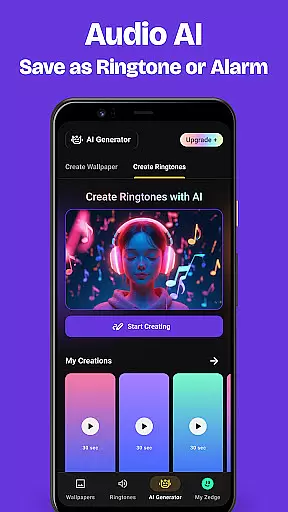
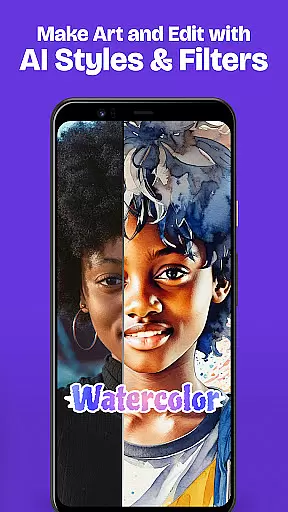
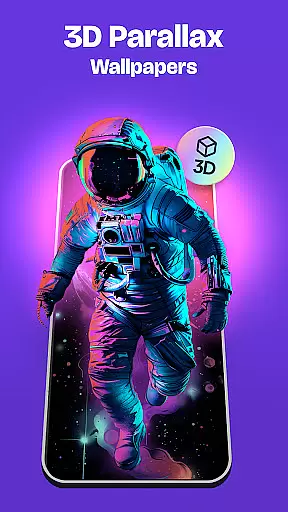
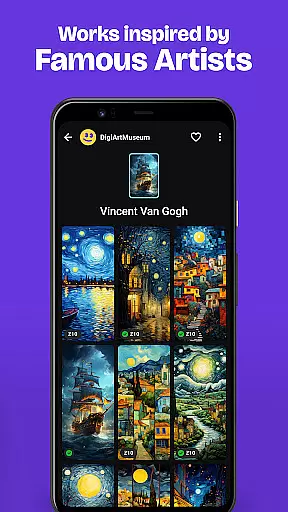
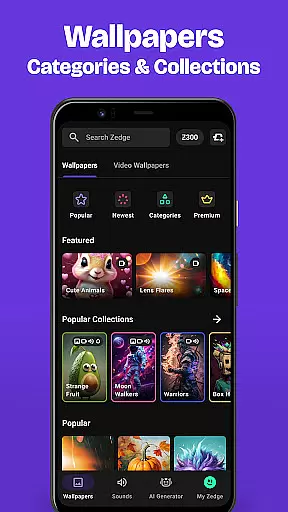
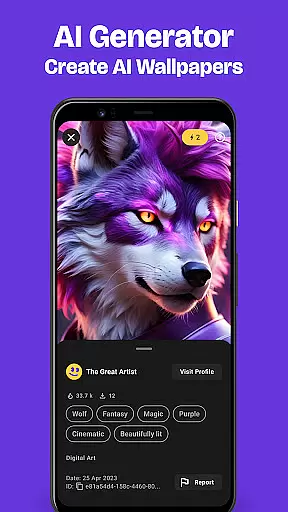
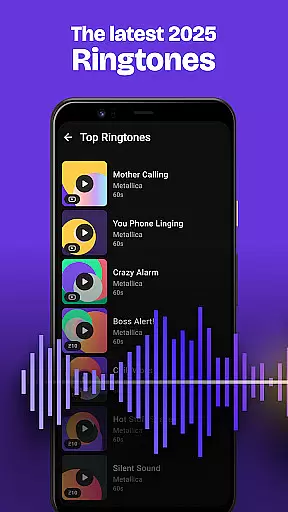
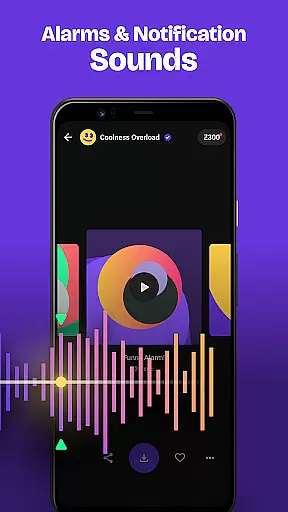
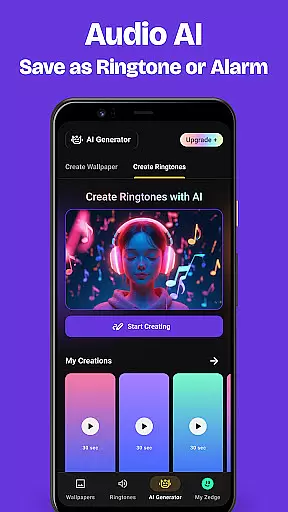
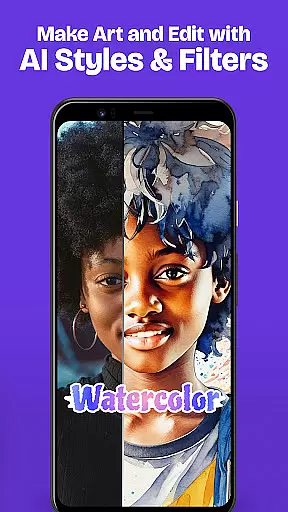
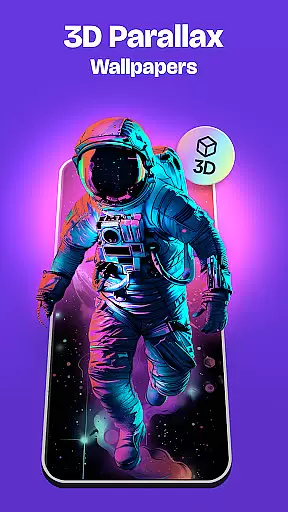
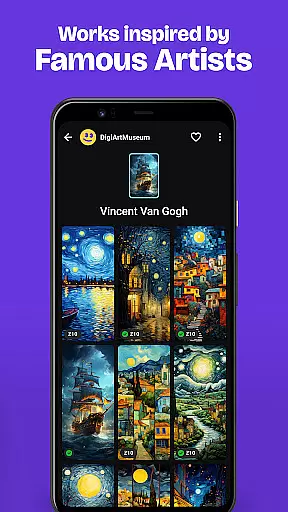
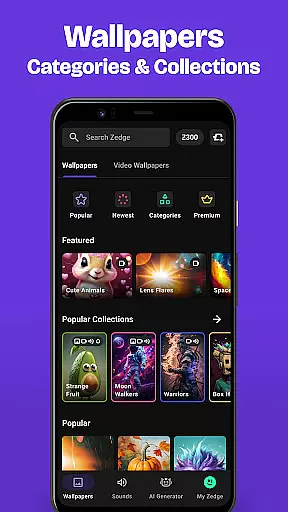
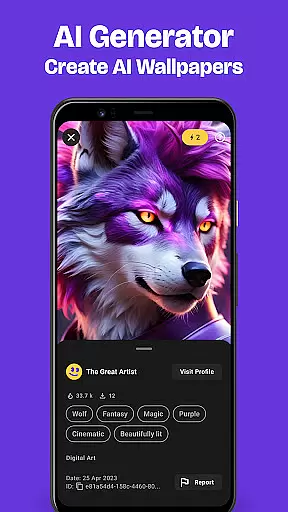
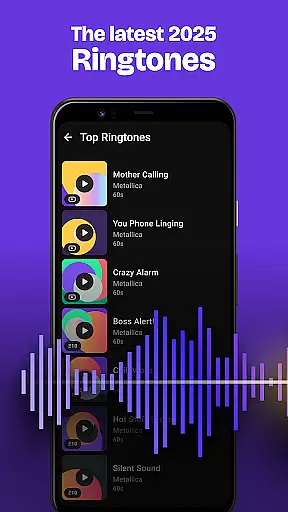
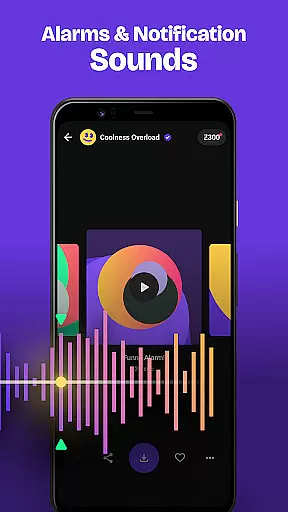
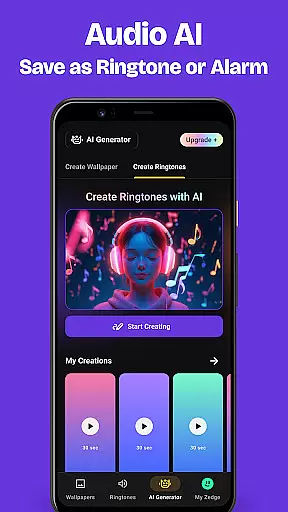
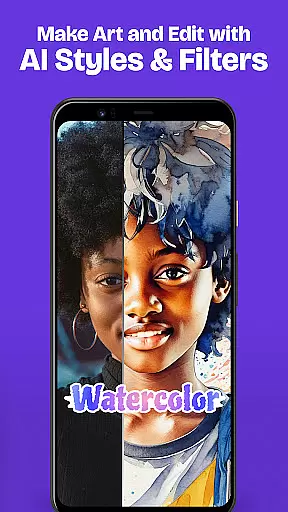
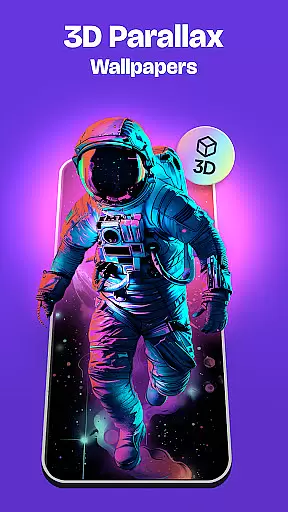
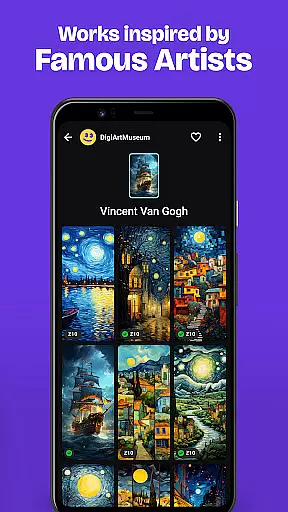
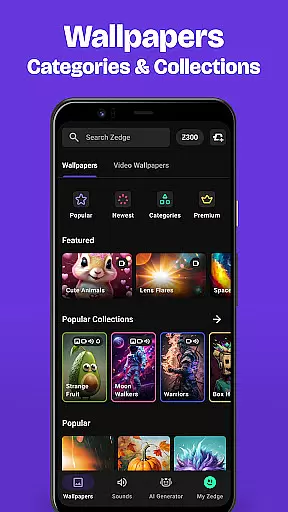
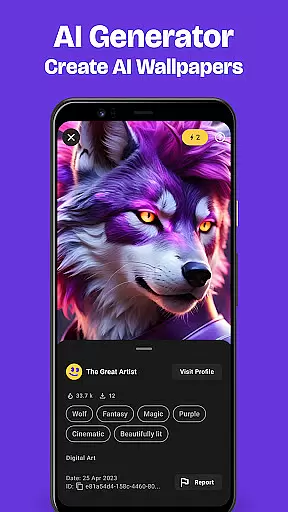
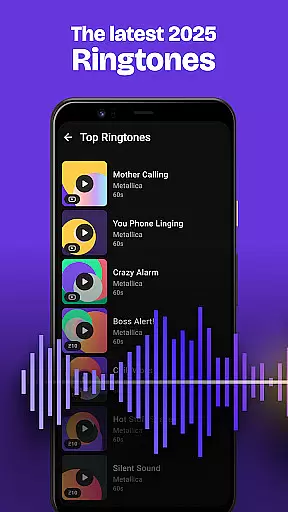
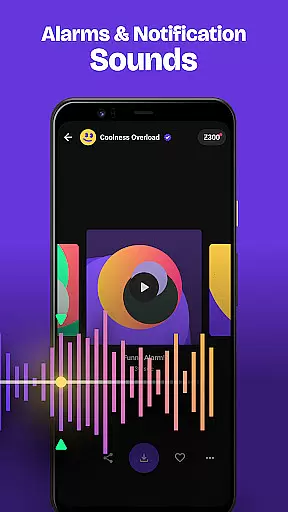
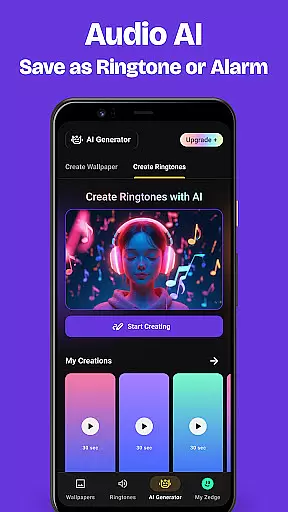
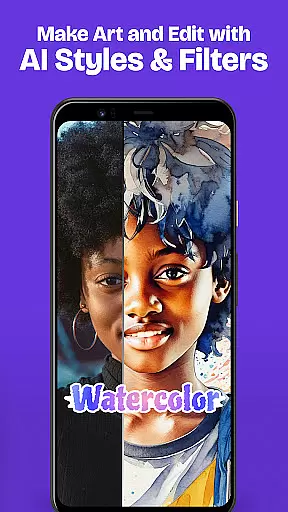
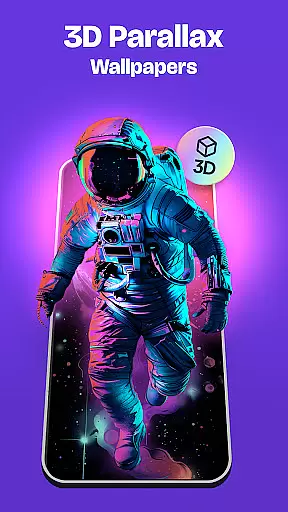
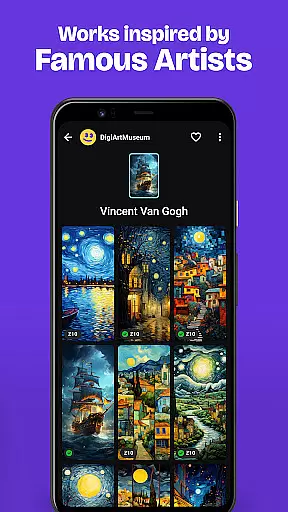
Zedge Wallpapers & Ringtones is a premier personalization app that offers an extensive library of HD and 4K wallpapers, live wallpapers, and parallax wallpapers alongside a vast selection of ringtones, alarm sounds, and notification tones. With the unique Zedge AI Generator, users can create custom wallpapers based on their imaginative descriptions.
Available for free, this app allows users to personalize their devices with content from top-tier creators worldwide, including popular artist collections and exclusive limited-edition releases for special occasions. The easy-to-navigate interface and bonus features like cross-device syncing make it a go-to destination for millions seeking to express their individuality through their phone's aesthetics and sound.
One of the standout features of Zedge is its AI Generator, which turns creative phrases into personalized wallpapers, offering a level of customization that sets it apart from other personalization apps. Users can also explore a community gallery filled with AI-generated masterpieces for inspiration.
In addition to wallpapers, Zedge provides high-quality ringtones and notification sounds that cater to all tastes. Whether you're looking for your favorite music tracks or funny tones, Zedge has it all. Live wallpapers provide dynamic video effects without draining the battery, ensuring both style and functionality. Moreover, the app supports organizing favorites for quick access and enables setting different ringtones for individual contacts.
Customization is at the heart of personalizing your mobile experience, and Zedge Wallpapers & Ringtones excels in offering a vast array of options. With millions of HD wallpapers, live wallpapers, and an extensive collection of ringtones, alarm sounds, and notification tones, users can tailor their devices to reflect their unique style and preferences.
The app provides access to artwork from popular artist collections, fusion art, 3D art, and icon packs, ensuring that there's something for every taste. Whether you're interested in urban artwork, Sci-Fi themes, anime, or even AI-generated masterpieces, Zedge allows you to set these as your home screen or lock screen background with ease.
Moreover, the introduction of Parallax Wallpapers adds a new dimension to personalization by creating a sense of depth on your screen. This feature not only enhances visual appeal but also makes the interaction with your device more engaging. Users can further customize their experience by applying cool filters and stickers to their chosen wallpapers.
Theme compatibility is crucial for ensuring that personalized content looks great across different devices and screen sizes. Zedge Wallpapers & Ringtones takes pride in its wide-ranging support for various themes, making it simple for users to apply their favorite aesthetics consistently throughout their device.
Whether you prefer sleek minimalist designs or vibrant colorful patterns, Zedgeu2019s library has an extensive selection tailored to cater to diverse tastes. The app supports full HD and 4K resolution wallpapers, which means no matter what device you have, the visual quality will be crisp and clear.
In addition to static images, Zedge offers live wallpapers that bring dynamic video effects to your home screen without compromising battery life. These are designed to play once when turning on the home screen, providing a seamless blend of functionality and style while maintaining optimal performance.
User-friendly interface
Extensive content library
Cross-device sync capabilities
AI-driven customization options
Regularly updated content
Some features require premium access
Occasional performance lags
Limited offline functionality
Ads can be intrusive
AI feature may not appeal to all

A Colorful and Minimal icon pack in an Outline Style - Over 13,600 icons!
 4.70
4.70
Customizable flower power digital watch face for Wear OS watches.
4.00
3D, live, and moving wallpapers & themes in 4K and HD for your device.
4.50
Fingerprint Lock Screen & Live Animations with 4K Wallpapers as Live Wallpaper
4.40
Bring adorable pets to life on your screen. Playful, interactive and full of fun
4.60
Gun Chase - Let the chase begin.
4.80
Stylish Pink Cute Hippo keyboard with 10000+ customized keyboard themes!
4.60
Your home screen, just the way you like it.
4.30
Create stunning widgets with Widget 2026: Aesthetic Widgets for Android!
4.60
A minimalist productivity launcher. One-hand-friendly. Zero ads.
4.70
Stunningly Different look with Line Icons and Neon Colors
4.60
Add cute Shimeji pets to screen, interact with them and relax with cute motions
4.60
300+ widgets inspired by Material You and Material 3 expressive design.
4.60
Ninja Turtles Cowabunga SE watch face for Wear OS
4.50
The definitive Icon pack maker and editor
4.30
Wear Os Watch Face - Seasonal - Animated Snow Effect - 9 Animals
4.20
More than 3000+ themes and 9000+ wallpapers for everybody!
4.10
Run multiple accounts of the same app on a single device
4.10
Crystal-clear, square icon provides a sleek and sophisticated visual upgrade
4.00
Wallpaper Engine Android review—PC sync setup, crash issues, sound reactive limitations, and whether this free companion app is actually good.



User Reviews