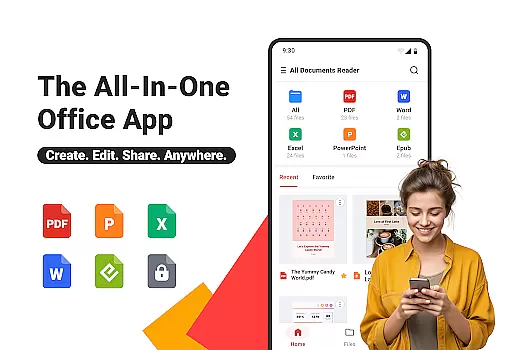
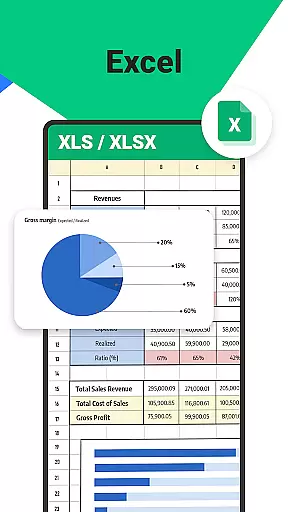
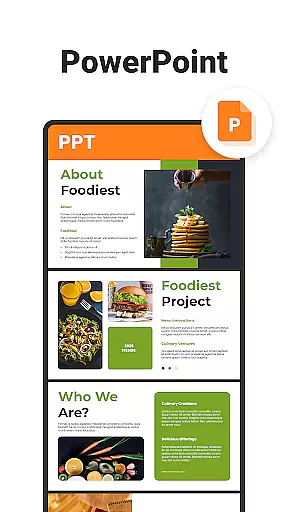
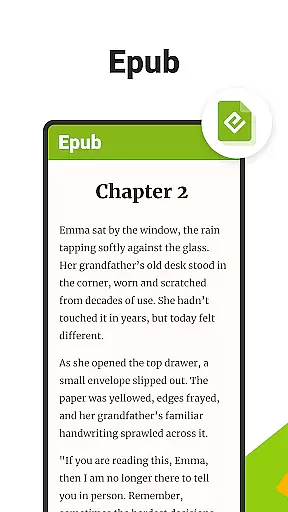
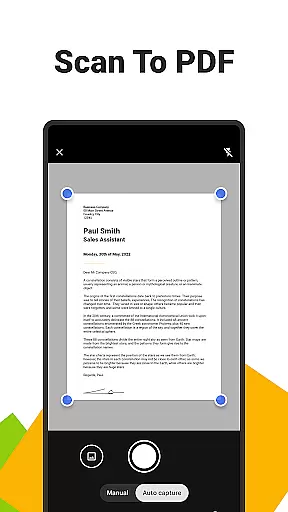
All Documents Reader is a comprehensive document management tool designed to streamline how you view, edit, and organize digital files. Supporting multiple formats including PDF, Word, Excel, PowerPoint, and EPUB, this app serves as your all-in-one solution for document handling.
With its versatile file organizer, users can instantly open various file types, enjoy centralized access to documents, and utilize smart search features for maximum productivity. The app also offers advanced PDF tools such as scanning, AI summarization, merging, splitting, and encryption. Whether for work, study, or personal use, All Documents Reader provides an optimized reading experience with customizable viewing options and automatic categorization of files.
This powerful tool ensures that managing documents has never been easier or more efficient, making it ideal for both professional tasks and everyday use.
All Documents Reader stands out with its extensive feature set tailored for efficient document management. The app supports multi-format viewing, allowing users to open PDFs, Word, Excel, PPT, and ePub files effortlessly. Its centralized access system gathers all your files in one place, while the smart search function helps locate any document quickly.
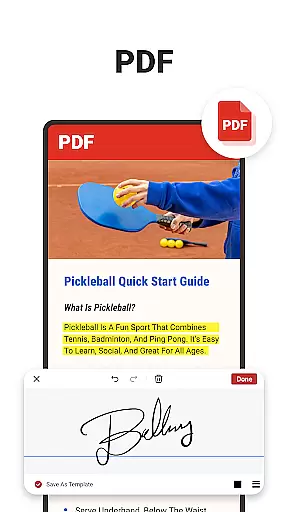
The app's comprehensive PDF tools include an all-in-one PDF reader and editor, enabling users to highlight, annotate, merge, split, fill forms, and sign documents easily. Additionally, the built-in pdf scanner app converts photos into high-quality PDFs, and AI summarization extracts key points from complex documents. Flexible PDF management allows merging or splitting PDFs and protecting files with encryption.
Designed for optimal reading experiences, the app offers intuitive navigation, automatic categorization, and customizable viewing options like horizontal and vertical modes. These features make All Documents Reader a reliable partner for office tasks, school assignments, and personal file management.
In the realm of document management, the precision and efficacy of an application's core functions are paramount. Ora All Documents Reader excels in this area by offering a comprehensive suite of tools designed to handle various file formats with ease and reliability.
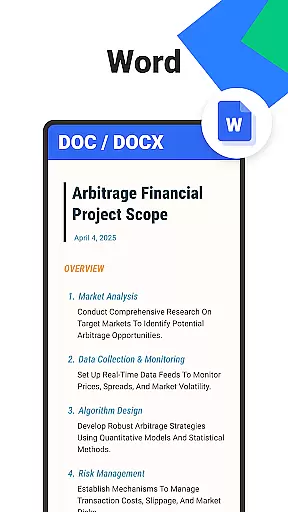
With support for PDF, Word, Excel, PowerPoint, and EPUB files, the app ensures that users can view, edit, and organize their digital documents without compatibility issues. Its integrated AI capabilities further enhance productivity by summarizing key points from complex documents, allowing users to grasp important information quickly.
The inclusion of features such as merging or splitting PDFs, filling forms, and signing documents elevates the user experience, making it not just a viewer but a versatile document management tool. These functions are executed with high accuracy, ensuring that the integrity of the original files is maintained throughout any operation.
Ultimately, Ora All Documents Reader empowers users to manage their files efficiently, providing them with reliable tools that deliver consistent performance. This focus on core function accuracy and effectiveness makes it an indispensable asset for both personal and professional use.
A streamlined and intuitive interface is crucial for ensuring that users can navigate an application effortlessly. Ora All Documents Reader achieves this by presenting a clean and organized layout that prioritizes ease of access and usability.
Centralized access to all file types allows users to browse and preview documents swiftly, while smart search functionality helps locate specific files instantly. The appu2019s design emphasizes logical grouping and categorization, which simplifies document management significantly.
Moreover, customizable viewing options, including horizontal and vertical modes, cater to individual preferences, enhancing the overall reading experience. Whether reviewing detailed reports or enjoying e-books, users benefit from a flexible interface that adapts to their needs.
By focusing on interface simplicity and intuitiveness, Ora All Documents Reader ensures that even those unfamiliar with advanced document management tools can utilize its features effectively. This approach fosters a seamless user experience, encouraging productivity and satisfaction.
User-friendly interface
Multi-format support
Advanced PDF tools
Offline functionality
Strong privacy protection
Limited cloud integration
No real-time collaboration
Occasional bugs reported
Premium features locked
Heavy on storage

Change your GPS location instantly. Simulate routes anywhere in the world.
 4.90
4.90
Complete kernel toolbox with features to manage and tweak your rooted device
4.30
Safely recover deleted photos, videos, and files with a single easy tap.
3.70
Enjoy smooth gameplay with Game Booster
4.90
Monitor car performance in real time and troubleshoot malfunctions.
4.80
Support Fossify apps with a warm thank you!
5.00
Play your X-Box games remotely in 1080p with any controller and zero latency
4.60
Clean up large files and similar photos, fast and easy to use
4.40
Protect your device with antivirus, storage cleanup, and system monitoring
4.70
Canon PRINT is a companion app for your Canon printer.
4.60
Screen Mirroring for Roku Sticks, Roku TCL TV and Roku Hisense TV
4.50
Making emulation easy for everyone!
4.30
App that Recover your pictures, videos or files after you delete them.
4.20
Carry a FTP server in your pocket and avoid USB cables for file transfer
4.20
Signal Strength, Mobile, Wifi, Speed Test, Bad Signals, Cellular, 5G, LTE, 4G
4.20
An open-source APK explorer for Android!
4.10
A powerful, easy-to-use flight computer on your phone or tablet!
3.80
A non-root local ADB shell client. READ BELOW!
3.40
Save any video in HD - paste the link, download fast and watch offline.
4.5
Honest Scratch app review—is it actually good for teaching kids to code? Real user insights on features, limitations, and learning outcomes.



User Reviews