
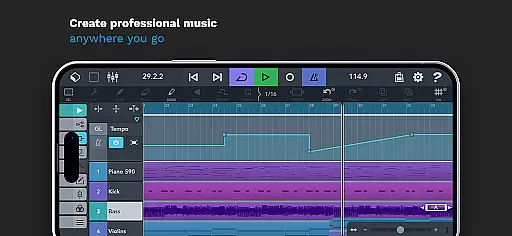
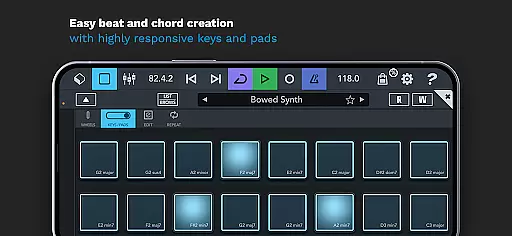
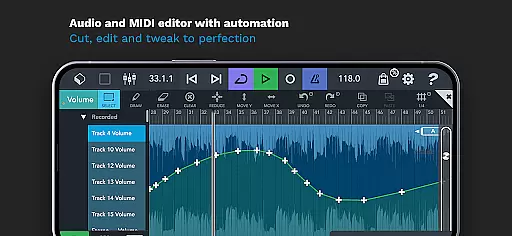
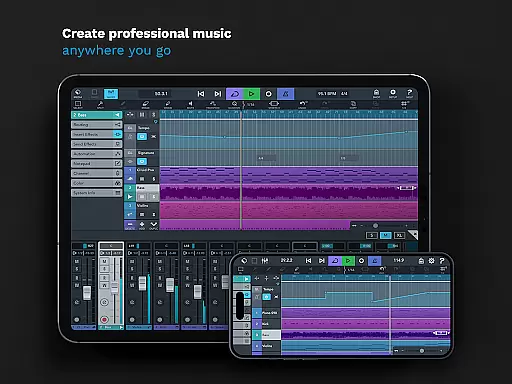
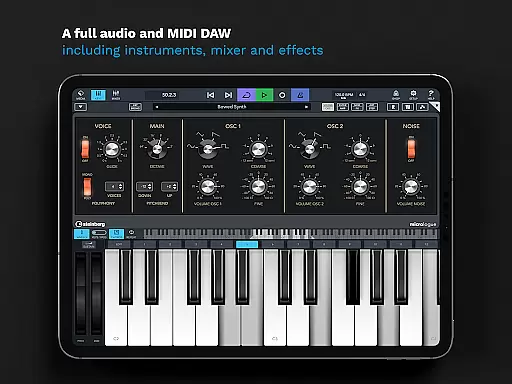
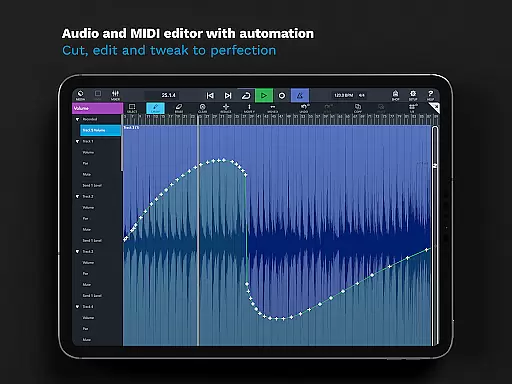
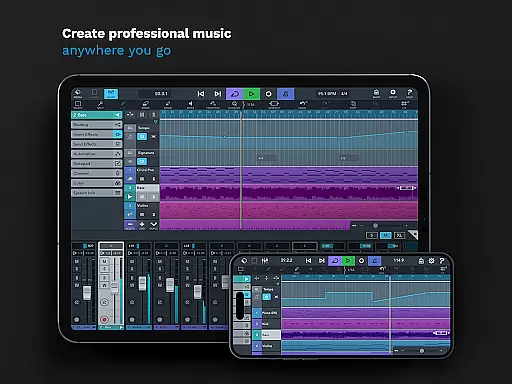
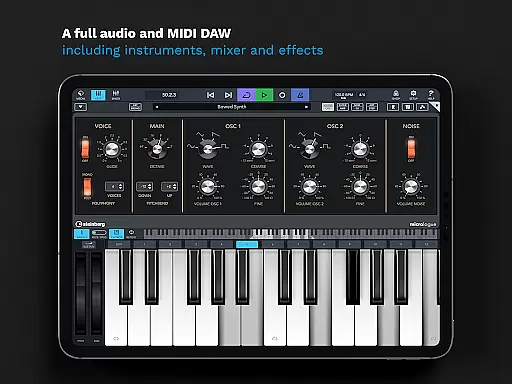
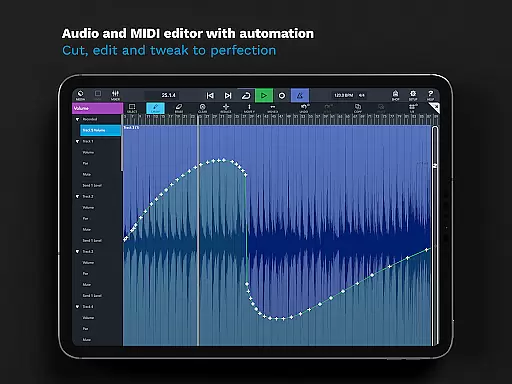
Cubasis 3 is a multi-award winning mobile DAW and full music production studio that allows musicians to capture their ideas and turn them into professional-sounding songs. The app provides an extensive suite of tools including audio and MIDI editing, real-time time-stretching, pitch-shifting, and a range of virtual instruments and effects. Whether you're creating beats, recording live instruments, or mixing tracks, Cubasis 3 offers a complete solution for music production on Android and Chrome OS devices.
With its intuitive interface and powerful features such as the 32-bit floating-point audio engine, high-resolution audio support, and seamless integration with external gear, Cubasis 3 stands out as one of the most advanced mobile DAWs available. Its compatibility with various hardware and third-party apps makes it suitable for both amateur musicians and seasoned professionals who need a portable yet robust music creation tool.
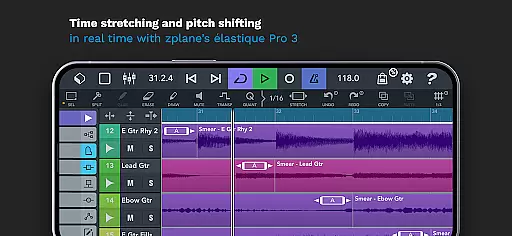
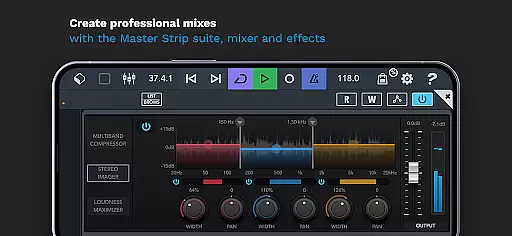
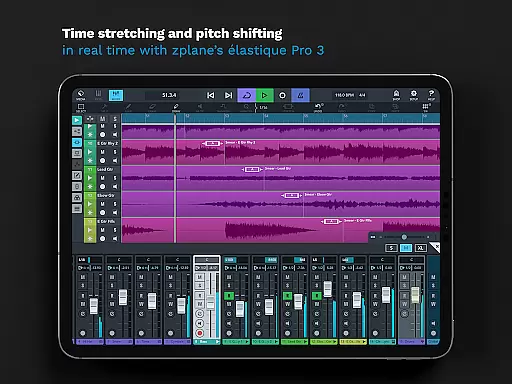
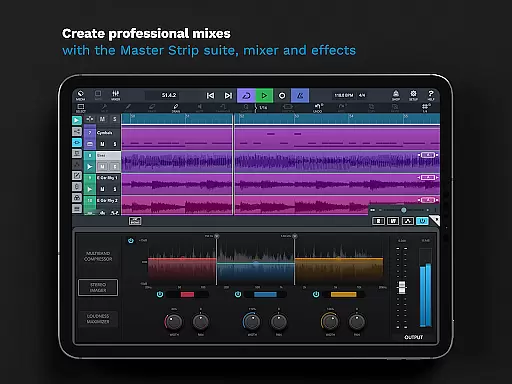
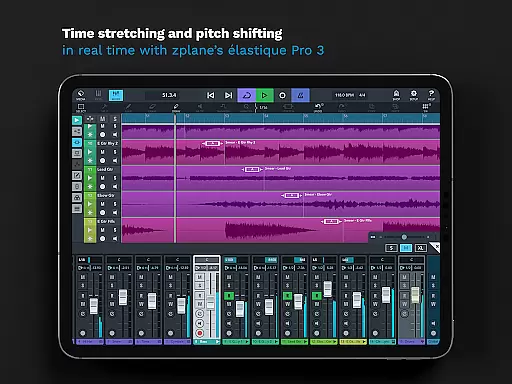
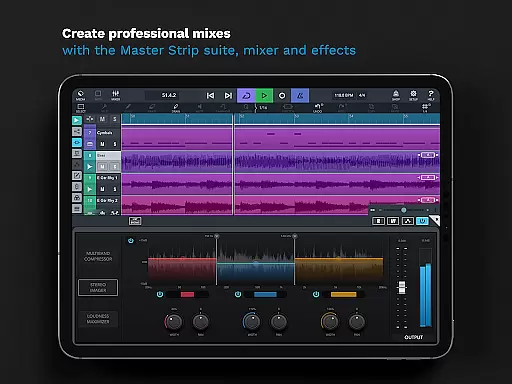
Cubasis 3 boasts an impressive array of features designed to streamline the music production process. It supports an unlimited number of audio and MIDI tracks, making it ideal for complex compositions. The app includes professional-grade effects like the Master Strip Suite, a fully automatable mixer, and real-time time-stretching powered by zplane’s élastique 3 technology. These features ensure users can achieve polished, radio-ready mixes directly on their mobile devices.
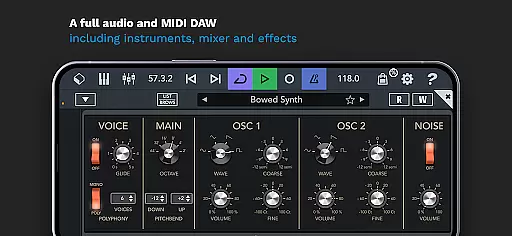
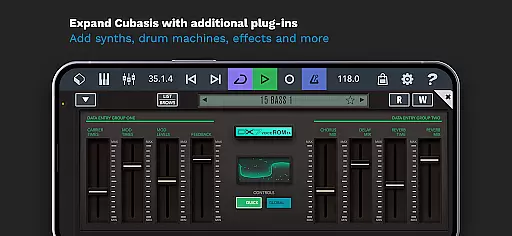
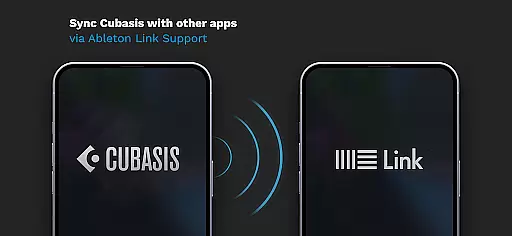
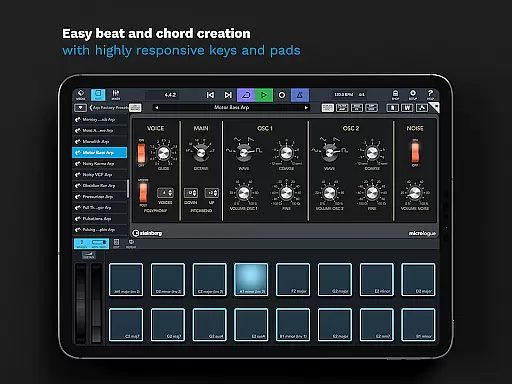
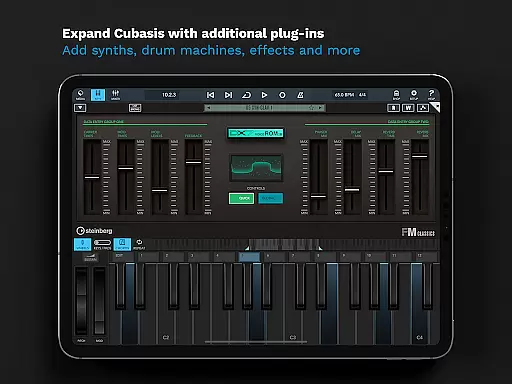
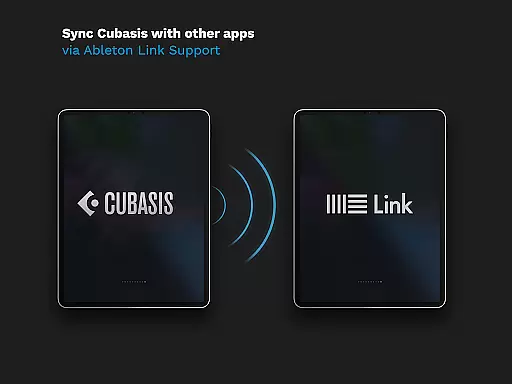
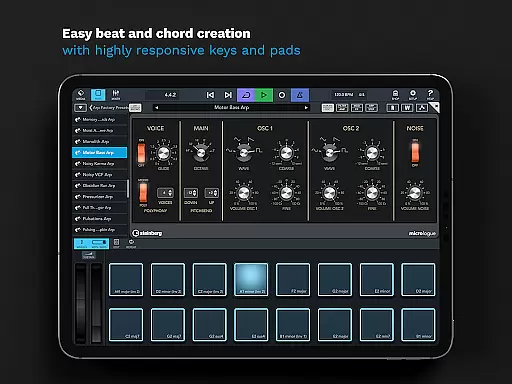
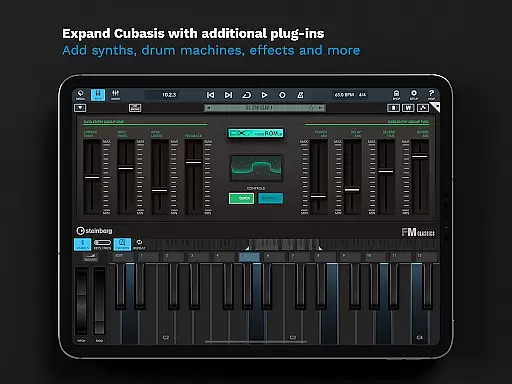
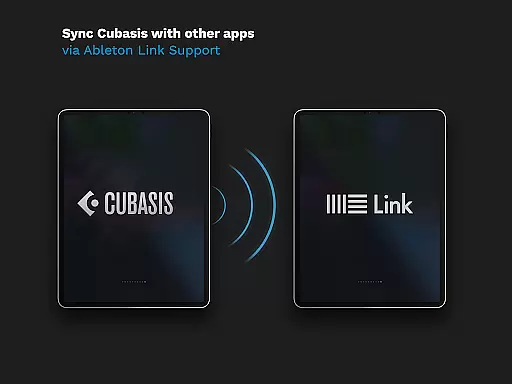
In addition to its core capabilities, Cubasis 3 offers specialized tools such as the Micrologue virtual analog synthesizer, MicroSonic virtual instruments, and MiniSampler for custom instrument creation. Advanced functionalities like MIDI Learn, Mackie Control protocol support, and Ableton Link integration provide users with unparalleled control over their projects. This combination of depth and versatility makes Cubasis 3 a standout choice for anyone serious about mobile music production.
When evaluating a music production app like Cubasis 3, the size and authenticity of its music library are crucial factors. This app offers an extensive library with over 120 virtual instrument sounds, including acoustic pianos and various drum kits. These sounds are not only diverse but also fully licensed, ensuring users can create music without concerns about copyright infringement.
Cubasis 3 further enhances its music library by integrating Micrologue, a virtual analog synthesizer that comes with 126 ready-to-go presets. This vast selection allows musicians to experiment with different sounds and styles, providing endless creative possibilities. The inclusion of MiniSampler adds another layer of versatility, enabling users to craft their own instruments from scratch.
The app's commitment to copyright authenticity extends beyond just its sound library. It supports exporting projects to industry-standard platforms like Cubase, Google Drive, and Dropbox, ensuring that all components of a project remain legitimate and traceable. This feature is particularly beneficial for professional musicians who need to maintain meticulous records of their work.
Overall, Cubasis 3's comprehensive and legally sound music library empowers users to produce high-quality tracks while adhering to legal standards. Whether you're sketching song ideas or producing full records, this app provides the tools necessary to innovate within a framework of authenticity and compliance.
Audio quality is paramount in music production, and Cubasis 3 excels in delivering top-tier audio options. The app features a 32-bit floating-point audio engine capable of handling high-resolution audio up to 24-bit/48 kHz. This ensures that every note and beat retains its clarity and depth, making it ideal for both amateur enthusiasts and seasoned professionals.
One standout feature is the real-time time-stretching and pitch-shifting powered by zplaneu2019s u00e9lastique 3 technology. This allows users to manipulate audio without compromising its quality, offering unparalleled flexibility during the editing process. Musicians can adjust tempos and keys seamlessly, which is essential when working on complex compositions or remixes.
Cubasis 3 also includes a robust mixer equipped with studio-grade channel strips and 17 effects processors. This setup enables precise control over each track's audio properties, allowing for professional-grade mixing directly on mobile devices. Additionally, the Master Strip plug-in suite adds exceptional effects that elevate the overall sound quality.
With these advanced audio quality options, Cubasis 3 positions itself as a leader in mobile music production. Its ability to deliver pristine sound across various formats and resolutions makes it an indispensable tool for anyone serious about creating high-fidelity music on the go.
Intuitive user interface
Extensive plugin support
High-quality audio processing
Versatile MIDI functionality
Professional mixing tools
Steep learning curve
Higher system requirements
Limited free version
Occasional bugs
Premium pricing

Formerly known as Spotistats! View your top tracks, artists, albums and more!
 4.40
4.40
Offline and always ad-free - stream in the highest quality available.
4.10
10-Band Audio Equalizer, Sound / Bass Booster for Spotify Users & Music Players
4.40
A synth that really lets you shape your sounds!
4.50
Walkout Song DJ is the most intuitive app to manage your sports music.
4.70
Save hundreds of dollars for a physical strobe tuner and instead use this app.
4.50
Ultimate Sonos Controller
4.70
Learn to play the piano using falling notes!
3.80
Learn and play 2M+ music tabs & chords on guitar, ukulele, bass, and more
4.30
Voice recorder - Audio recorder. Best recorder for recording
4.90
Play your hearts out on TouchTunes jukeboxes & connect with fellow music lovers.
4.80
Offline Music Player & MP3 Player.Powerful equalizer, Lyrics, Themes, Tag Editor
4.80 4.70
4.70
Bass Booster & Volume Equalizer Pro improves your music and video sound quality
4.60
AI Music Maker: Generate And Compose AI Tunes & AI Songs & AI Music & AI Melody!
4.60
Learn the notes on the guitar fretboard fast with this easy and fun app
4.60
Reverse your voice & songs instantly! Fun singing challenge with cool effects.
4.60
DJ Music Mixer Pro is a real DJ controllers and DJ Music Studio to remix DJ.
4.40
Remove ads permanently from Music Visualizer
4.3


User Reviews