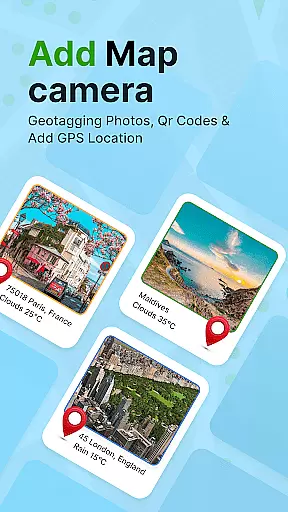
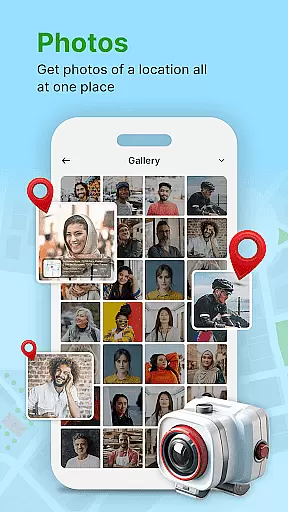
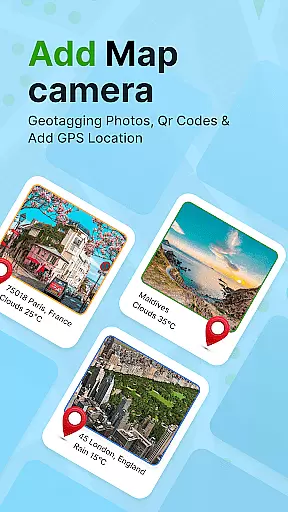
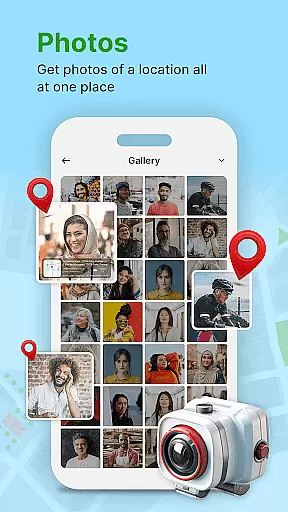
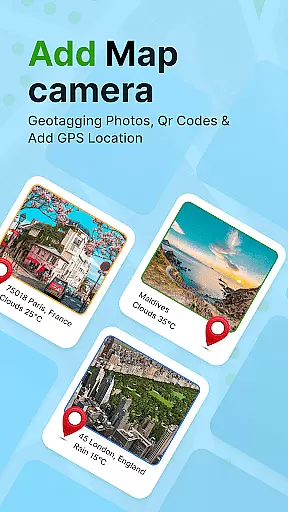
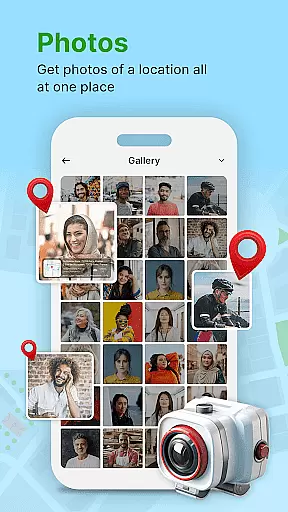
GPS Geotag Photos & Camera Map is a powerful photography app designed to enhance your photo-taking experience by embedding precise location data into your images. The app automatically adds GPS coordinates, altitude, and address information directly into the metadata of your photos, making it easy to track where and when each photo was taken.
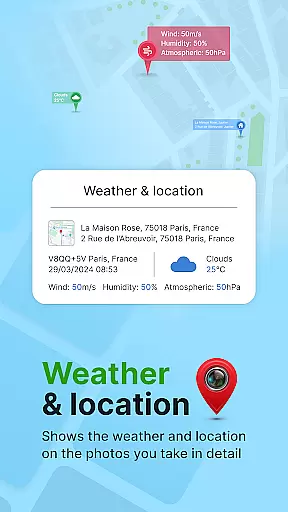
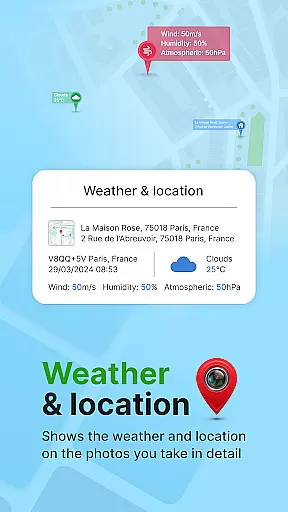
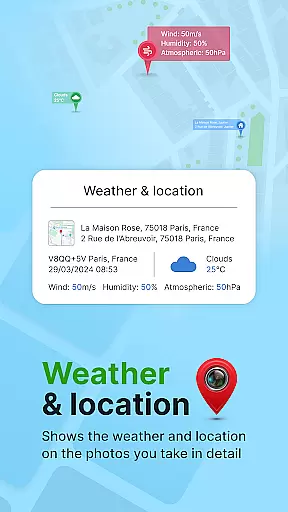
In addition to geotagging, the app offers advanced customization options. Users can add timestamps, weather details, and even live maps to their photos. With support for manual adjustments of latitude and longitude, this app ensures accurate location tagging even in areas with weak GPS signals. Whether you're a traveler, photographer, or someone who values organizing their memories, this app provides a seamless solution.
The app's intuitive interface and robust feature set make it an essential tool for anyone looking to enrich their photos with valuable contextual information. By sharing geotagged photos with family and friends, users can provide not just a memory, but also its exact geographical context, adding a new dimension to photo sharing.
One of the standout features of GPS Geotag Photos & Camera Map is its ability to automatically embed GPS data into photos. This includes not only location coordinates but also altitude and address details, ensuring comprehensive metadata for every image captured. The app supports real-time map views, allowing users to see their current location while taking photos.
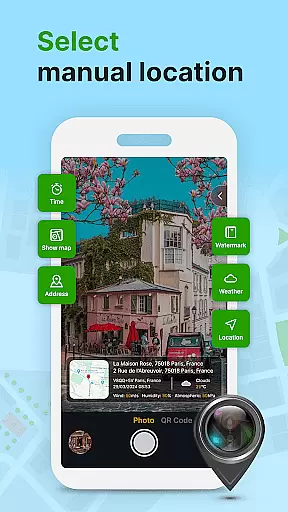
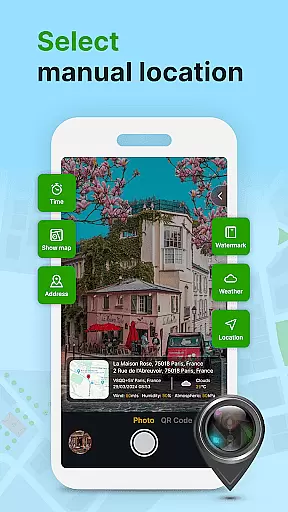
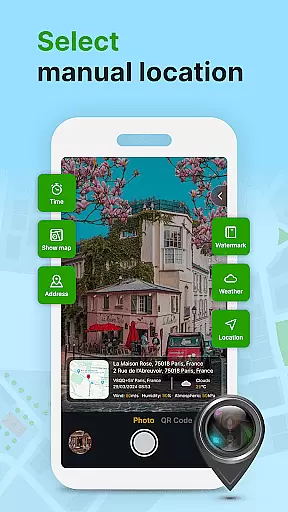
Customization is another key aspect of this app. Users can personalize the appearance of location stamps by adjusting font styles, sizes, colors, and positions. For those needing additional functionality, the app includes a QR code scanner and supports manual entry of latitude and longitude for fine-tuned location accuracy. These features ensure that users have complete control over how their photos are tagged and presented.
Furthermore, the app caters to various use cases, from casual photographers to professionals. Its ability to add weather information and timestamps makes it particularly useful for documenting events or trips. With its user-friendly design and reliable performance, GPS Geotag Photos & Camera Map stands out as a versatile tool in the photography category.
Real-time capture and preview functionality is essential for ensuring that every photo taken with GPS Geotag Photos & Camera Map app accurately reflects the desired composition. This feature allows users to see exactly what the camera sees, making it easier to frame shots perfectly.
The app supports capturing stunning photos while automatically embedding GPS coordinates, altitude, and even the address into the image metadata. This ensures that each photo contains detailed location information, which can be invaluable for both personal memory-keeping and professional applications.
Users benefit from the ability to fine-tune the location manually by setting latitude and longitude if needed. This level of control guarantees precision in geotagging, allowing photographers to document locations with exactness and reliability.
While primarily focused on geotagging, GPS Geotag Photos & Camera Map also offers features related to AI beauty and enhancement, ensuring that images not only have accurate location data but also look their best. The app provides options to customize various aspects of the photos, such as font, size, color, and position of timestamps, contributing to a more polished final image.
Although the core function revolves around embedding geographical data, the customization capabilities extend the utility of this app. Users can adjust settings to ensure that added elements like timestamps or location details blend seamlessly with the original photo, maintaining a natural appearance.
This dual focus on both technical accuracy and aesthetic enhancement makes the app versatile. Whether you're a casual photographer looking to add meaningful context to your photos or a professional needing reliable geotagged images, these features collectively enhance the overall quality and usefulness of your photography projects.
Accurate geotagging
Customizable location stamps
Real-time map integration
Manual location adjustment
Comprehensive metadata support
Occasional GPS inaccuracies
Interface may feel complex
QR code feature underutilized
Weather data not always reliable
Requires constant internet

Easily stitch panoramas from multiple photos or video.
 4.40
4.40
HD Photo gallery and photo manager to edit, hide private photos, videos & albums
4.2
Photo prints, cards, & gifts at Walgreens. Easy ordering & fast local pickup !
4.80
USB Storage Access for Photos, Videos, Music and Documents
3.80
GCamera allows all GCam features on all phone models! Better photos with GCamera
3.30
Professional quality photo edits with the new Snapseed.
4.00
Easily create custom gifts, cards, photo books & more on the Shutterfly app!
4.60
Transform Photos: Edit, Beautify and Craft Memories & Make Collages!
4.10
Unblur, enhance & restore photos with powerful AI photo enhancer tools.
4.60
Android Native system HD camera app. Never been so simple and faster.
4.70
The original Rarevision VHS look seen everywhere!
4.70
Create AI photos & videos with Enhancer; restore, fix, beautify, enhance photos
4.50
Fit multiple photos on one post. Create carousels & scroll layouts for Instagram
4.50
Trendy TikTok time warp scan funny filter app brings you unique photos & videos.
4.40
Shooting photos and records video easily and efficient with professional Camera
4.30
All-in-One Editor & AI Photo Enhancer, Beautify & Retouch, Collage, Cartoonify
4.20
Professional camera app that brings DSLR manual photography controls to Android.
4.20
The #1 app for B&W film developing featuring an advanced darkroom timer.
4.10
An interval timer to automate photo taking process for timelapse
2.90


User Reviews