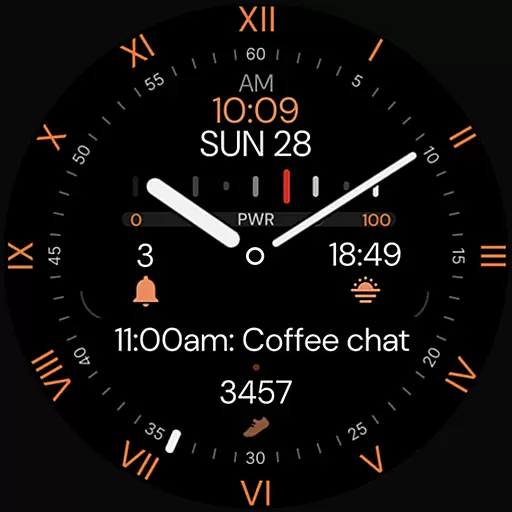
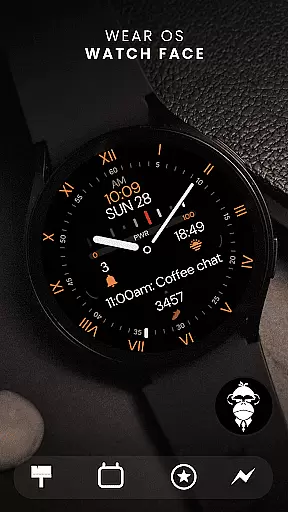
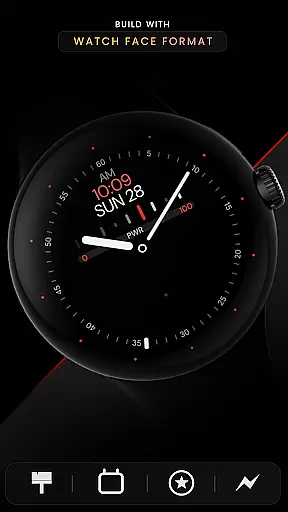
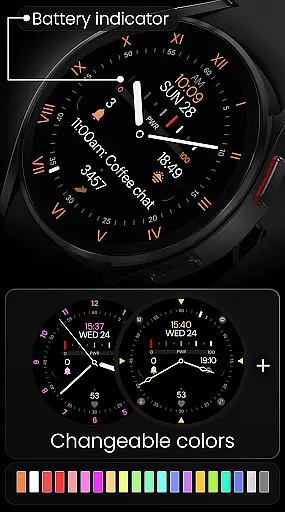
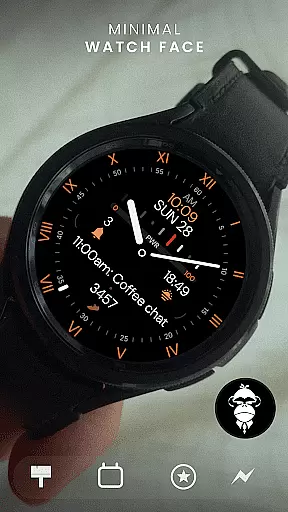
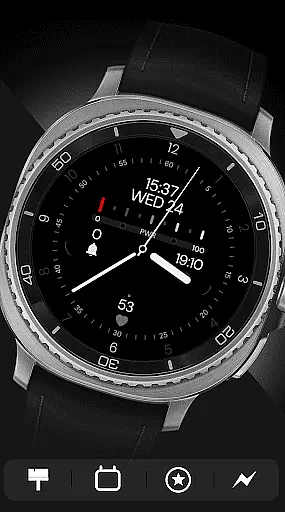
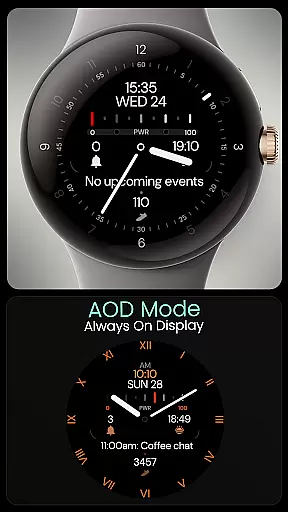
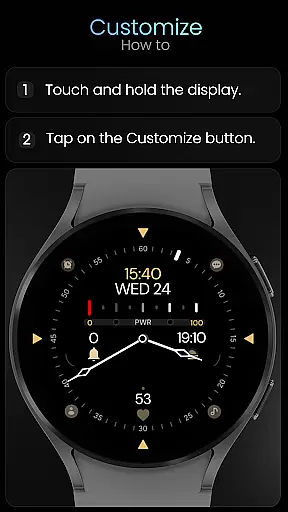
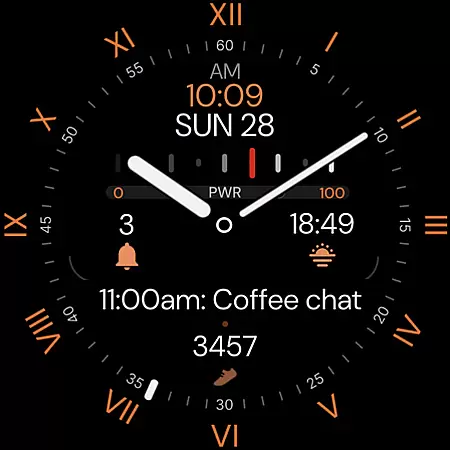
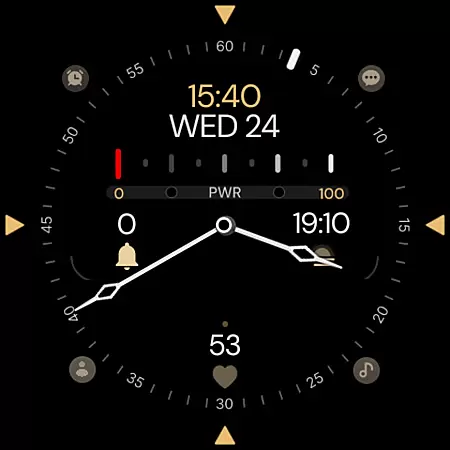
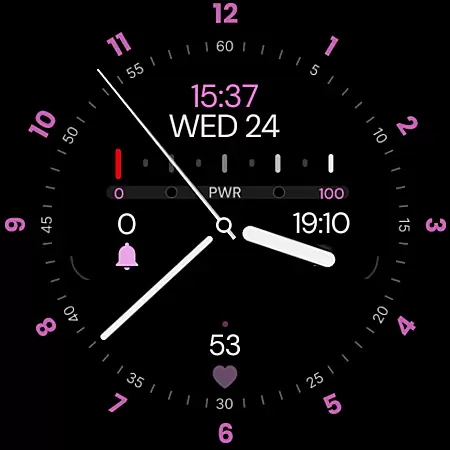
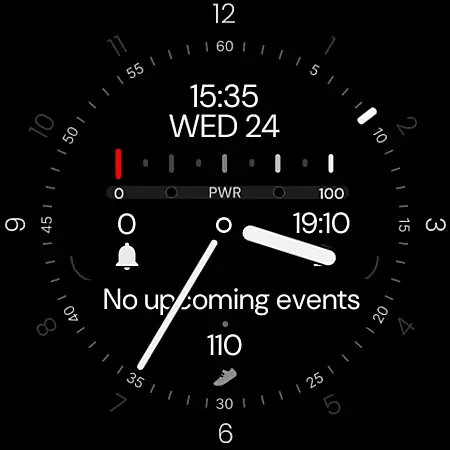
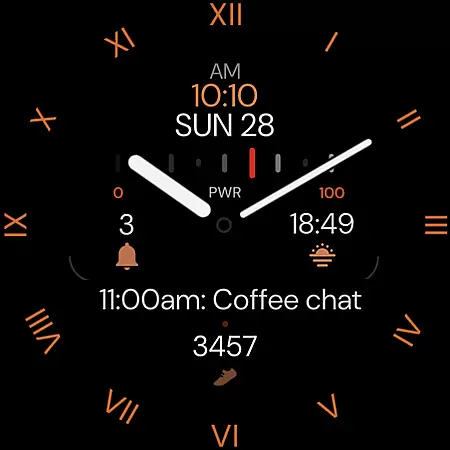
Minimal Black v32 Watch Face offers a sleek, modern design for Wear OS users seeking simplicity and elegance. This hybrid watch face combines classic aesthetics with essential digital features.
The watch face supports both 12/24-hour time formats, customizable colors, and includes practical elements like battery indicator and always-on display. With compatibility across all Wear OS devices running API 33+, it ensures broad device support while offering users extensive customization options.
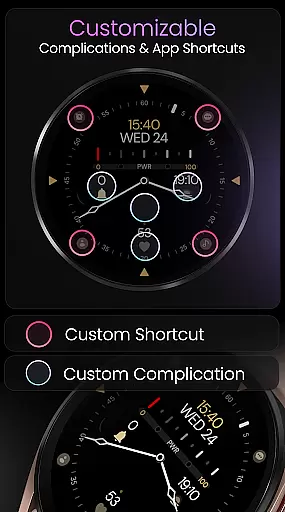
This watch face stands out with its versatile customization capabilities. Users can personalize colors, choose from multiple index styles, watch-hands, and second-hand designs to match their personal style.
Practical features include four app shortcuts for quick access to essential functions, four complication slots for displaying fitness data, and an always-on display mode. The intuitive customization process makes it easy for users to create their perfect watch face through the 'Customize' option on their Wear OS device.
Companion app integration is essential for a seamless wearable experience. Minimal Black v32 Watch Face offers robust companion app features that ensure your watch face remains in sync with your smartphone settings.
This application supports digital time format switching between 12 and 24 hours, automatically adjusting based on your phone's configuration. The synchronization extends to customizable colors, allowing users to match their watch face with personal style or daily outfits effortlessly.
With built-in app shortcuts and complication slots, the watch face provides quick access to vital features such as battery indicators, step counters, and heart rate monitors. This comprehensive integration ensures that all essential information is readily available on your wrist.
By maintaining compatibility with Wear OS devices API 33+, including popular models like Google Pixel Watch and Samsung Galaxy Watches, this application guarantees a reliable and consistent user experience across various devices.
Ensuring broad device compatibility is crucial for any Wear OS application. Minimal Black v32 Watch Face excels in this area by supporting all Wear OS devices running API 33 and above.
This wide compatibility range includes flagship models such as Google Pixel Watch and Samsung Galaxy Watch series from versions 4 through 8, including Ultra variants. Such extensive support means users with different devices can enjoy the elegant minimal black hybrid design without compatibility concerns.
The application takes full advantage of Wear OS capabilities, offering features like Always-On Display (AOD) mode and multiple customization options including watch hands, index styles, and second-hand designs. These elements work harmoniously across supported devices, providing a consistent user experience.
While not suitable for rectangular watches, the application's focus on circular watch faces ensures optimized performance and visual appeal for the majority of Wear OS users, making it a reliable choice for those seeking a modern, simple, and classic look.
Modern minimalistic design
Highly customizable interface
Wide device compatibility
Practical feature set
User-friendly customization
No rectangular watch support
Limited color options
Basic time display only
No advanced fitness tracking
Premium features locked
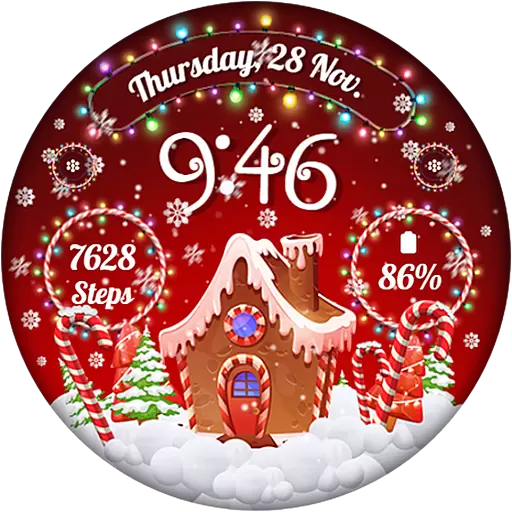
Wear Os Watch Face - Animated Snow - Sesonal for Christmas & Winter
 4.1
4.1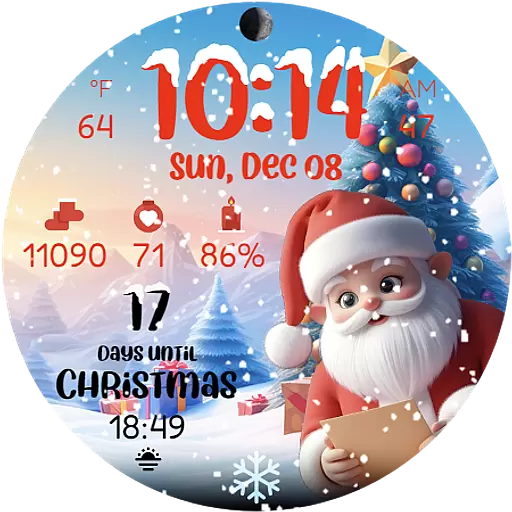
Christmas is near, let's count together the days left until Santa comes
4.2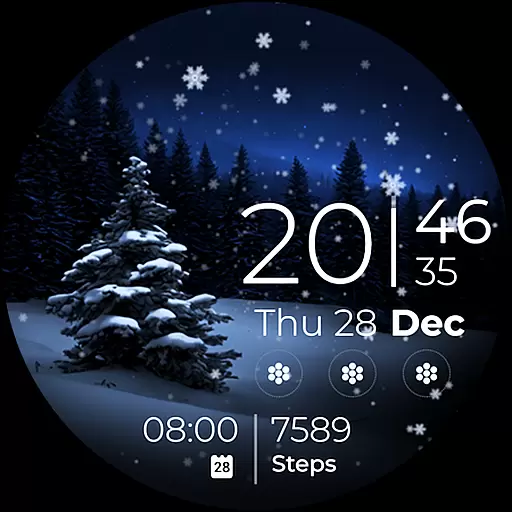
Beautiful artistic animated digital watch face, with a customizable layout!
4.40
Your second brain for organizing your life: to-do, calendar, reminder.
4.70
Nutrition, Macro tracker: Food, fitness & healthy diet tracking for weight loss
4.60
Gym & home workout plans with strength training, exercise tracking, HIIT & more.
4.60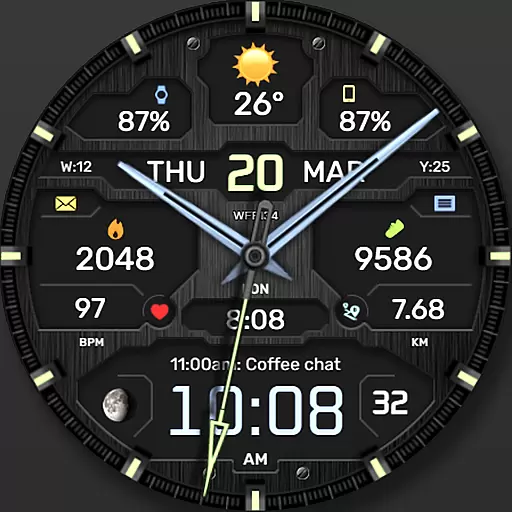
The most customizable hybrid watch face. For Wear OS 5.0, API 34+ and later
4.70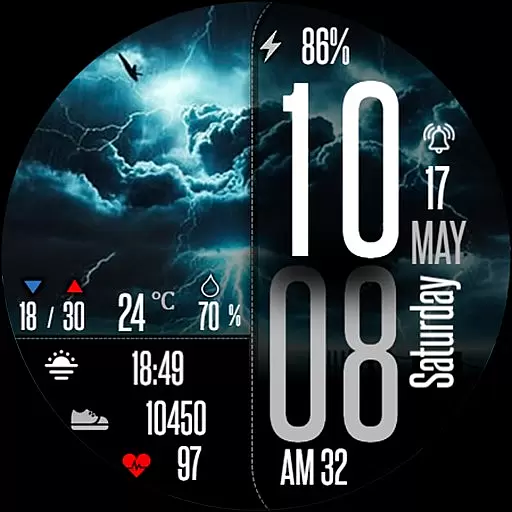
Daily Weather forecast with 15 weather images for Day & Night plus Big Bold time
4.10
Your music, your playlists, and more—offline and unlimited.
4.20
Walking app for weight loss: walk & step tracker, pedometer, indoor treadmill
4.60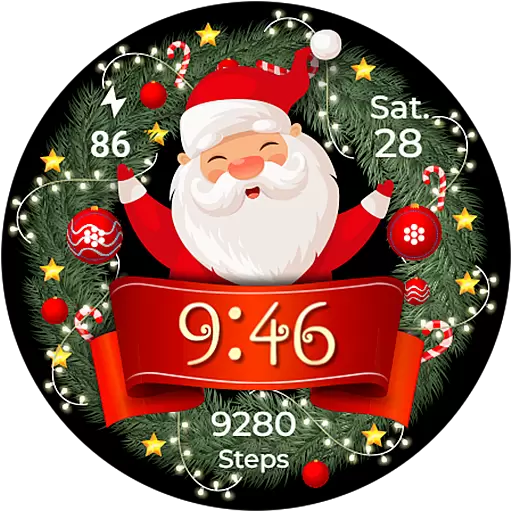
Deck out your Wear OS Watch face with a beautifully decorated pine wreath!
4.50
Connect to your Bluelink equipped Hyundai vehicle from your smartphone.
4.50
Fast and smart typing with Emojis, GIFs, and more
4.50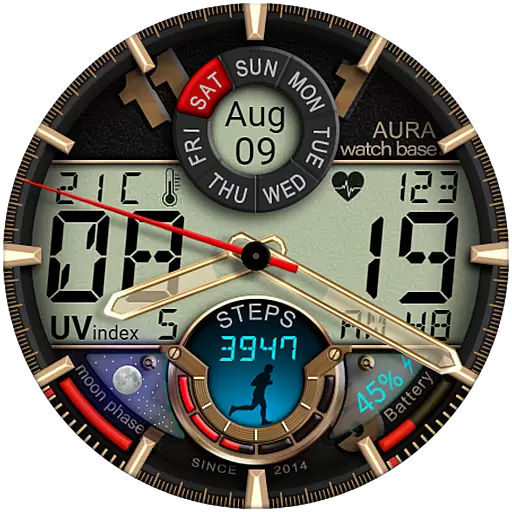
Bold, Modern Hybrid Watch Face for Wear OS. 10 Colors, Rich Info Display.
4.30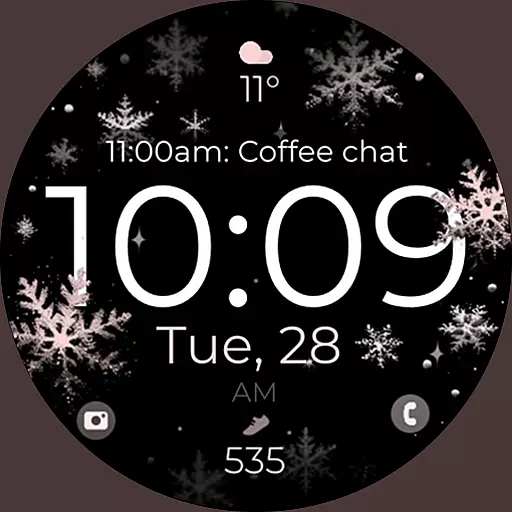
Snowflake Rose Gold Watch Face - Digital, modern, & sleek with GYRO effect.
4.10
The #1 source of faces for your smartwatch!
4.00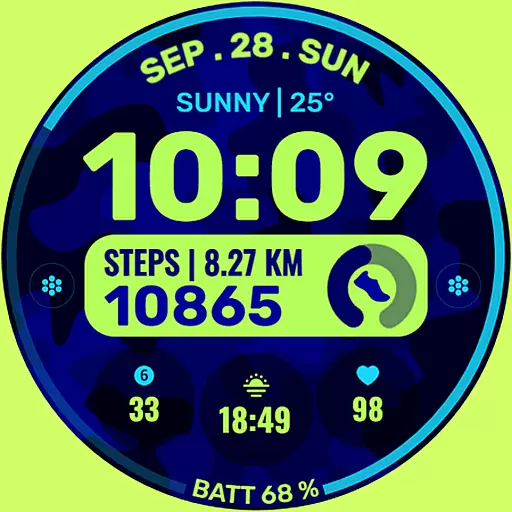
Artistic Digital Watchface
4.0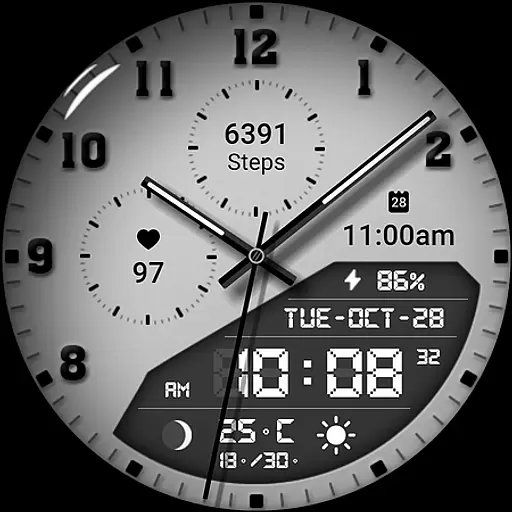
3 Complications. All shadow on/off. 30 Themes color palette...
4.2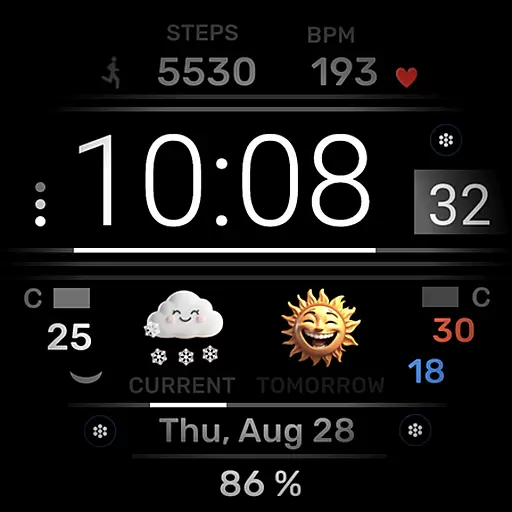
Minimalistic design modern digital watch face.
4.3


User Reviews