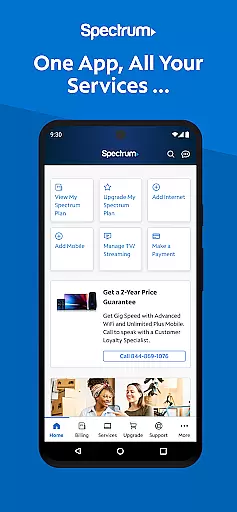

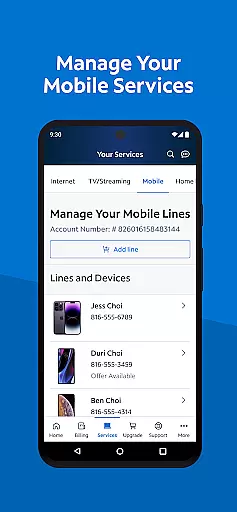
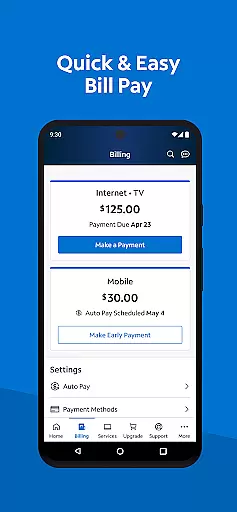
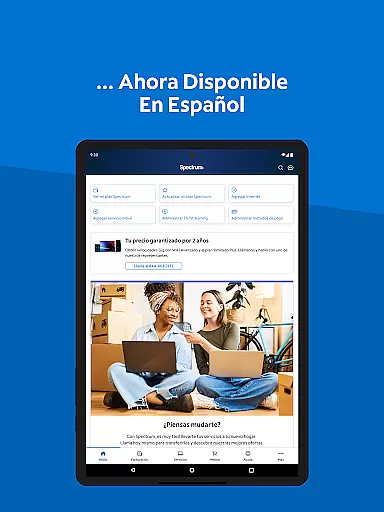
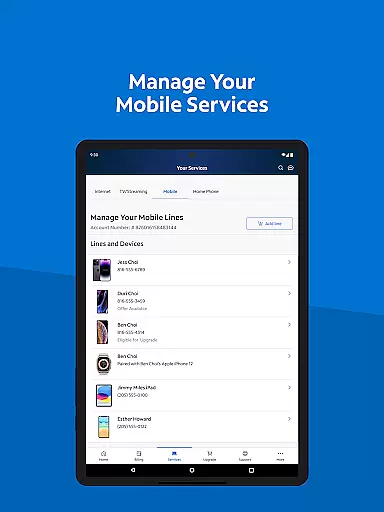
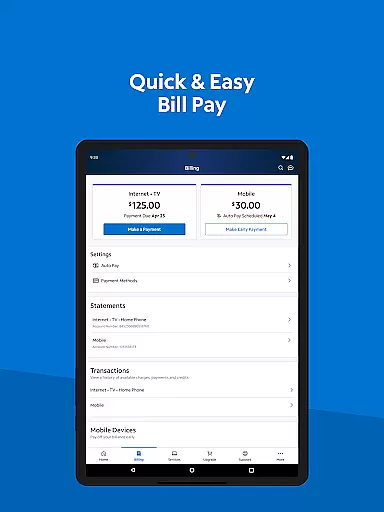
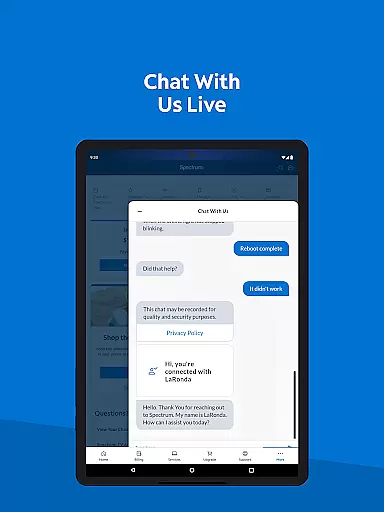
My Spectrum is a comprehensive service management app designed for residential customers to efficiently handle their Spectrum account. The app consolidates various services including bill payments for Spectrum Mobile, Internet, TV, and Home Phone, enabling users to enroll in Auto Pay, schedule one-time payments, and sign up for paperless billing. Additionally, it offers features like managing mobile services, checking data usage, and adding new mobile lines.
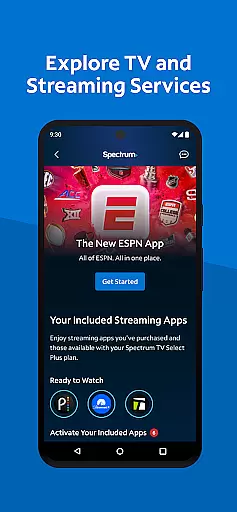
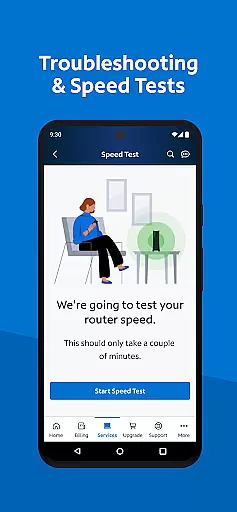
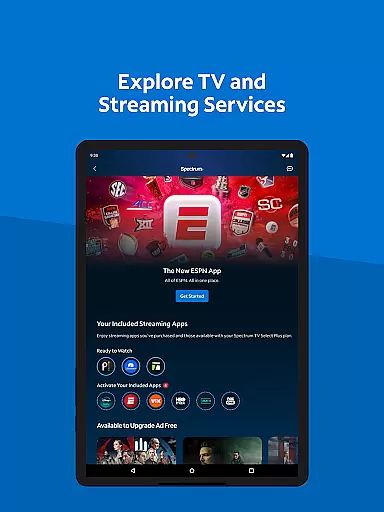
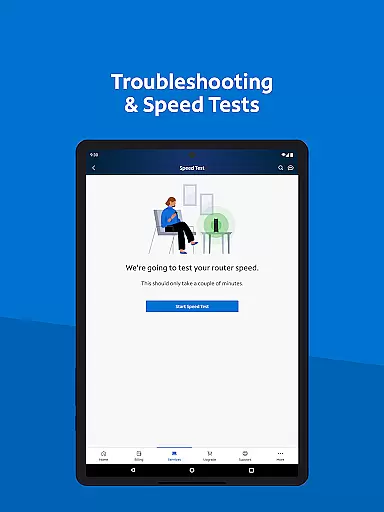
Beyond basic account management, My Spectrum provides tools for staying informed about billing and service outages, upgrading to Advanced WiFi, and troubleshooting internet connections. Users can also explore TV and streaming services, manage subscriptions, and customize channel lineups. With simplified support options such as in-app chat and technician tracking, the app ensures users have access to help when needed. Available in both English and Spanish, this app is a one-stop solution for all Spectrum service needs.
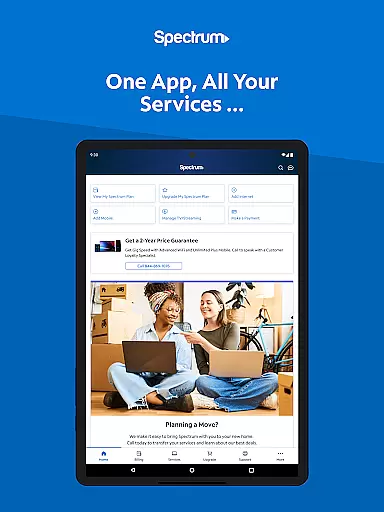
My Spectrum stands out with its extensive range of features tailored to enhance user experience. One of the key functionalities is the ability to manage multiple services from a single platform, including detailed billing management options like Auto Pay enrollment and paperless billing. The app also allows users to toggle between English and Spanish, catering to a broader audience.
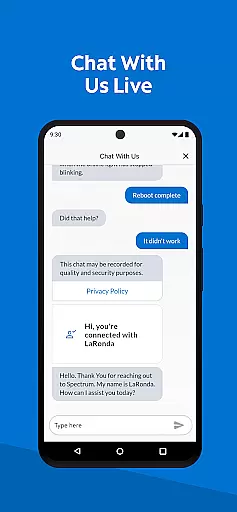
In terms of mobile service management, users can monitor data usage, add and activate new mobile lines, and receive important notifications directly on the home screen. The app further supports exploring TV and streaming services by providing an overview of included streaming apps and channel lineups. Simplified support features, such as self-installation guides, in-app chat, and technician tracking, ensure that users can resolve issues quickly and efficiently without needing to leave the app.
When it comes to managing your Spectrum services, the My Spectrum App excels in core function accuracy and effectiveness. This tool is designed to ensure that every interaction you have with the app brings you closer to resolving your needs without unnecessary complications.
The app allows residential customers to pay their bills for various services including Spectrum Mobile, Internet, TV, and Home Phone with precision. By enrolling in Auto Pay, users can rest assured that they will never miss a billing due date, thanks to the app's reliable and timely processing of payments.
Moreover, the ability to schedule one-time payments gives users control over how and when their payments are sent, ensuring that all transactions are executed exactly as intended. The availability of previous billing statements and service history further adds to the transparency and reliability of financial interactions within the app.
The My Spectrum App offers an interface that prides itself on simplicity and intuitiveness, making it accessible for users of all technical backgrounds. Navigating through the app is straightforward, allowing users to effortlessly access a multitude of services without a steep learning curve.
One key aspect is the seamless language toggle feature, enabling users to switch their language preferences from English to Spanish directly within the app. This inclusivity ensures that non-English speaking customers can manage their accounts with ease and confidence.
Additionally, features such as checking Spectrum Mobile data usage, managing plans, and adding new mobile lines are presented in a clear and organized manner. Users can stay informed about billing, equipment, activation, and outage notifications right from the home screen, enhancing their overall experience by keeping them well-informed at all times.
User-friendly interface
Comprehensive service management
Multi-language support
Advanced WiFi troubleshooting
In-app customer support
Limited to Spectrum customers
Occasional bugs reported
Requires constant updates
Data usage monitoring
Complex navigation for new users

 4.50
4.50
Carry a FTP server in your pocket and avoid USB cables for file transfer
4.20
eXtended Permission Manager - a small app to manage permissions and AppOps
4.50
Quickly check the frequency of the Earth
4.30
Mirror your screen to Fire TV - Super fast and simple
4.40
Fast Video Downloader, Movie Downloader, Torrent Downloader & Adblock Browser
4.70
Create your own custom widget with endless possibilities
3.90
Creation, Learning, Entertainment & More — The All-in-One AI Search Engine
4.70
Clean up large files and similar photos, fast and easy to use
4.40
Connect wirelessly to your computer to watch movies, browse the web, play games
5.00
Change your GPS location instantly. Simulate routes anywhere in the world.
4.90
Enjoy smooth gameplay with Game Booster
4.90
Easily install aab(Android App Bundle) files on your Android device with our app
4.80
Connect instantly to a fast, encrypted VPN with one tap
4.60
Canon PRINT is a companion app for your Canon printer.
4.60
Keep track of your Palia friendships, tasks, and inventory with Palia Notebook
4.60
Forza Tuning Calculator App for Forza Horizon 5, Motorsport and Earlier Titles
4.40
PC precision for mobile gaming: dominate with keyboard and mouse!
4.30
A non-root local ADB shell client. READ BELOW!
3.40
Honest Scratch app review—is it actually good for teaching kids to code? Real user insights on features, limitations, and learning outcomes.



User Reviews