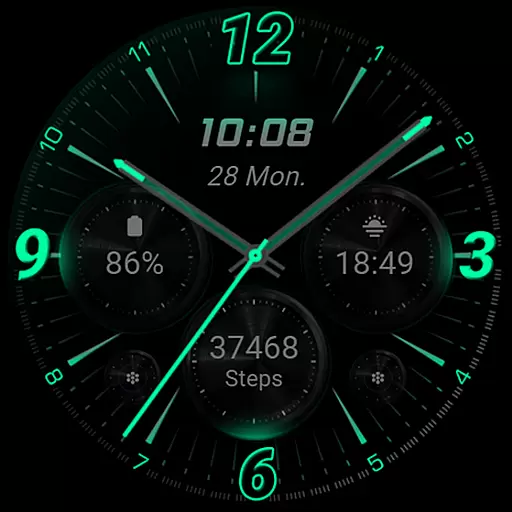
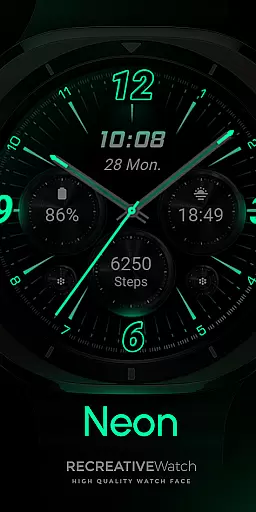
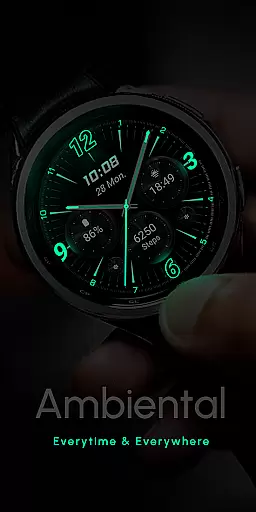
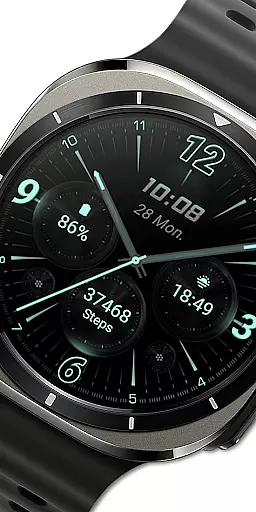
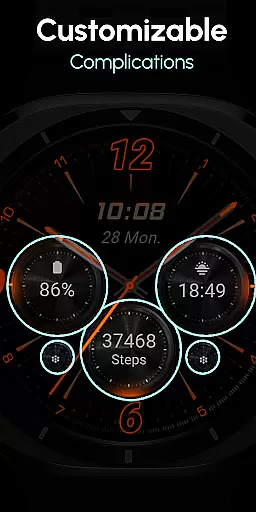
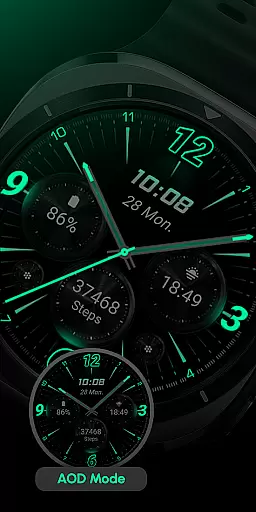
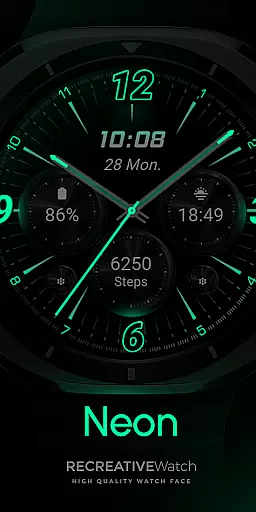
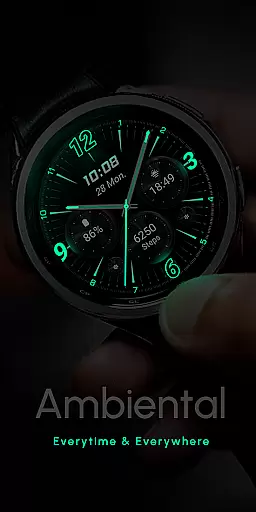
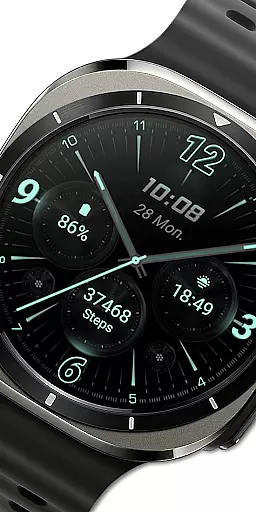
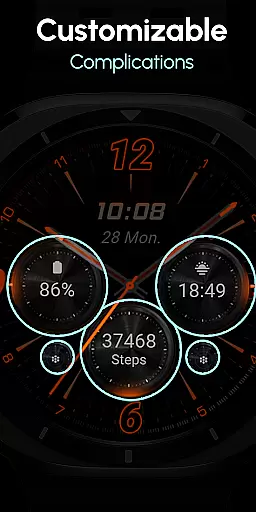
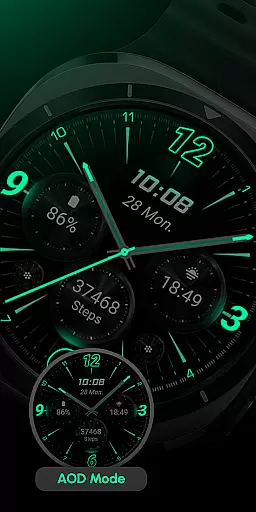
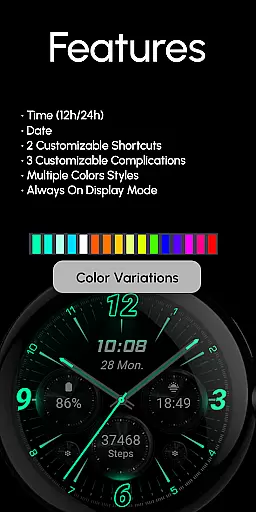
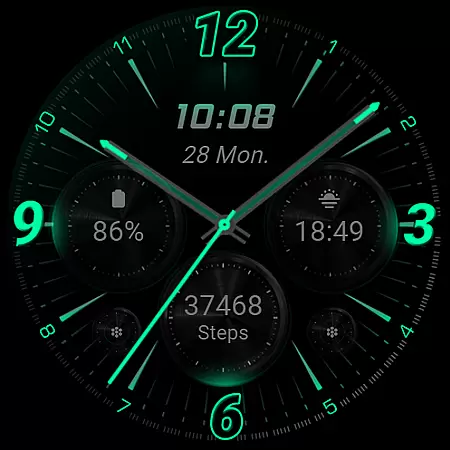
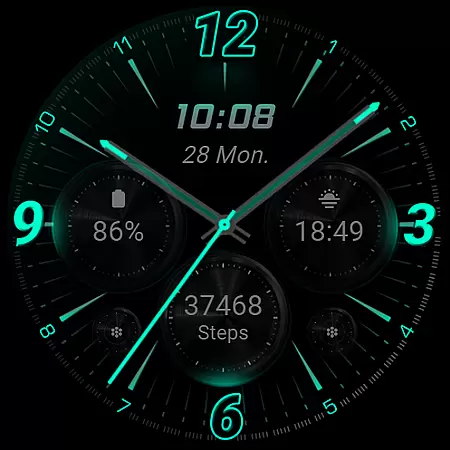
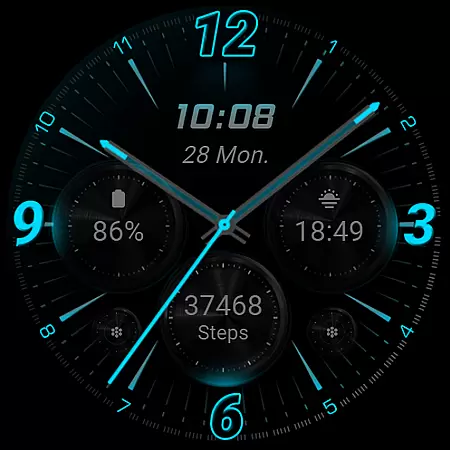
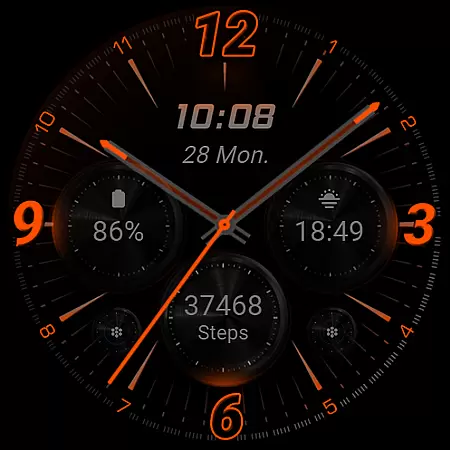
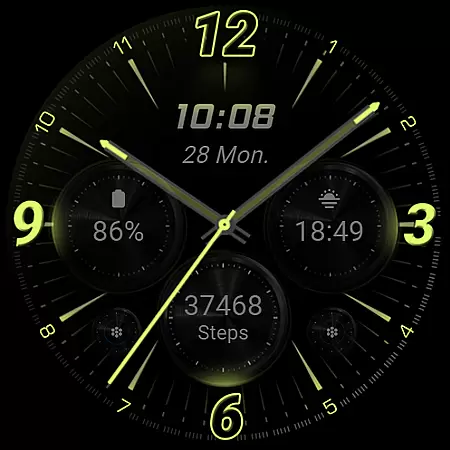
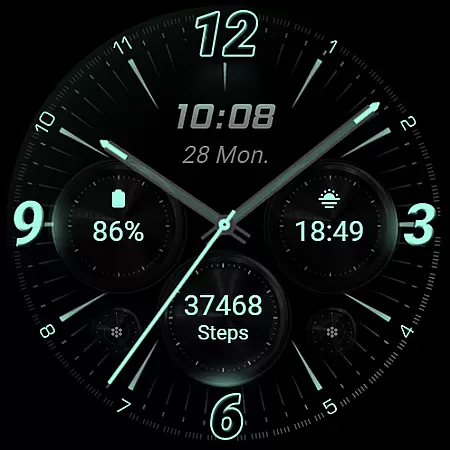
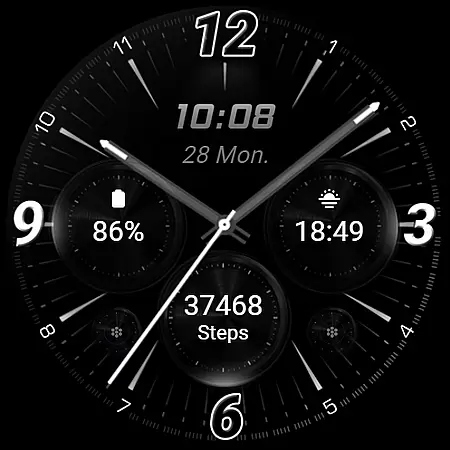
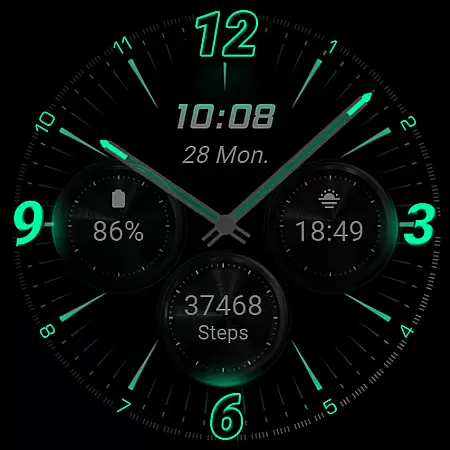
RE59 is a neon-inspired watch face designed for Wear OS, featuring realistic effects and a true black background. This sleek, modern design makes the neon elements pop on your wrist, offering both style and functionality. The watch face supports 12/24hr digital time display, customizable shortcuts, complications, and an Always ON Display feature.
The phone app facilitates installation and helps locate the watch face on your Wear OS device. It includes ads, but ensures easy setup. Compatible with API level 33+ devices like Google Pixel and Galaxy Watch series, RE59 brings a perfect blend of aesthetics and utility to your smartwatch experience.
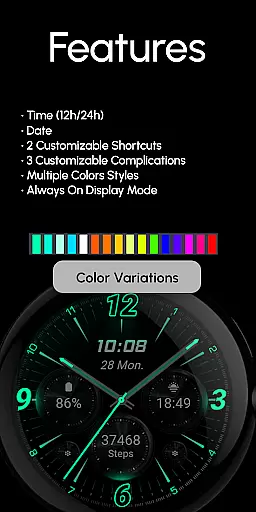
RE59 offers a range of features that enhance its usability and visual appeal. Key functionalities include 12/24hr digital time display, two customizable shortcuts, and three customizable complications. These allow users to tailor the watch face to their preferences, displaying the data they find most useful.
The Always ON Display feature ensures that time and important information are always visible, while color variations let users personalize the look further. For optimal battery performance, it's recommended to disable the Always ON Display mode when not needed. This combination of customization options and practical features makes RE59 a versatile choice for Wear OS users.
Companion app integration is essential for a seamless experience between a smartphone and a wearable device. RE59 offers a dedicated mobile application that facilitates the installation and customization of its neon-inspired watch face on Wear OS devices.
The phone app serves as a bridge, ensuring users can easily locate and install the watch face. It simplifies the setup process, making it accessible even to those who may not be tech-savvy. This streamlined approach enhances user engagement by reducing the complexity often associated with setting up new applications.
While the mobile app contains ads, it ensures that the core functionality remains unaffected. Users benefit from an ad-supported model that allows them to enjoy premium features without incurring additional costs. The companion app's role in managing customizations and complications adds significant value, providing a centralized control hub for personalizing the watch face.
Ensuring broad device compatibility is crucial for any Wear OS application. RE59 is designed to work seamlessly with API level 33+ devices, including popular models like Google Pixel and Galaxy Watch series, offering users a wide range of supported devices.
This compatibility extends the reach of the neon-inspired watch face, allowing more users to enjoy its modern aesthetic and realistic effects. By supporting a variety of devices, RE59 caters to different preferences and budgets, enhancing its market appeal.
Users benefit from consistent performance across compatible devices, thanks to thorough testing and optimization. The true black background and vibrant neon elements are optimized for each supported device, ensuring visual fidelity and battery efficiency. This commitment to quality provides peace of mind, knowing that the watch face will perform optimally regardless of the specific Wear OS device used.
Stylish neon design
Customizable shortcuts
Multiple complications
Always ON Display
True black background
Phone app contains ads
Limited to Wear OS
Battery drain with AOD
Installation not automatic
API level 33+ required
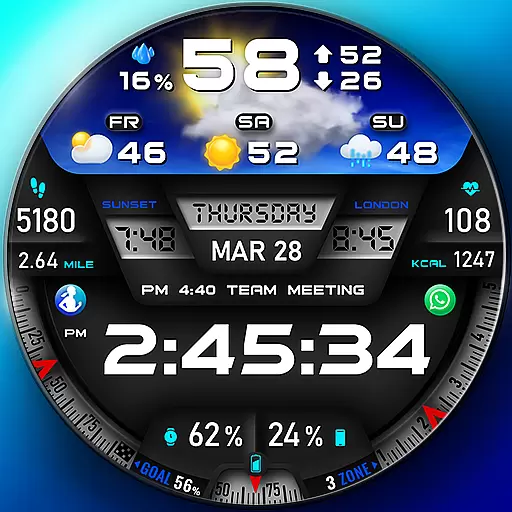
"PER27 Galaxy Digital" is a digital Wear OS watch face designed by PERSONA
 4.10
4.10
Diet tracker for weight loss - track calories, food and macros. Simple and easy!
4.70
Walking app for weight loss: walk & step tracker, pedometer, indoor treadmill
4.60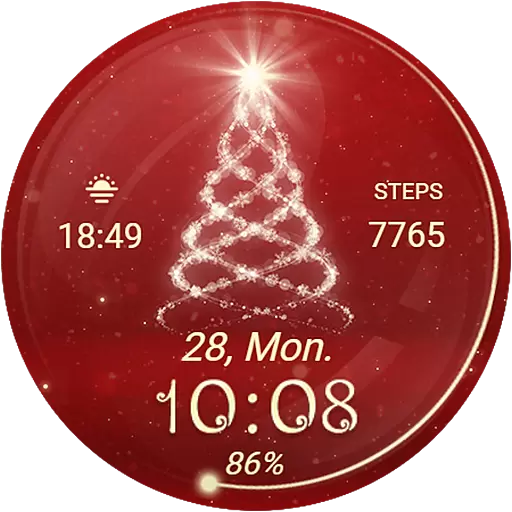
Animated Watch Face and Customizable with 24 Backgrounds. Perfect for Christmas!
3.90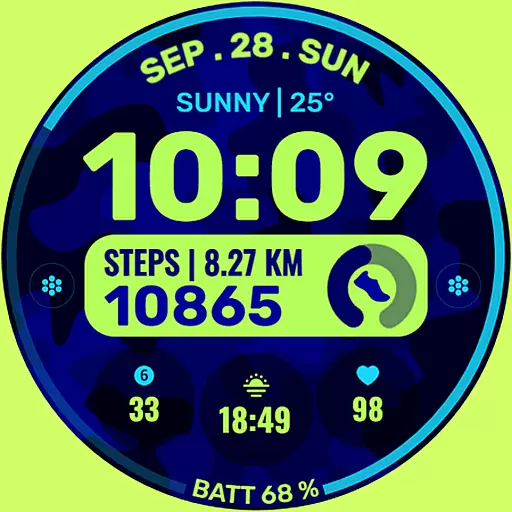
Artistic Digital Watchface
4.3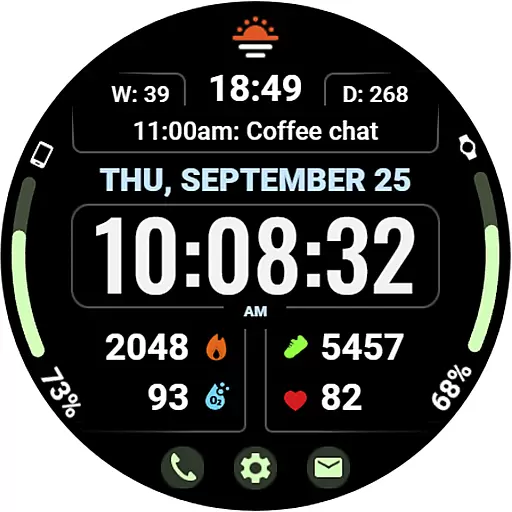
Beautiful, colorful and practical watch face. For Wear OS devices.
5.00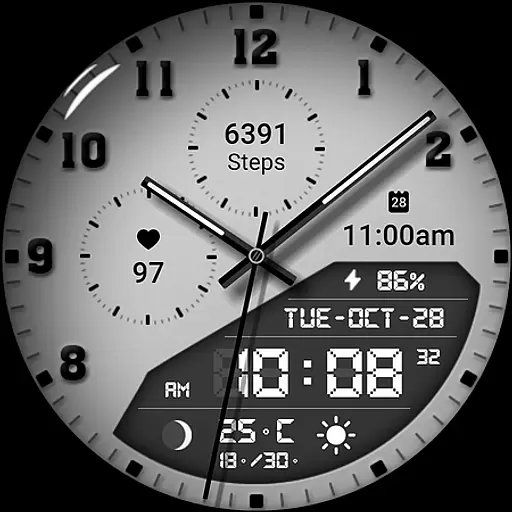
3 Complications. All shadow on/off. 30 Themes color palette...
4.1
sleep, alarm, snoring, stress, healing, focus, sound therapy, circadian rhythm
4.10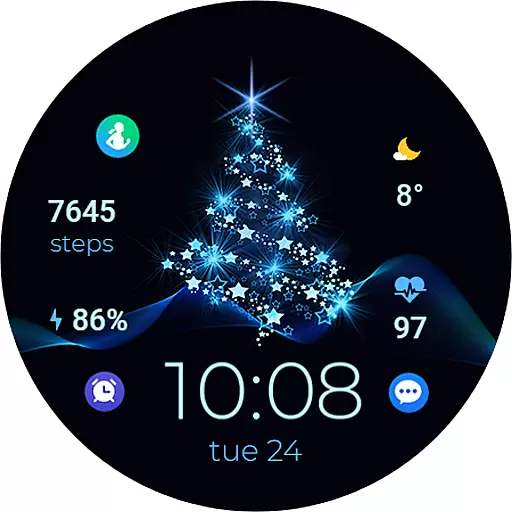
A digital watch face that celebrates Christmas.
4.00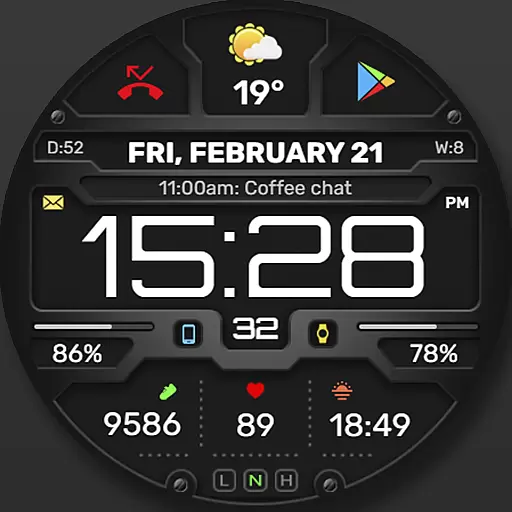
Digital, flexibly customizable watch face. For Wear OS 5.0, API 34+ and later.
5.00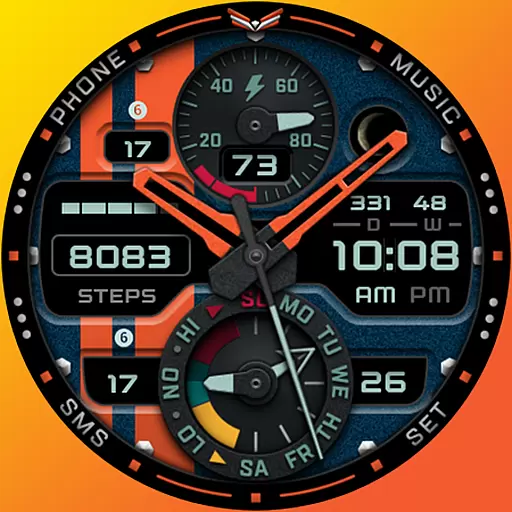
A modern premium sporty hybrid watch face for Wear OS by Ballozi
4.70
Real-time results, stats, schedules and player profiles for all leagues
4.60
Connect to your Bluelink equipped Hyundai vehicle from your smartphone.
4.50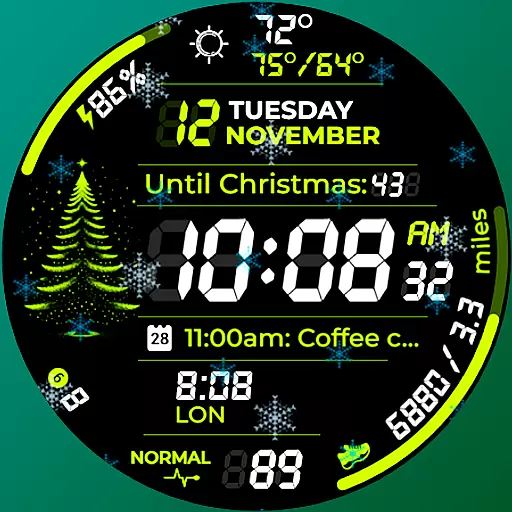
A customizable Christmas watch face for Wear OS with a countdown.
4.20
Connect, create, and collaborate with Gmail, part of Google Workspace.
4.10
A full-featured Amazon Alexa voice assistant that can show you things.
3.70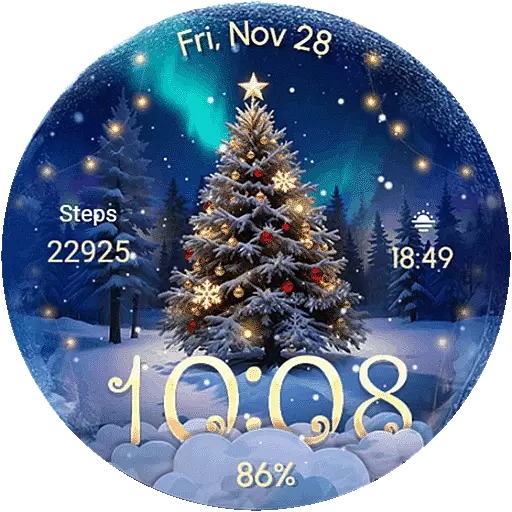
Wear Os Watch Face - Animated Snow Effect & Christmas Lights
4.1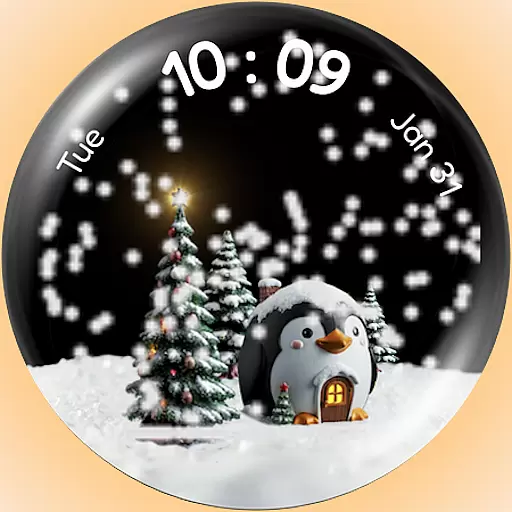
A Wintery Snow Globe on Your Wrist; now celebrating Christmas!
4.4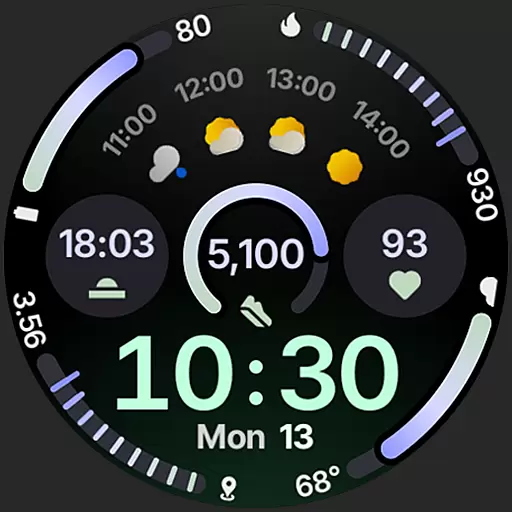
Sleek, highly customizable watch face inspired by Galaxy Watch Circle Dashboard.
4.0


User Reviews