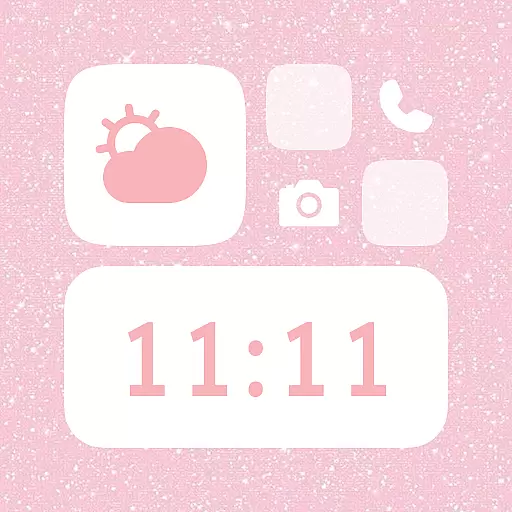
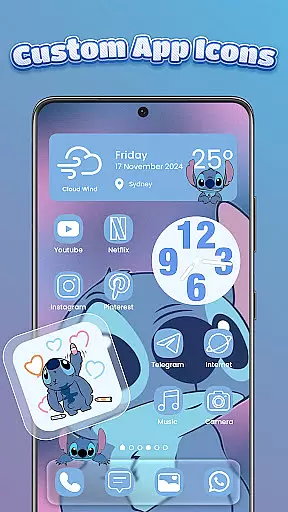
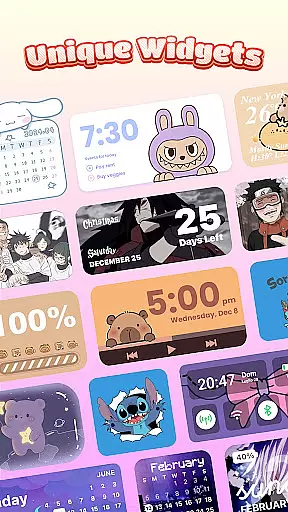
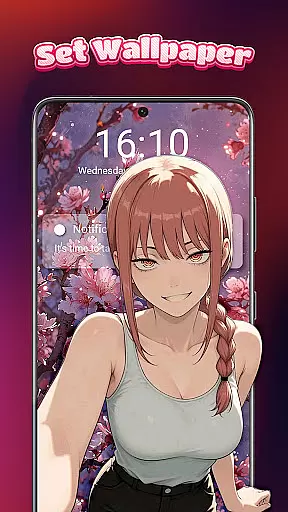
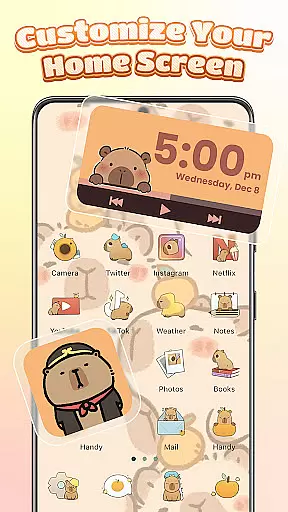
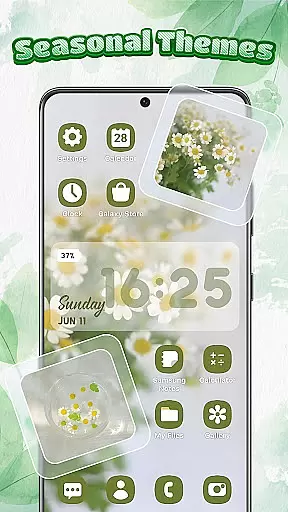
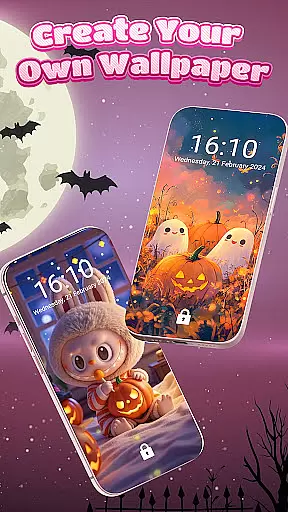
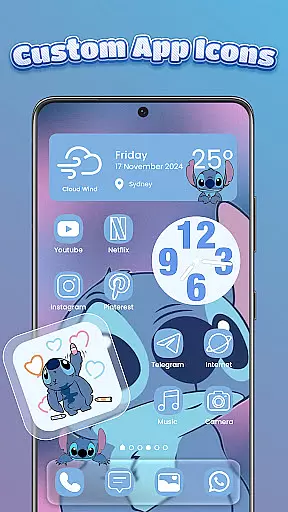
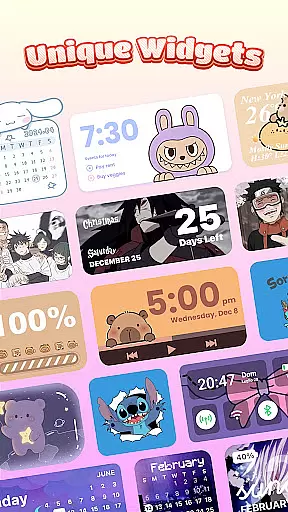
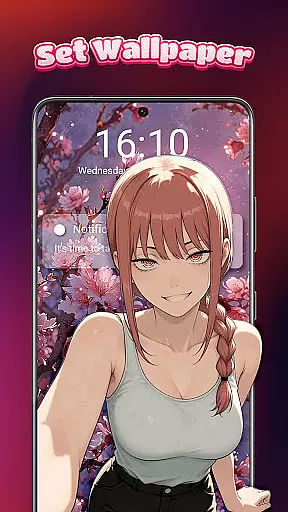
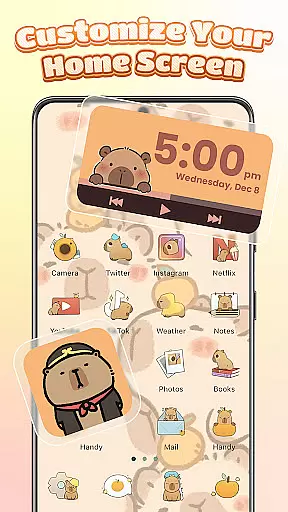
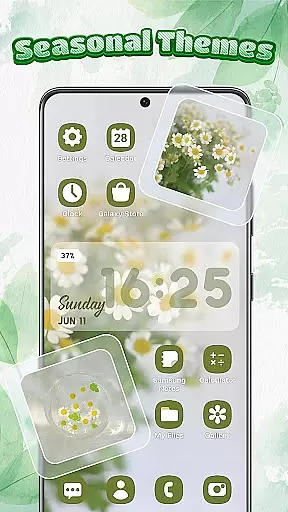
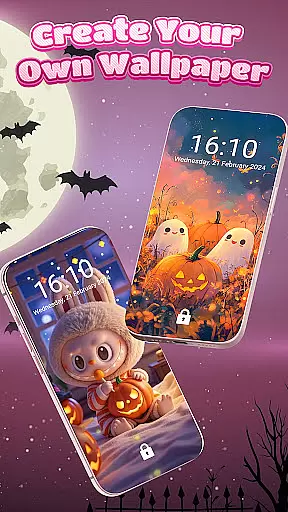
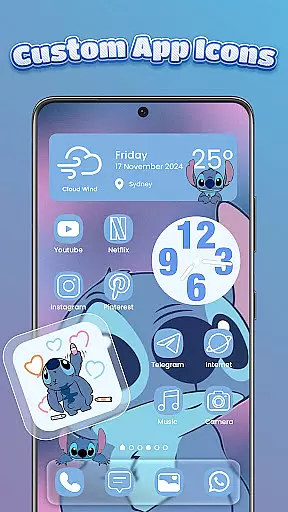
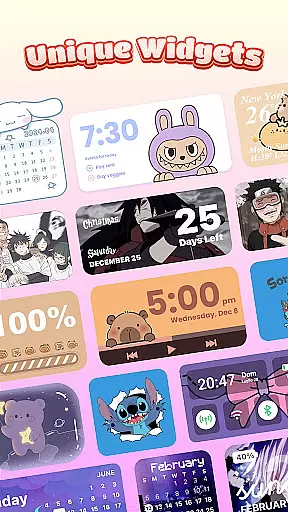
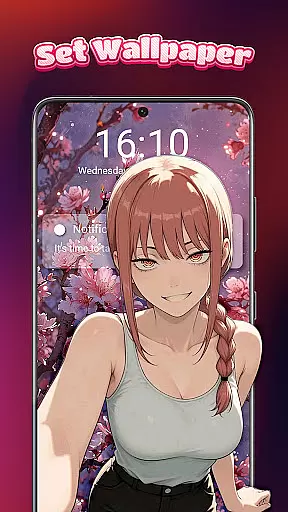
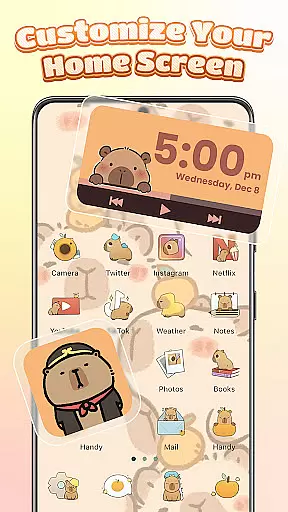
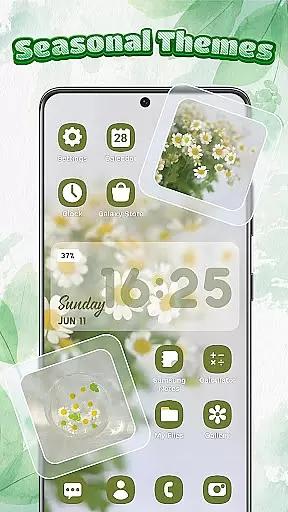
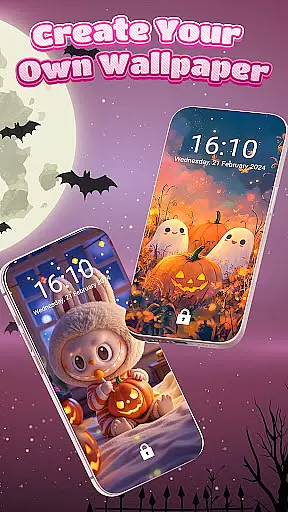
Themebox is a comprehensive personalization app that allows users to fully customize their smartphone's appearance. The app offers over 1000 beautifully designed themes, color widgets, wallpapers, and custom icons, giving users the creative freedom to design their perfect home screen. Whether you prefer pastel tones, dark mode elegance, neon glow, or minimal anime styles, Themebox caters to all aesthetic preferences.
The app includes powerful features like an icon changer, DIY customization options for icon styles, font control, transparency settings, and more. Users can also access smart control center functionality, stylish interactive widgets, and daily theme updates. With its intuitive interface and extensive customization options, Themebox enables users to create a truly personalized mobile experience that reflects their unique style and personality.
Themebox stands out with its extensive range of customization features. The app provides a wide selection of icon packs that allow users to change their app icons with a single tap. These icon packs include various styles from cute and colorful to sleek and modern designs. Users can further personalize their icons by adjusting fonts, colors, transparency levels, and backgrounds.
Beyond icon customization, Themebox offers a collection of aesthetic color widgets including battery status indicators, calendar displays, weather information, and smart control panels. Each widget can be customized to match the user's chosen theme. The app also includes a floating smart control center for quick access to essential system settings, making device management both stylish and efficient.
With its vast library of wallpapers and themes across multiple styles including anime, neon, minimalist, pastel, and vintage designs, Themebox ensures users can find the perfect look for their device. The app's lightweight architecture and fast performance make it an ideal choice for those seeking extensive customization without compromising device speed or responsiveness.
Themebox stands out in the personalisation category by offering an extensive range of customization options that cater to every user's unique style and preferences. With over 1000 beautifully designed themes, the app allows users to transform their home screens into personalized works of art.
The app icon changer feature provides a wide array of icon packs, enabling users to give their apps a fresh new look. Whether you prefer cute and colorful or sleek and modern styles, Themebox lets you mix and match various elements such as fonts, colors, and transparency levels. This level of detail ensures that your home screen not only looks great but also reflects your personal aesthetic.
In addition to icon customization, Themebox offers color widgets that add both functionality and flair to your home screen. These widgets include battery status, calendar, weather, and even image widgets that can be personalized with your own photos. Each widget is fully customizable, allowing for a seamless integration with your chosen theme.
By providing such a diverse set of customization options, Themebox empowers users to create a home screen that is truly their own. This versatility makes it an ideal choice for anyone looking to personalize their Android device with ease and precision.
Theme compatibility is a crucial aspect of any personalisation app, and Themebox excels in this area by ensuring that all its themes work harmoniously across different devices and screen sizes. The app offers a wide selection of themes ranging from anime and vintage to minimalist and neon styles, guaranteeing that there is something for everyone.
Each theme within Themebox is crafted with attention to detail, ensuring visual consistency and optimal performance. Users can choose from daily updated themes and exclusive releases, keeping their home screens fresh and up-to-date. Moreover, the app supports various aesthetic home screen themes, including sports and other specialized designs, enhancing the overall user experience.
Themebox also includes smart home screen customization tools that contribute to its excellent theme compatibility. These tools allow for fast and lightweight application of themes without compromising on quality or performance. As a result, users enjoy a smooth and responsive interface regardless of the theme they select.
Ultimately, Themebox's commitment to theme compatibility ensures that users can switch between themes effortlessly, enjoying a personalized yet cohesive look on their devices. This dedication to compatibility and quality makes Themebox a top choice for those seeking comprehensive personalisation options.
User-friendly interface
Extensive customization options
Regular theme updates
Lightweight performance
Versatile widget selection
Limited iOS compatibility
Some features require permissions
Premium themes available
Occasional bugs reported
Device-specific issues

A Colorful and Minimal icon pack in an Outline Style - Over 13,600 icons!
 4.70
4.70
3D, live, and moving wallpapers & themes in 4K and HD for your device.
4.50
Prank your friends with realistic broken screen and cracked HD effects!
4.3
Themes - Widget & Wallpaper: Customize home screen, icon changer w unique themes
4.30
Bring adorable pets to life on your screen. Playful, interactive and full of fun
4.60
Personalize your phone with stunning HD and 4K wallpapers!
4.70 3.50
3.50
Emoji Maker app - Design custom emojis and effortlessly blend them with Mixer
3.80
Create stunning widgets with Widget 2026: Aesthetic Widgets for Android!
4.60
Only for Wear OS devices!
4.90
A launcher for Samsung Good Lock and Good Guardians modules without ads
4.70
Glass style colourful icons with a One UI look and feel
4.60
Make your phone look simple & luxury, like iDevice
4.60
Add cute Shimeji pets to screen, interact with them and relax with cute motions
4.60
Want to make your phone more special than ever?
4.60
Your home screen, just the way you like it.
4.30
Wear Os Watch Face - Seasonal - Animated Snow Effect - 9 Animals
4.20
More than 3000+ themes and 9000+ wallpapers for everybody!
4.10
⭐ OneUI inspired Fluffy Icon Pack – Soft. Stylish. Standout. ⭐
4.0
Wallpaper Engine Android review—PC sync setup, crash issues, sound reactive limitations, and whether this free companion app is actually good.



User Reviews