
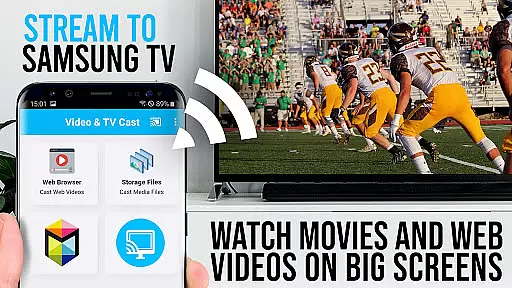
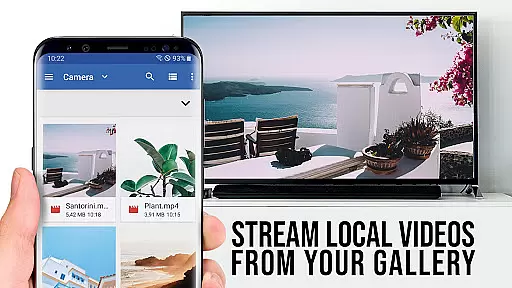
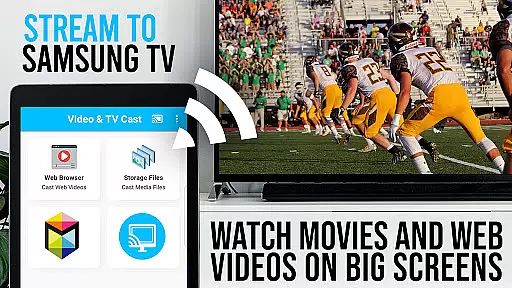
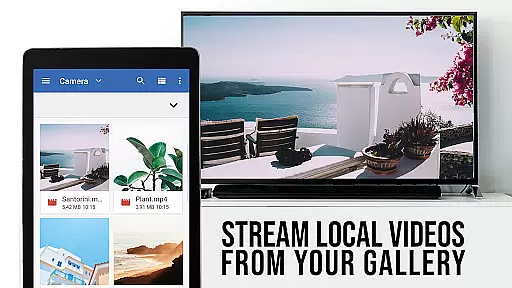
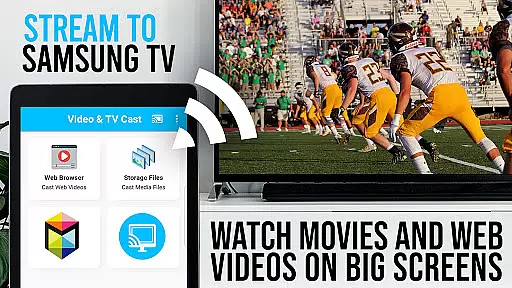
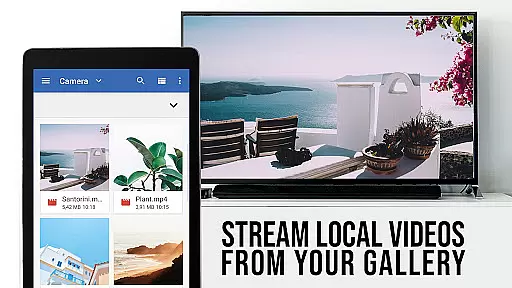
TV Cast Pro for Samsung TV is a premier application designed to enhance your home entertainment experience by streaming web videos, online movies, livestreams, and live TV shows directly to your Samsung Smart TV or Blu-ray Player. This app eliminates the need for additional streaming hardware, supporting formats like mp4, m3u8, hls livestreams, video over https, and Full HD content.
The PRO edition offers all premium features unlocked, catering to Samsung TV models from 2010 (C series) to 2017 (new M/MU/Q series) and select Blu-ray Players. With Video & TV Cast, users can browse the web and cast any video with ease, sending discovered video links directly to their TV with a single tap.
This app transforms your Samsung TV into a versatile media center, allowing you to enjoy a wide range of content on the biggest screen in your home, thus maximizing your viewing pleasure without the constraints of DRM-protected services.
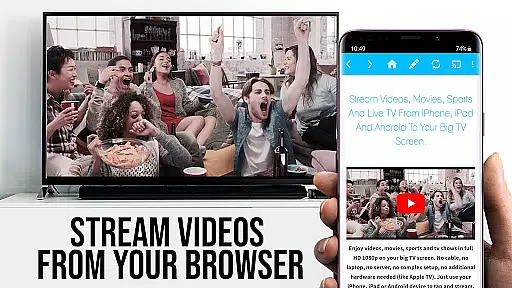
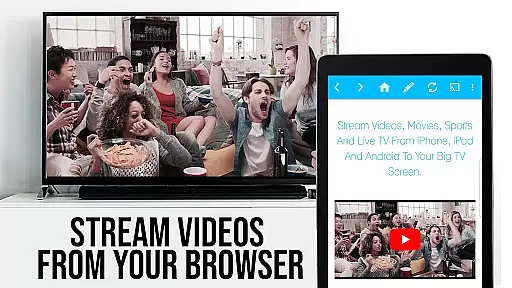
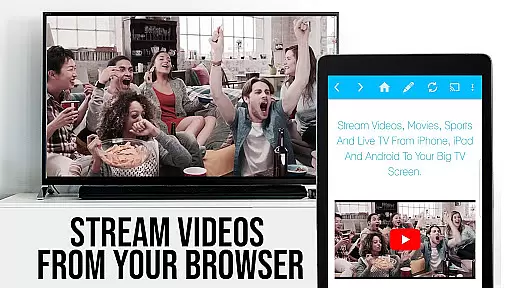
TV Cast Pro stands out with its comprehensive feature set tailored for seamless media streaming. The app facilitates browsing the web and casting videos effortlessly to Samsung TVs and Blu-ray Players. It supports a variety of video formats and provides an intuitive interface where videos are displayed below the browser, ready to be cast with a tap.
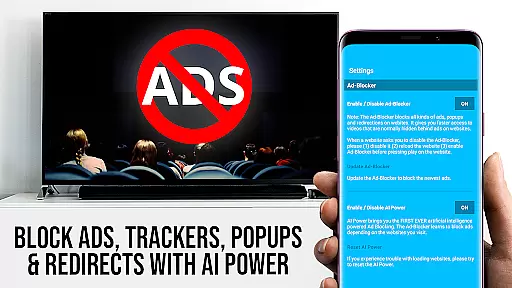
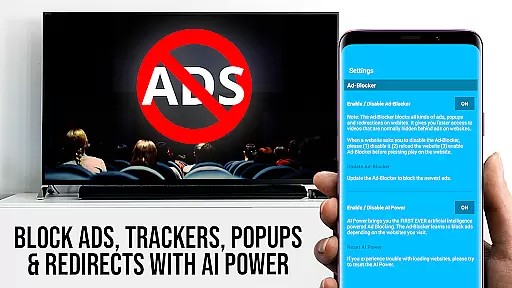
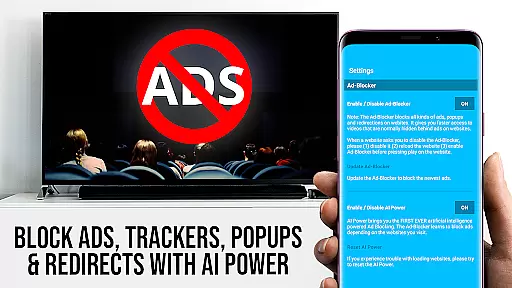
Among its standout features is the Remote Playbar, which allows for advanced video control including scrubbing, forward, rewind, play, pause, and stop functions. The PRO version also includes an Ad-Blocker to enhance your browsing experience by blocking ads and popups on most websites, alongside functionalities like Bookmarks, Desktop Mode, and customizable Homepage settings.
These features collectively ensure that users have a smooth, uninterrupted streaming experience, making it easy to manage and enjoy personal media libraries as well as online content directly on their Samsung Smart TVs.
TV Cast Pro for Samsung TV stands out with its extensive video format compatibility, ensuring a seamless streaming experience across various media types. The app supports popular formats such as Mp4, m3u8, and HLS livestreams, enabling users to enjoy content without worrying about format restrictions.
This compatibility extends to videos streamed over HTTPS, reinforcing the app's ability to handle secure content with ease. Whether it's web videos, online movies, or live streams, users can cast their desired content directly to their Samsung Smart TV or Blu-ray Player without additional conversions or downloads.
The inclusion of Full HD support further enhances the viewing experience, providing crisp and clear visuals that make the most of modern television displays. This ensures that users not only have flexibility in the types of videos they can stream but also guarantees high-quality playback that takes full advantage of their home entertainment systems.
While TV Cast Pro for Samsung TV focuses primarily on streaming capabilities, it incorporates AI-powered features that enhance user interaction and streamline the casting process. Although not a traditional video editor, the app leverages intelligent algorithms to detect embedded videos on websites, making it easier for users to cast their desired content.
The Remote Playbar is an innovative feature that uses AI to offer advanced video controls directly from the user's device. This includes options like video scrubbing, forward, rewind, play, pause, and stop, all accessible while browsing. Such functionality provides a level of control comparable to sophisticated video editing interfaces, adapted specifically for streaming purposes.
Additionally, the Ad-Blocker feature demonstrates AI-driven website analysis by effectively blocking ads and popups on most visited sites. This creates a cleaner viewing environment and reduces interruptions during video playback. These smart features collectively contribute to a more intuitive and enjoyable streaming experience, setting TV Cast Pro apart in the realm of video players and editors.
User-friendly interface
Wide format compatibility
No additional hardware required
Advanced video controls
Effective ad-blocking
Limited to Samsung devices
Doesn't support DRM videos
Occasional connectivity issues
Remote Playbar limited to Samsung TVs
Desktop mode doesn't support Flash

An easy-to-use and all-round screen recorder with audio
 4.80
4.80
Download website videos fast&privacy
4.40
All in one HD video downloader & player for multiple formats with full privacy
4.70
Find, download, and play torrents with the official BitTorrent® Pro app
4.70
All in one multi protocols stream receiver for AirPlay, Cast and DLNA.
3.60
Connect EasyCap or UVC devices for recording and broadcast video/audio stream
3.60
LumaFusion: The Ultimate Storytelling Experience for Video Editing
4.10
Video player with 4K & 1080P support, popup play, background play and subtitle.
4.20
Video&Drama Player All Format is a HD video player, music player
3.00
#1 Torrent App on Android ** No Ads Ever + Battery Saver **
4.80
Download videos and play them offline
4.70
Browser + Remote for Roku to stream webvideos, online movies and livestreams
4.60
Video Downloader, Multiple Resolution Options, Video Player
4.50
Cast to Chromecast, Xbox, Fire Stick, Roku, DLNA, Smart TV & No Feature Limited!
4.50
Photo and Music Video Creator into Stunning Videos—Effortlessly
4.40
AirMirror Receiver - Screen mirroring/cast web videos to Android TV by AirPlay.
4.40
AI Video Editor:AI Music, Text to Video,Text to Speech,Auto Caption,Video Effect
4.00
AirMirror is Receiver for Screen Mirroring and Casting from Apple Devices.
3.60
You can play SWF format file!
2.50
VLC vs MX Player compared side-by-side: formats, subtitles, ads, privacy, and performance. Find out which free Android video player is right for you.



User Reviews