
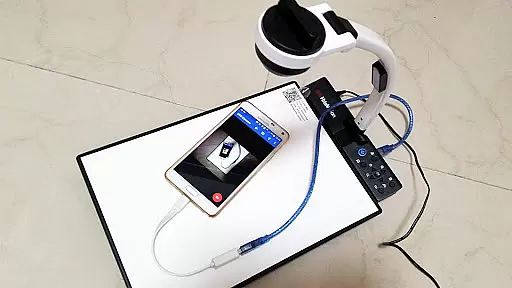
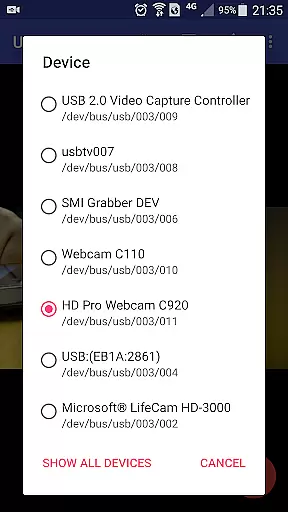
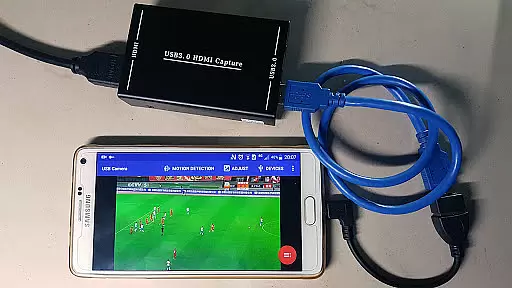
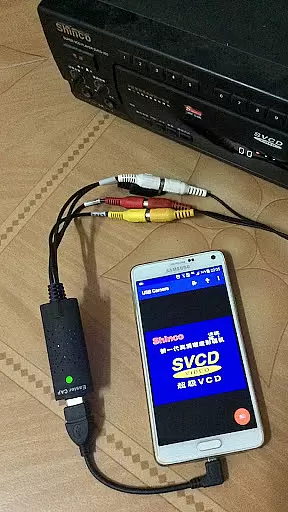
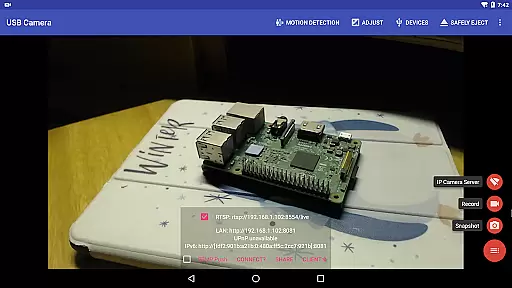
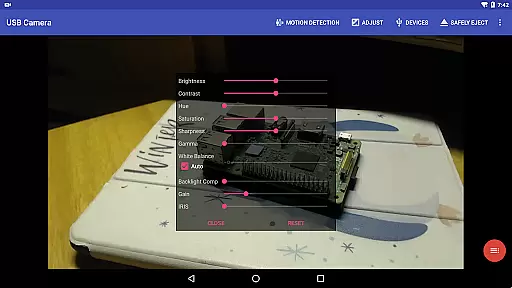
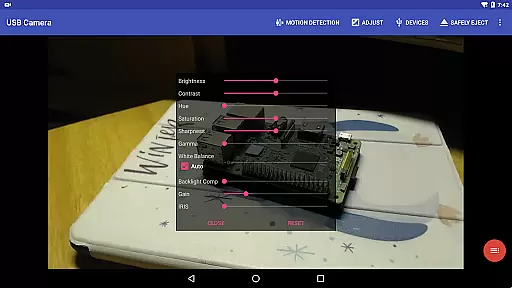
USB Camera Pro is a versatile application that transforms your Android device into a wireless IP camera using USB WebCams or video capture cards. It supports various devices including UVC WebCams, video grabbers, and non-UVC devices like USB Endoscopes. The app allows for video recording, snapshots, and live streaming with bi-directional audio support.
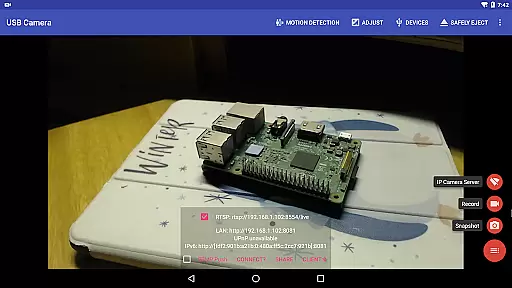
With built-in RTSP and HTTP servers, the app facilitates security monitoring. Users can view the stream on a browser or through the 'IP Camera' app. Additionally, it offers features such as overlaying internal camera video onto external sources, pushing content to live media servers, and working seamlessly with FPV goggles in Side by Side (SBS) mode.
The practical applications of USB Camera Pro extend to creating dash cams with loop-recording, motion detection-based auto video recording, and uploading footage to FTP servers. This makes it an invaluable tool for both personal and professional surveillance needs.
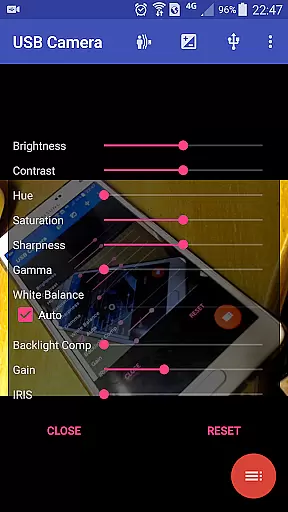
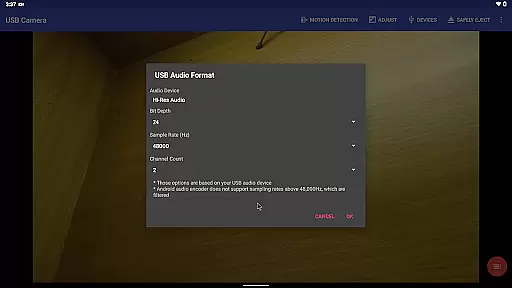
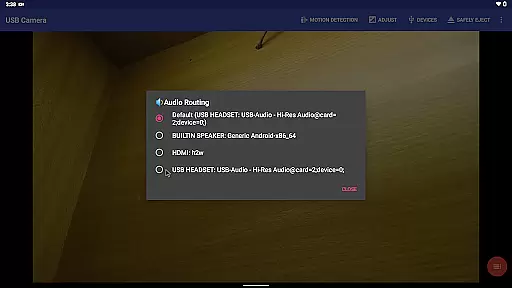
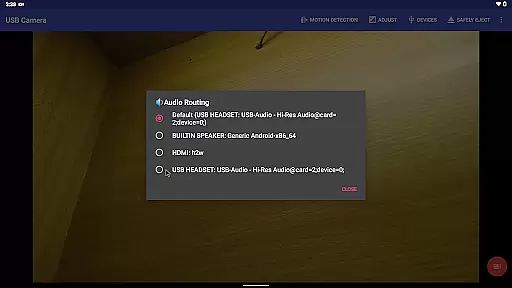
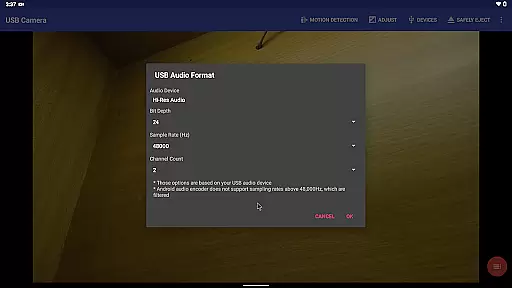
USB Camera Pro boasts an array of features designed to enhance user experience. The app's ability to mix USB audio with built-in microphones or system audio provides flexible sound output options. It also supports adding timestamps, GPS data, speed information, and more onto video frames during recording.
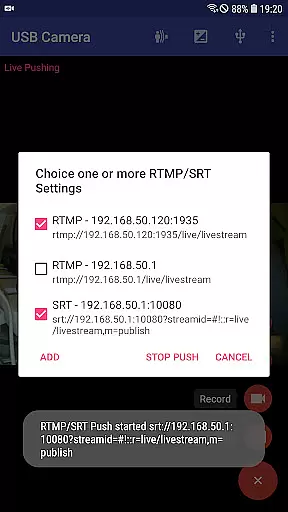
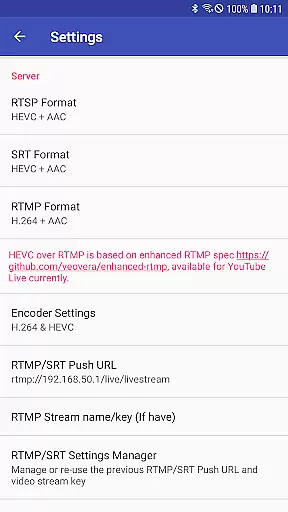
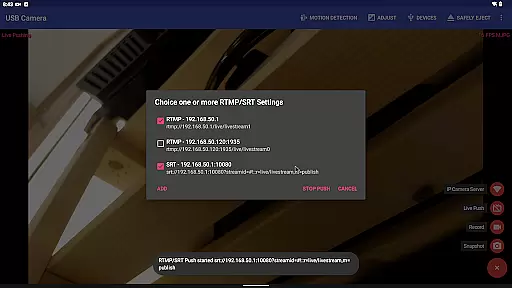
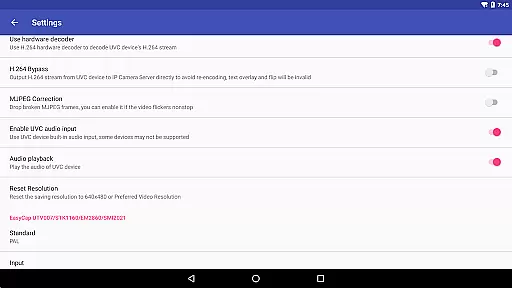
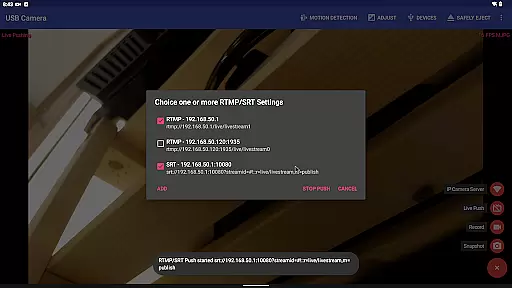
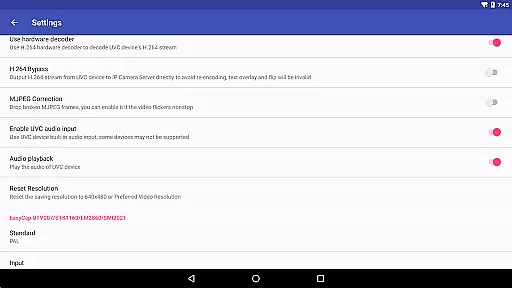
Advanced functionalities include supporting HEVC/AV1 over RTMP for platforms like YouTube Live, seamless switching between foreground and background without interrupting recordings, and compatibility with various chipsets found in EasyCap devices. These capabilities ensure high-quality broadcasts and recordings tailored to specific user requirements.
Innovative aspects such as bi-directional audio support when paired with the 'IP Camera' app further distinguish this application. Moreover, its capacity to push media streams simultaneously to multiple servers showcases its robustness for network broadcasting purposes.
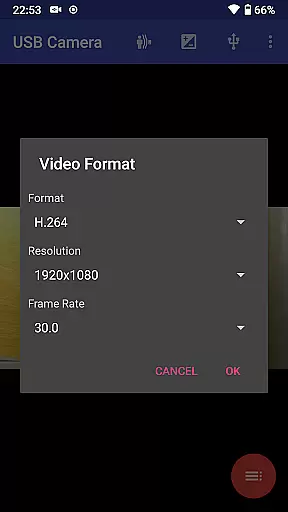
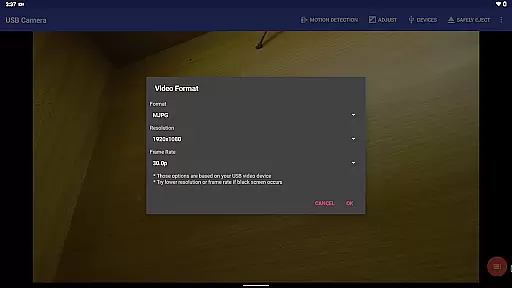
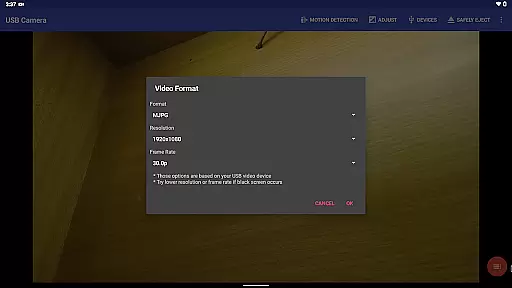
USB Camera Pro demonstrates exceptional versatility in video format compatibility, ensuring users can work with a wide array of devices and codecs. The application supports numerous formats including H.264, H.265, HEVC, MJPG, YUY2, P010, and NV12 among others.
This extensive support allows the app to interface with UVC WebCams, video grabbers, and various non-UVC devices like USB Endoscopes. Whether you're dealing with standard definition or pushing the limits with 4K resolution via HDMI, this app ensures that your video streams or recordings leverage the best possible quality and codec efficiency.
For professionals and enthusiasts alike, having such comprehensive format compatibility means more flexibility and assurance that their Android device will handle diverse multimedia tasks effectively. This makes USB Camera Pro an indispensable tool for capturing high-quality video across different platforms and devices.
While USB Camera Pro focuses primarily on video capture and streaming, it also integrates AI-powered features that enhance its editing capabilities. One notable feature is the automatic video recording based on motion detection, which intelligently starts and stops recordings when activity is detected within the frame.
In addition to smart recording, the app facilitates seamless integration of overlays and audio mixing. Users can overlay built-in camera footage onto external video feeds and mix USB audio with system sounds or microphone input. These AI-driven processes ensure that the final output is not only dynamic but also polished without requiring extensive manual editing.
Furthermore, the ability to add timestamps, GPS data, speed information, and other metadata directly onto video frames during recording exemplifies how AI enhances productivity. Such features save time and effort in post-production by embedding crucial details directly into the footage, making USB Camera Pro a robust solution for both content creation and professional surveillance needs.
User-friendly interface
Wide device compatibility
Advanced streaming options
Flexible audio mixing
Comprehensive monitoring tools
Requires good quality OTG cable
Some features need additional apps
Android 9+ needs camera permission
Not all devices may be supported
Complex setup for beginners

Powerful, professional, versatile teleprompter. Developed by an active film crew
 4.00
4.00
Save photos and videos from social apps in one tap.
3.60
HD video & music player - All format support with floating & PIP mode!
3.80
KineMaster, Your Ultimate Video Editor!
4.40
High-Quality USB Camera Viewer & HDMI Display
4.70
Watch IPTV on your Android device
4.60
VLC for Android is the best open source video and music player, fast and easy!
4.10
Enjoy your favorite videos and channels with the official YouTube app.
3.90
Photo editor & video maker with music and slideshows.
4.10
A Quick and Pro Video Editor
4.70
Screen recorder with audio to take live videos & Screenshot in high quality!
4.70
Watch a large amount of high-definition short drama content
4.60
Create photo video with music & template. AI video maker for stunning slideshow.
4.60
KMPlayer Plus (Divx Codec) officially support Divx codec.
4.30
AI Video Editor:AI Music, Text to Video,Text to Speech,Auto Caption,Video Effect
4.00
Connect 2 UVC devices for recording and broadcast video/audio stream
3.90
Manage your IPTV live channels and VOD playlists (no playlist included)
3.80
The smartest M3U IPTV Player your playlists have ever seen.
4.3
Play and download HD videos from all sources — fast, simple, and all-in-one.
4.2
VLC vs MX Player compared side-by-side: formats, subtitles, ads, privacy, and performance. Find out which free Android video player is right for you.


User Reviews