
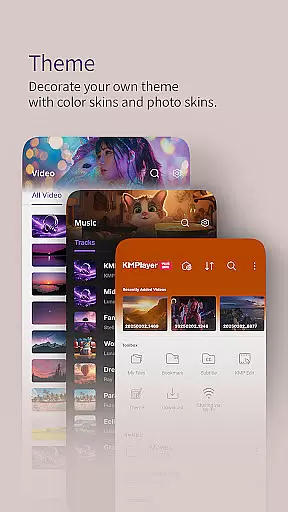
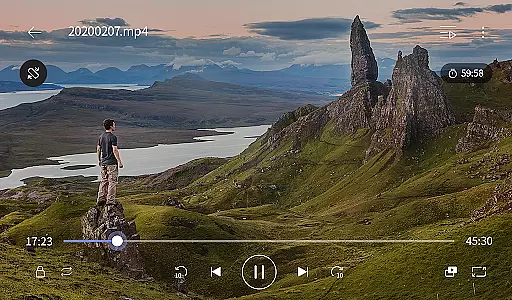
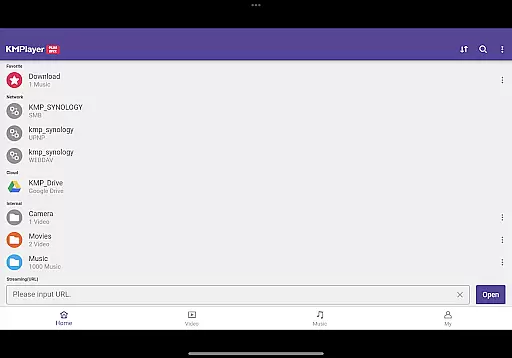
KMPlayer Plus (Divx Codec) is a versatile video player that supports Divx codec, making it ideal for users who need to play various video formats. The app offers high-definition playback for HD, 4K, and even 8K videos, ensuring an exceptional viewing experience on mobile devices.
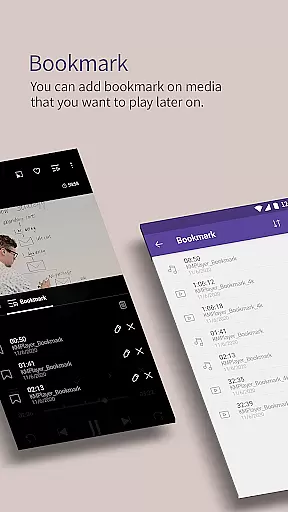
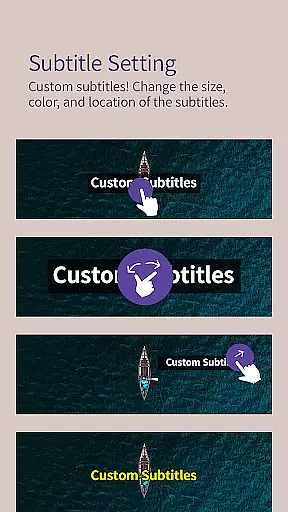
With advanced features like bookmarking, color adjustment, zoom functionality, and section repeat, KMPlayer Plus provides users with complete control over their media playback. Additionally, the app supports a wide range of subtitle formats, enhancing accessibility for global audiences.
This application is particularly useful for users who frequently handle different multimedia files and require reliable playback performance across various codecs and formats.
KMPlayer Plus stands out with its extensive codec support, including DXMF, DIVX, and MP4V, allowing seamless playback of AVI and MKV files. The app's functionality extends beyond basic playback with features like popup play, equalizer settings, and speed control ranging from 0.25x to 4x.
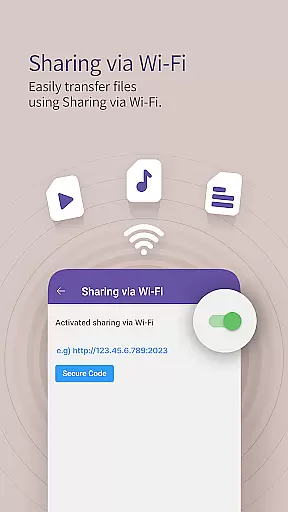
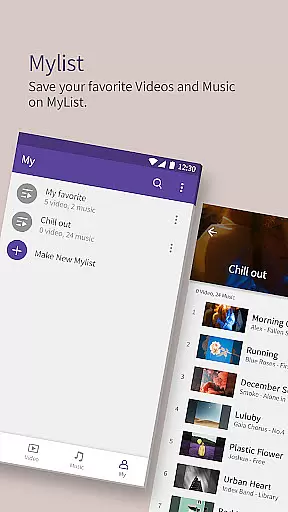
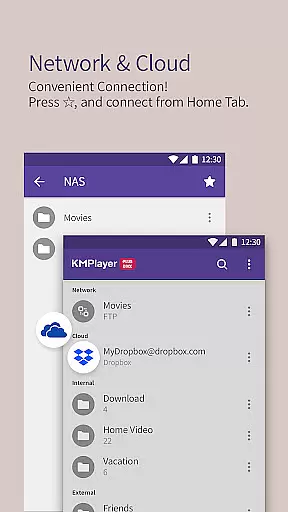
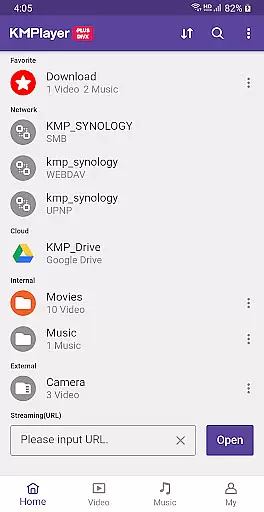
Users can benefit from practical tools such as Wi-Fi sharing, playlist creation, and external storage support. The app also enables network streaming through FTP, UPNP, and SMB protocols while providing access to cloud services like Dropbox and OneDrive.
For premium users, KMPlayer VIP offers additional features including real-time torrent playback, video cropping, audio editing, and GIF creation, making it a comprehensive solution for both casual viewers and power users.
Video format compatibility is a crucial feature for any video player, determining the range of file types it can play. KMPlayer Plus (Divx Codec) excels in this area by supporting an extensive list of codecs including DXMF, DX50, DIVX, DIV4, DIV3, and MP4V for AVI and MKV files.
The application ensures users won't be limited by codec issues, as it officially supports Divx codec and provides a comprehensive checklist of supported and unsupported codecs. This allows users to manage their expectations and convert files if necessary.
By offering support for high-definition video playback, including HD, 4K, 8K, UHD, and Full HD, KMPlayer Plus caters to users who demand the highest video quality. The inclusion of advanced features like color adjustment and zoom functionality further enhances the viewing experience.
With its broad codec support and high-definition playback capabilities, KMPlayer Plus ensures that users can enjoy a wide variety of video content without worrying about format restrictions or quality loss.
AI-powered editing features are transforming how users interact with media players by providing smart tools that enhance the editing process. KMPlayer Plus (Divx Codec) incorporates several advanced functionalities that leverage AI to offer users unprecedented control over their media files.
Among these features are crop video and audio, allowing users to select and cut desired sections effortlessly. The GIF toast function enables the creation of dynamic GIFs from videos, while the MP3 converter extracts and converts audio from video files quickly and easily.
These intelligent editing options not only save time but also open up creative possibilities for users looking to personalize their content. By integrating such features, KMPlayer Plus positions itself as more than just a video playeru2014it's a versatile media tool.
The incorporation of AI-driven functionalities ensures that users have access to cutting-edge tools that simplify complex tasks, making media management both efficient and enjoyable.
Extensive codec support
High-definition playback
User-friendly interface
Advanced playback controls
Cloud integration
Limited free trial
Subscription required
Complex for beginners
Occasional bugs
Heavy on resources

The smartest M3U IPTV Player your playlists have ever seen.
 4.5
4.5
Fast, private downloading, video saving, social media
4.50
Your media, on your terms.
4.10
A Quick and Pro Video Editor
4.70
Create & edit videos with AI
4.30
Stream Web Videos to Chromecast, Samsung, LG, Sony, Roku, Fire TV, DLNA + more
4.00
Browser + Remote for Roku to stream webvideos, online movies and livestreams
4.60
AI Video Editor with Music, Filter, Slideshow, Effect, Merge & Trim Video.
4.80
VLC for Android is the best open source video and music player, fast and easy!
4.10
Tik & Story Saver-Download ALL social media videos, photos & reels no watermark.
4.80
Find, download, and play torrents with the official BitTorrent® Pro app
4.70
HD Video player all format, HD Videos, Cast & Subtitle. No annoying ads.
4.60
Seamlessly connect and control your smart devices, anytime, anywhere with ease.
4.60
Cast to Chromecast, Xbox, Fire Stick, Roku, DLNA, Smart TV & No Feature Limited!
4.50
Download website videos fast&privacy
4.40
Fast private browser with secure, seamless access & supported video downloads!
4.00
A full editing room to accompany your Insta360 cameras and handheld gimbals.
3.30
Video player with powerful streaming playback and various convenient features.
2.10
Stream high quality video from your camera over NDI protocol
4.0
VLC vs MX Player compared side-by-side: formats, subtitles, ads, privacy, and performance. Find out which free Android video player is right for you.


User Reviews