
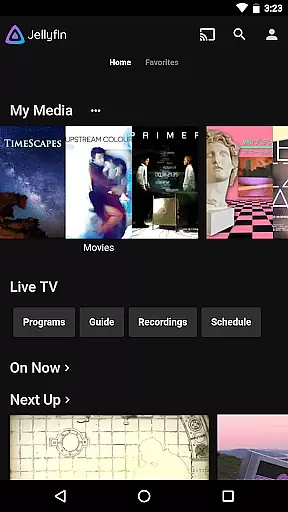
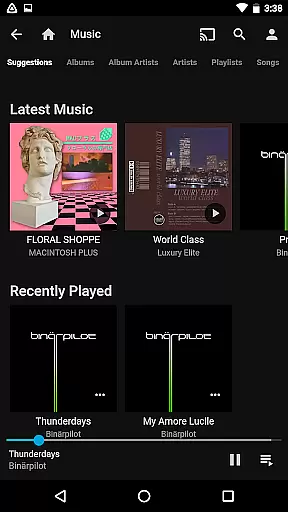
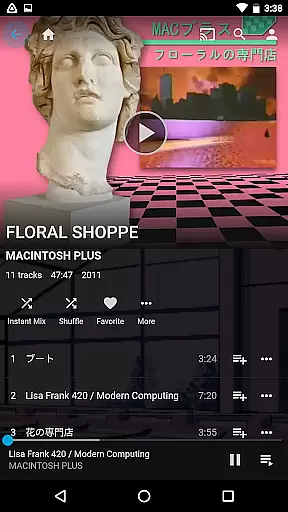
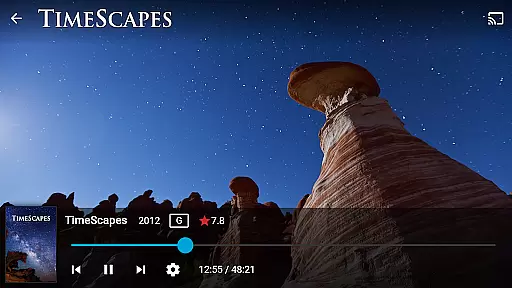
Jellyfin is an open-source media server and player that gives you complete control over your personal media library. This Android app serves as the official companion to Jellyfin, allowing users to stream their personal audio, video, and photo collections from a Jellyfin server directly to their mobile device. With no fees or tracking, Jellyfin offers a privacy-focused solution for managing and enjoying your media.
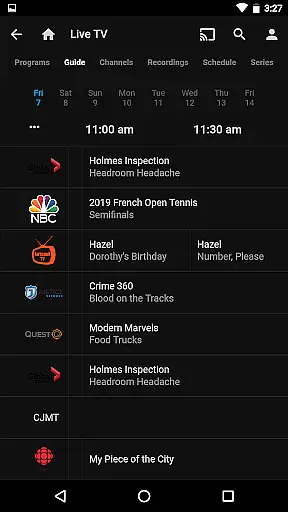
The app supports features like Live TV streaming, Chromecast integration, and Android Auto support for music playback. Whether you're at home or on the go, Jellyfin provides a seamless way to access your entire media collection through an intuitive interface.
Jellyfin stands out with its robust feature set tailored for media enthusiasts. The app allows streaming of various media formats without requiring transcoding in many cases, ensuring high-quality playback. It supports hardware acceleration for efficient video decoding, making it suitable for a wide range of Android devices.
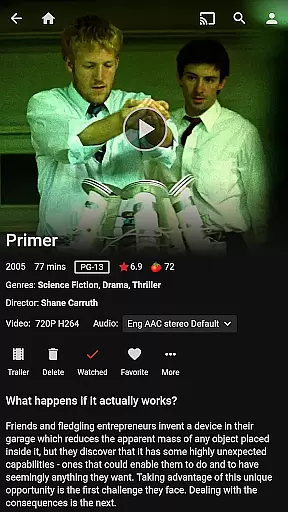
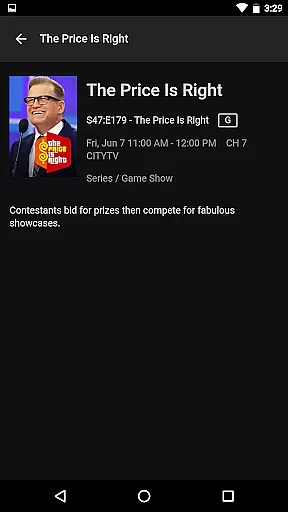
One of the key highlights is its ability to integrate with Chromecast devices, enabling users to cast their media to larger screens effortlessly. Additionally, Jellyfin's support for Live TV and DVR functionality (with compatible hardware) makes it a versatile solution for cord-cutters. The app also offers a polished user interface that organizes your media collection neatly, providing detailed metadata and artwork for an enhanced viewing experience.
Video format compatibility is a crucial feature for any video player, ensuring that users can enjoy their media without worrying about technical limitations. Jellyfin excels in this area by supporting a wide range of video formats, from common ones like MP4 and AVI to more specialized codecs such as MKV and OGG.
The app's robust compatibility stems from its open-source nature, allowing developers worldwide to contribute code that enhances support for various formats. This ensures that whether you're streaming live TV, recorded shows, or personal media collections, the playback experience remains smooth and uninterrupted.
For users, this means freedom and flexibility. You can collect all your audio, video, and photos in one place without concern for format restrictions. The ability to stream content directly to Chromecast devices further extends this versatility, making Jellyfin an ideal choice for managing extensive media libraries.
While Jellyfin focuses primarily on media playback and management, it incorporates intelligent features that enhance user interaction through smart categorization and organization tools. These AI-powered capabilities ensure that your media library remains neatly organized and easily accessible.
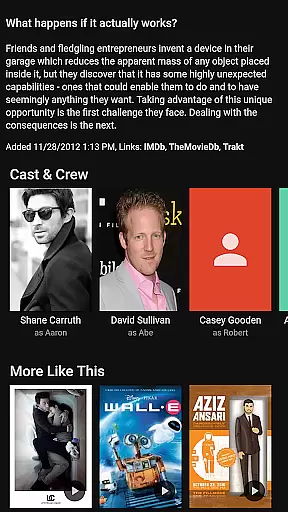
The app automatically scans and categorizes your media, tagging it with relevant metadata such as titles, genres, and cast information. This not only improves searchability but also enriches the viewing experience by providing detailed insights into each piece of content. Additionally, Jellyfin supports advanced filtering options, enabling users to create customized playlists and collections based on specific criteria.
Although Jellyfin does not offer traditional video editing features, its intelligent library management system effectively serves a similar purpose by streamlining media access and presentation. This approach aligns perfectly with Jellyfin's mission to provide a seamless, user-friendly interface for enjoying personal media collections.
User-friendly interface
Open-source platform
No subscription fees
Strong privacy protection
Wide format compatibility
Requires separate server setup
Limited offline capabilities
No built-in media store
Dependent on network quality
Hardware acceleration issues on some devices

Fast, private downloading, video saving, social media
 4.50
4.50
Photo and Music Video Creator into Stunning Videos—Effortlessly
4.40
Create photo video with music & template. AI video maker for stunning slideshow.
4.60
Pro video editor app for Instagram, edit video with song, AI, effect & slowmo.
4.80
Flud is a simple and beautiful BitTorrent client for Android.
4.80
This app is an emulator of some specific IPTV boxes
3.50
#1 Torrent App on Android ** No Ads Ever + Battery Saver **
4.80
Livestream, news, & gaming content. Watch, chat, and upload. Join Rumble today!
3.80
VLC for Android is the best open source video and music player, fast and easy!
4.10
Video Trimmer, Video to MP3 Converter. Extract music from video, Easy & Fast.
4.80
High-Quality USB Camera Viewer & HDMI Display
4.70
GENRAL PRO - General Pro is the best video player that fully supports all formats.
4.70
All in one HD video downloader & player for multiple formats with full privacy
4.70
Download website videos fast&privacy
4.40
Fast & Private Video Downloader App. Save all videos easily from the Internet.
4.40
Stream Web Videos to Chromecast, Samsung, LG, Sony, Roku, Fire TV, DLNA + more
4.00
Explore the largest library of free GIFs, Stickers & Memes - or create your own!
3.90
Capture images & record videos for USB Camera, Webcam, Microscopes, Endoscopes
3.80
You can play SWF format file!
2.50
VLC vs MX Player compared side-by-side: formats, subtitles, ads, privacy, and performance. Find out which free Android video player is right for you.



User Reviews