
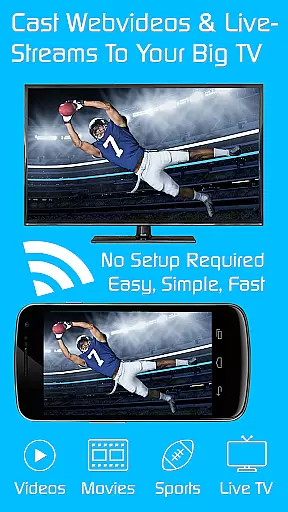
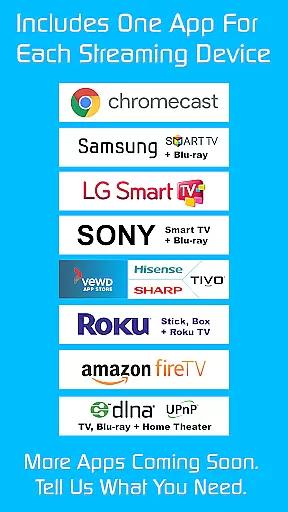
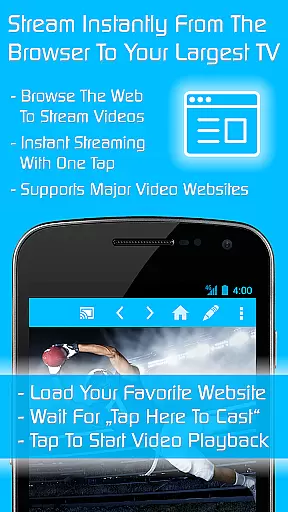
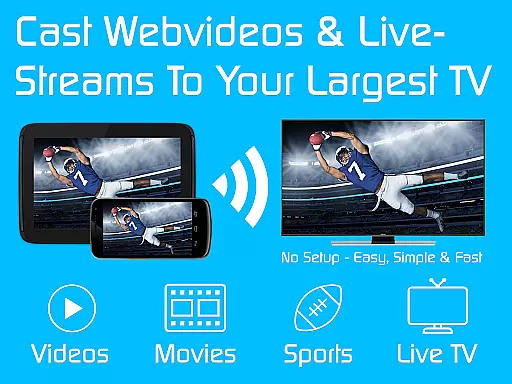
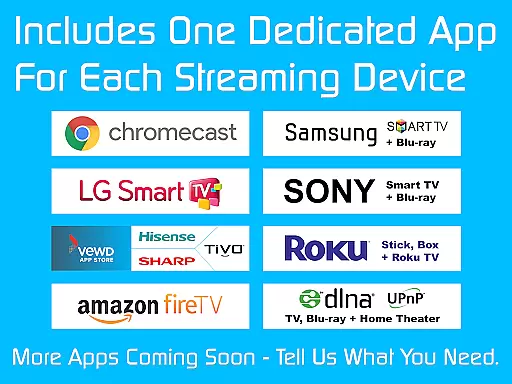
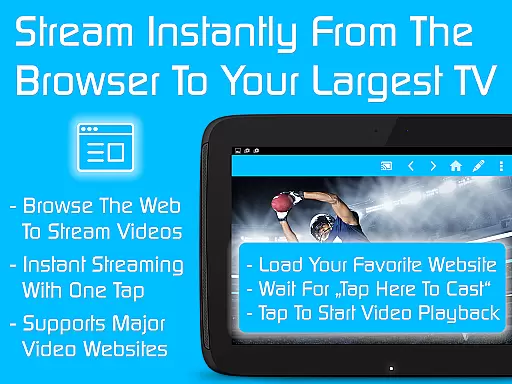
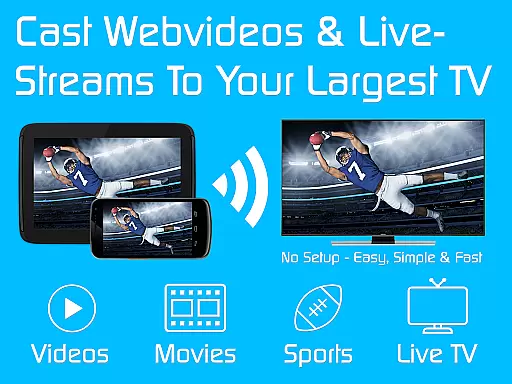
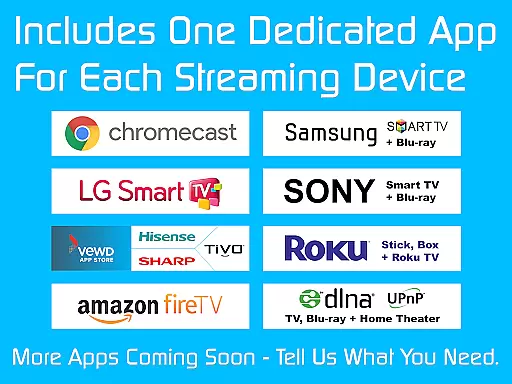
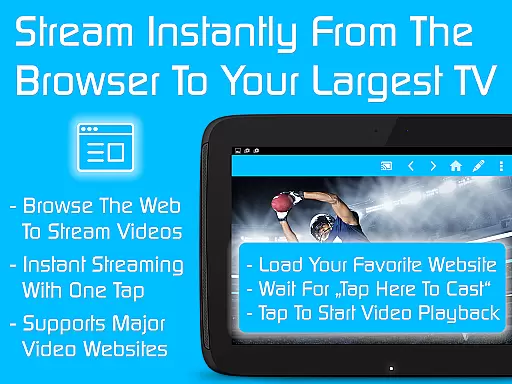
TV Cast is a comprehensive streaming browser application that allows users to stream and watch web videos, online movies, livestreams, and live TV shows on a variety of devices. Compatible with Chromecast, Samsung TV, LG TV, Sony TV, Hisense TV, Sharp TV, TiVo, Roku, Fire TV, DLNA, and Google Cast or Android TV powered devices, this app serves as a license key unlocking premium features across all free Video & TV Cast editions on your Android device.
With more than 10 million users, TV Cast offers an economical way to access nine apps for the price of two, providing over a 70% discount. Once installed, the Ultimate app automatically unlocks premium functionalities in other related apps, enhancing user experience by enabling ad-free browsing, advanced playback controls, personalized homepages, desktop mode for better video link detection, unlimited bookmarks, and more.
This app is ideal for those looking to enjoy seamless multimedia streaming without interruptions. Whether you're at home or on the go, TV Cast ensures that your content is accessible on the big screen, offering convenience and high-quality entertainment.
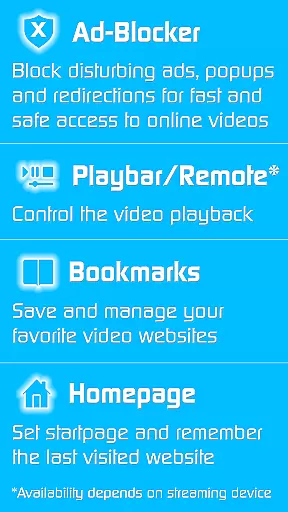
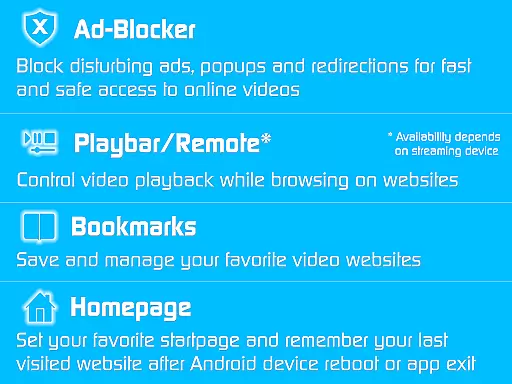
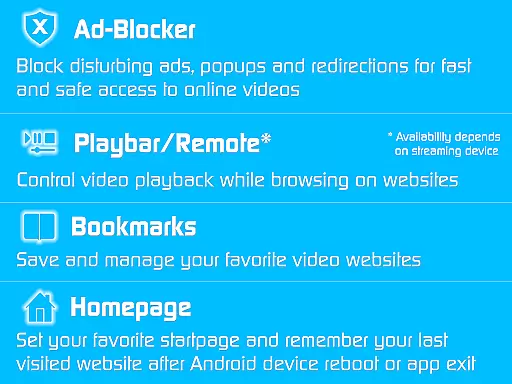
TV Cast stands out due to its extensive compatibility and feature-rich environment. The app supports a wide range of devices including Chromecast, various smart TVs, and gaming consoles, making it versatile for different user setups. By acting as a license key, it unlocks premium features such as an ad-blocker, which removes all advertisements and pop-ups from websites, ensuring a clean viewing experience.
Another notable feature is the playbar or remote functionality, allowing users to fast forward, rewind, and scrub through videos effortlessly. Users can also customize their homepage and enable a desktop mode that helps in detecting video links on certain websites. With unlimited bookmarks, managing favorite content becomes hassle-free.
The app's ability to remember the last visited website and cloak the device as a desktop PC adds to its uniqueness. These features collectively enhance user engagement and satisfaction, setting TV Cast apart from other streaming solutions.
Video format compatibility is a crucial feature for any video player, ensuring that users can enjoy content in various formats without technical barriers. TV Cast demonstrates exceptional versatility by supporting an extensive range of video formats, making it suitable for streaming web videos, online movies, and live TV shows to multiple devices.
The app's compatibility spans across Chromecast, Samsung TV, LG TV, Sony TV, Hisense TV, Sharp TV, TiVo, Roku, Fire TV, DLNA, and Google Cast-powered devices. This broad support means you can stream content from your Android device to almost any modern television or media center without worrying about format restrictions.
For users, this translates into a seamless entertainment experience. Whether you're watching videos on popular websites or streaming personal media collections, TV Cast ensures smooth playback without the need for format conversion or additional plugins.
This comprehensive format support particularly benefits households with multiple different smart TV brands, as it provides a unified solution for all their video streaming needs. The ability to maintain premium features across all supported devices while using the Ultimate app further enhances the value proposition for users seeking a versatile streaming solution.
While primarily a streaming application, TV Cast incorporates AI-powered editing features that enhance the user's ability to manage and organize their streaming content effectively. These intelligent tools help users create a more personalized and efficient streaming experience across various devices.
The app's AI capabilities are most evident in its automatic website advertisement blocking, which intelligently detects and removes intrusive elements from web pages during streaming sessions. This feature not only improves viewing comfort but also optimizes bandwidth usage by preventing unnecessary content from loading.
Additional AI-driven enhancements include the desktop mode functionality, which intelligently cloaks mobile devices as desktop PCs when accessing certain websites. This feature helps in detecting video links that might otherwise be inaccessible on mobile devices, expanding the range of content available for streaming.
The combination of these AI-powered features creates a more refined streaming environment. Users benefit from cleaner interfaces, faster load times, and improved content accessibility across their various streaming devices. While not traditional video editing tools, these AI-enhanced features significantly improve the overall streaming and content management experience.
User-friendly interface
Wide device compatibility
Ad-free experience
Advanced playback controls
Customizable settings
Premium requires multiple installs
Limited offline functionality
Dependent on internet connection
Occasional troubleshooting needed
No direct streaming from app

The smartest M3U IPTV Player your playlists have ever seen.
 4.0
4.0
Watch a large amount of high-definition short drama content
4.60
Create & edit videos with AI
4.30
Full HD Video mp3 Player, MP4 player play 1080p, File manager, Video Downloader
4.40
This app was created to edit the metadata of music files.
4.20
Seamlessly connect and control your smart devices, anytime, anywhere with ease.
4.60
Add date and time watermark to photos and videos
4.50
LumaFusion: The Ultimate Storytelling Experience for Video Editing
4.10
Create, Publish & Maximize
4.70
Create photo video with music & template. AI video maker for stunning slideshow.
4.60
Fast & easy HD video downloader for all formats, support 4K playback & download.
4.60
Cast movies, tv shows and live streams to Chromecast, Roku, DLNA, Fire TV & more
4.60
HD video maker with no watermark, no ads & vlog maker with music, PIP, text
4.50
Fast & Private HD Video Downloader with Built-in Proxy Browser and Video Player.
4.50
Browser for Fire TV to stream webvideos, online movies, livestreams in HD
4.40
Make your own Animations, Video and Photo Edits, Visual Effects, and more!
4.00
Cast to Smart TV, Fire TV. Cast video, photo - Fast & Stable!
3.90
Kodi media center, a free and open source cross-platform entertainment hub
3.60
IPTV Player - Watch live TV from m3m & m3u8 playlist, stream IPTV on mobile
3.30
VLC vs MX Player compared side-by-side: formats, subtitles, ads, privacy, and performance. Find out which free Android video player is right for you.



User Reviews