
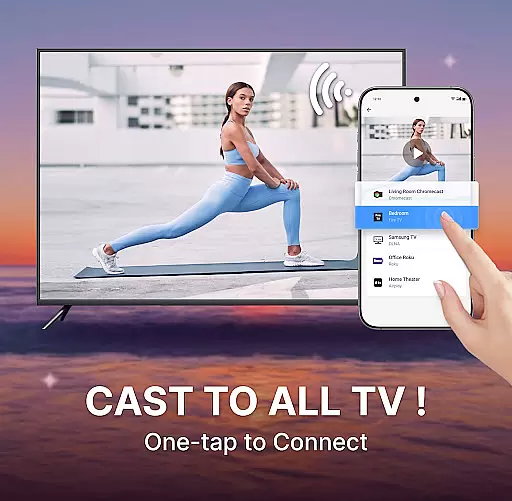
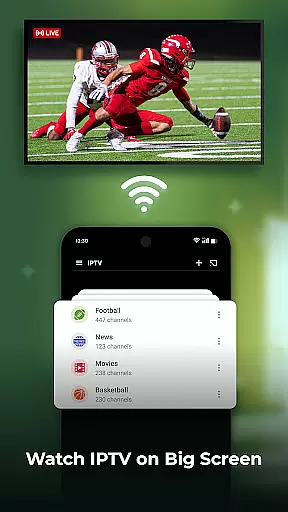
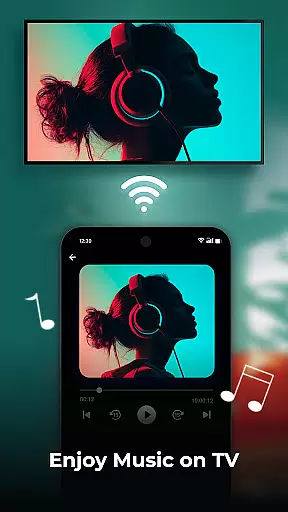
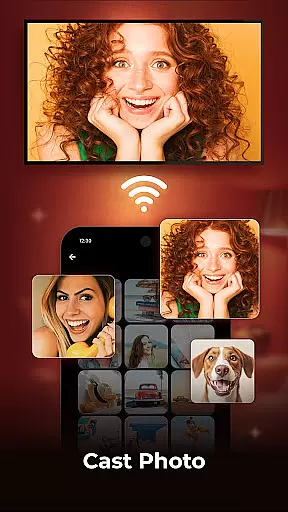
Cast to TV is a powerful screen casting application that allows users to effortlessly stream content from their mobile devices to smart TVs and other popular streaming devices. The app's core functionality lies in its ability to cast videos, photos, and music to the big screen with just a few taps, providing an enhanced viewing experience.
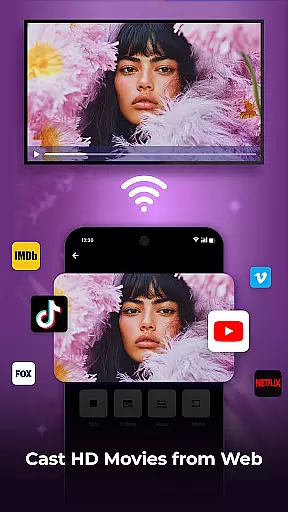
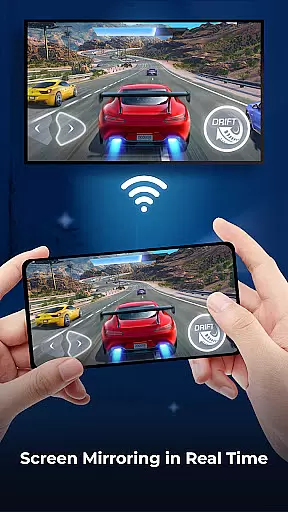
The application supports real-time screen mirroring, giving users the ability to display their phone's screen on a larger television. This feature is particularly useful for sharing holiday photos with family or enjoying mobile games on a bigger display. Additionally, Cast to TV includes a built-in web browser for casting online videos, and offers essential TV control functions like play, pause, and volume adjustment.
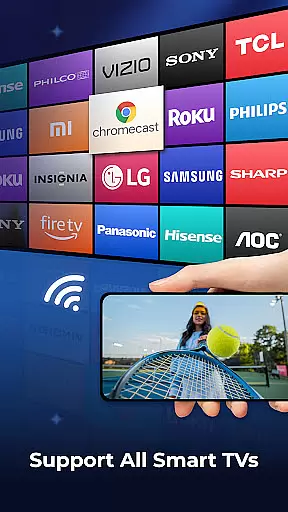
This versatile app is compatible with various devices including Sony, Samsung, and LG smart TVs, as well as Apple TV, Fire TV, Xbox, and even PCs. Whether you want to watch your favorite TV shows in full HD or give presentations from your mobile device, Cast to TV provides a seamless solution for all your casting needs.
Cast to TV stands out with its comprehensive feature set designed to enhance the casting experience. One of its key strengths is the support for multiple media types - users can cast movies, web videos, photo slideshows, and even create playlists with shuffle, loop, or repeat modes. The app maintains a complete playback history, allowing users to easily resume where they left off.
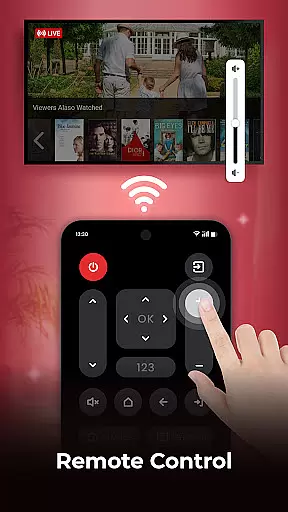
The application's remote control capabilities are particularly noteworthy. Users can manage basic TV functions including channel switching, text input for movie searches, and subtitle adjustments. Its built-in HD video player ensures premium quality streaming, while the web browser feature includes useful tools like bookmarking, ad blocking, and resolution selection.
What sets Cast to TV apart is its compatibility with various streaming protocols and devices. From mainstream smart TVs to gaming consoles like PS4 and Xbox, the app provides universal connectivity options. The real-time screen mirroring feature, combined with these extensive device support options, makes it an indispensable tool for both entertainment and professional purposes.
One of the key strengths of Cast to TV lies in its exceptional video format compatibility. The app supports a wide range of video formats, ensuring that users can cast virtually any media file to their smart TVs without worrying about format restrictions.
The application's adaptive transcoding technology automatically detects and converts unsupported formats in real-time, maintaining optimal video quality while ensuring smooth playback on all supported devices. This feature significantly expands the range of content users can enjoy on their big screens.
Whether you're streaming personal media collections or online content, Cast to TV's comprehensive format support eliminates the need for manual conversions or third-party tools. From common MP4 files to more specialized formats like MKV and AVI, users can enjoy seamless casting experiences across different devices and platforms.
While primarily a casting application, Cast to TV incorporates intelligent features that enhance the viewing experience through AI-powered capabilities. The app's built-in video enhancement system automatically optimizes picture quality based on content type and display characteristics.
Through machine learning algorithms, the application can intelligently adjust video parameters such as brightness, contrast, and color saturation to match different TV screen specifications. This ensures that users always experience the best possible visual quality regardless of their display device.
The AI engine also powers smart playlist creation, analyzing user preferences and viewing habits to generate personalized media queues. Additionally, the app's intelligent buffering system predicts and pre-loads content segments, resulting in smoother playback and reduced loading times across various streaming scenarios.
User-friendly interface
Wide device compatibility
High-quality streaming
Comprehensive remote control
Ad-blocking web browser
Limited advanced features
Occasional connection issues
Premium feature costs
Device compatibility varies
Requires stable network

HD Video player all format, HD Videos, Cast & Subtitle. No annoying ads.
 4.60
4.60
Cast to Chromecast, Xbox, Fire Stick, Roku, DLNA, Smart TV & No Feature Limited!
4.50
Download website videos fast&privacy
4.40
Fast & easy HD video downloader for all formats, support 4K playback & download.
4.60
All in one multi protocols stream receiver for AirPlay, Cast and DLNA.
3.60
Connect EasyCap or UVC devices for recording and broadcast video/audio stream
3.60
This app is an emulator of some specific IPTV boxes
3.50
Video player with 4K & 1080P support, popup play, background play and subtitle.
4.20
convenient, safe and fast at Video Downloader & Player
4.60
All in one HD video downloader & player for multiple formats with full privacy
4.70
A Quick and Pro Video Editor
4.70
VLC Remote lets you control your VLC Media Player on Mac, PC or Linux.
4.60
Support 1000+ Video Format, Subtitle Download, mp3 & Background Play, Cast On TV
4.60
AirMirror Receiver - Screen mirroring/cast web videos to Android TV by AirPlay.
4.40
This app was created to edit the metadata of music files.
4.20
Turn your phone into a wireless camera!
4.20
All format media Player, no need video converter any more!
4.00
Mix with Virtual DJ directly from your phone or tablet !
3.10
The smartest M3U IPTV Player your playlists have ever seen.
4.4
VLC vs MX Player compared side-by-side: formats, subtitles, ads, privacy, and performance. Find out which free Android video player is right for you.



User Reviews